Next
TeamViewer’s Tablet-First Training Demo
TeamViewer’s Tablet-First Training Demo
Design the demo for the actual device, interactions fit and it stands out.
Design the demo for the actual device, interactions fit and it stands out.
We talk about desktop demos. We talk about mobile demos. But what if your product lives on a tablet?
TeamViewer must have had this same question.
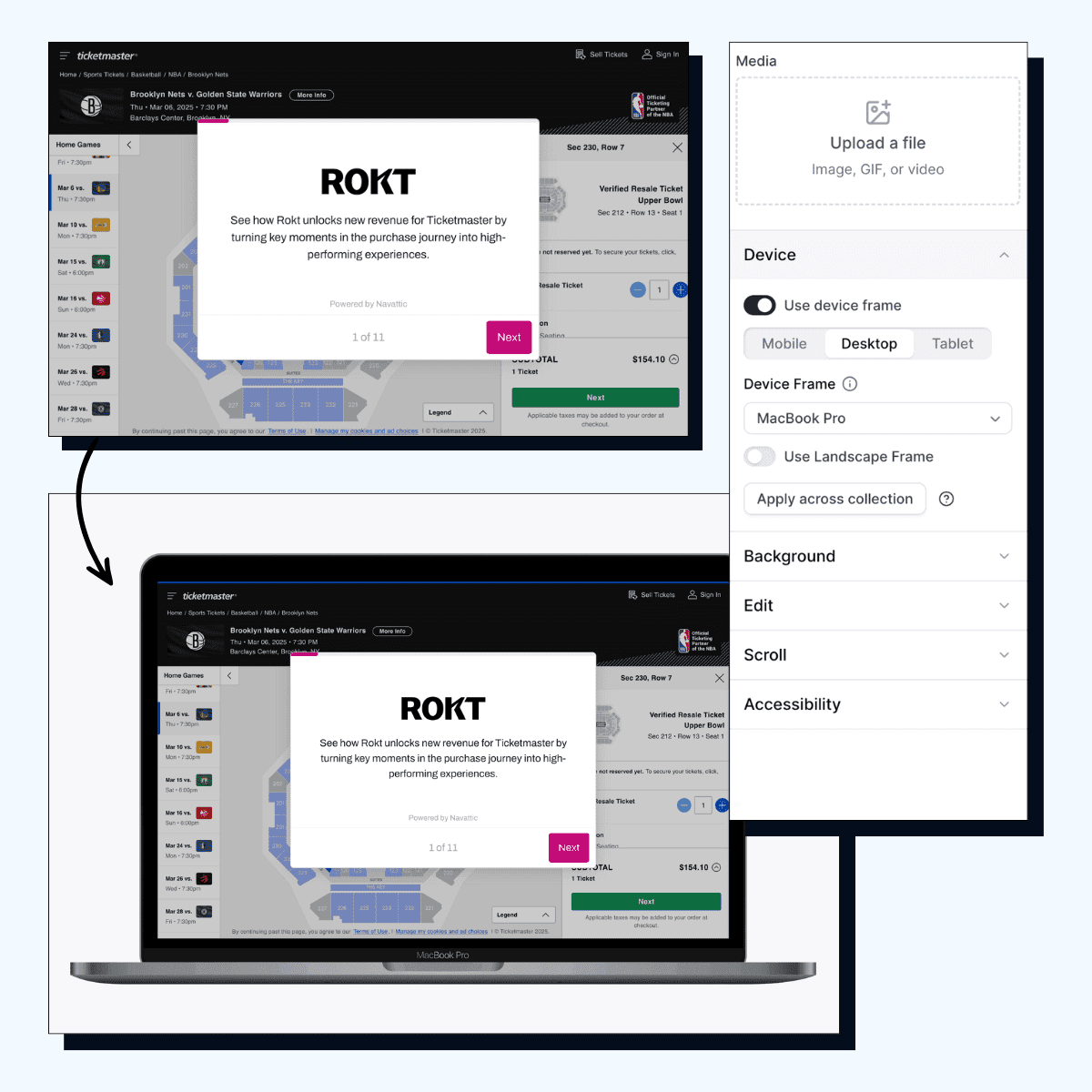
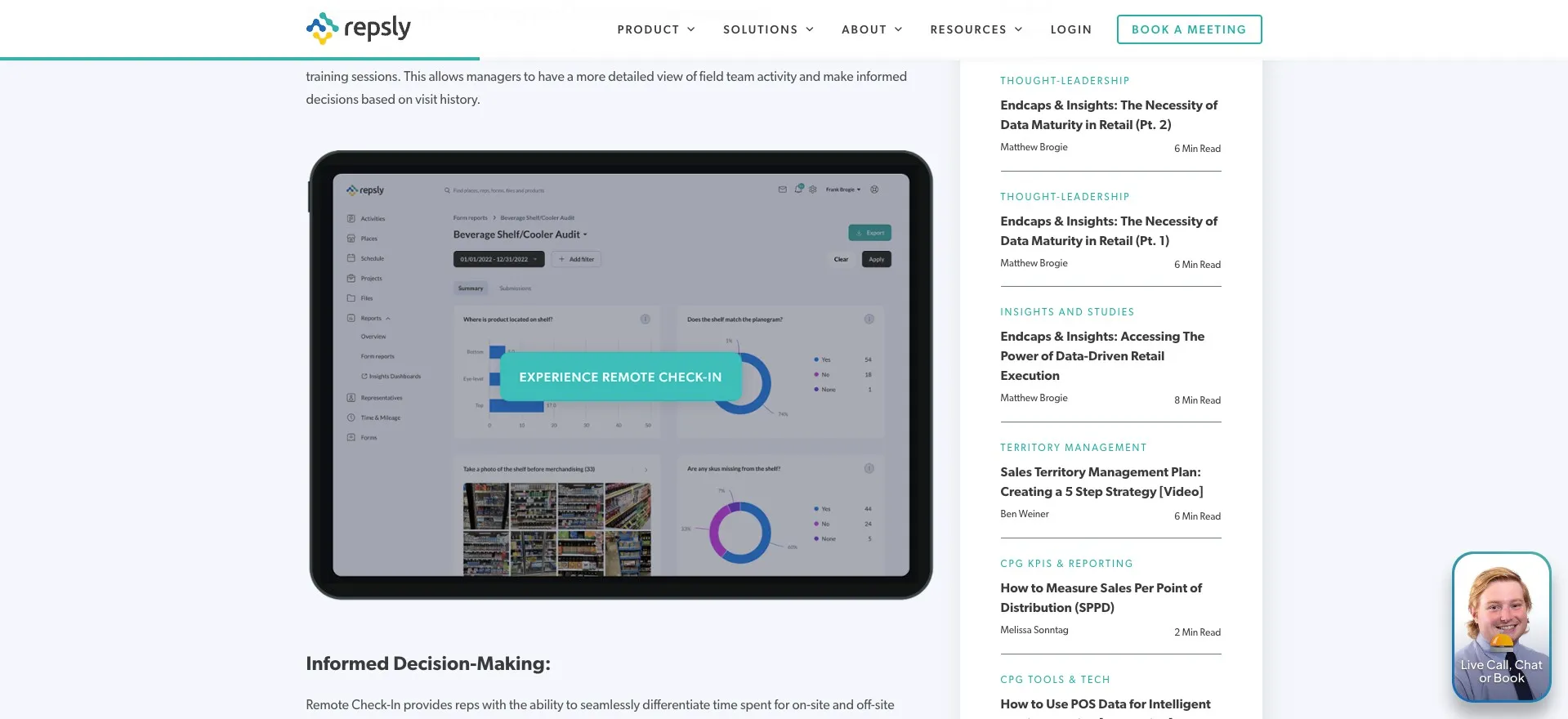
Their product is used on tablets for on-the-job training, so they built their demo using an actual tablet frame. Not a desktop shrunk down. Not a phone stretched up. An actual tablet.
It seems simple, but most of forget that:
The screen size matters. The layout matters. The way you interact with it matters.
Most of us are used to seeing demos that are desktop or mobile. But a tablet frame in the middle of that? That catches your eye.
It doesn’t matter if your product’s primary device is a tablet, cellphone, or large projector screen. Build your demo for that device, then add that demo to your website.
Example
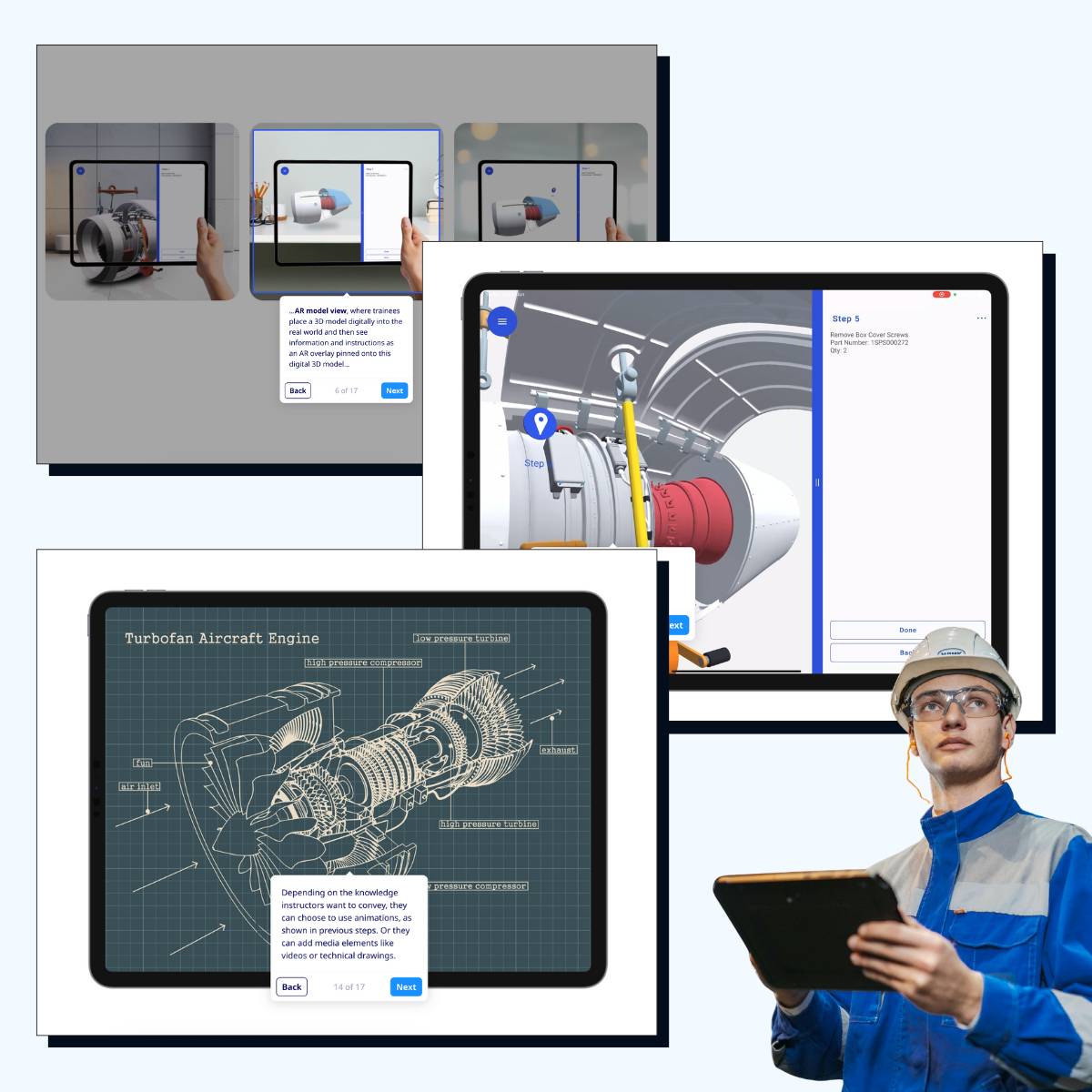
Gallery
See similar resources
See similar resources

















































Copyright © 2024 Productive PMM Inc.
Copyright © 2024 Productive PMM Inc.
Copyright © 2024 Productive PMM Inc.