Next
Make the Product the Button
Make the Product the Button
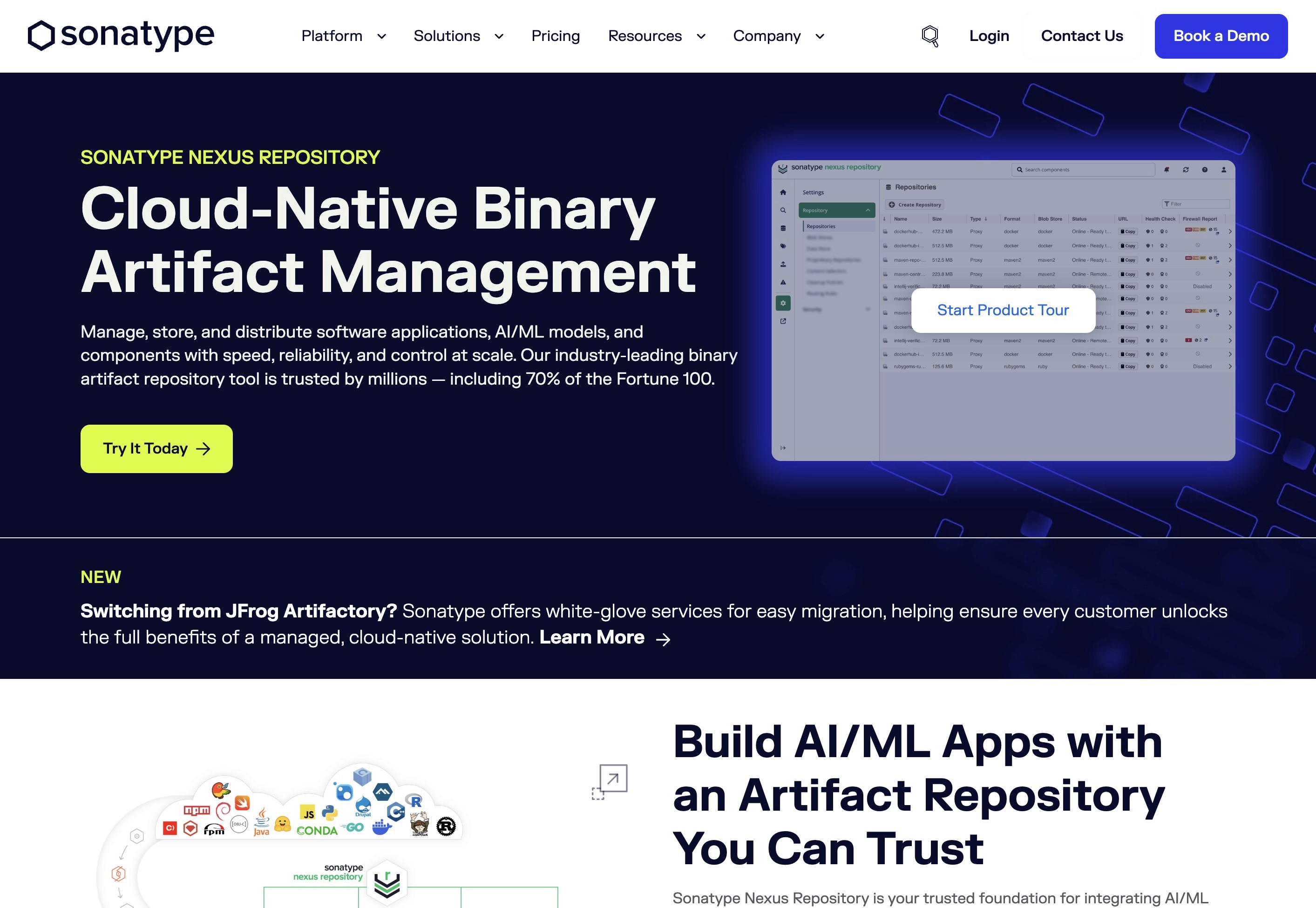
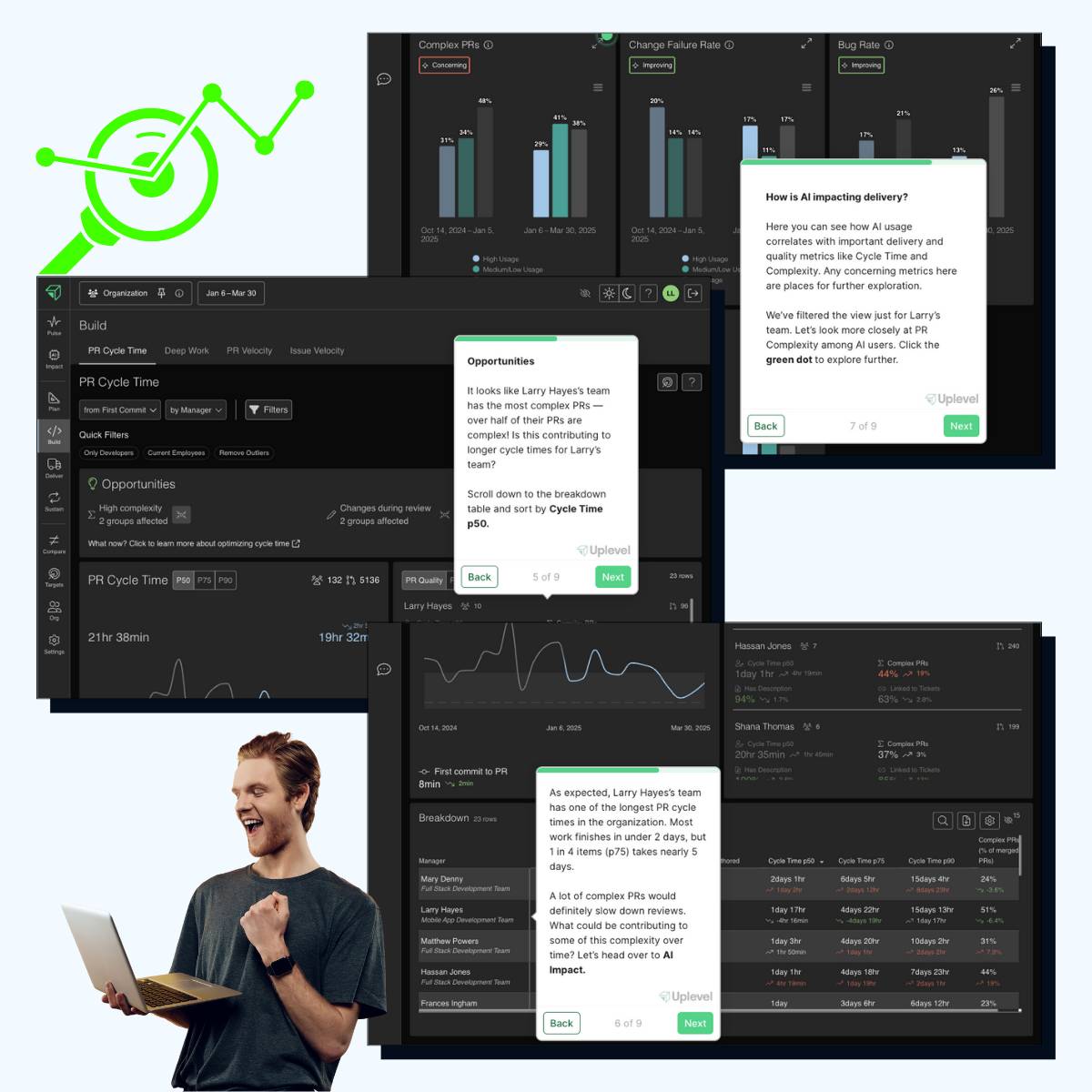
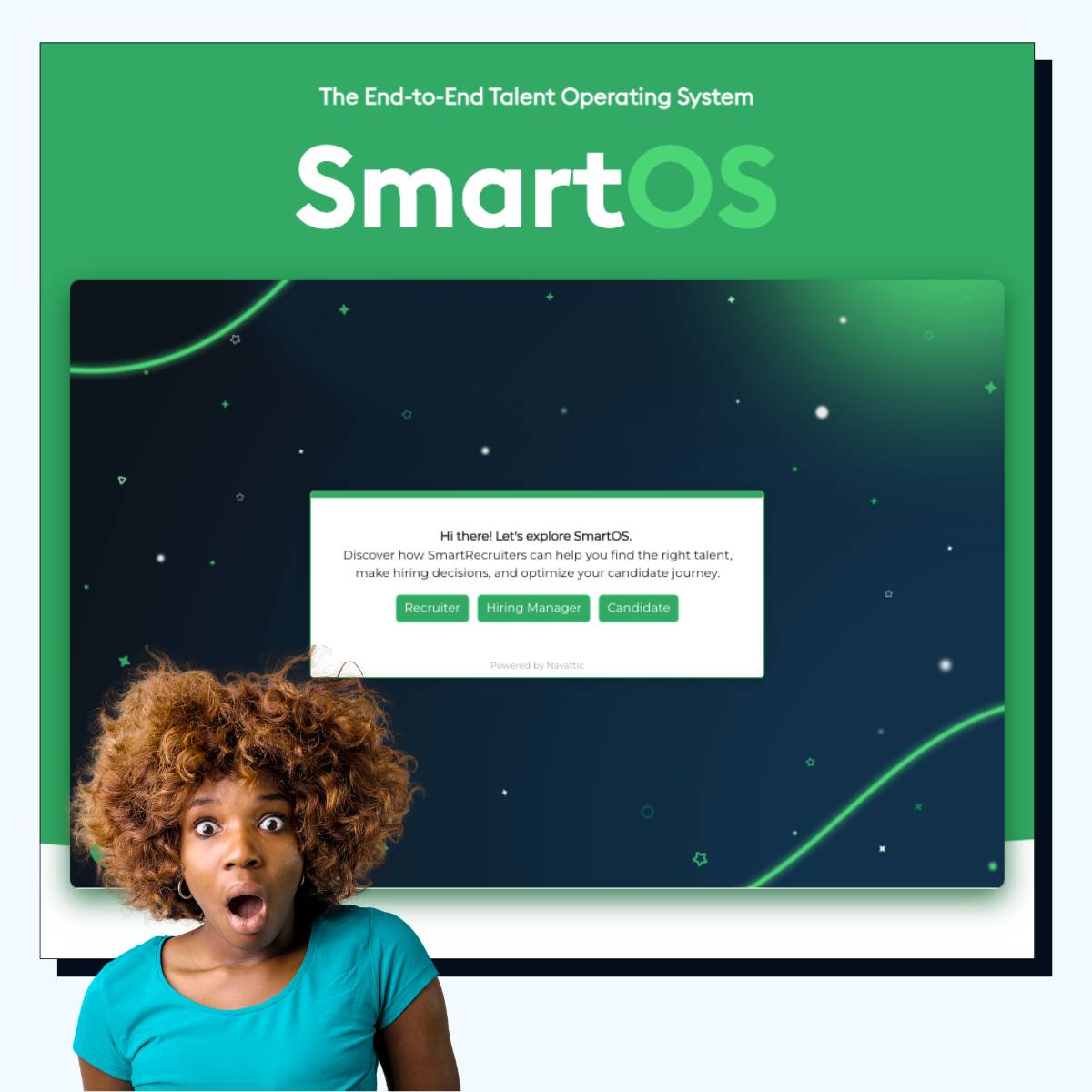
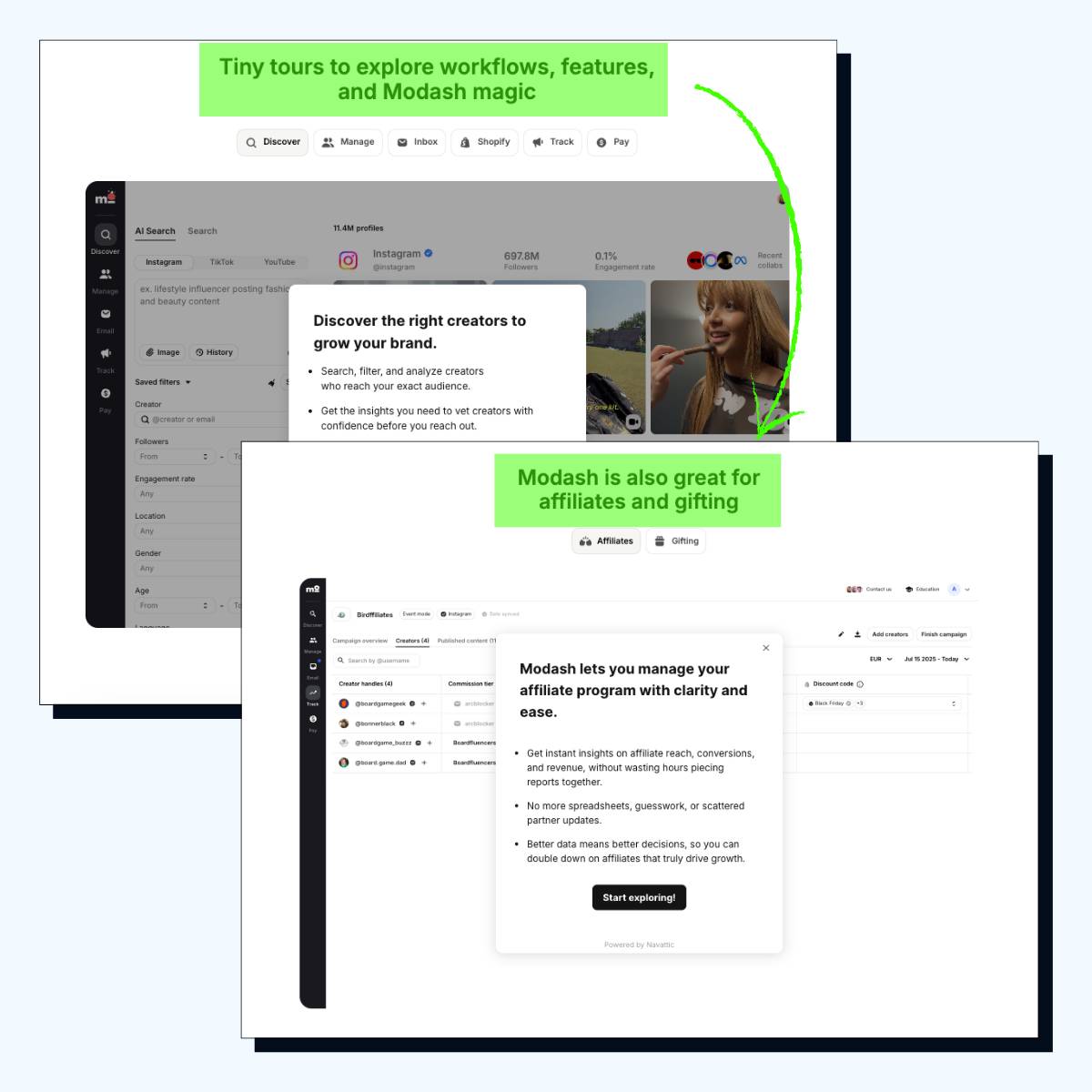
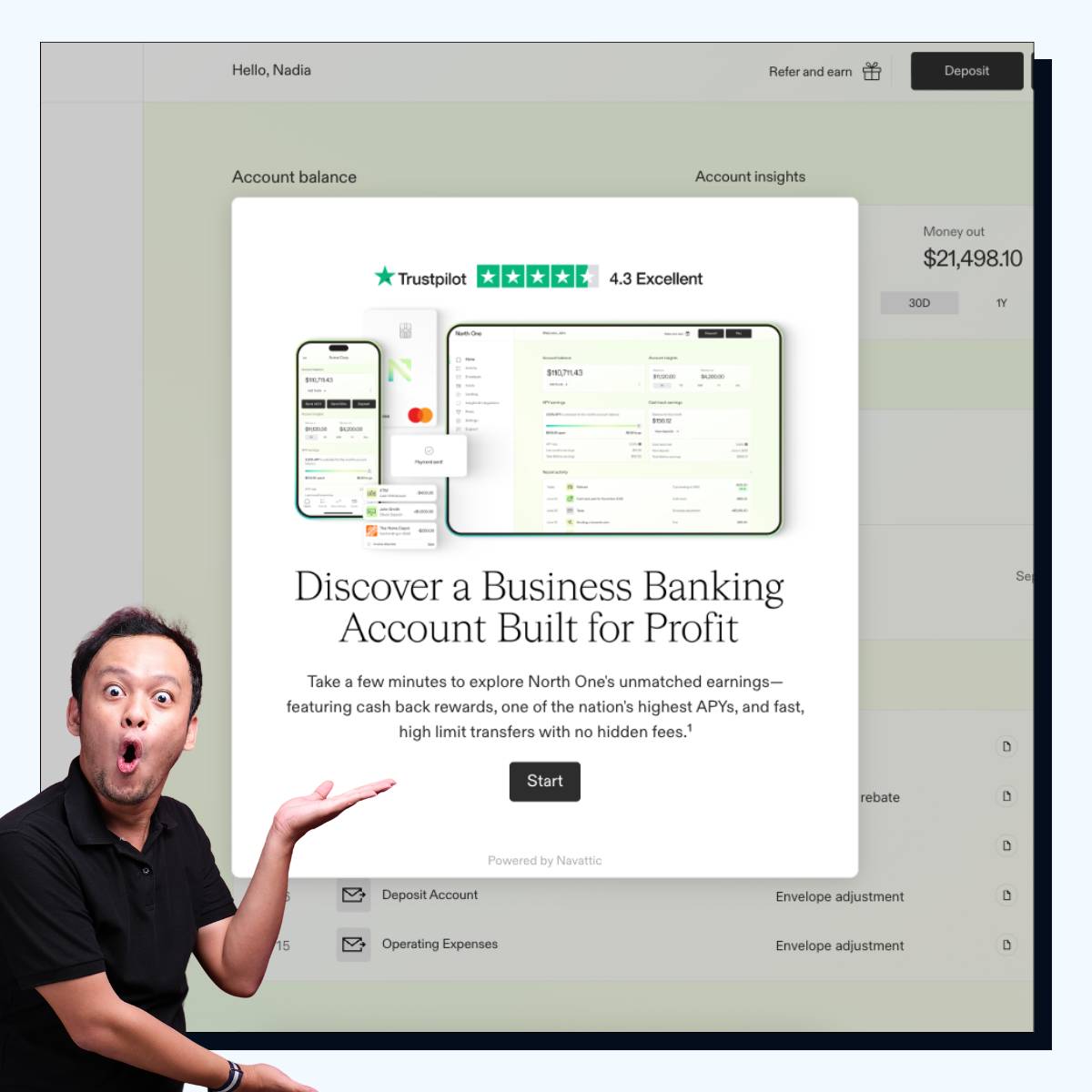
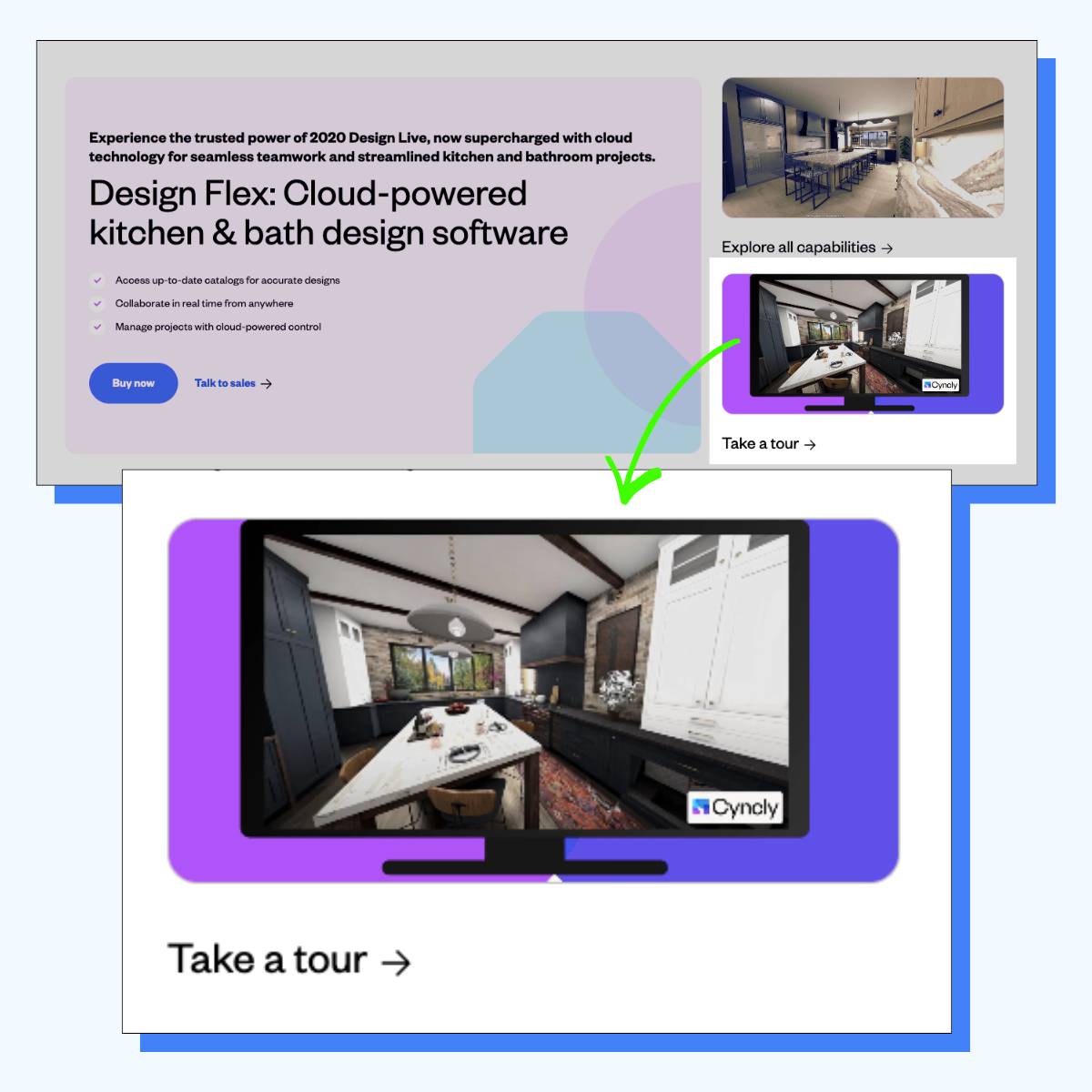
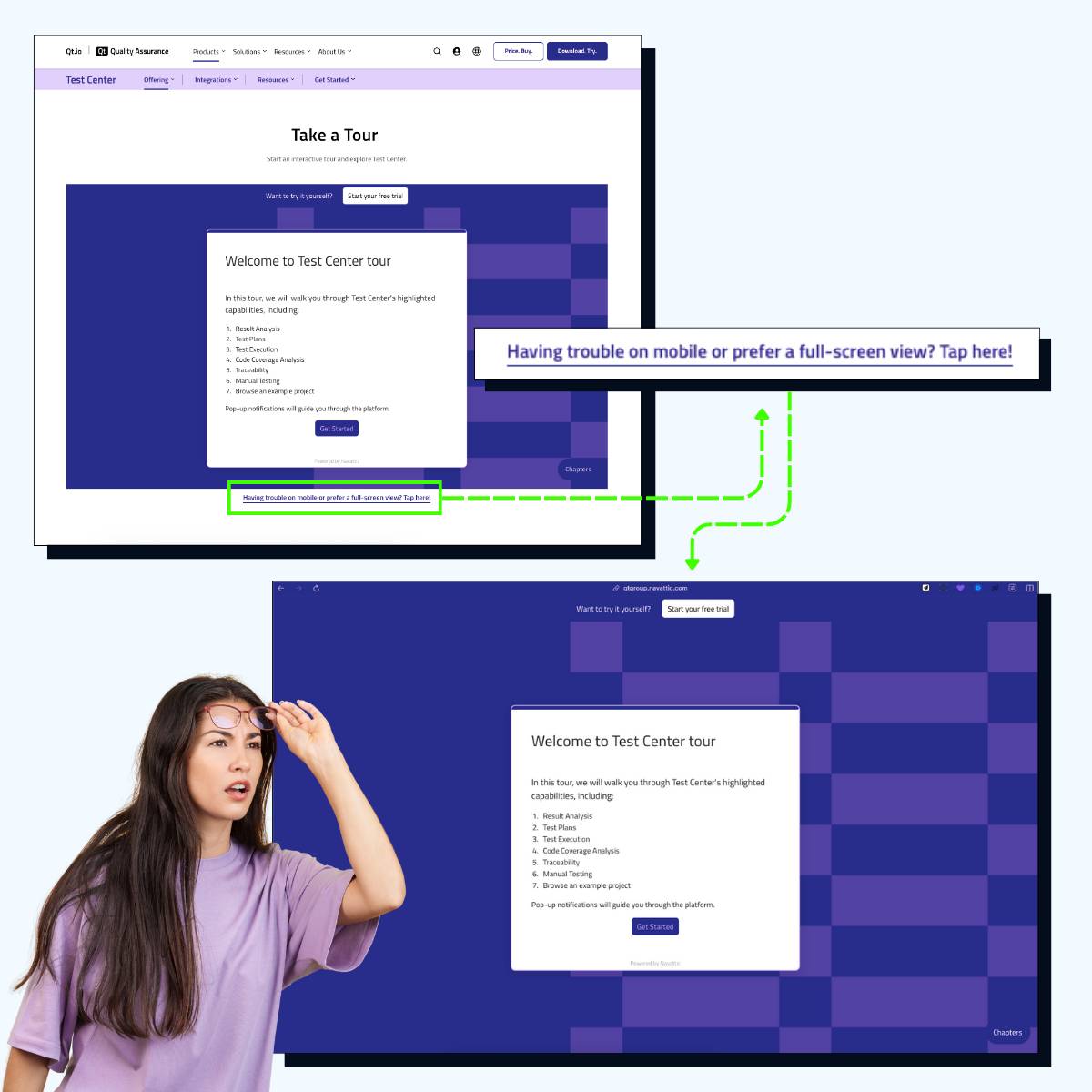
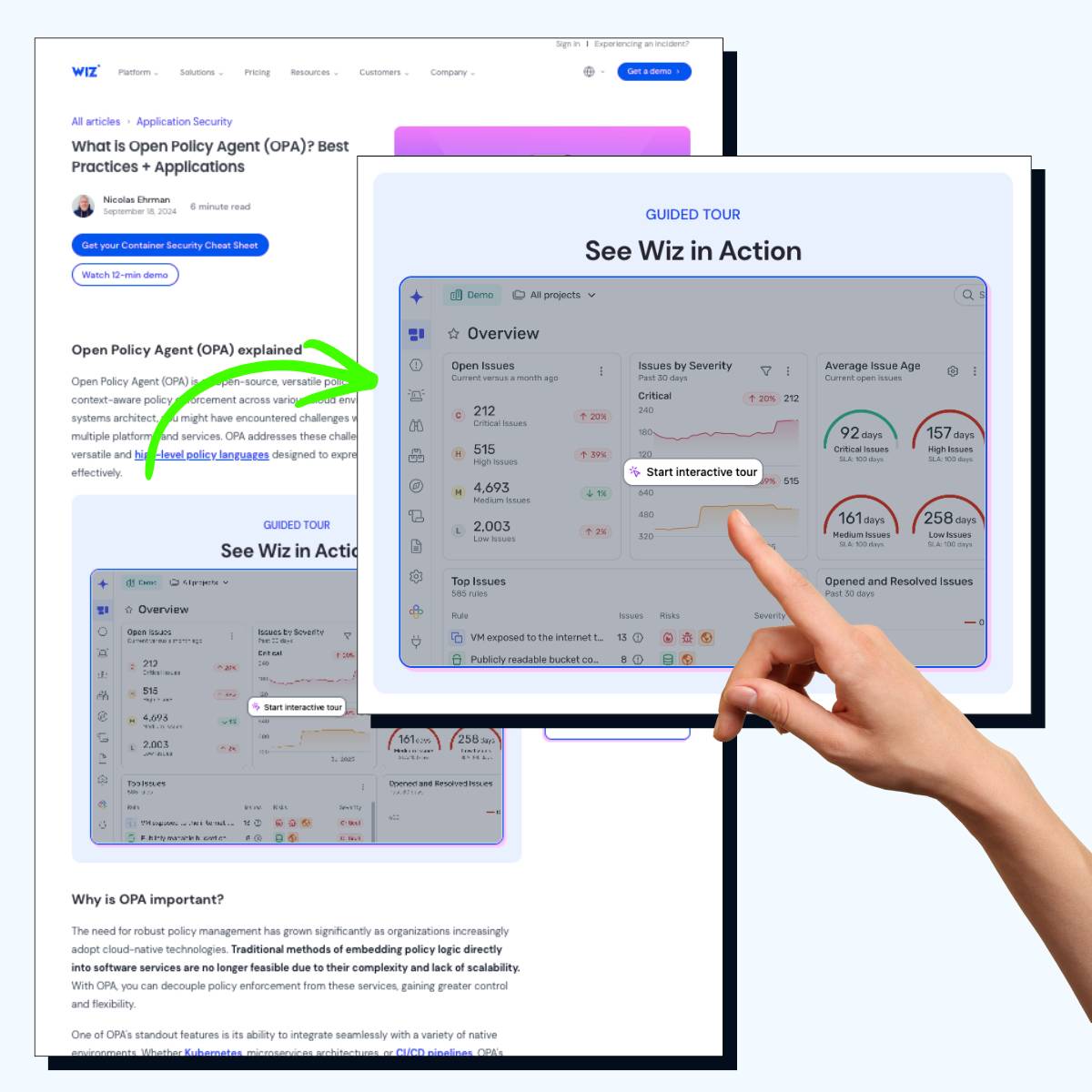
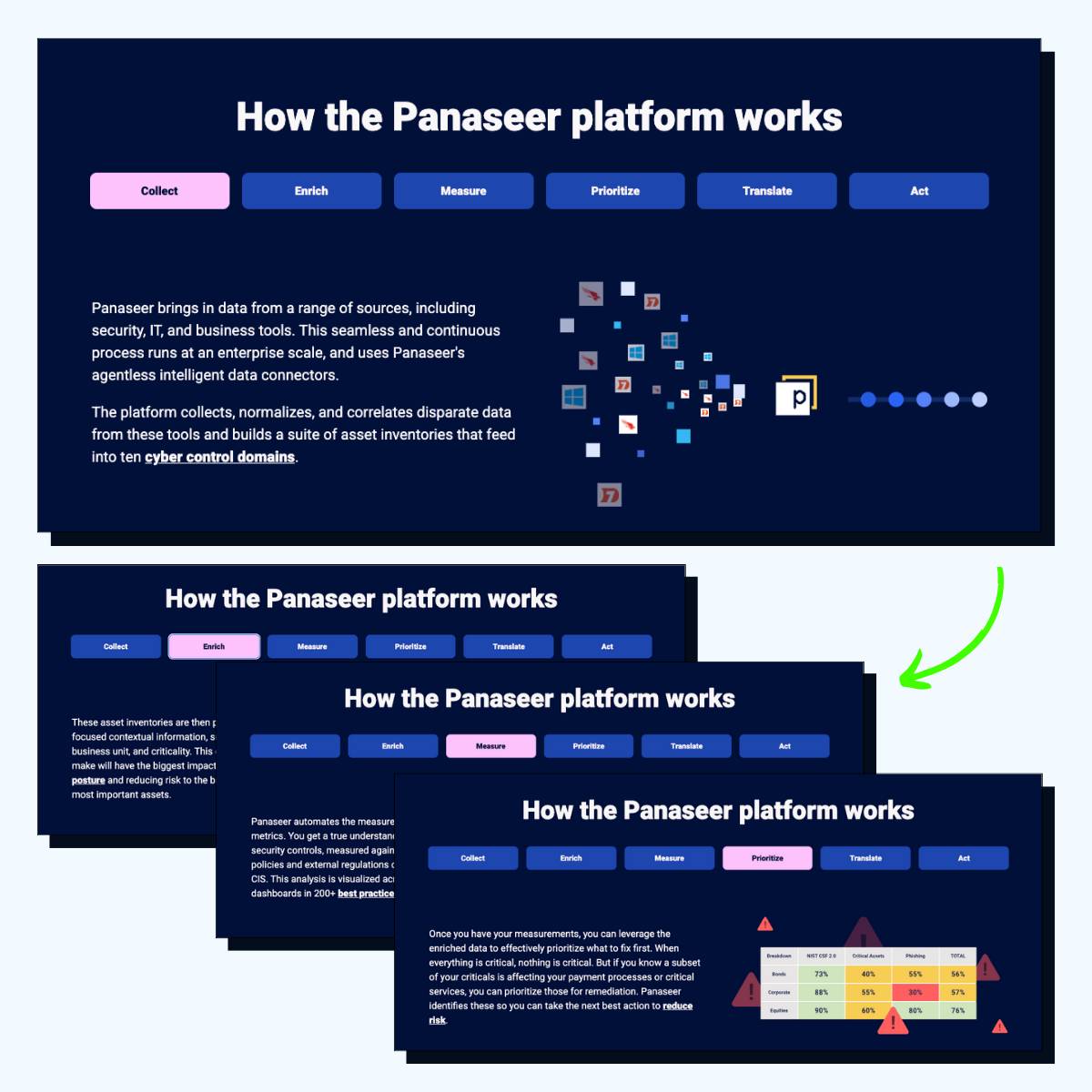
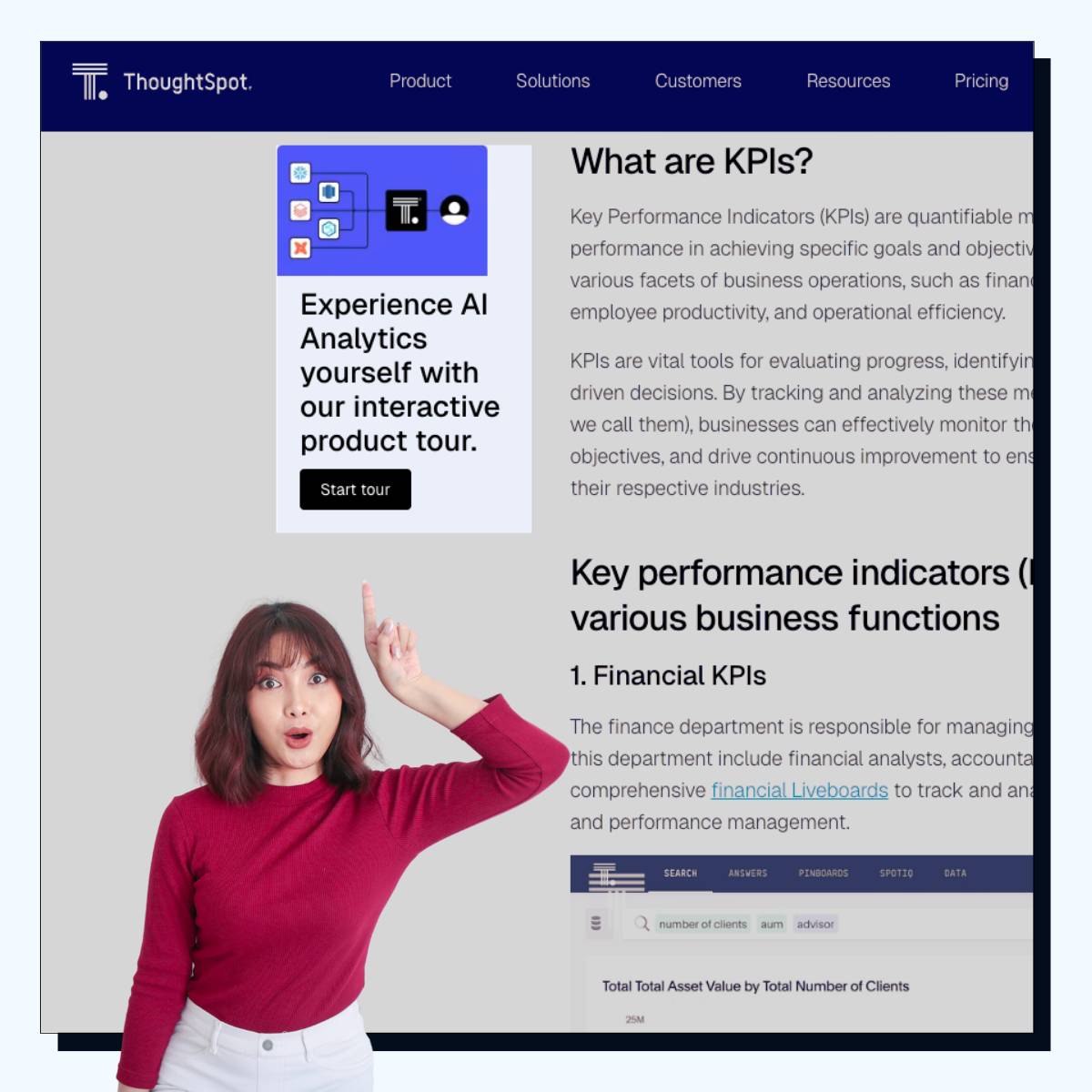
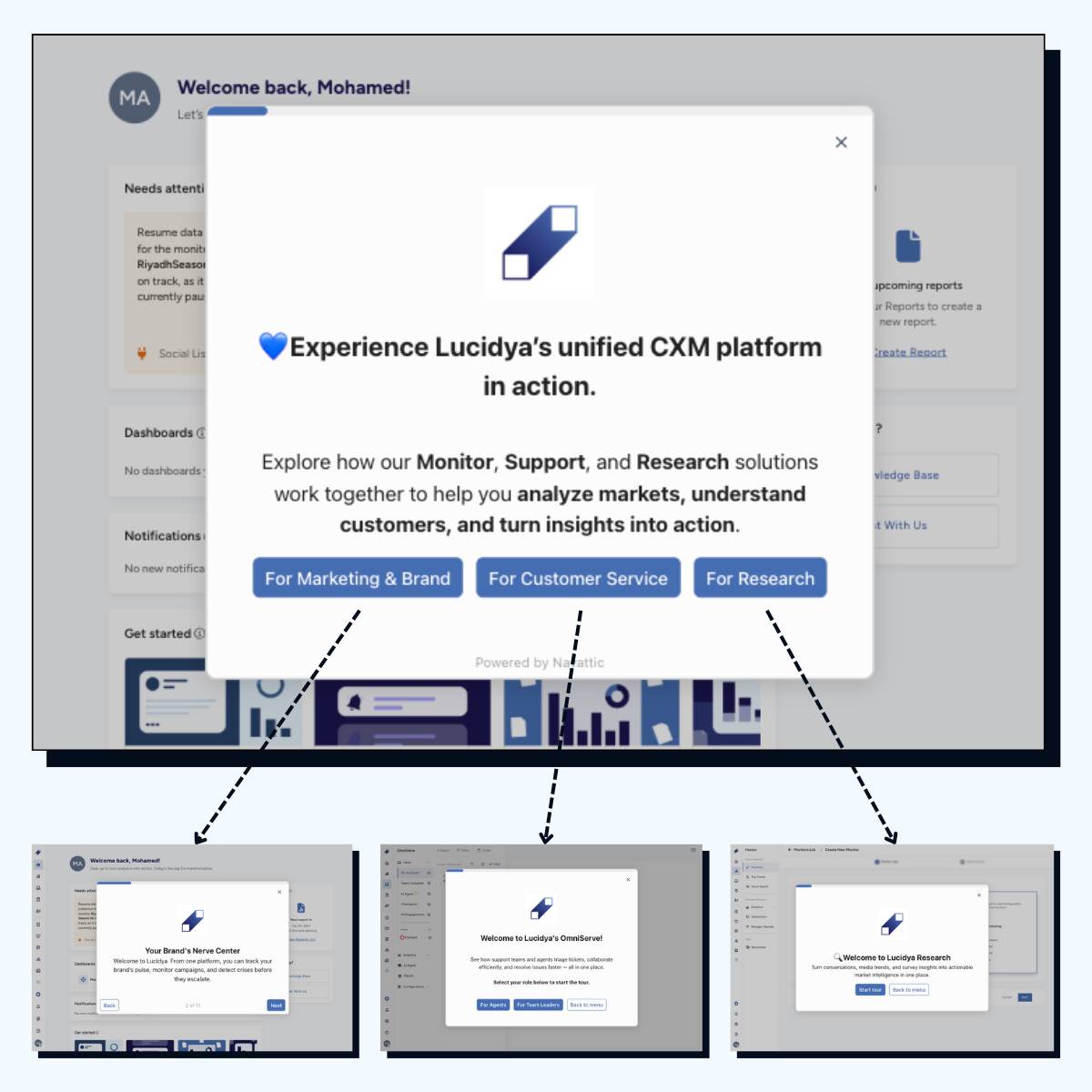
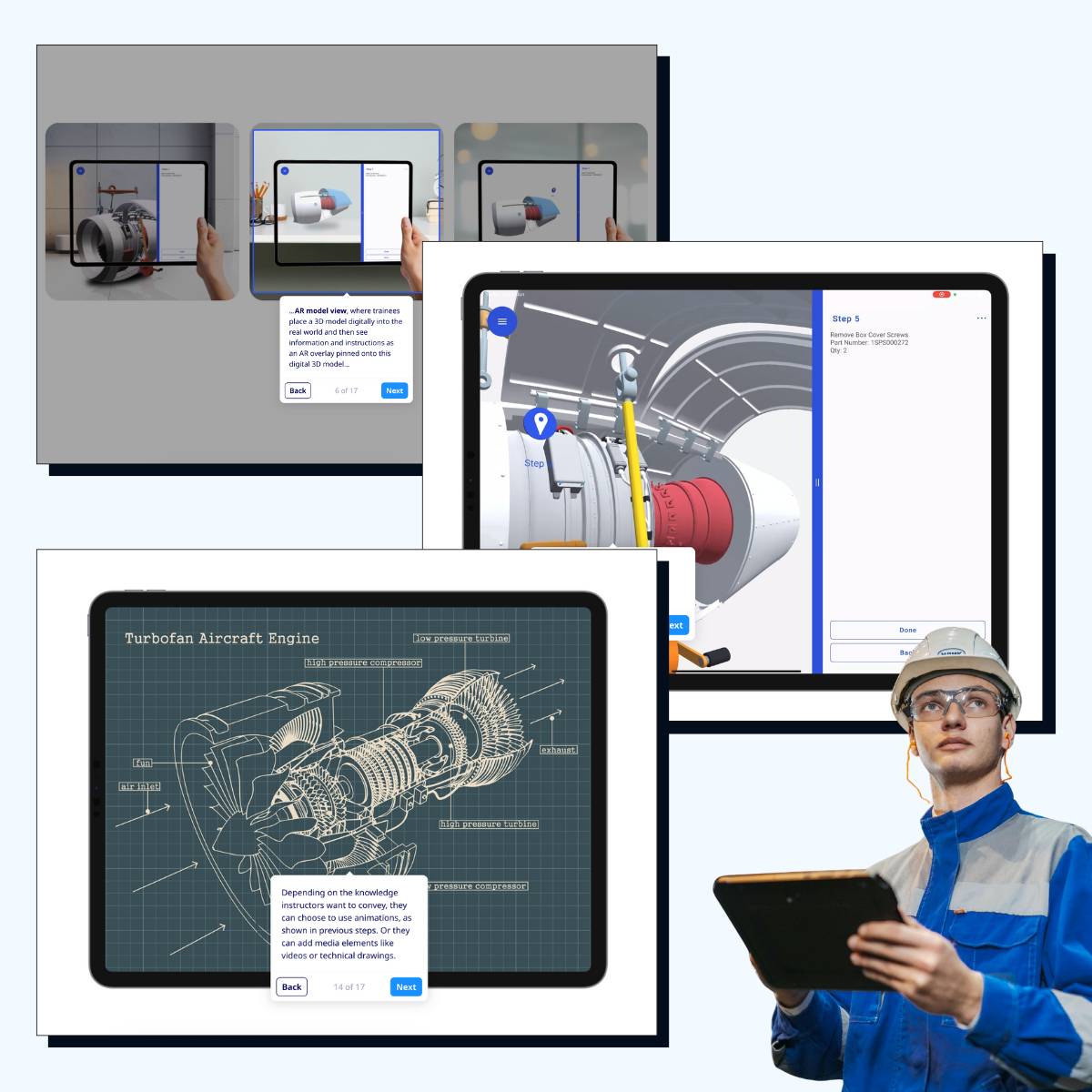
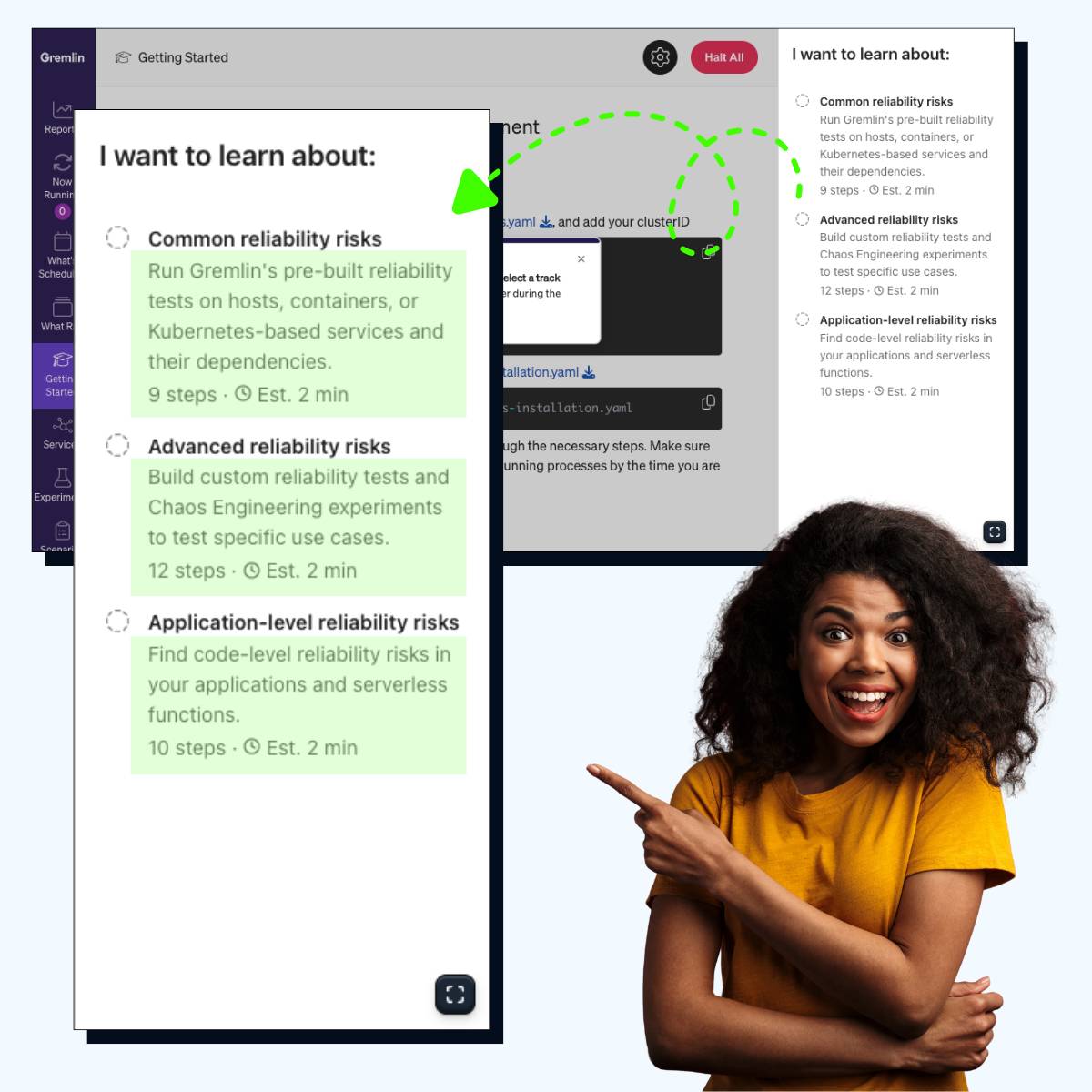
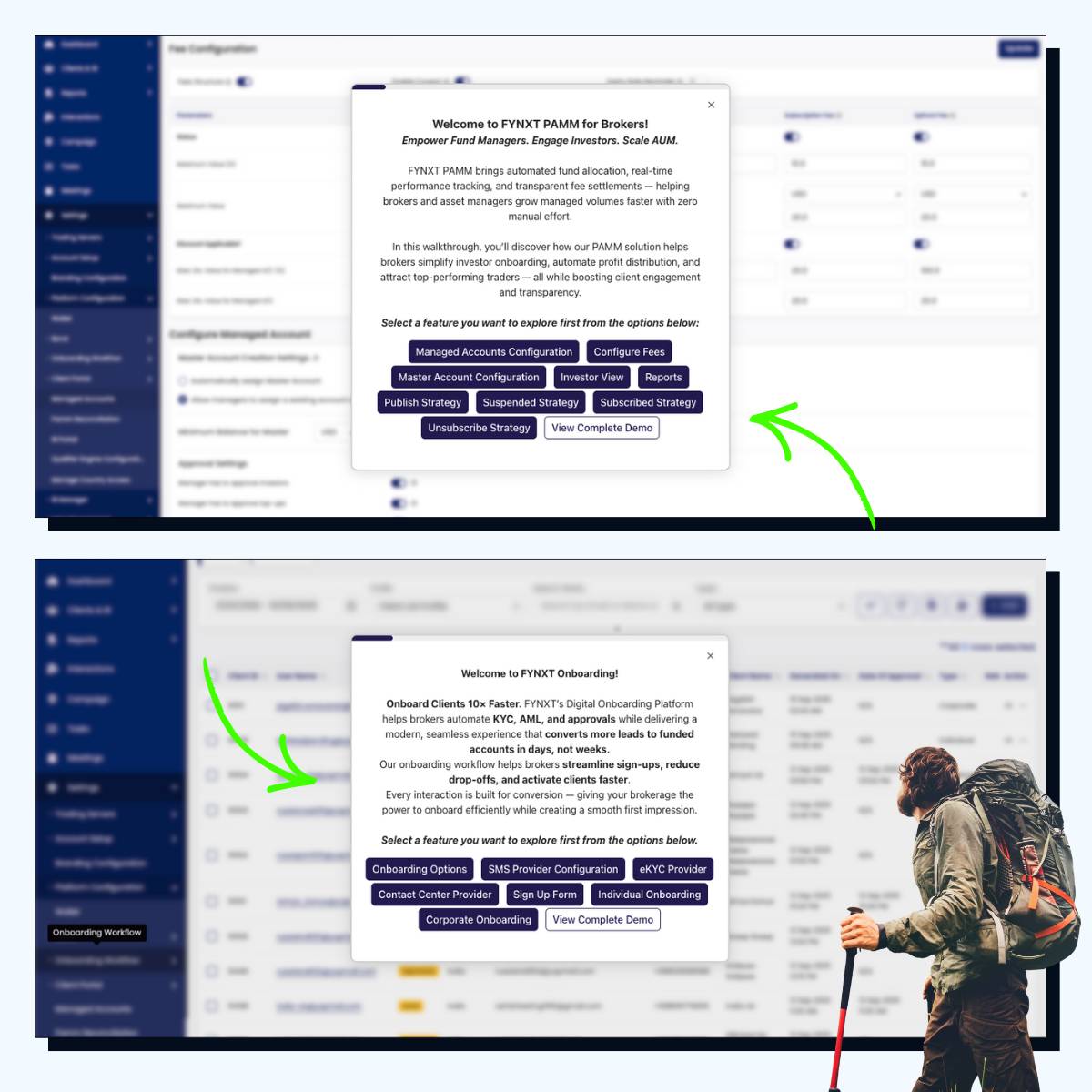
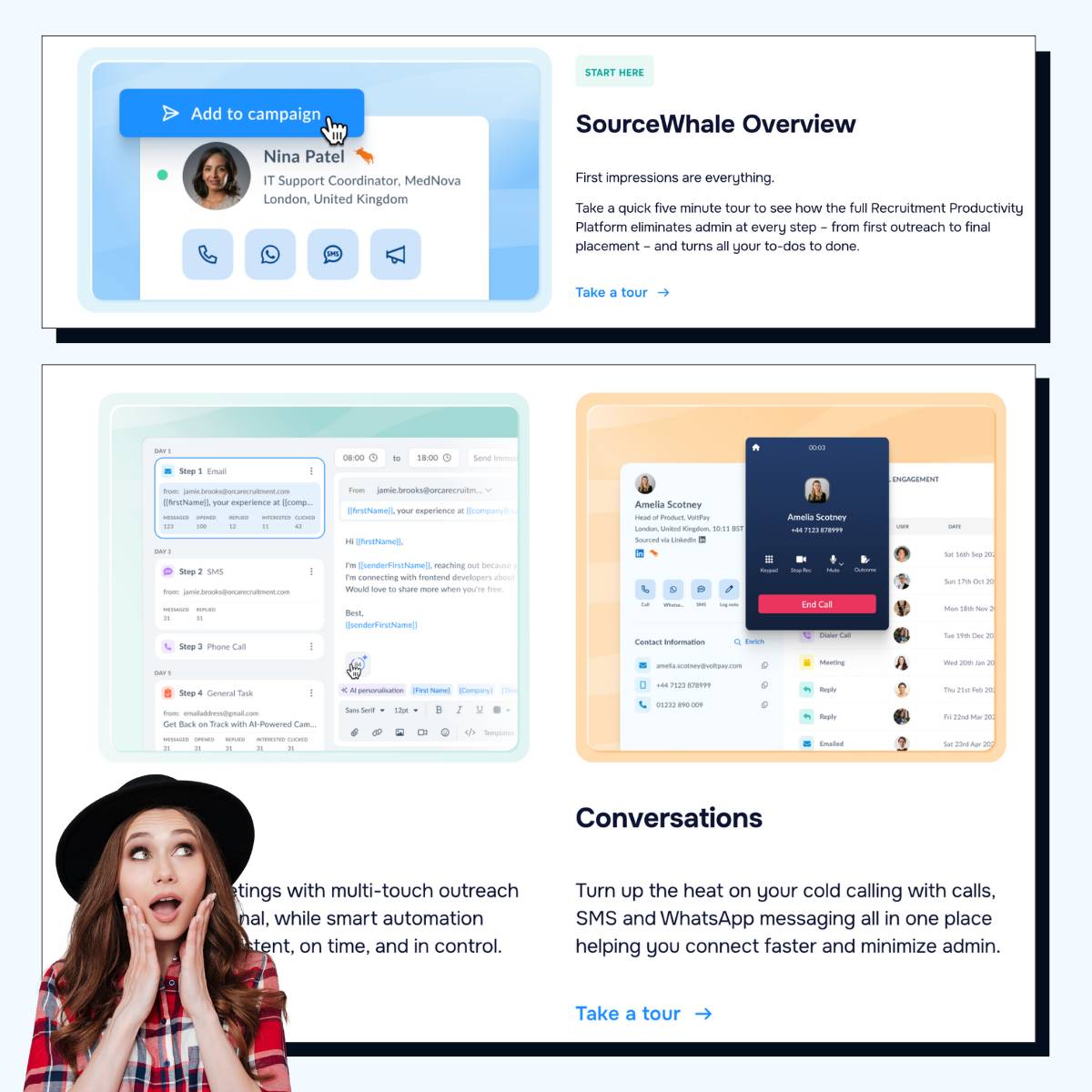
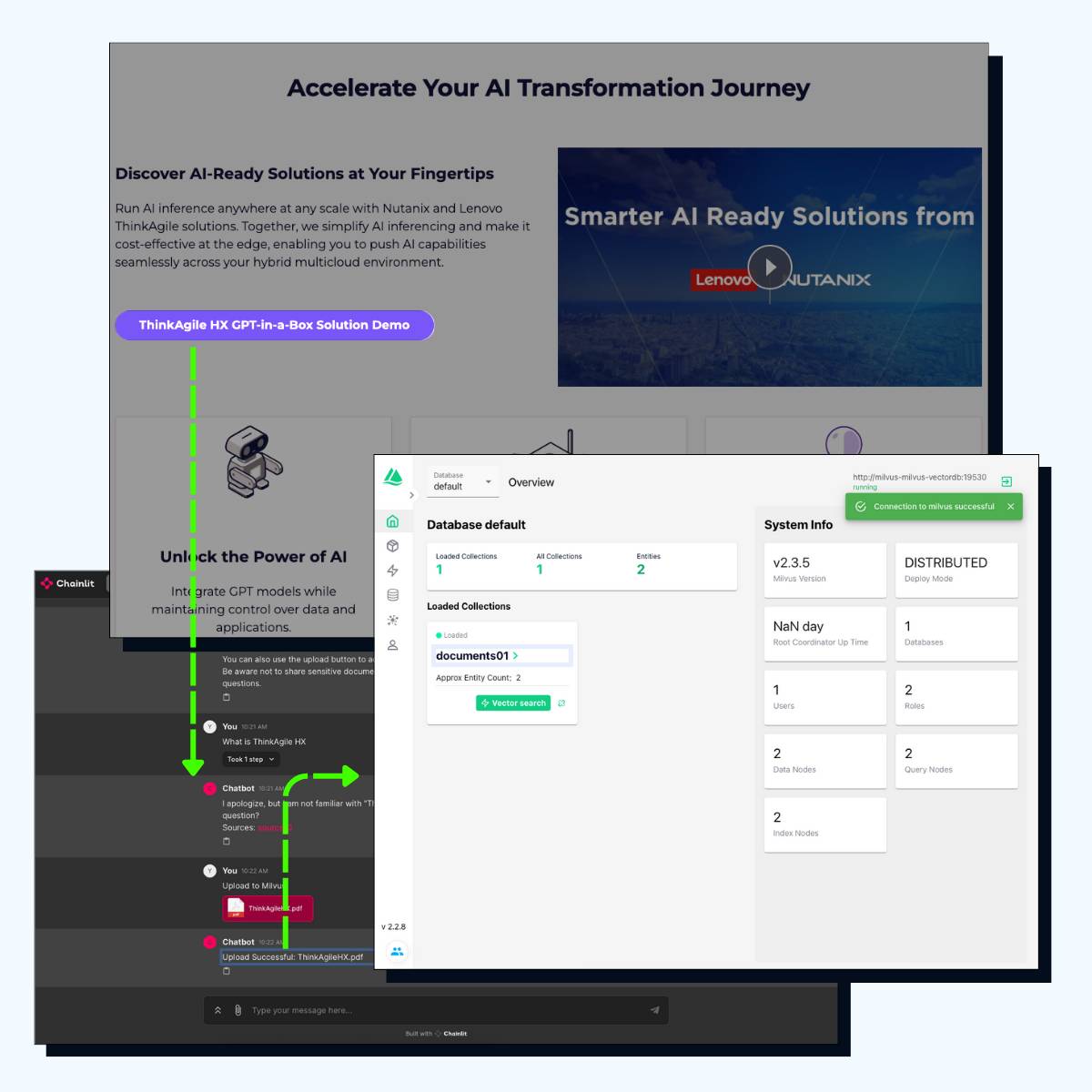
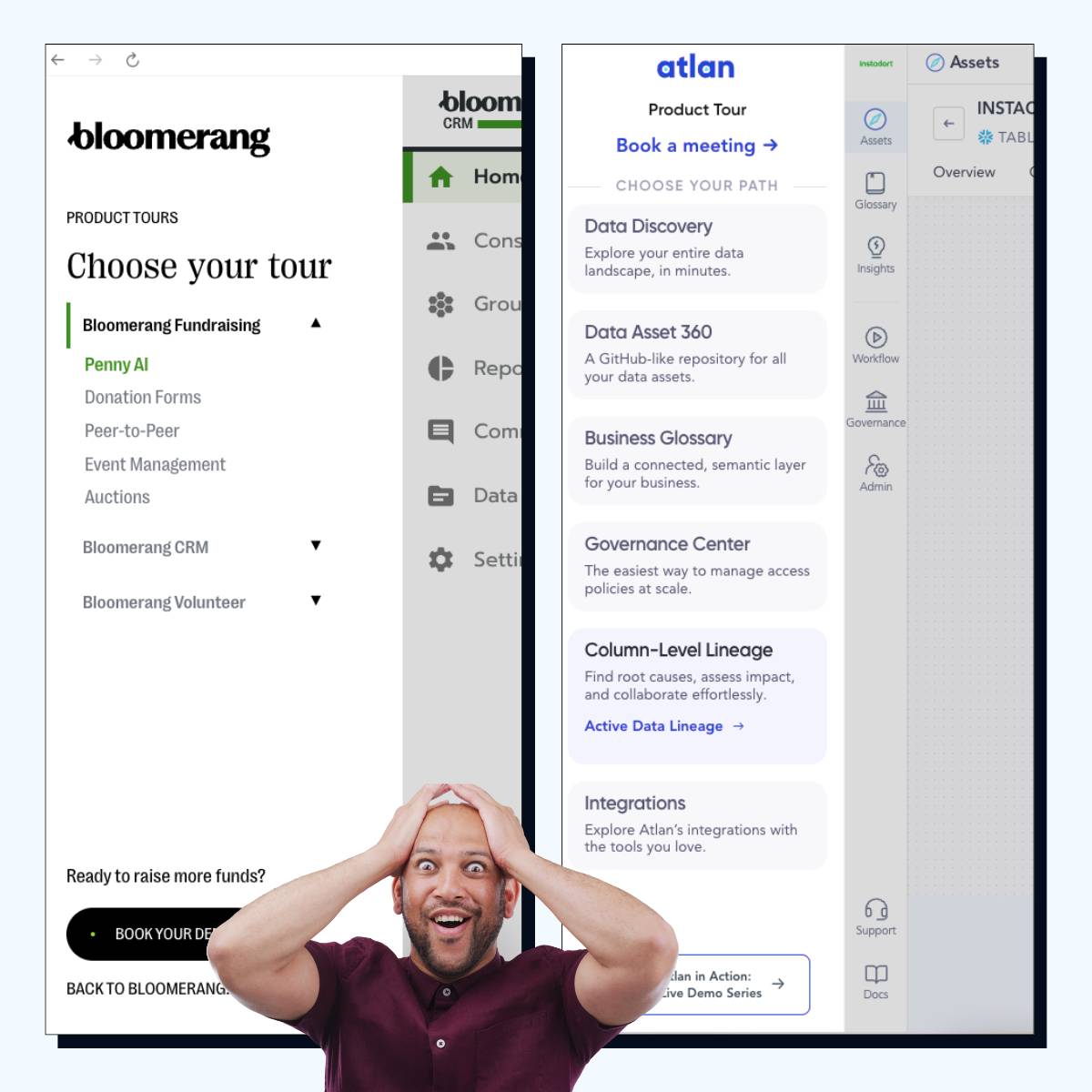
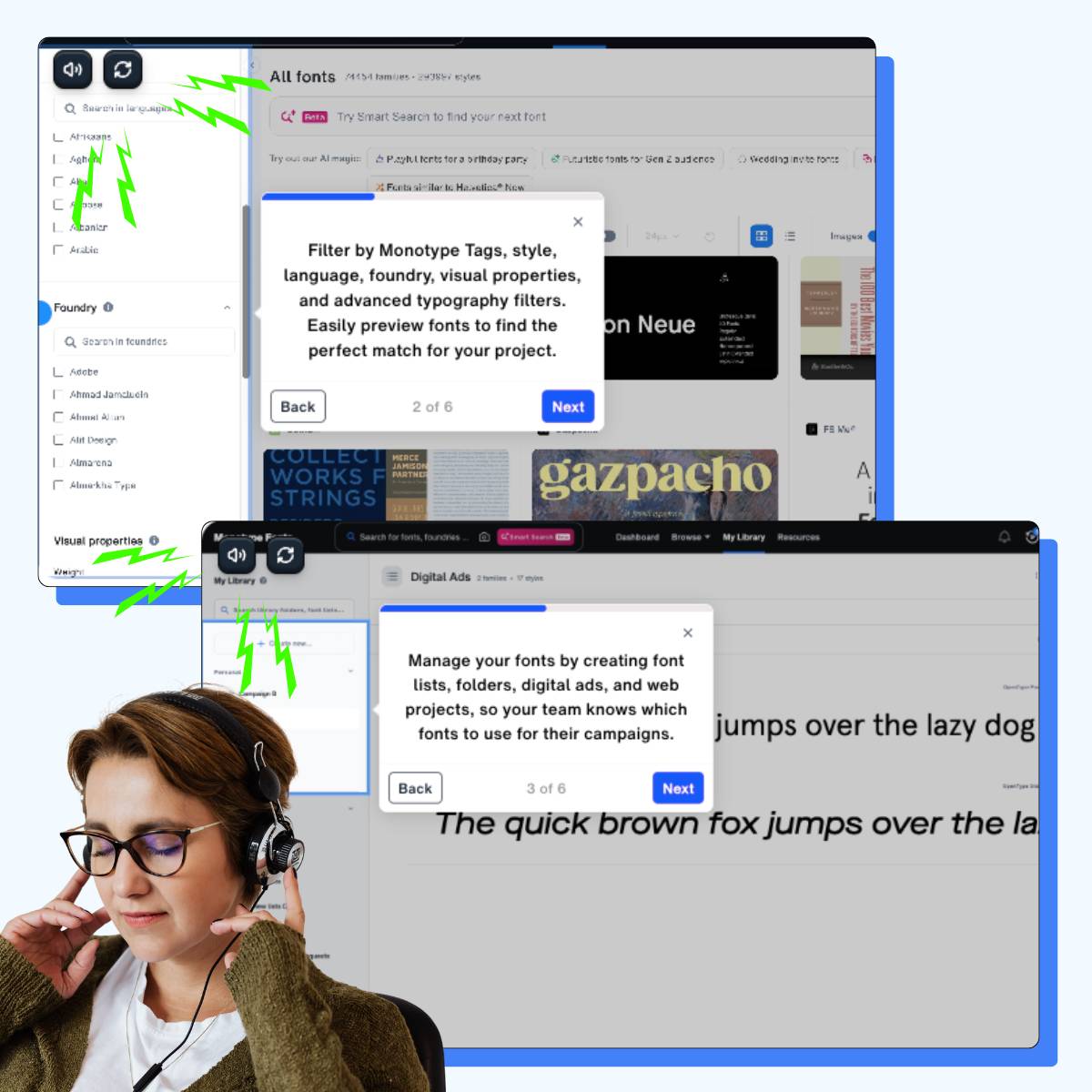
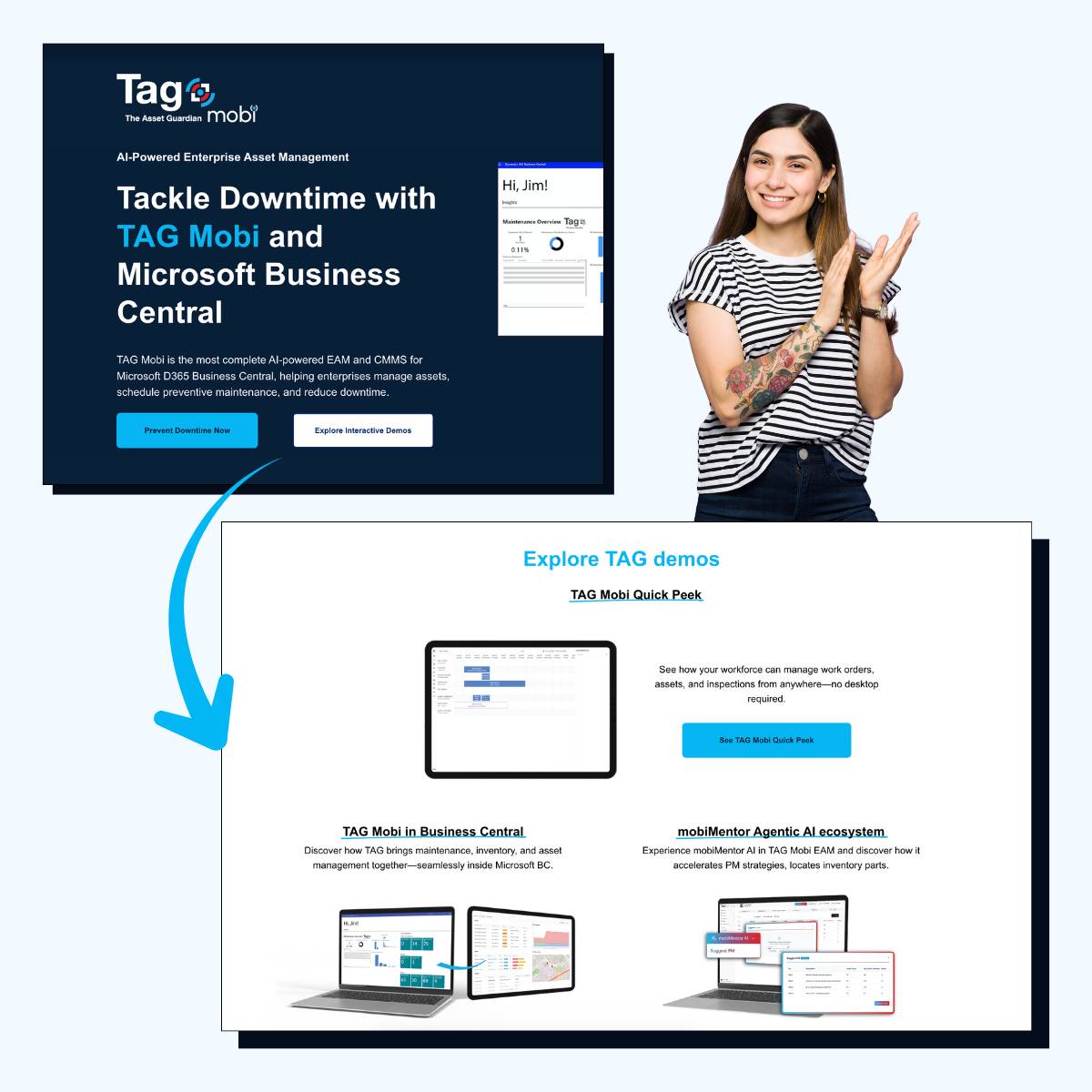
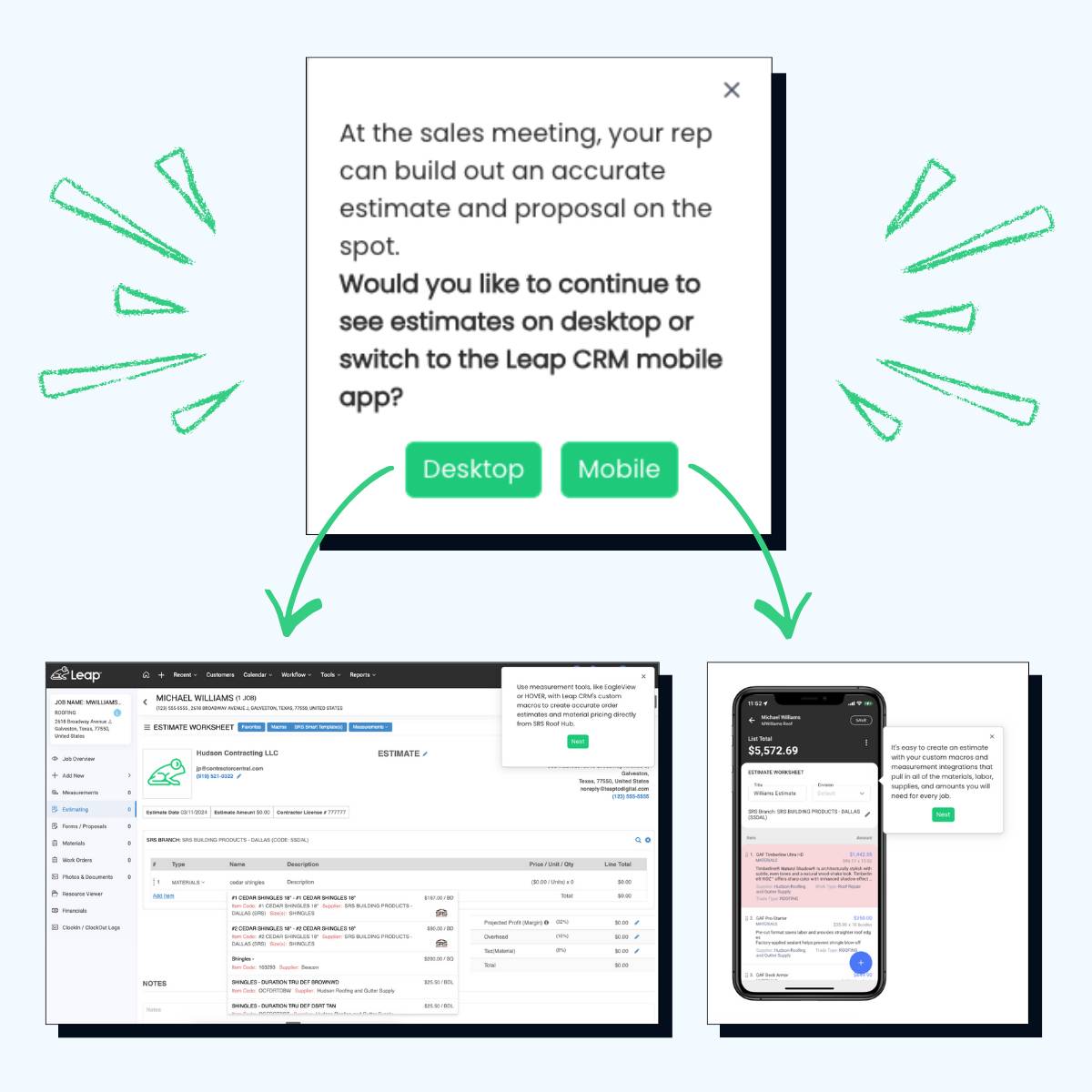
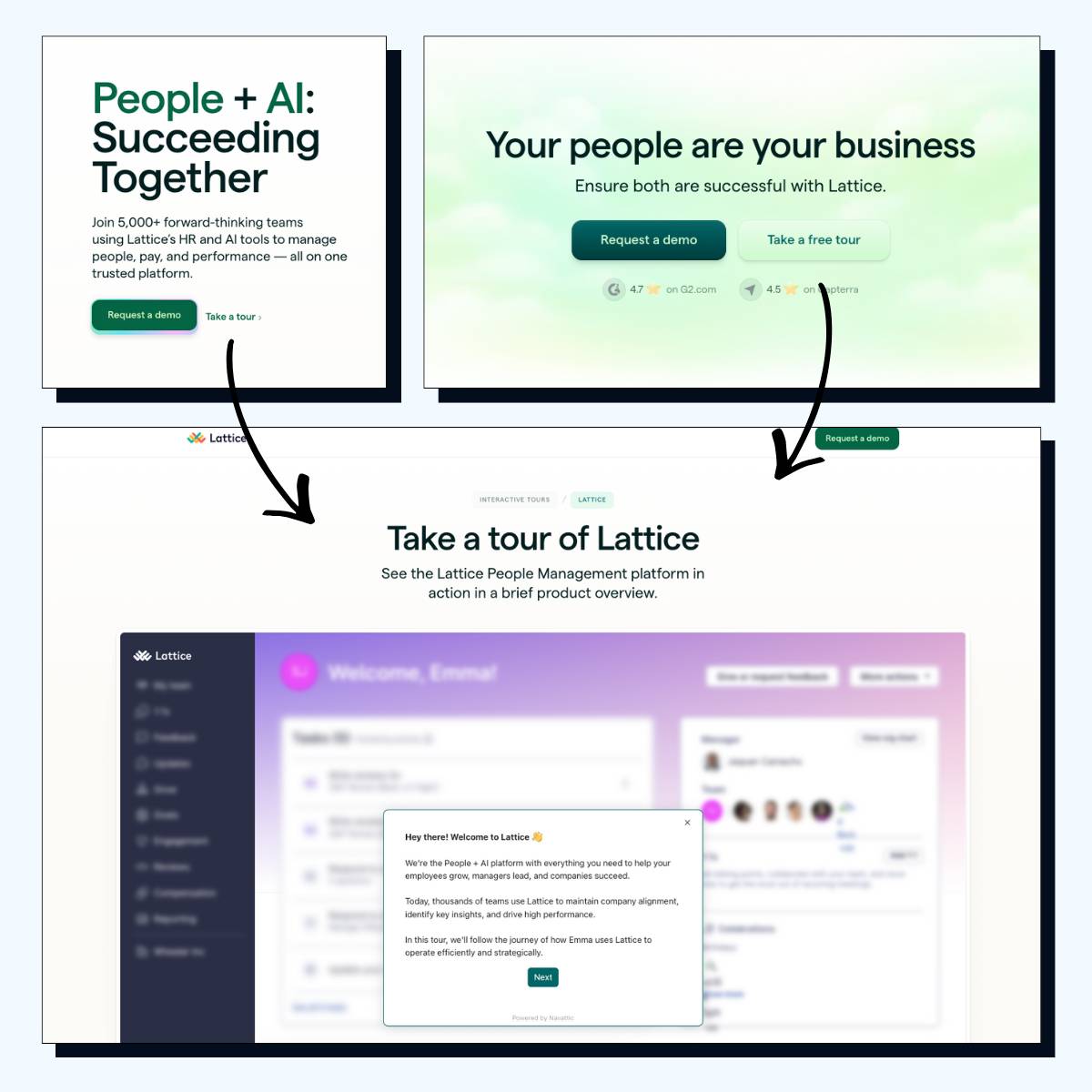
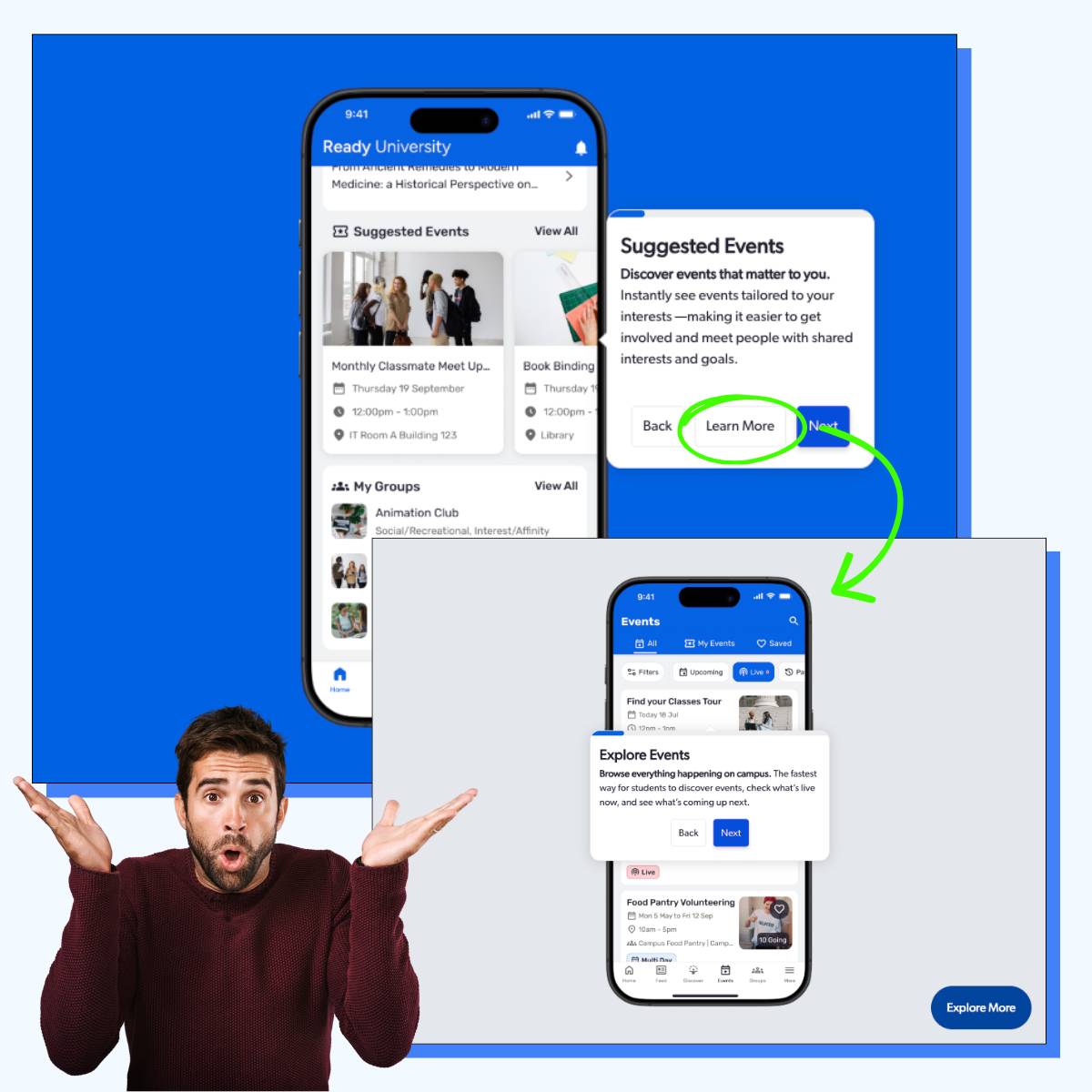
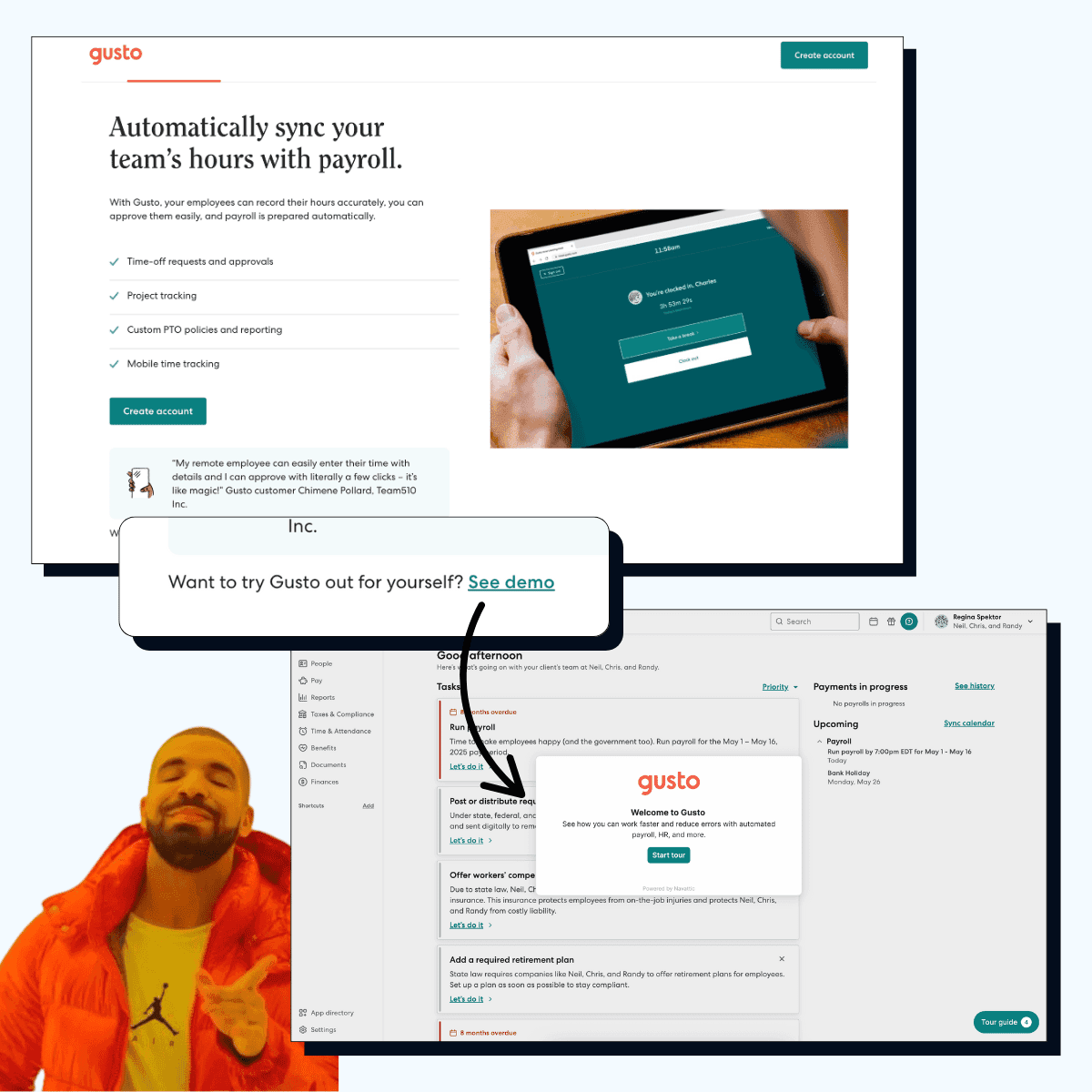
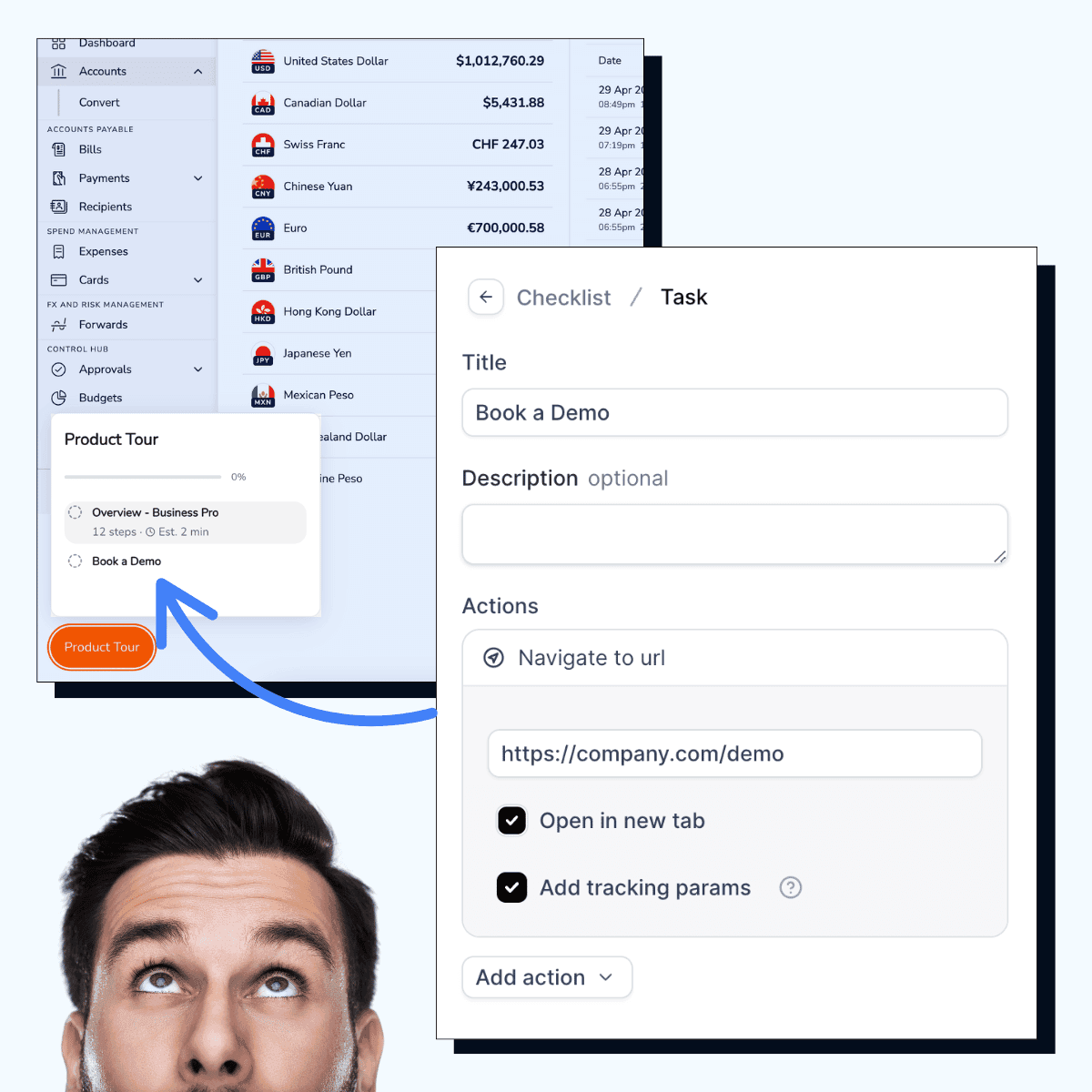
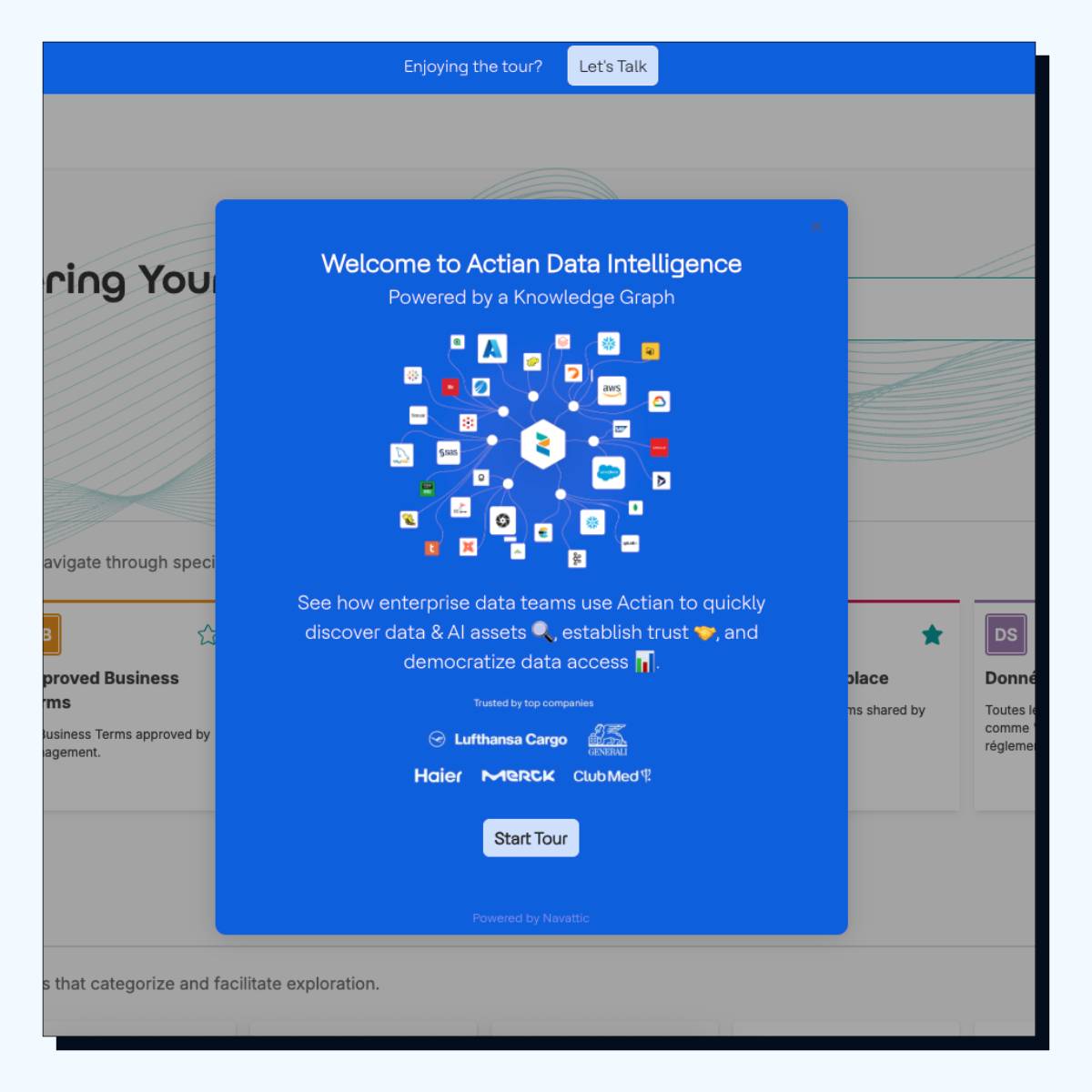
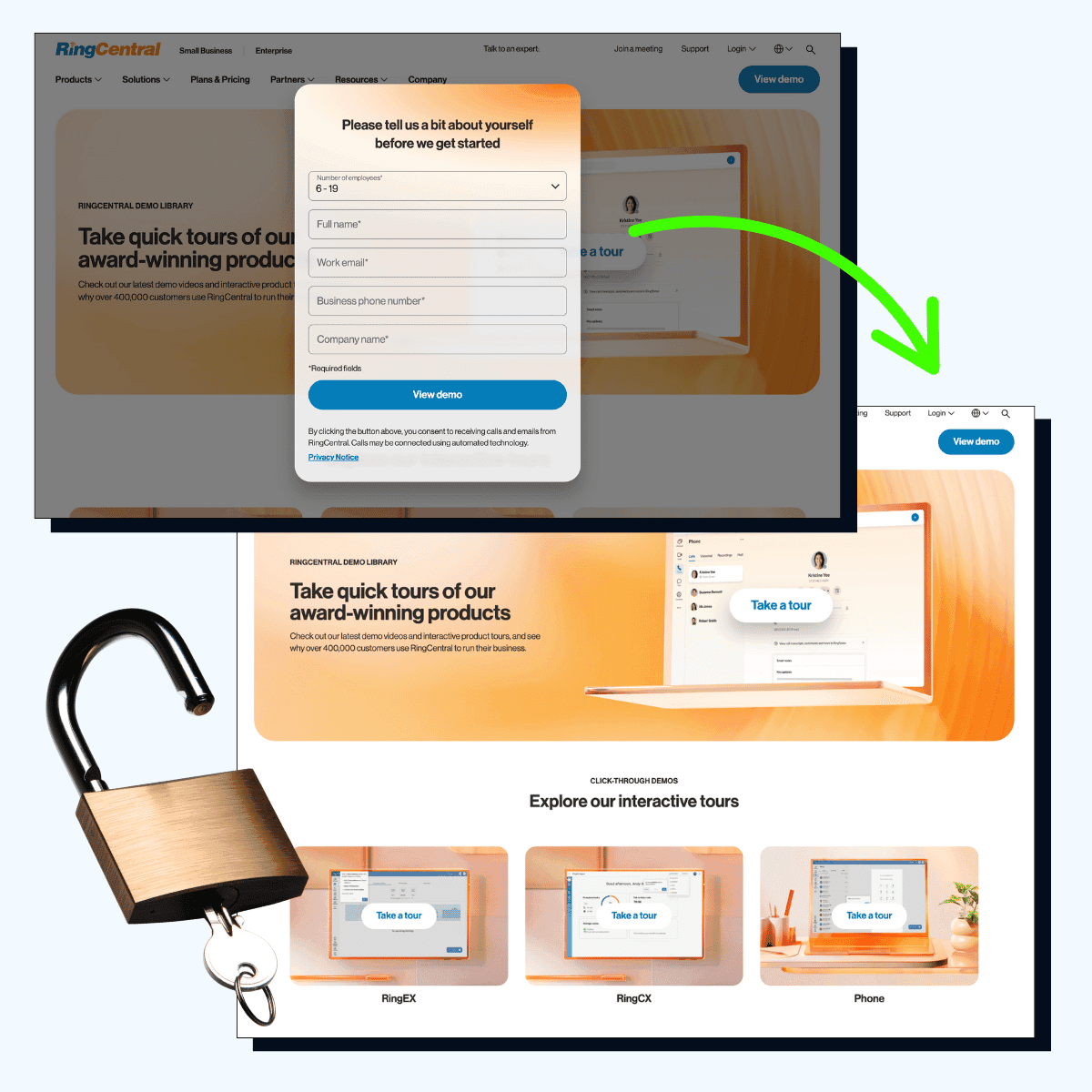
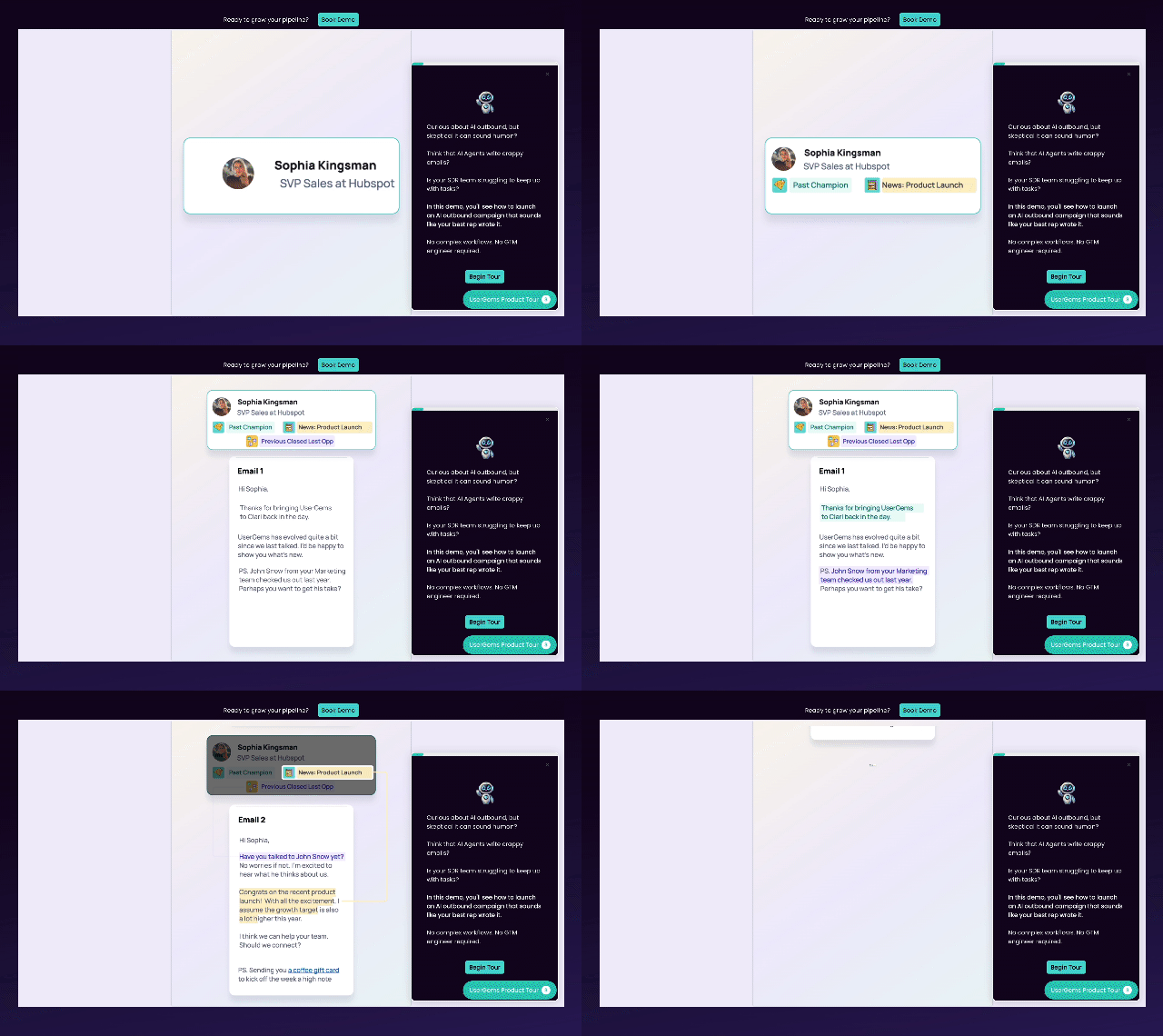
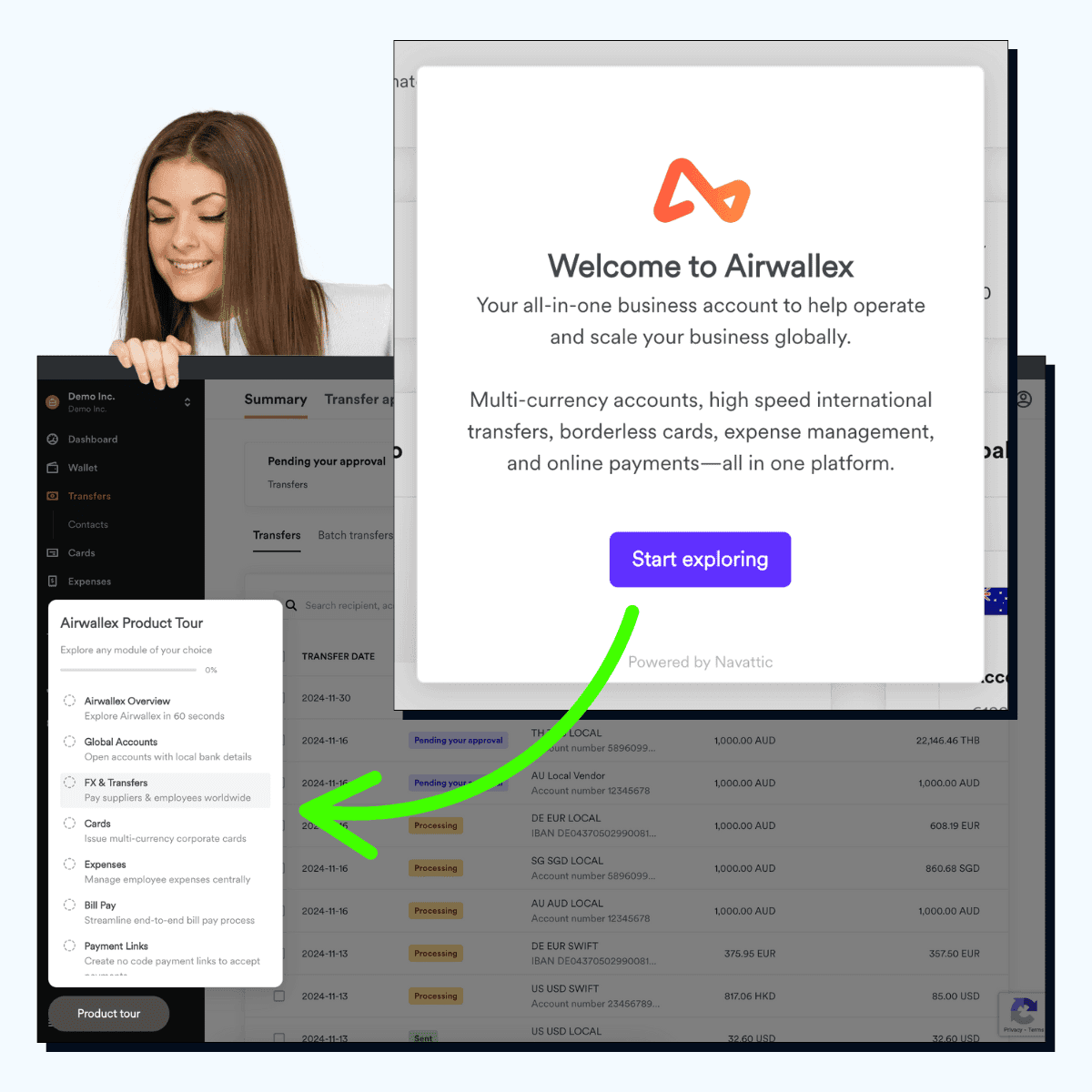
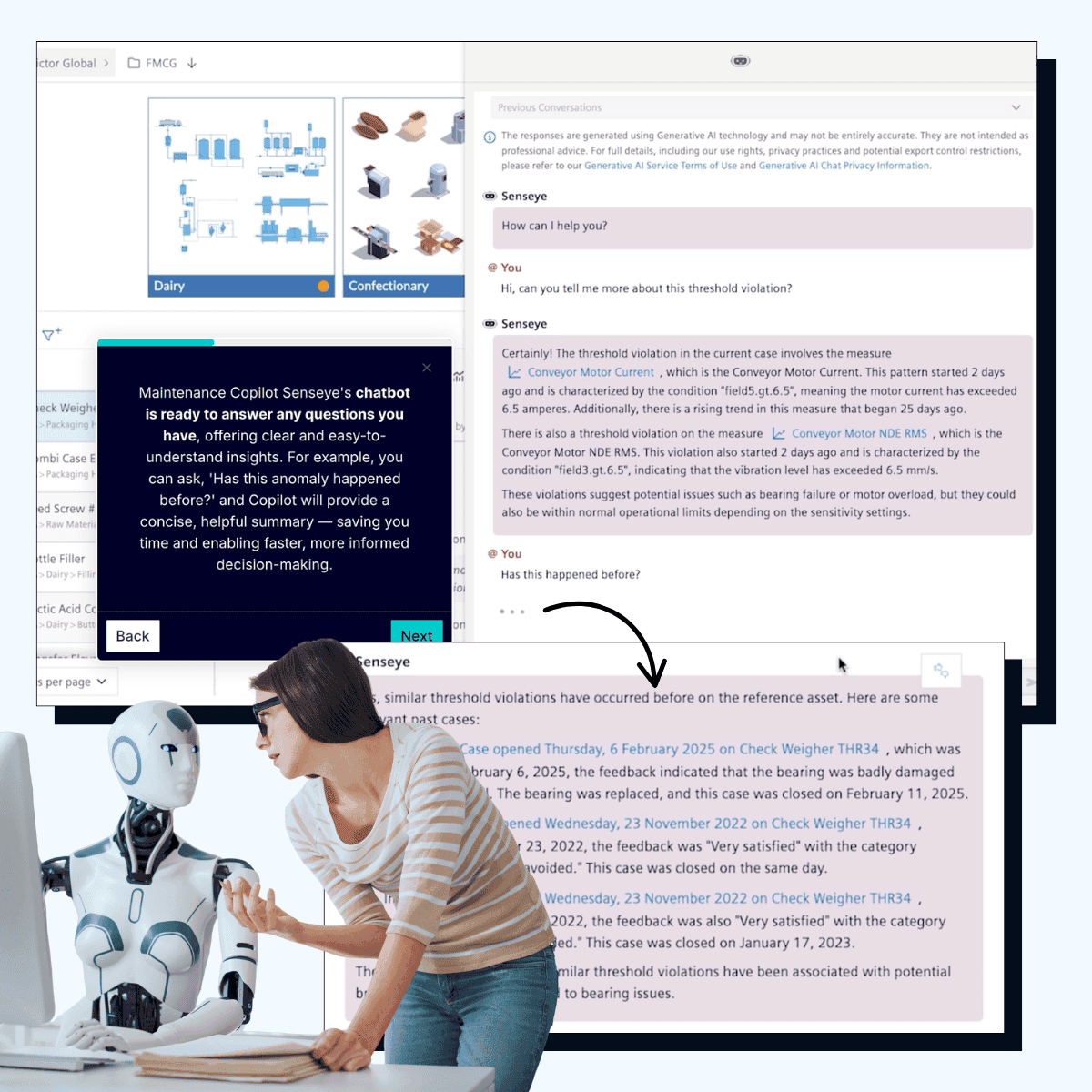
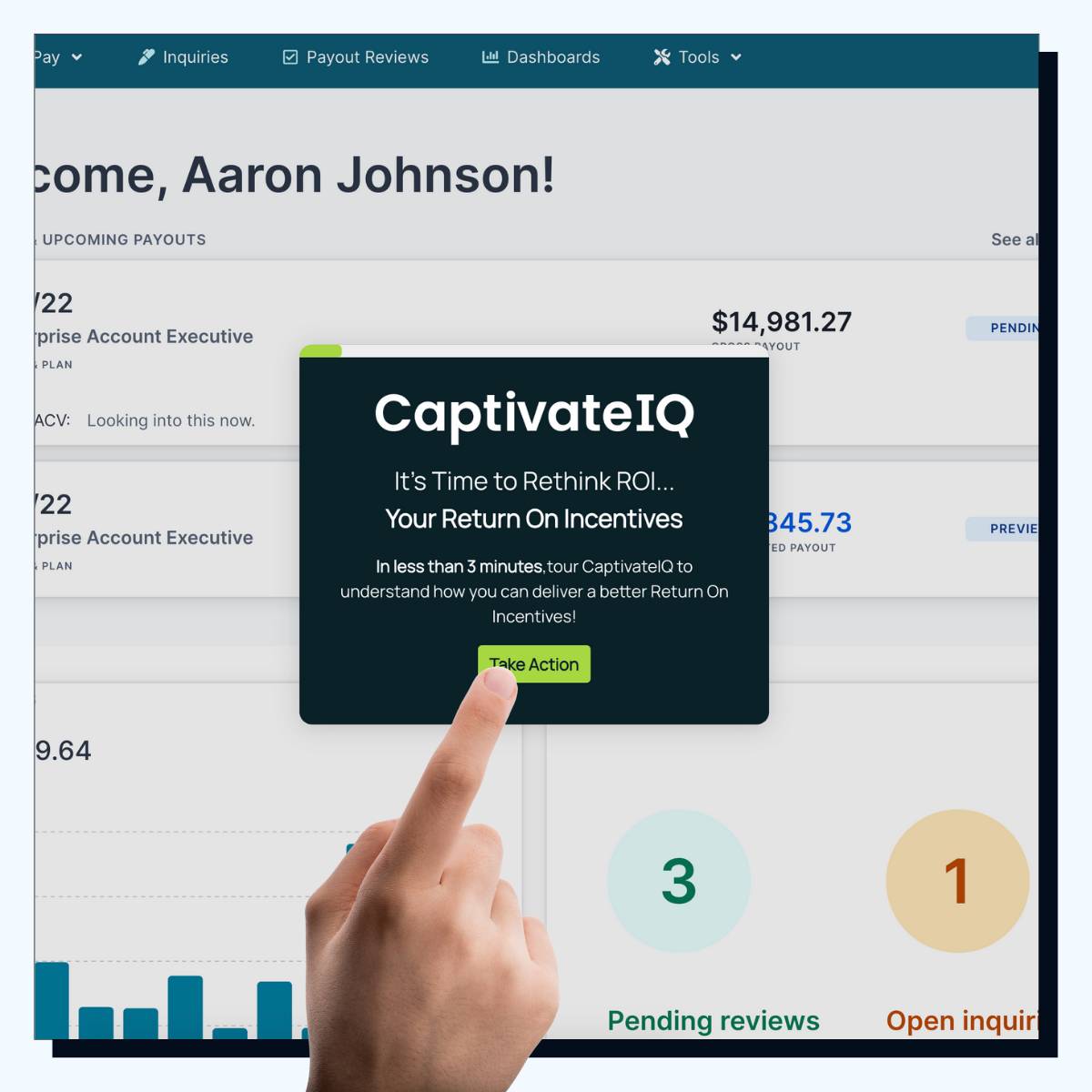
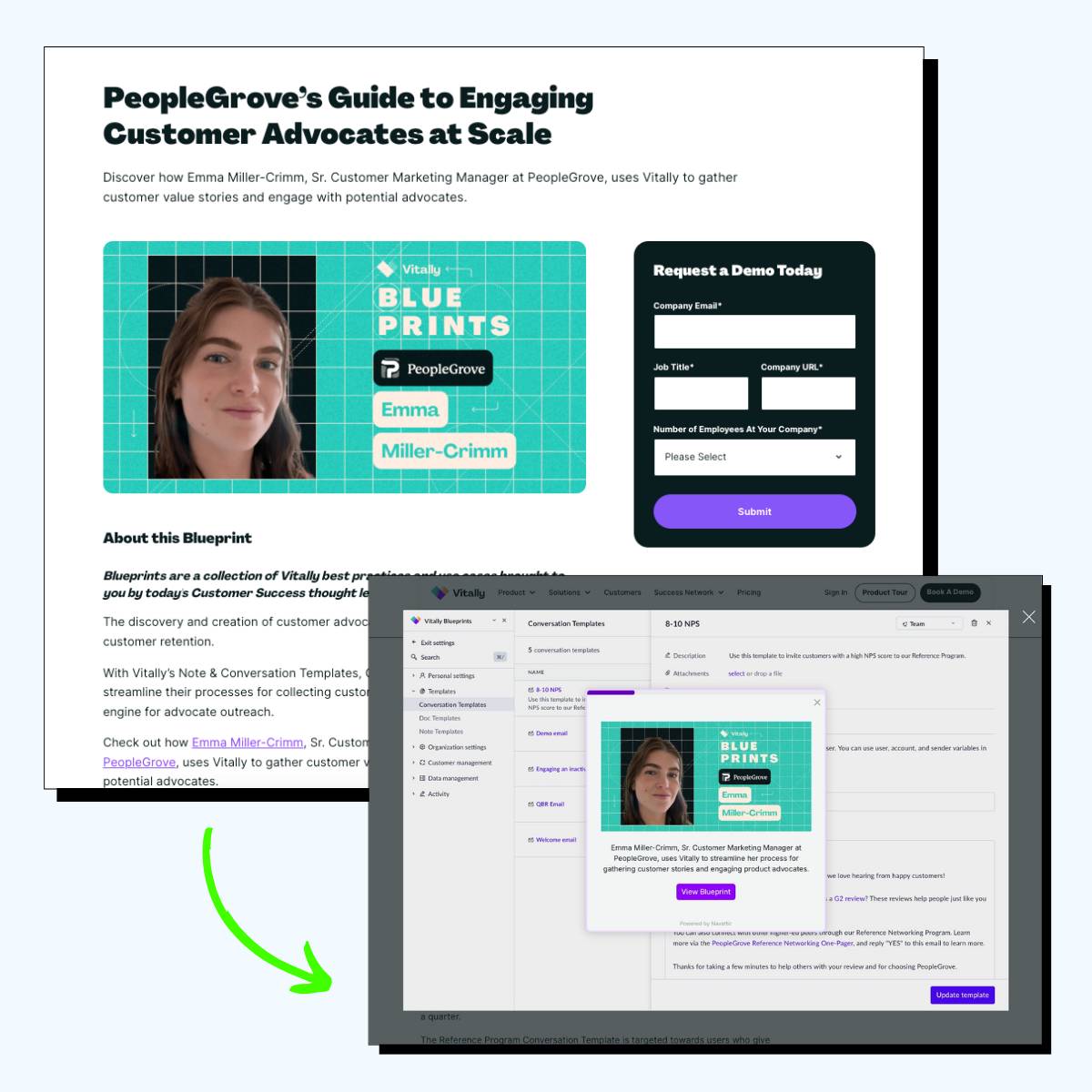
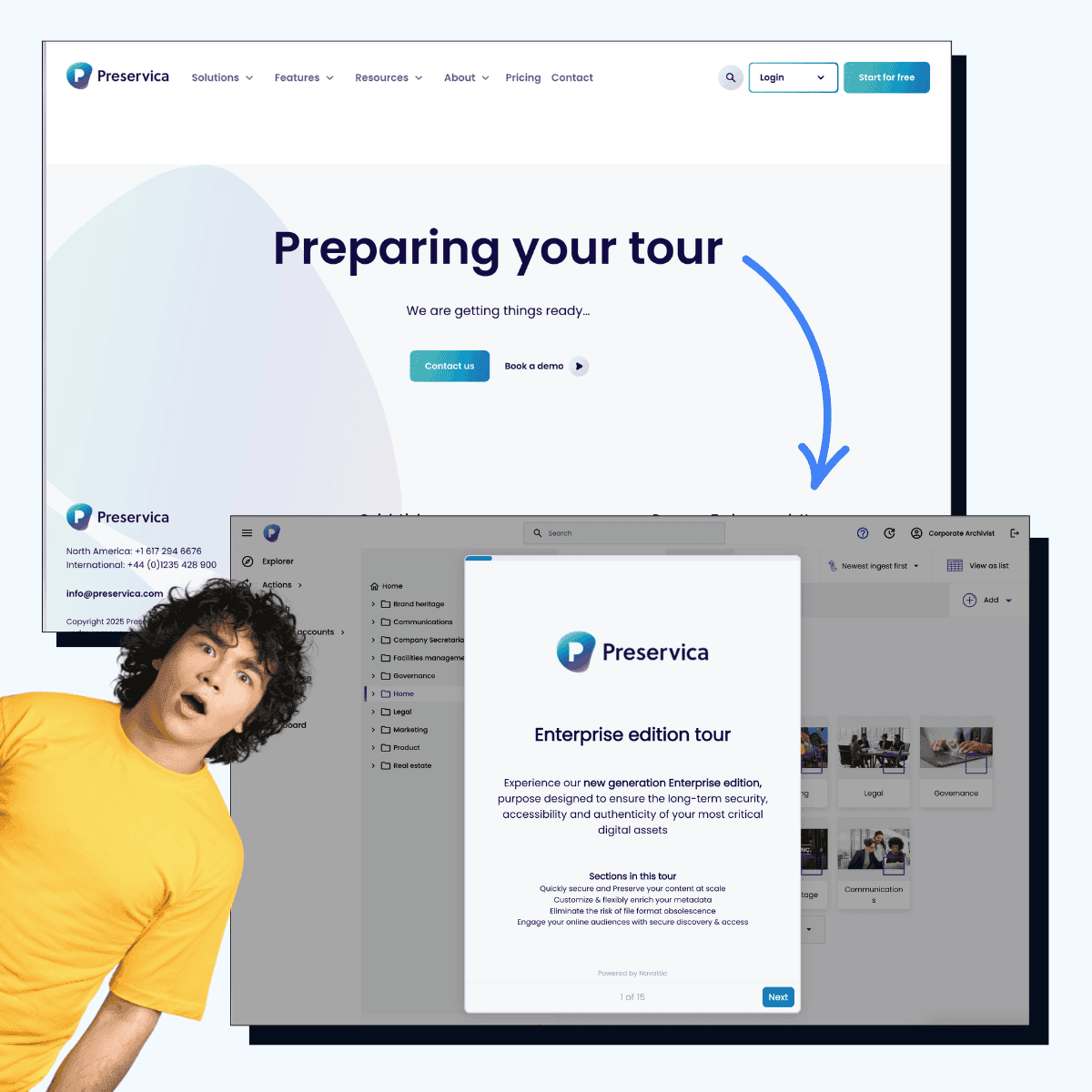
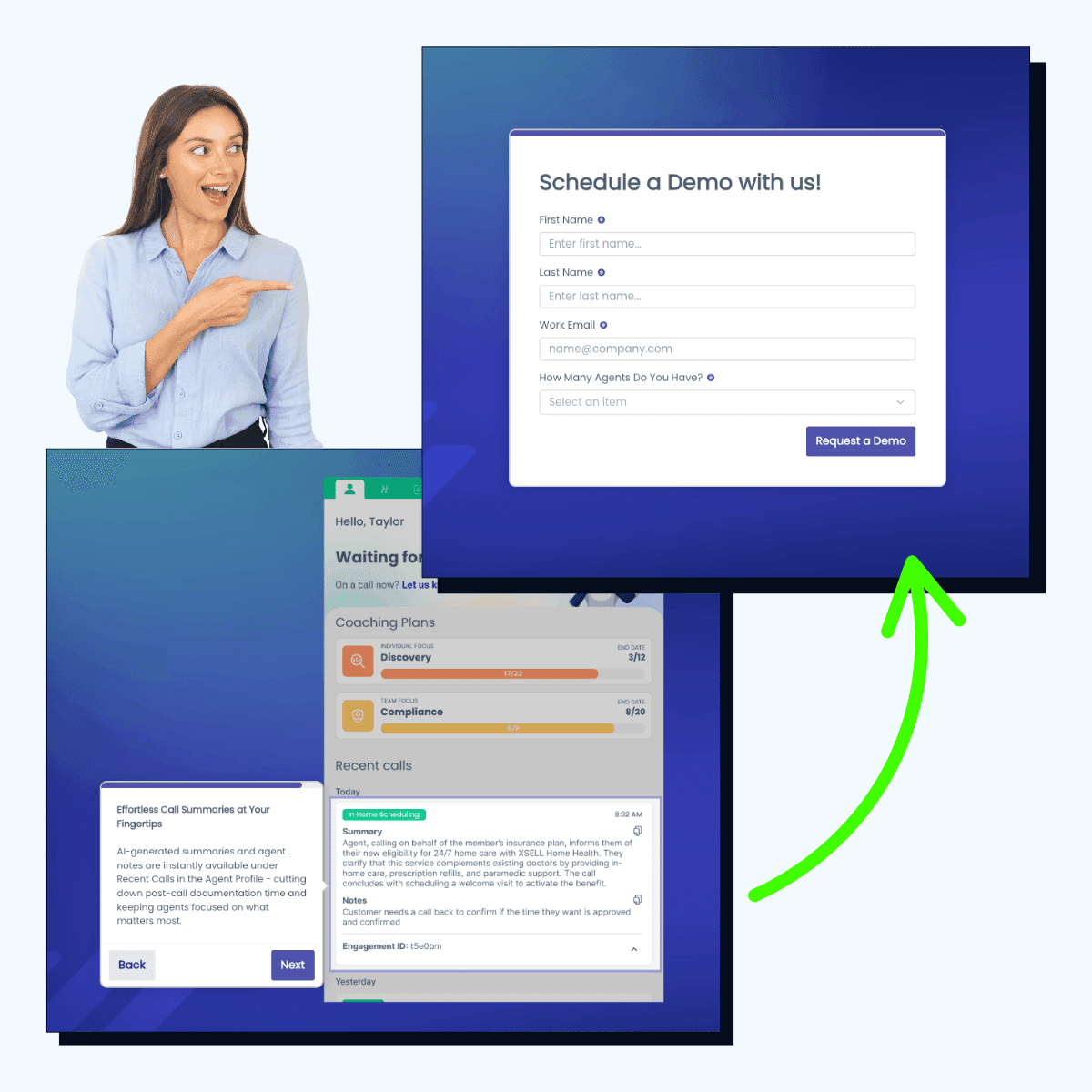
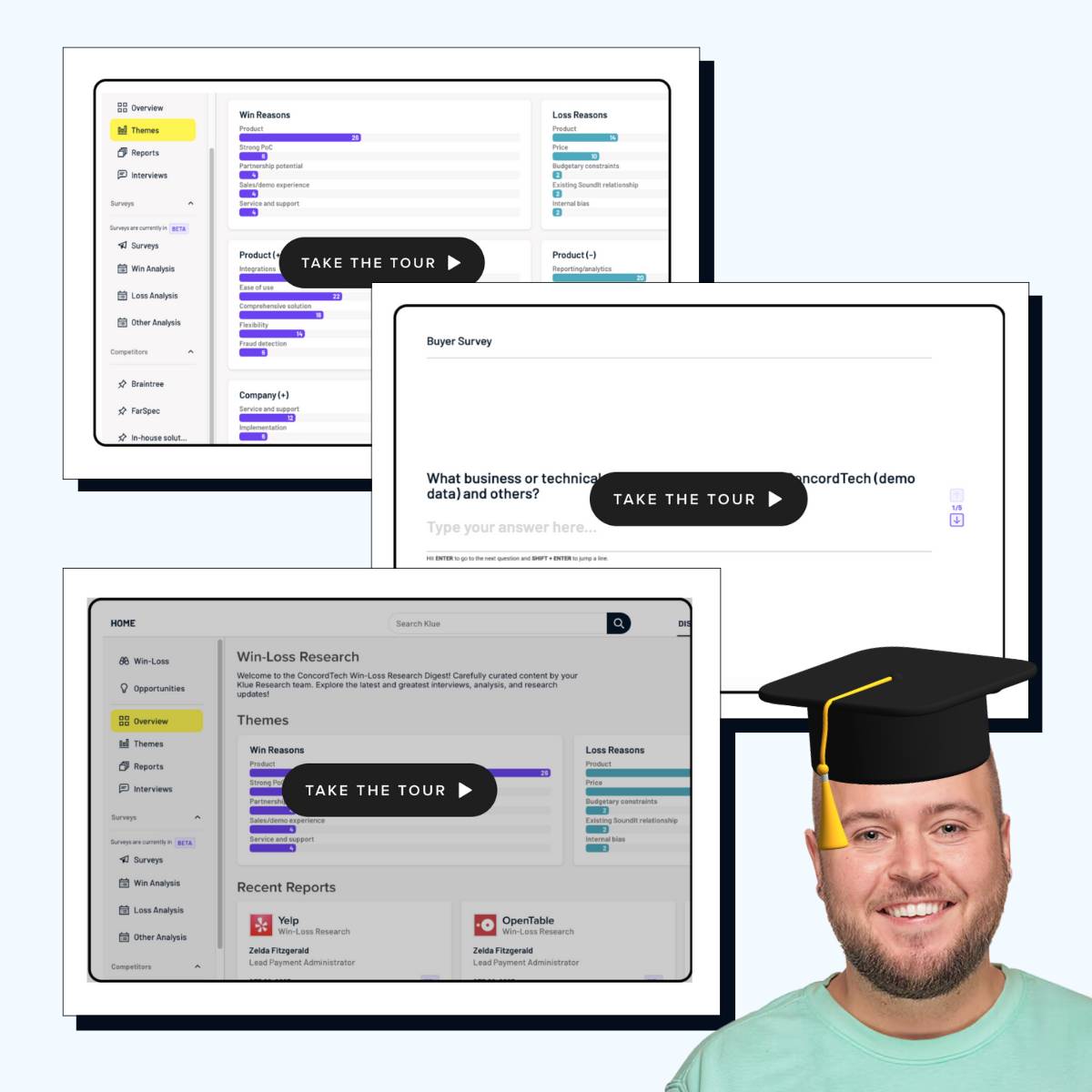
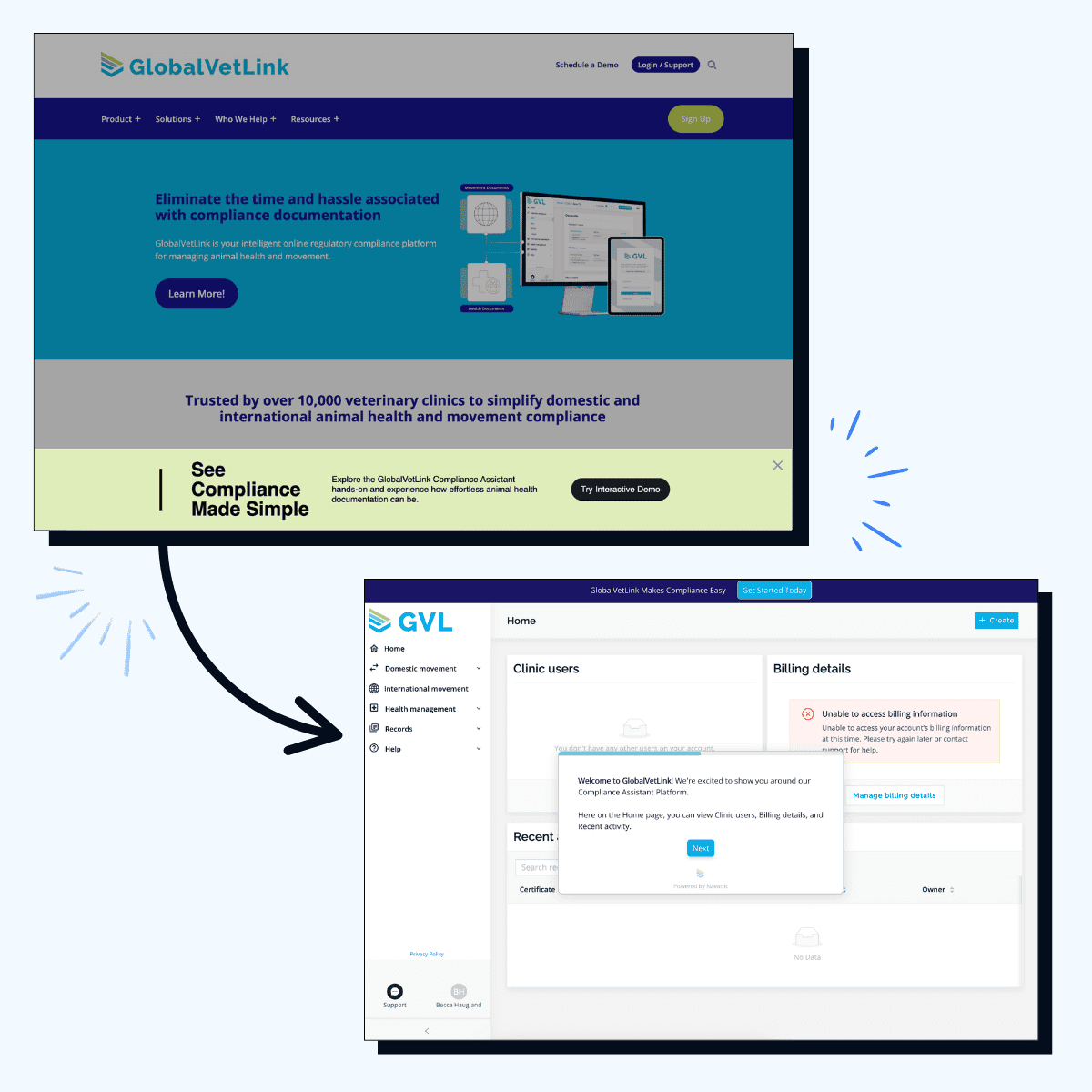
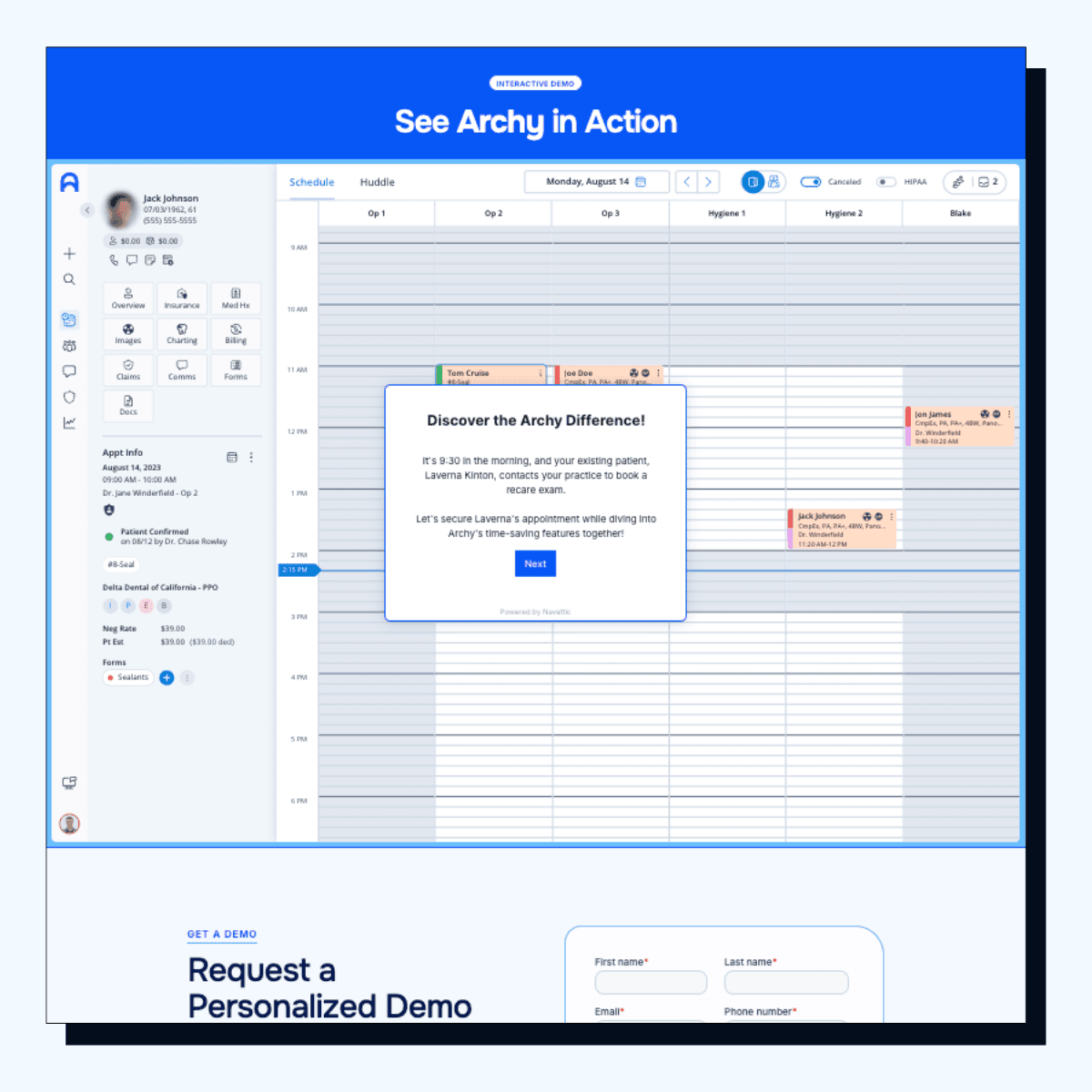
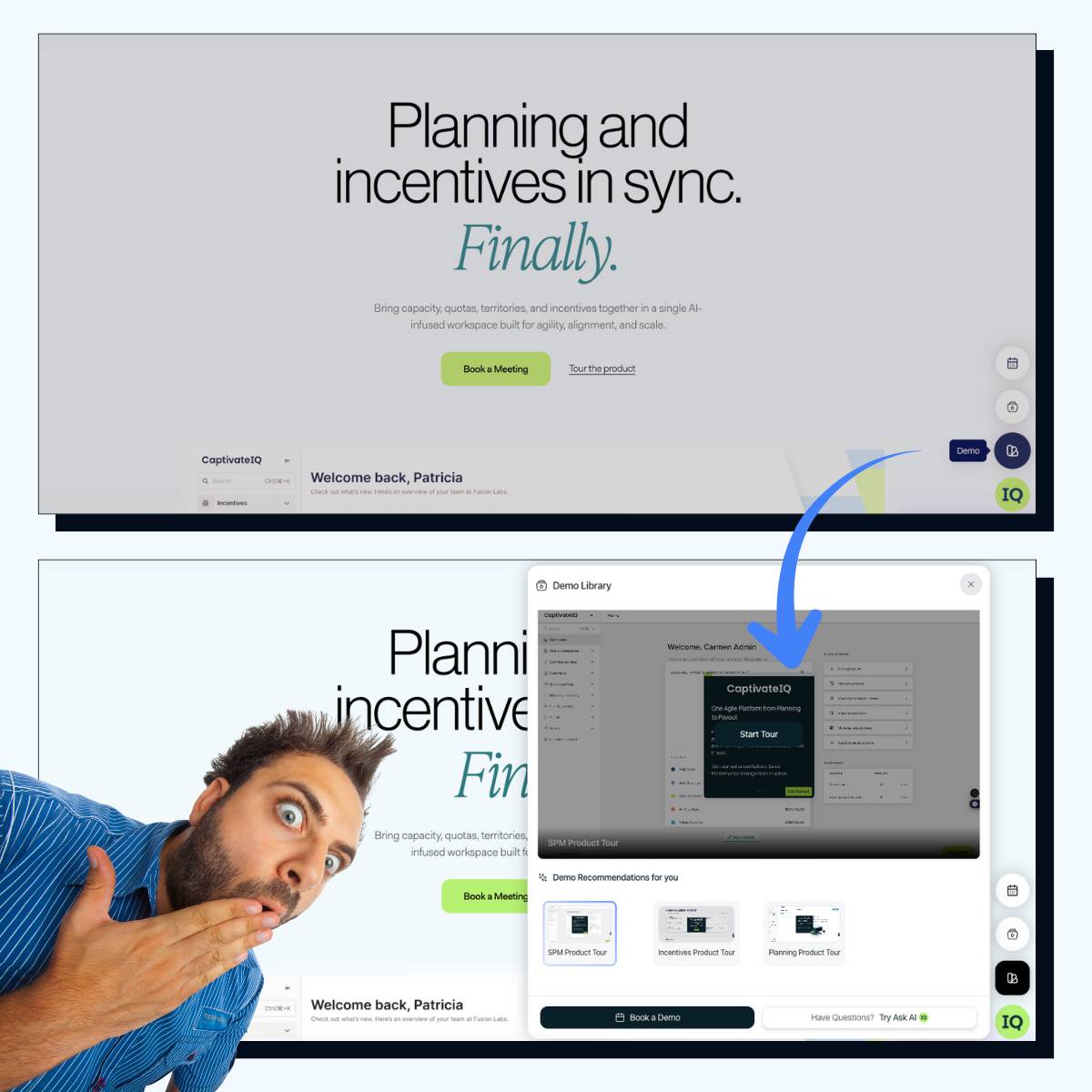
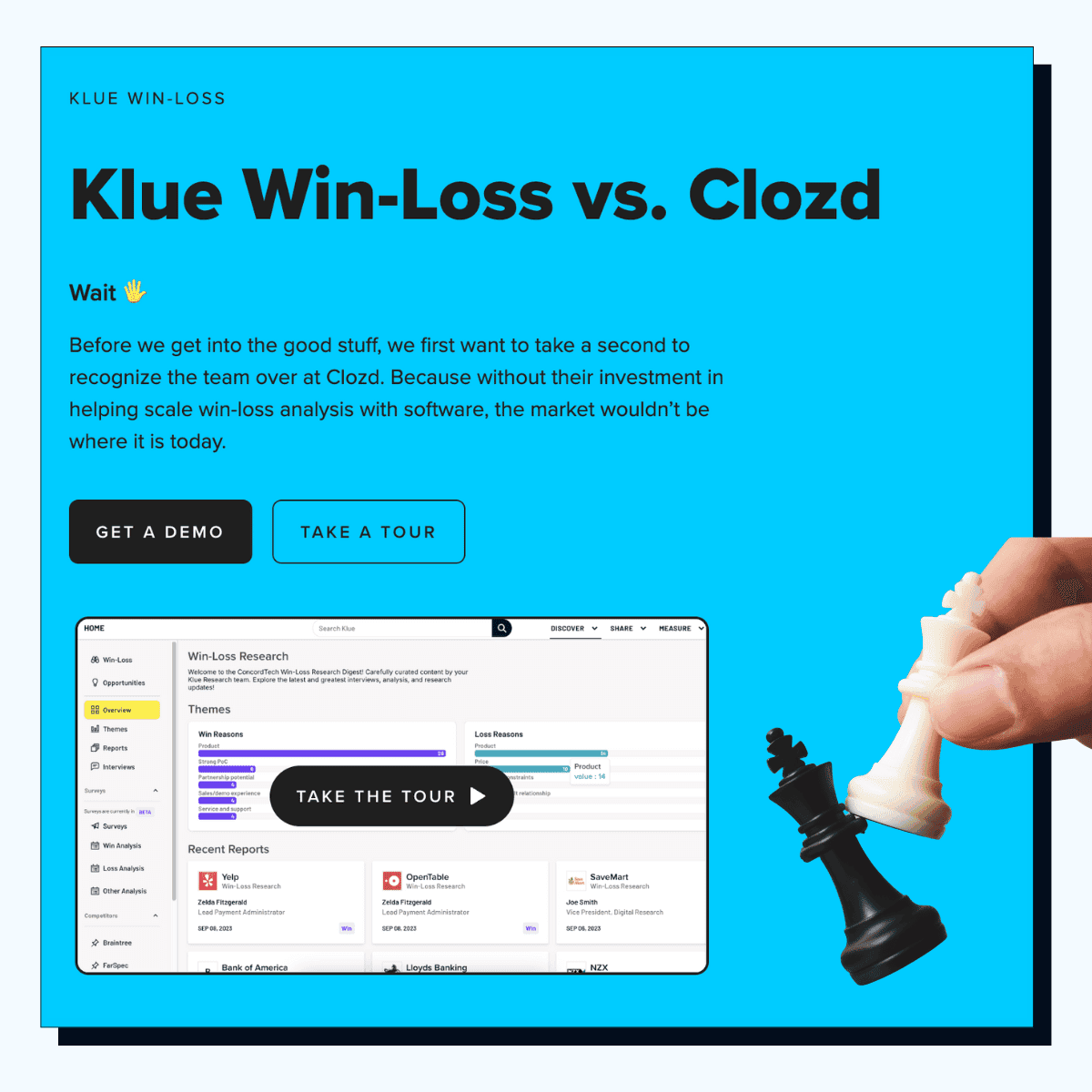
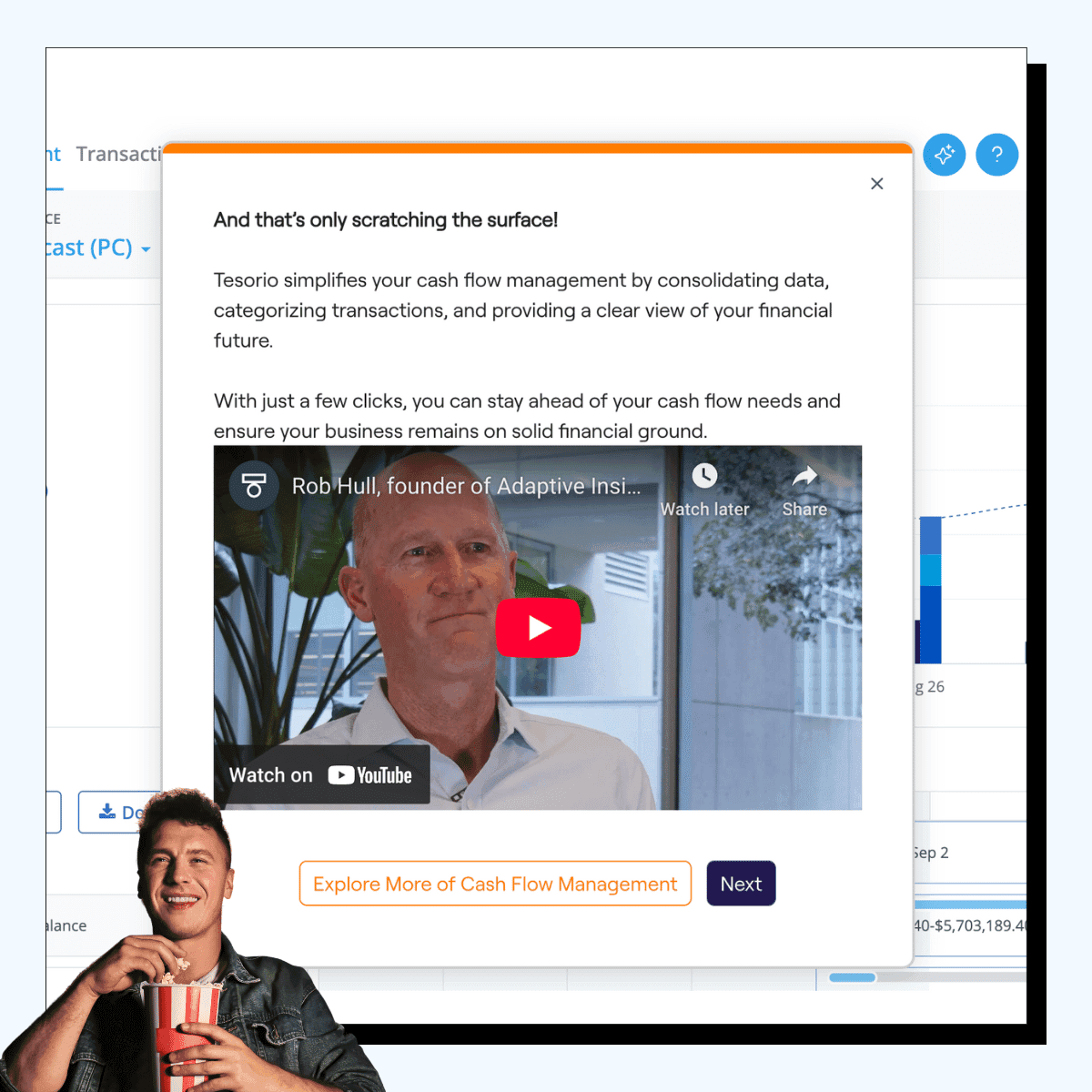
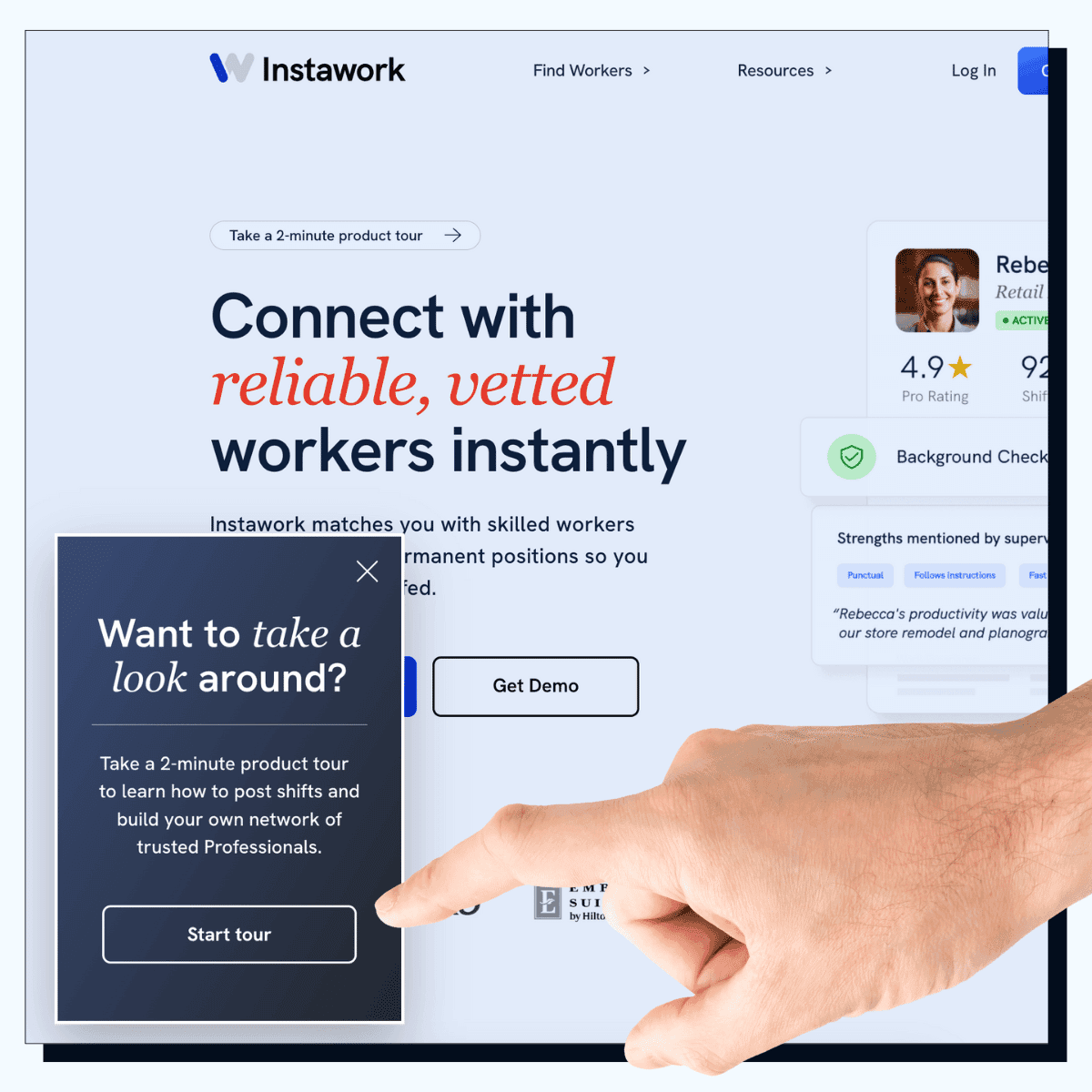
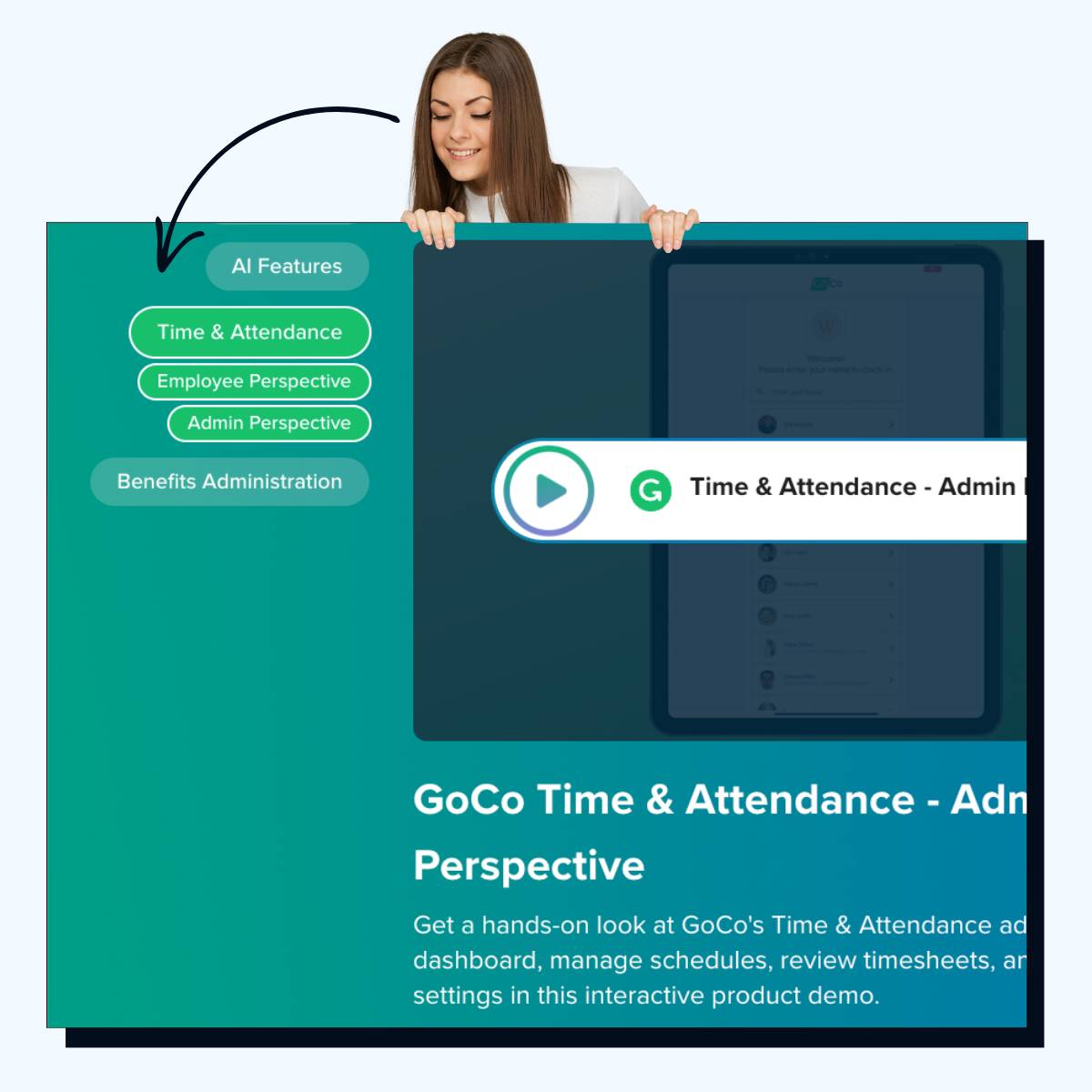
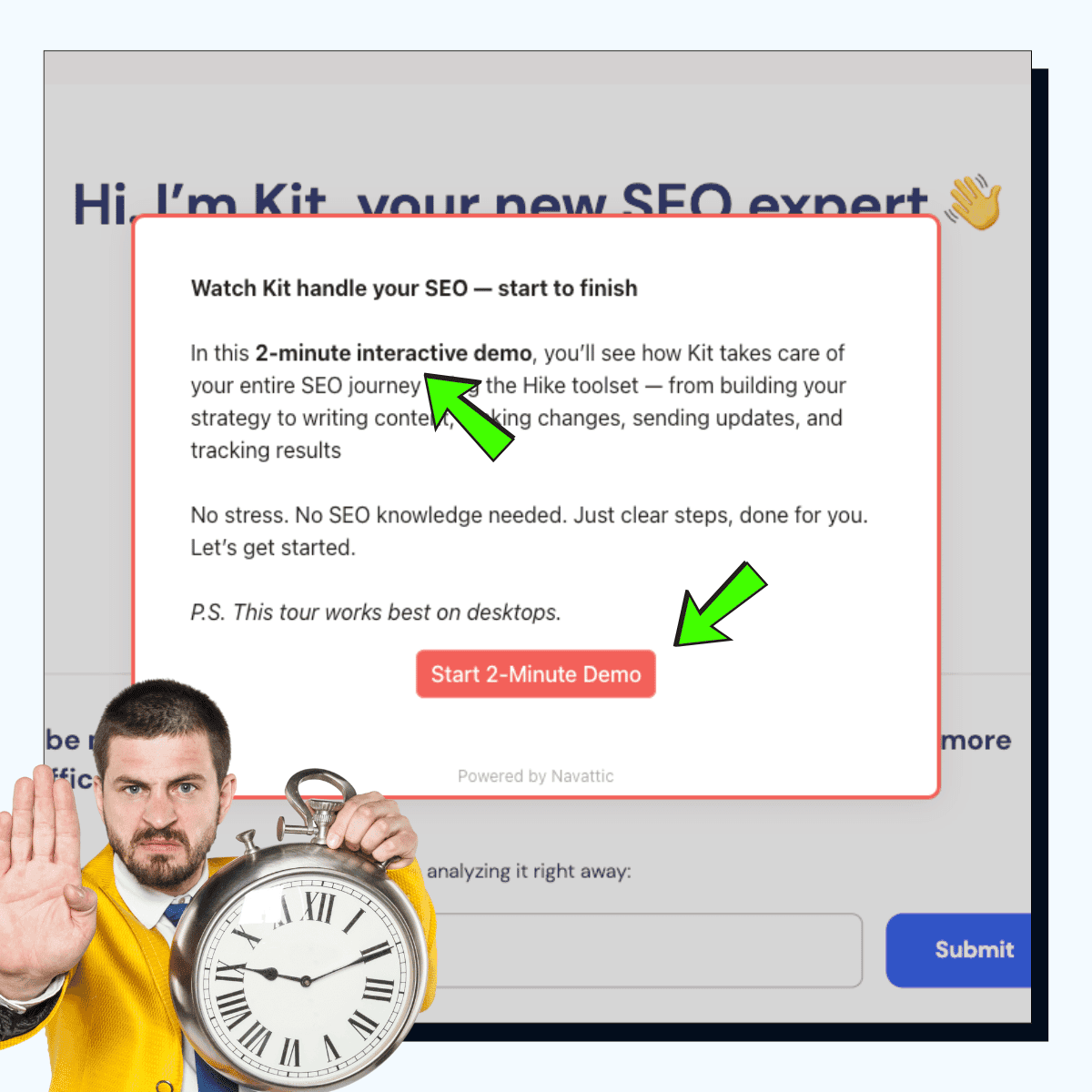
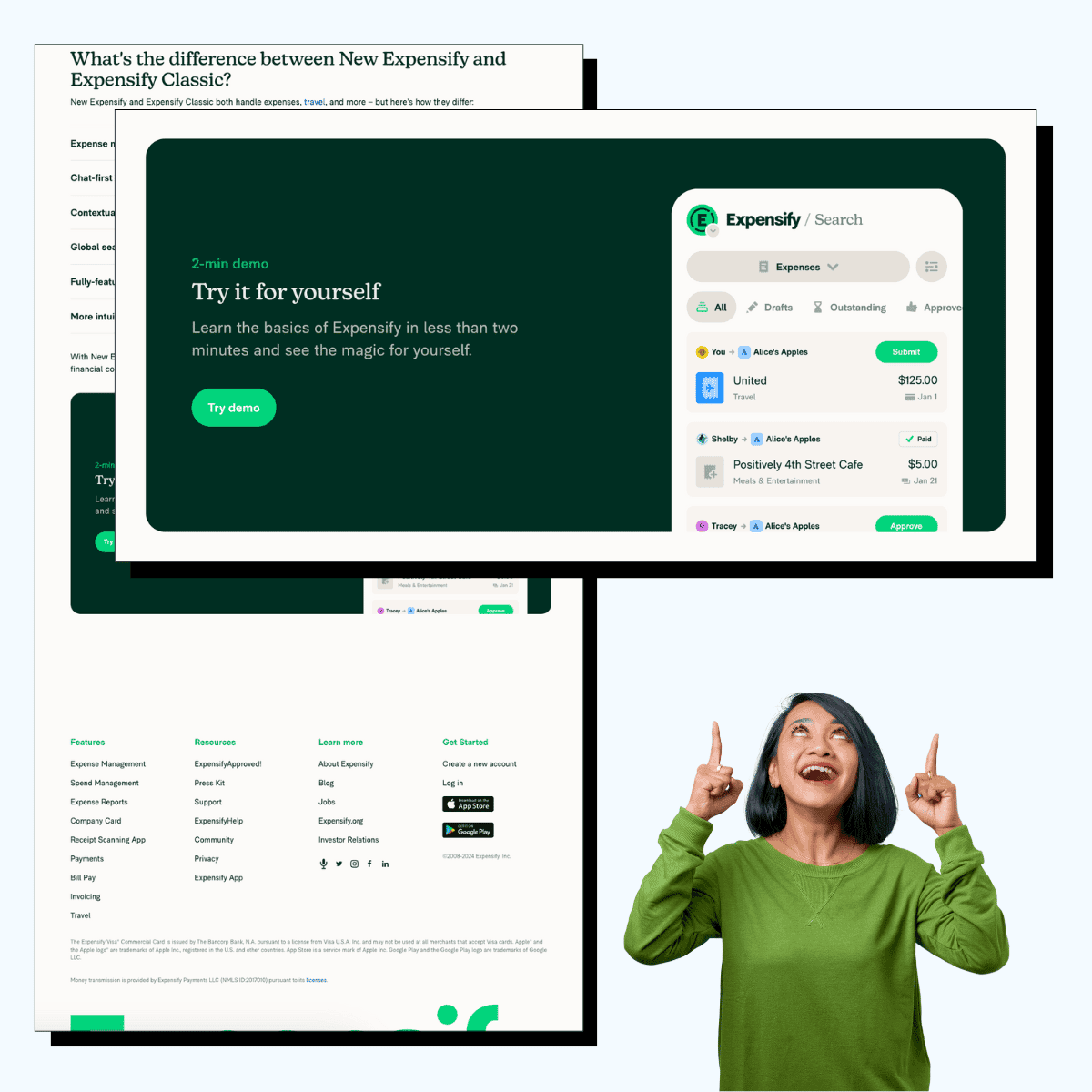
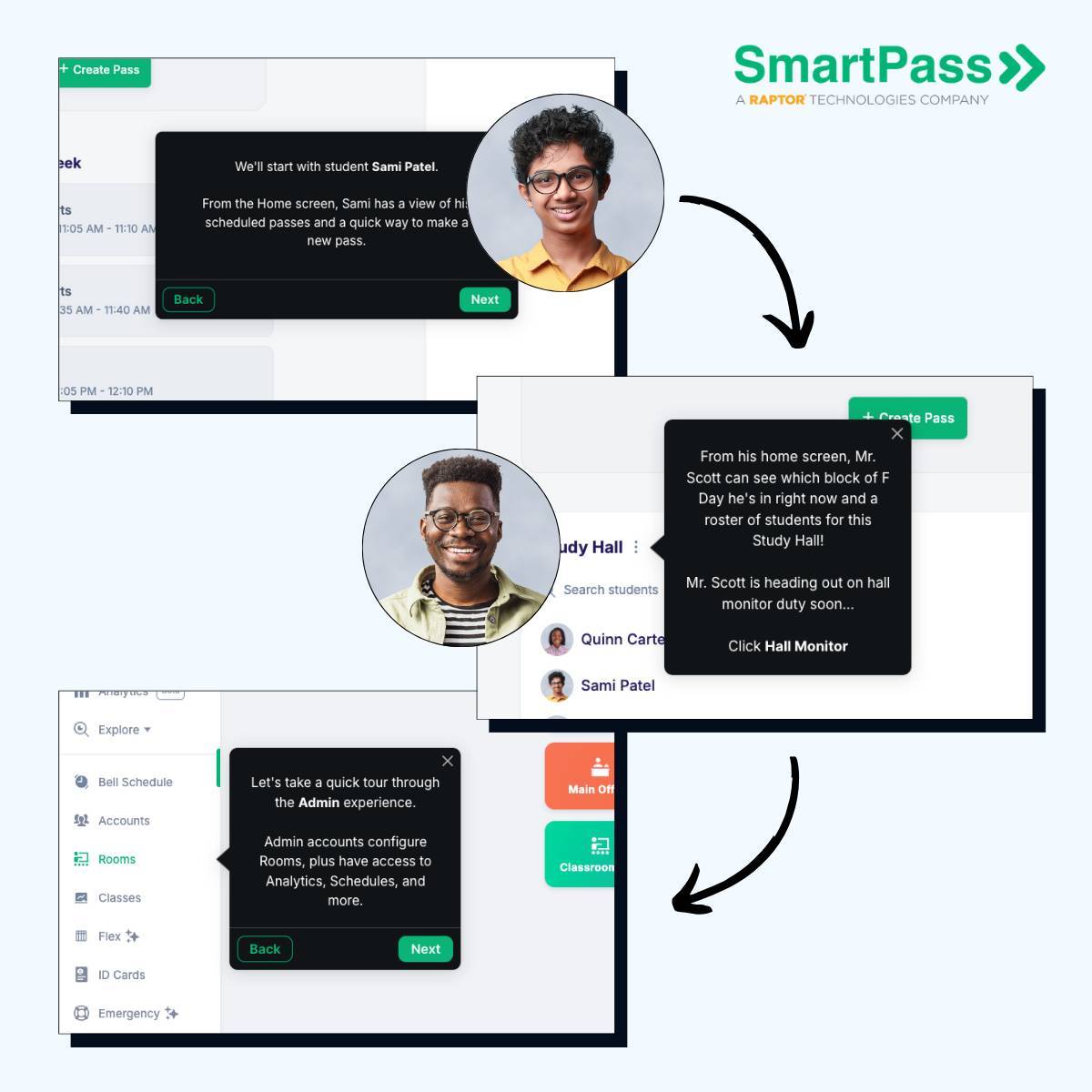
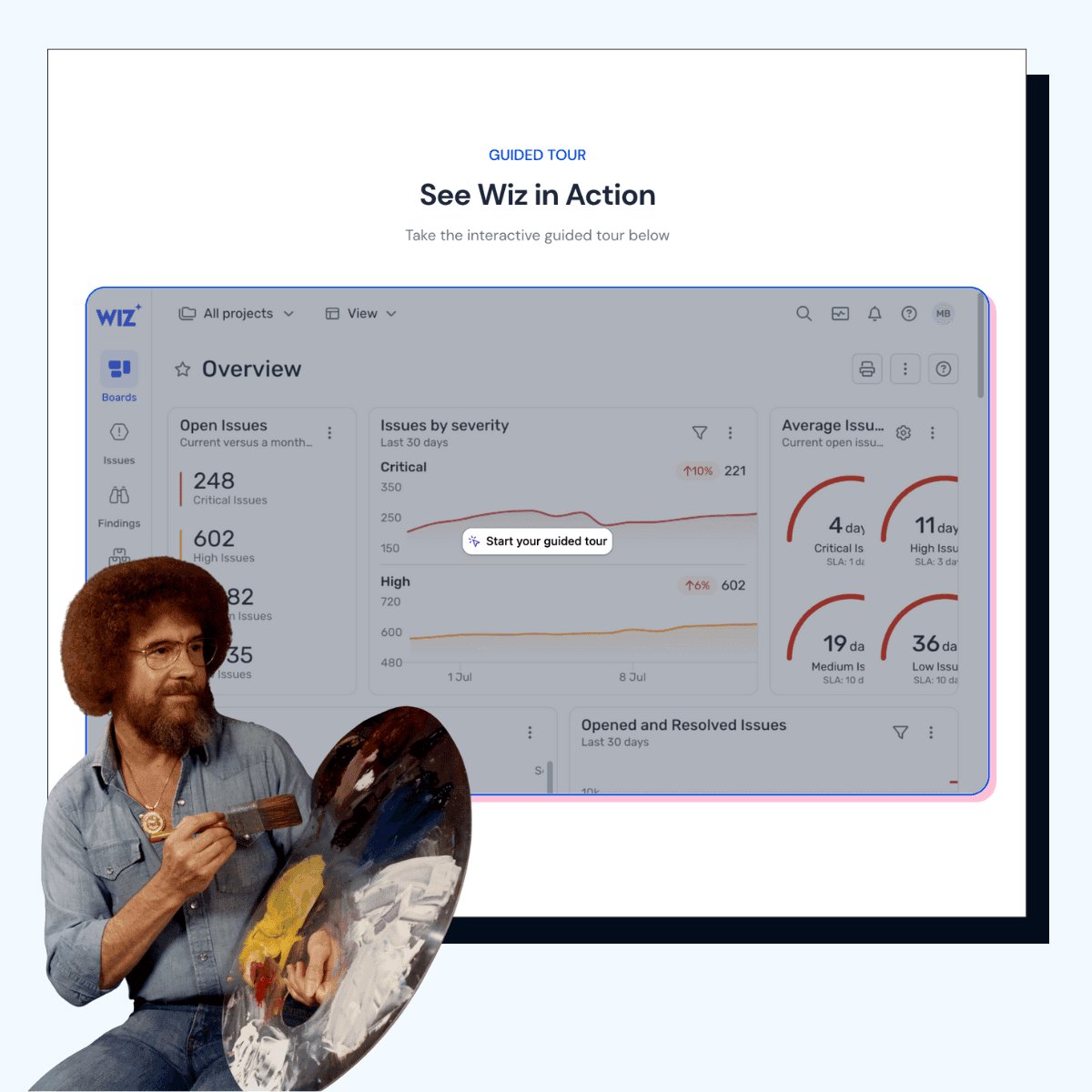
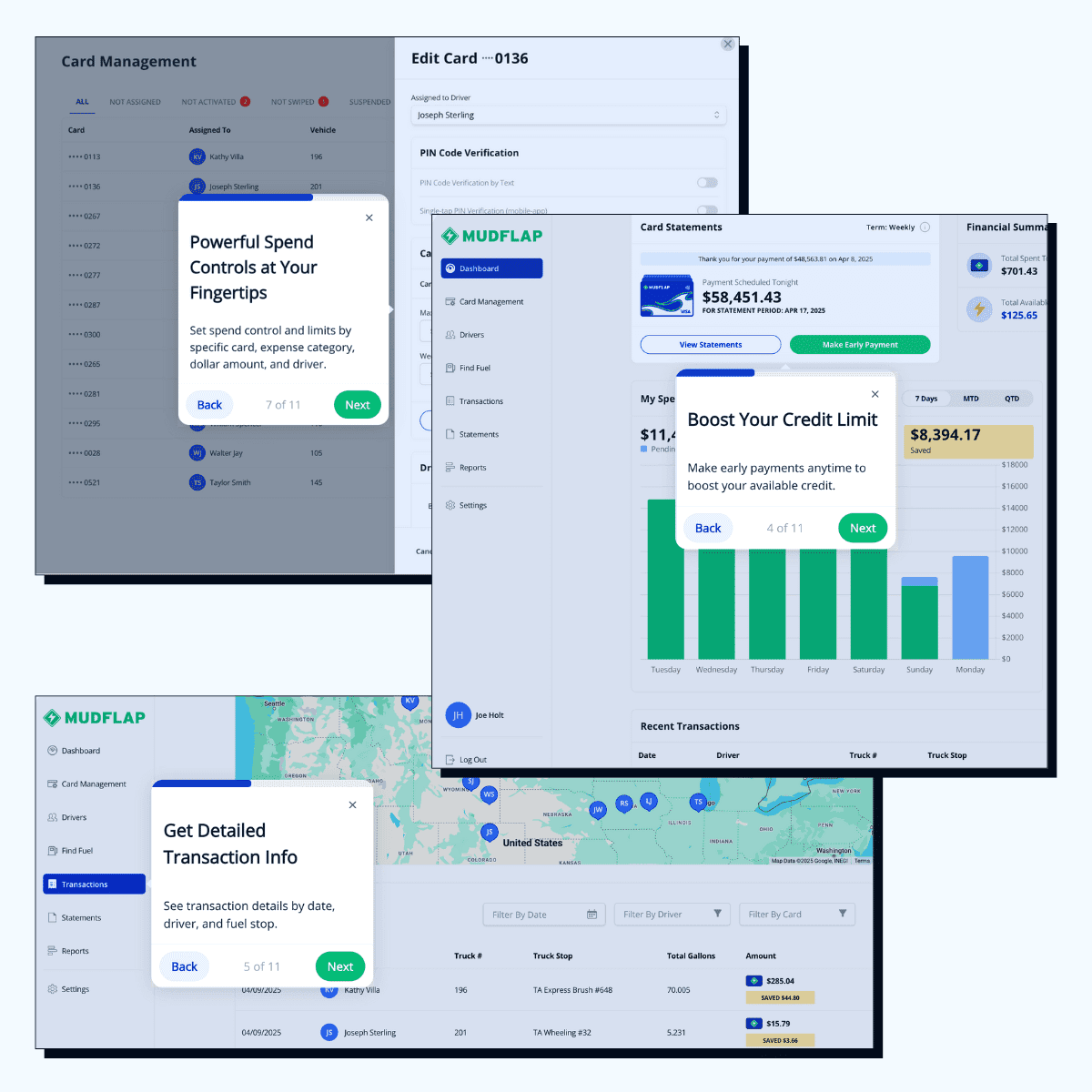
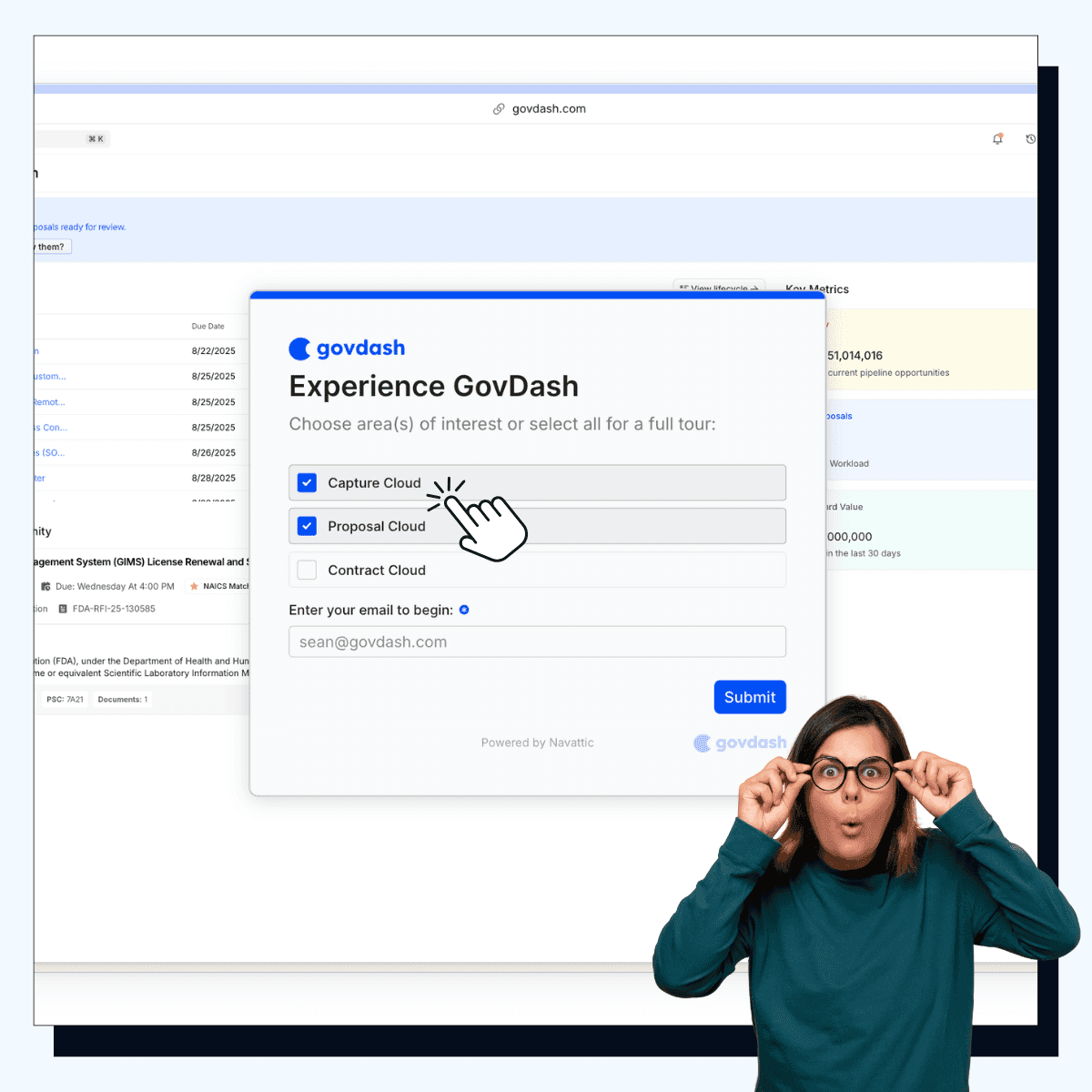
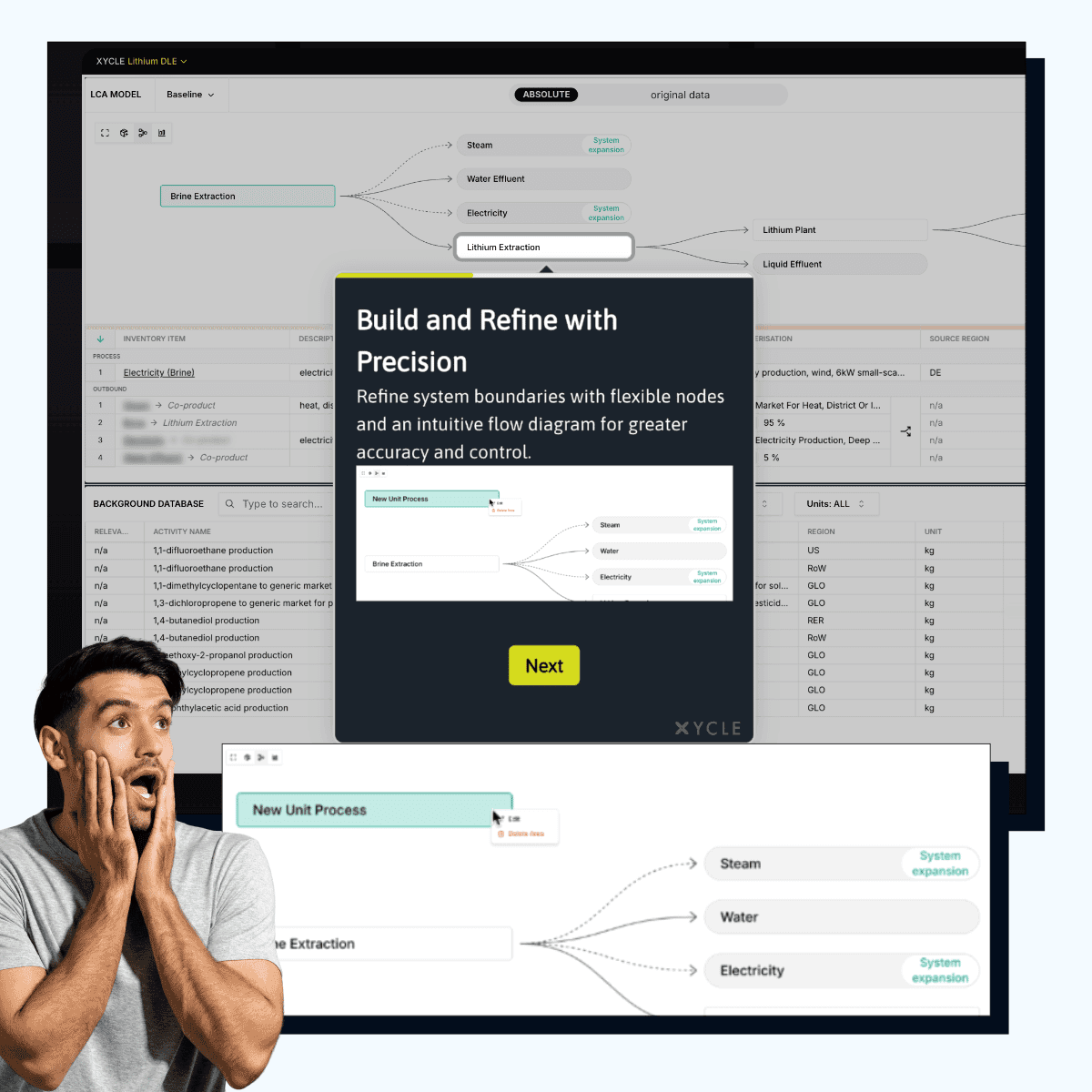
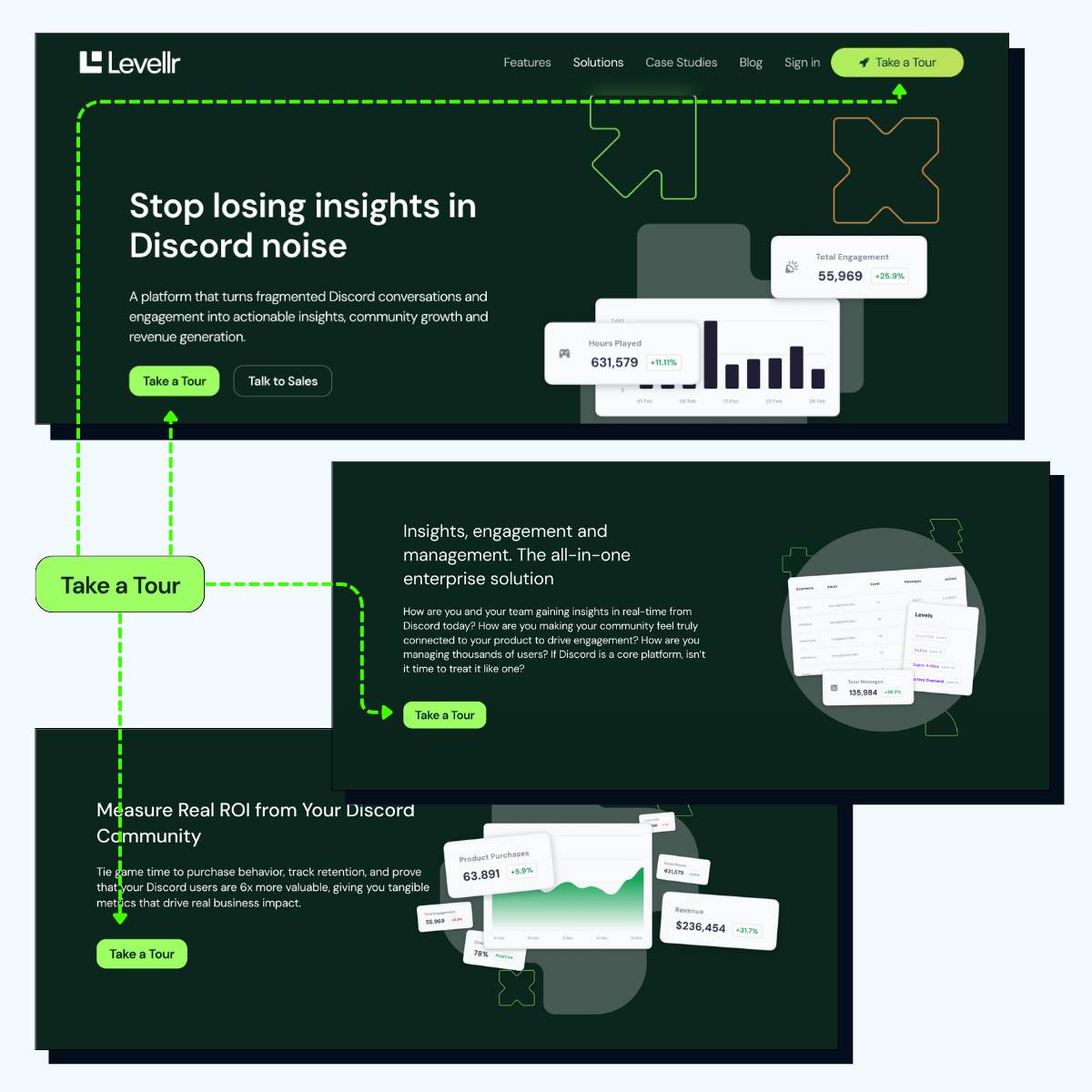
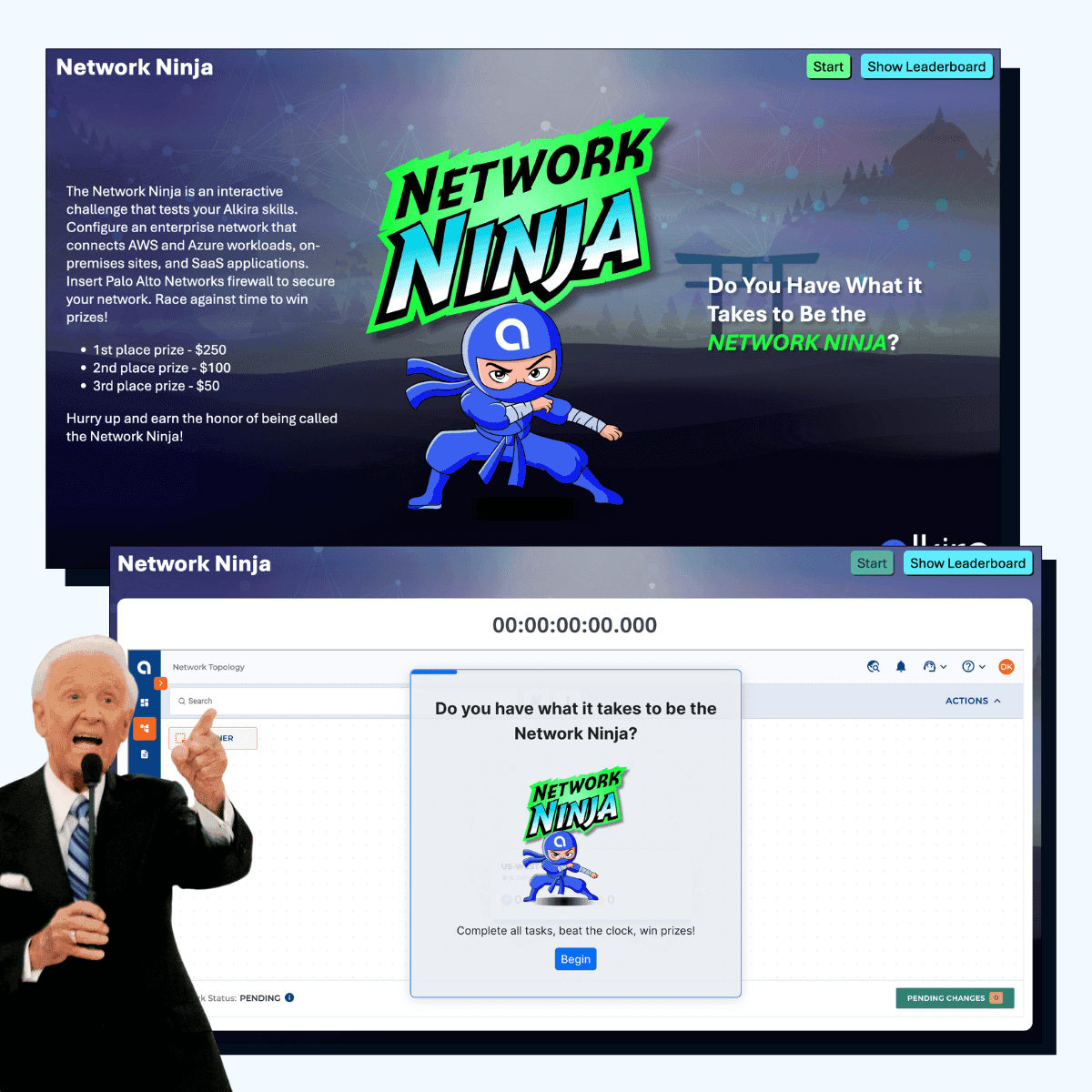
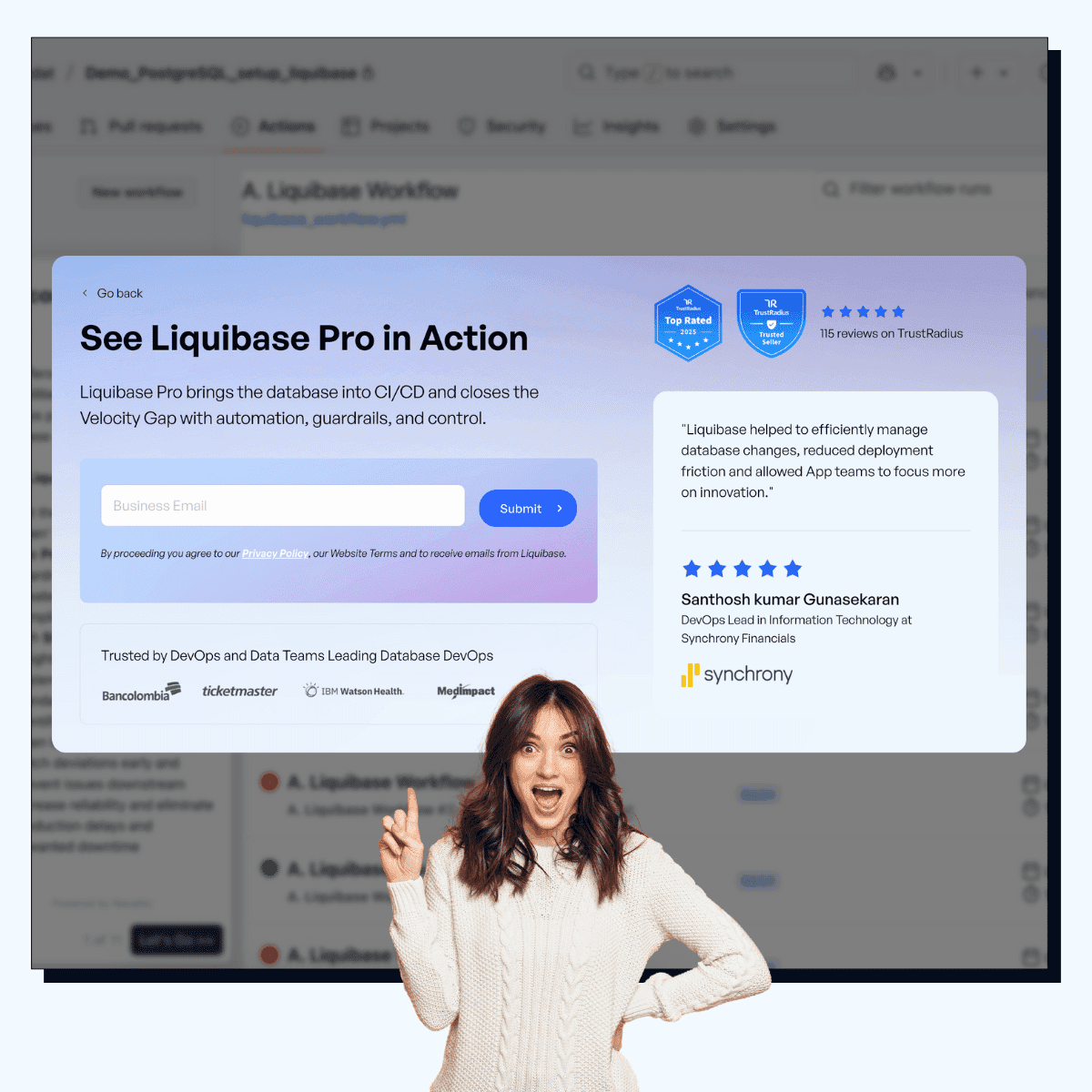
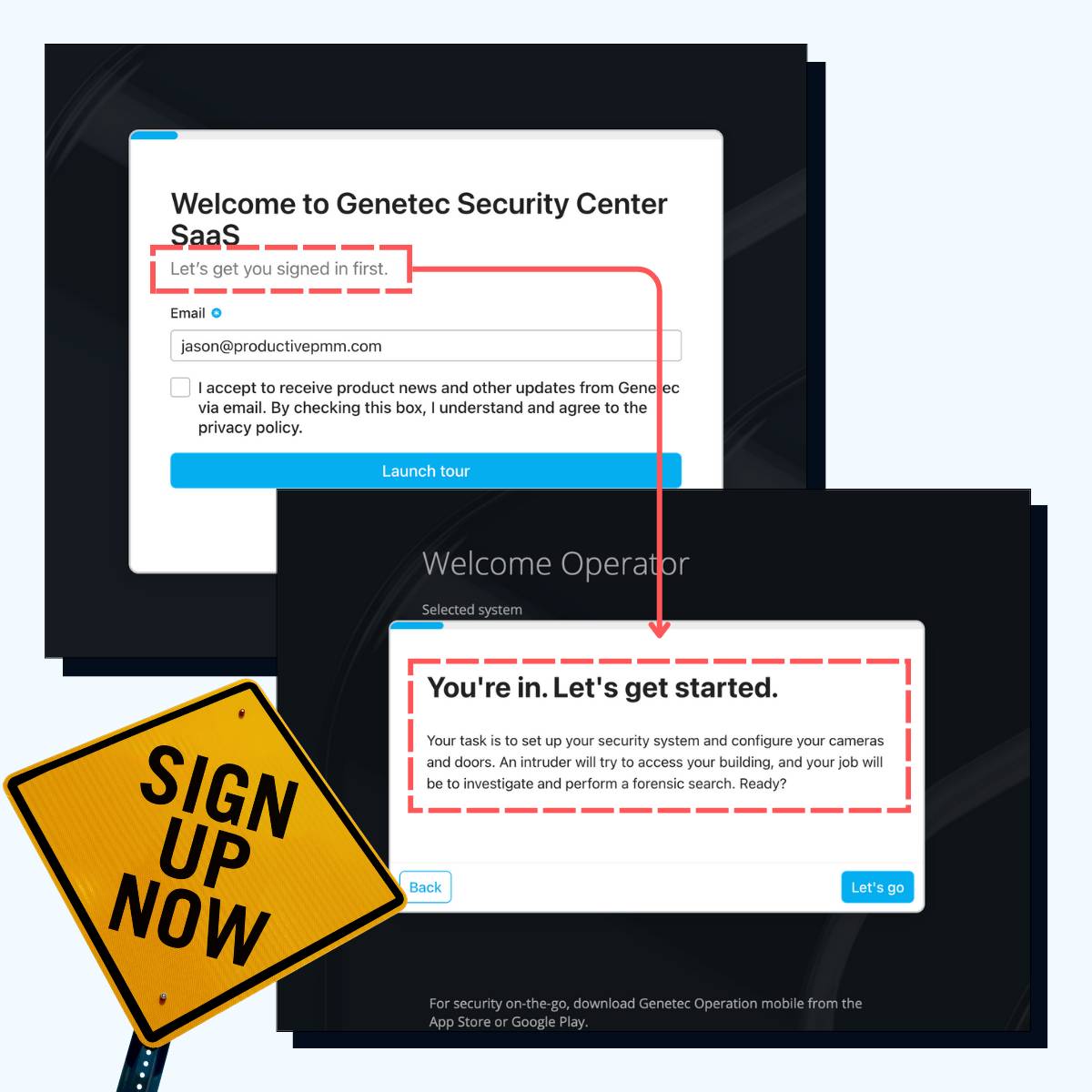
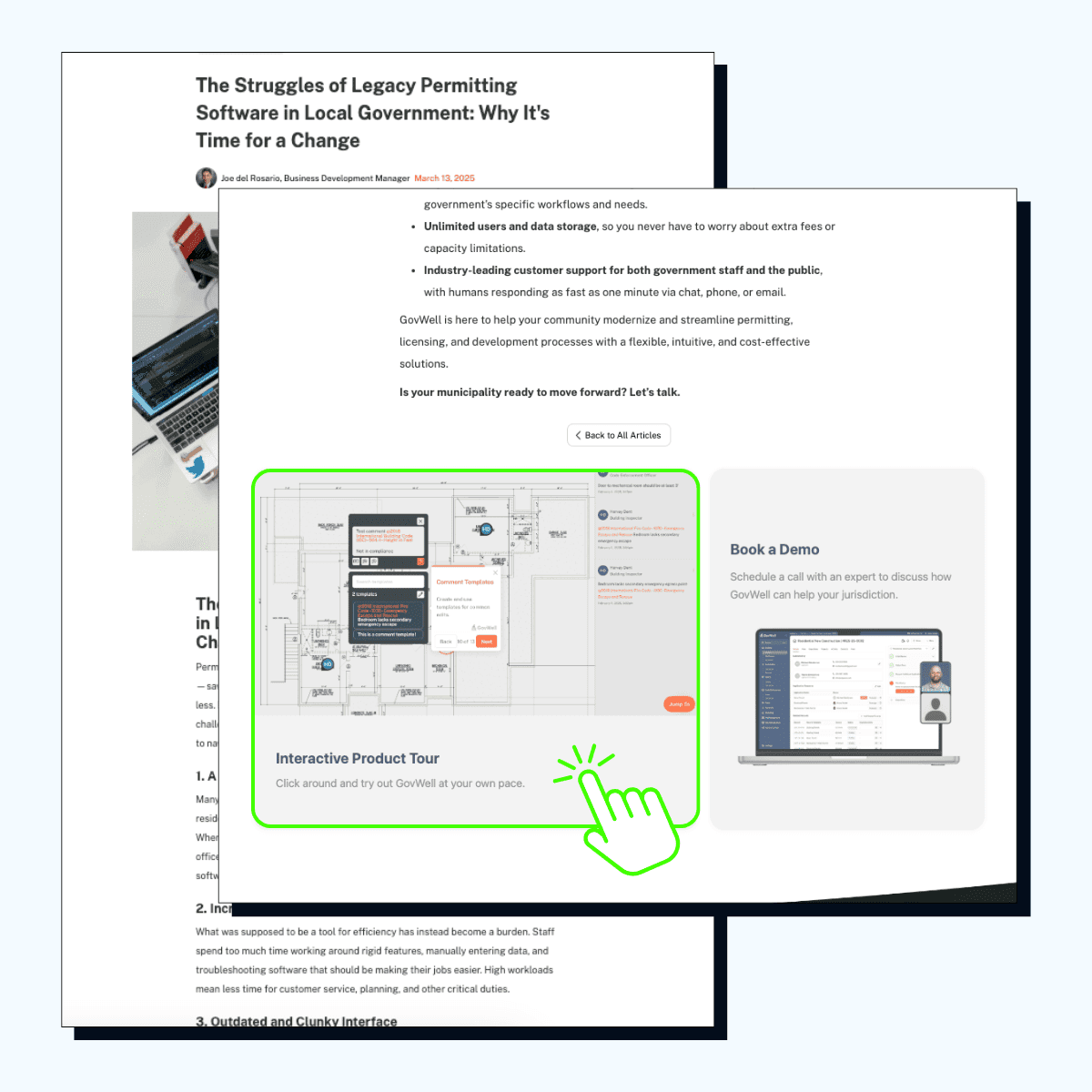
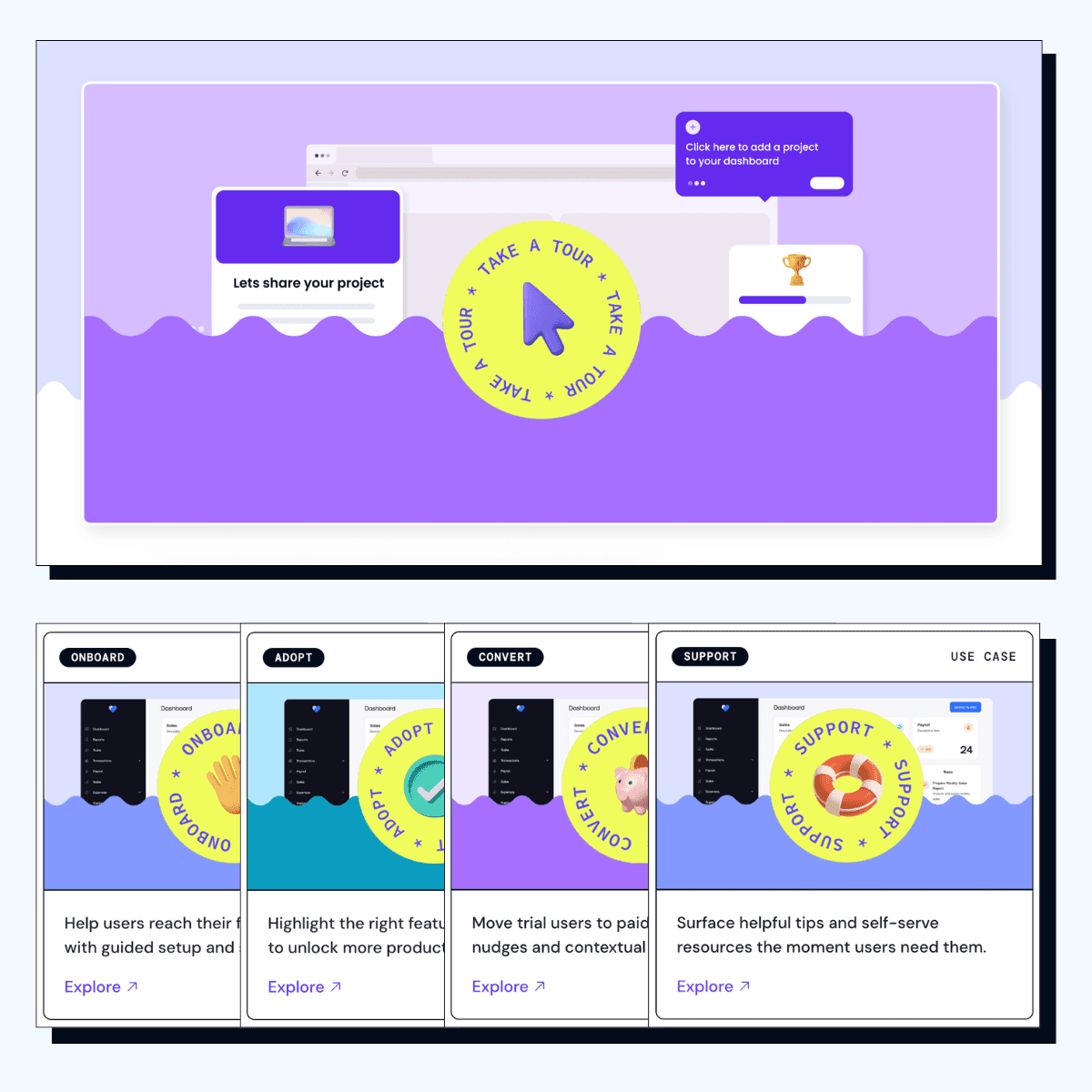
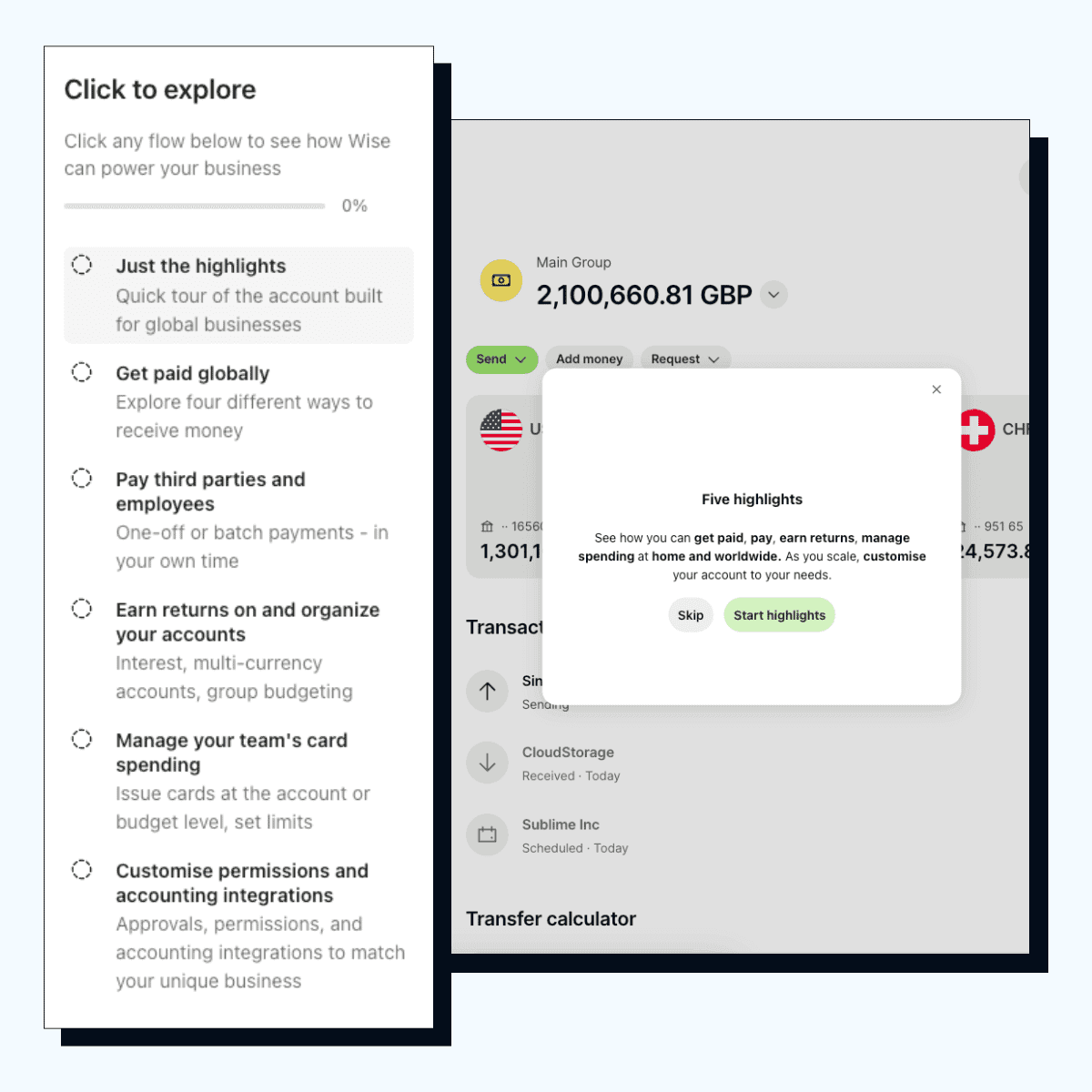
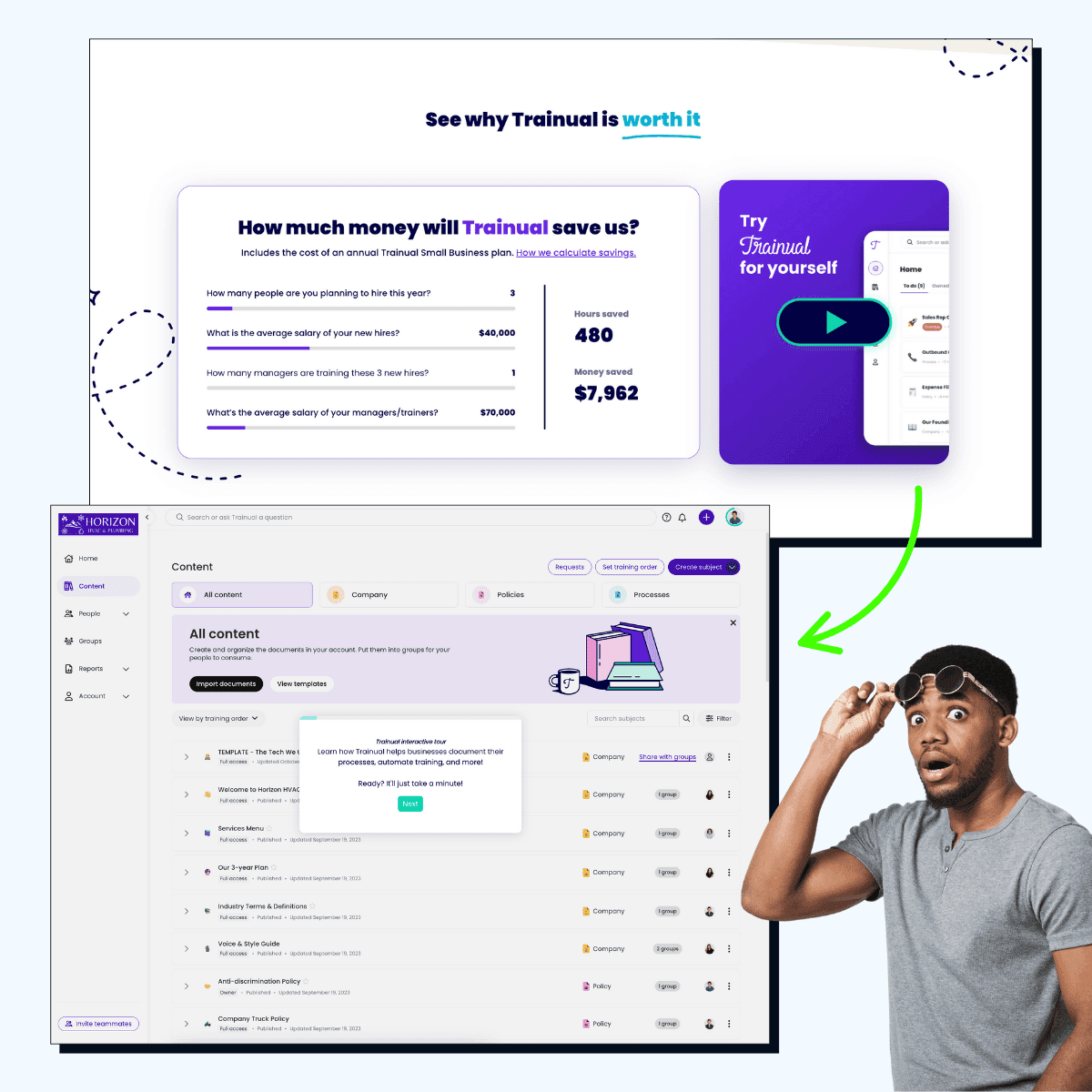
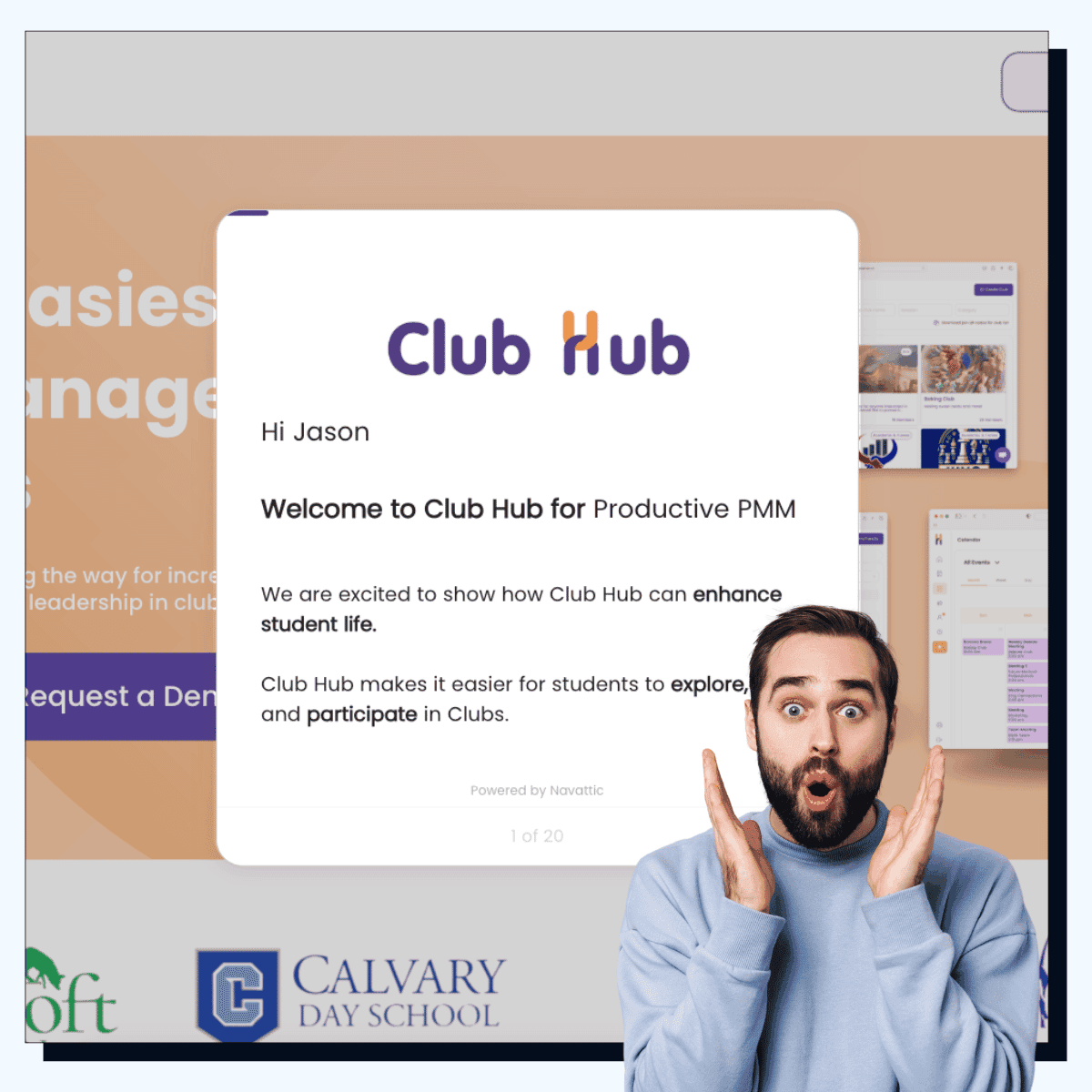
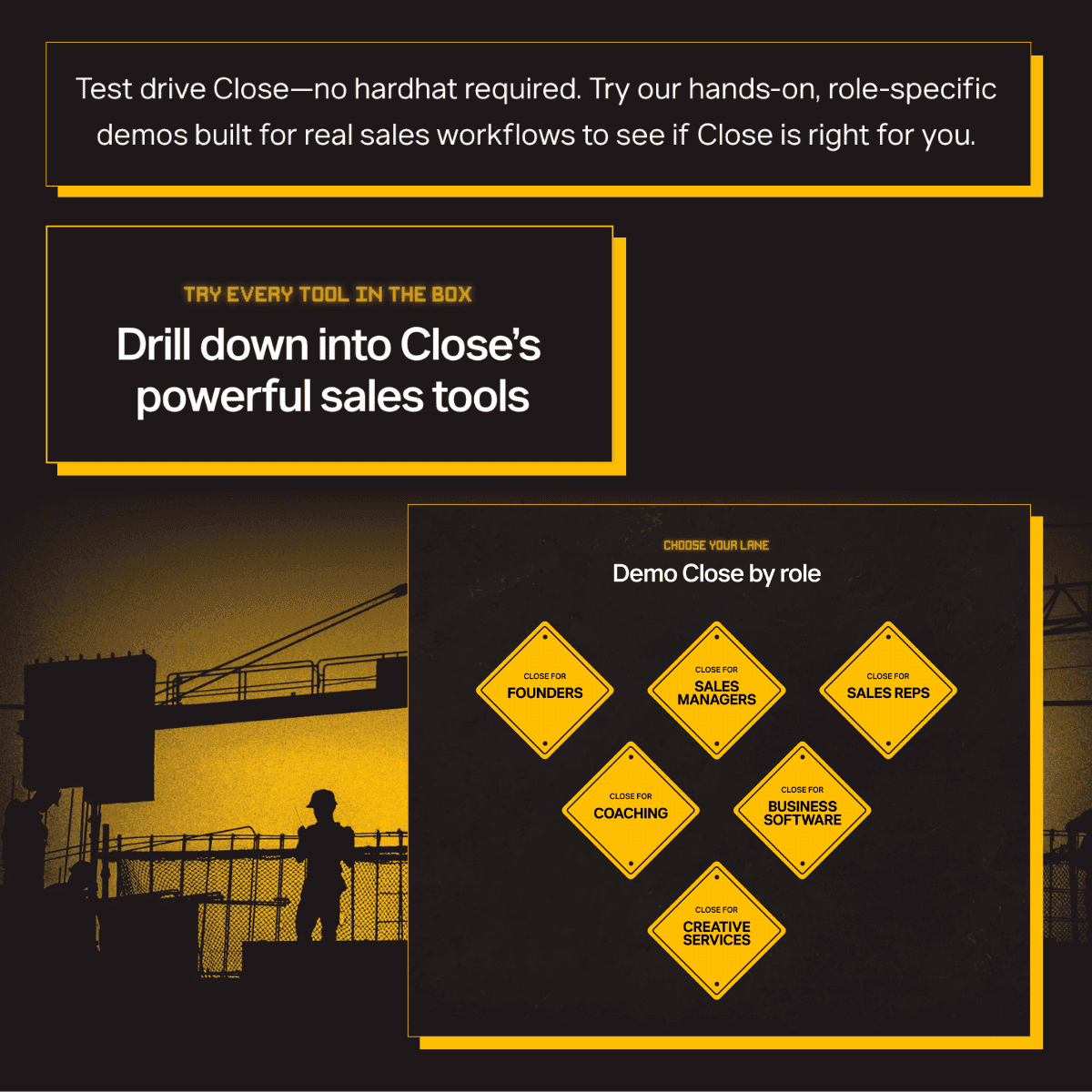
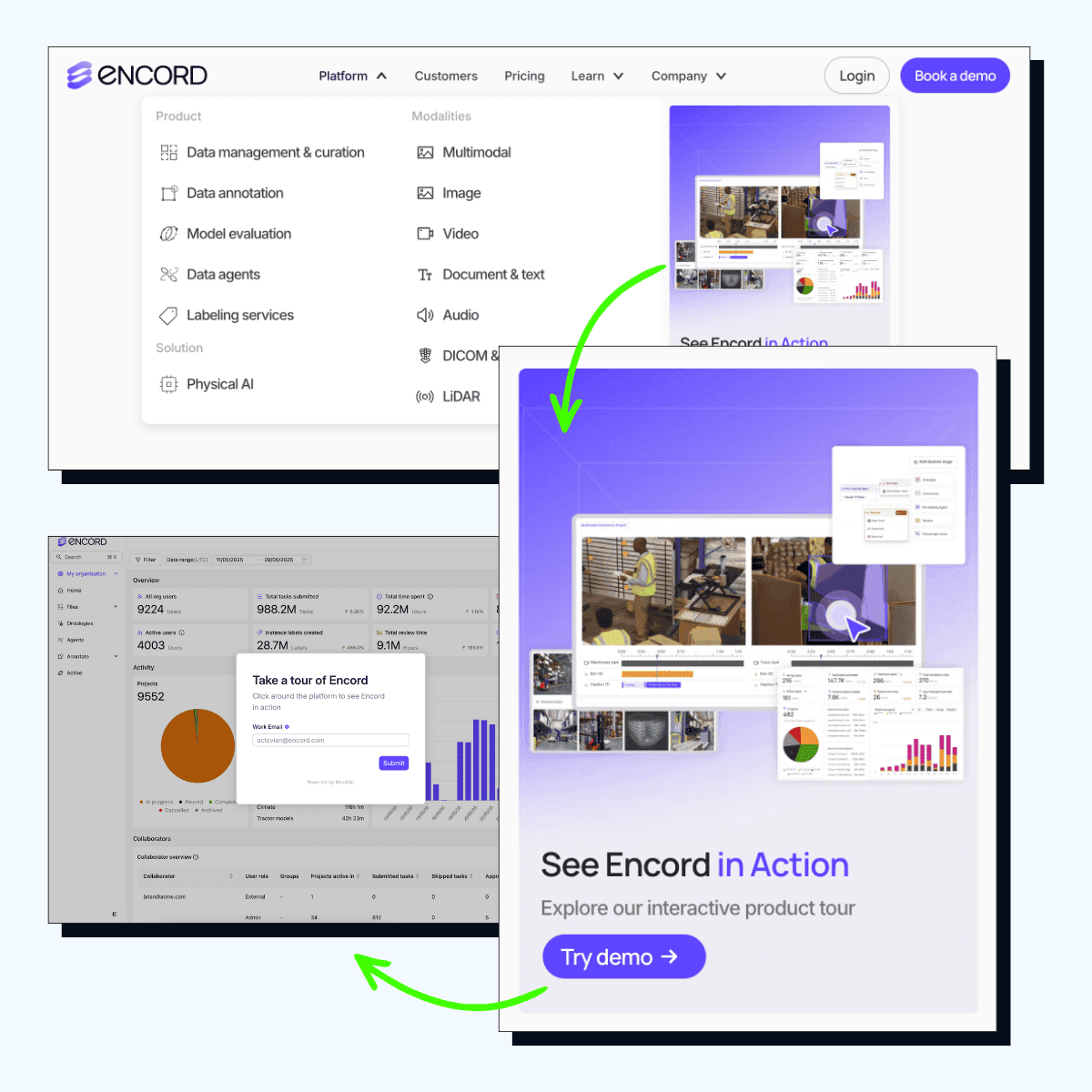
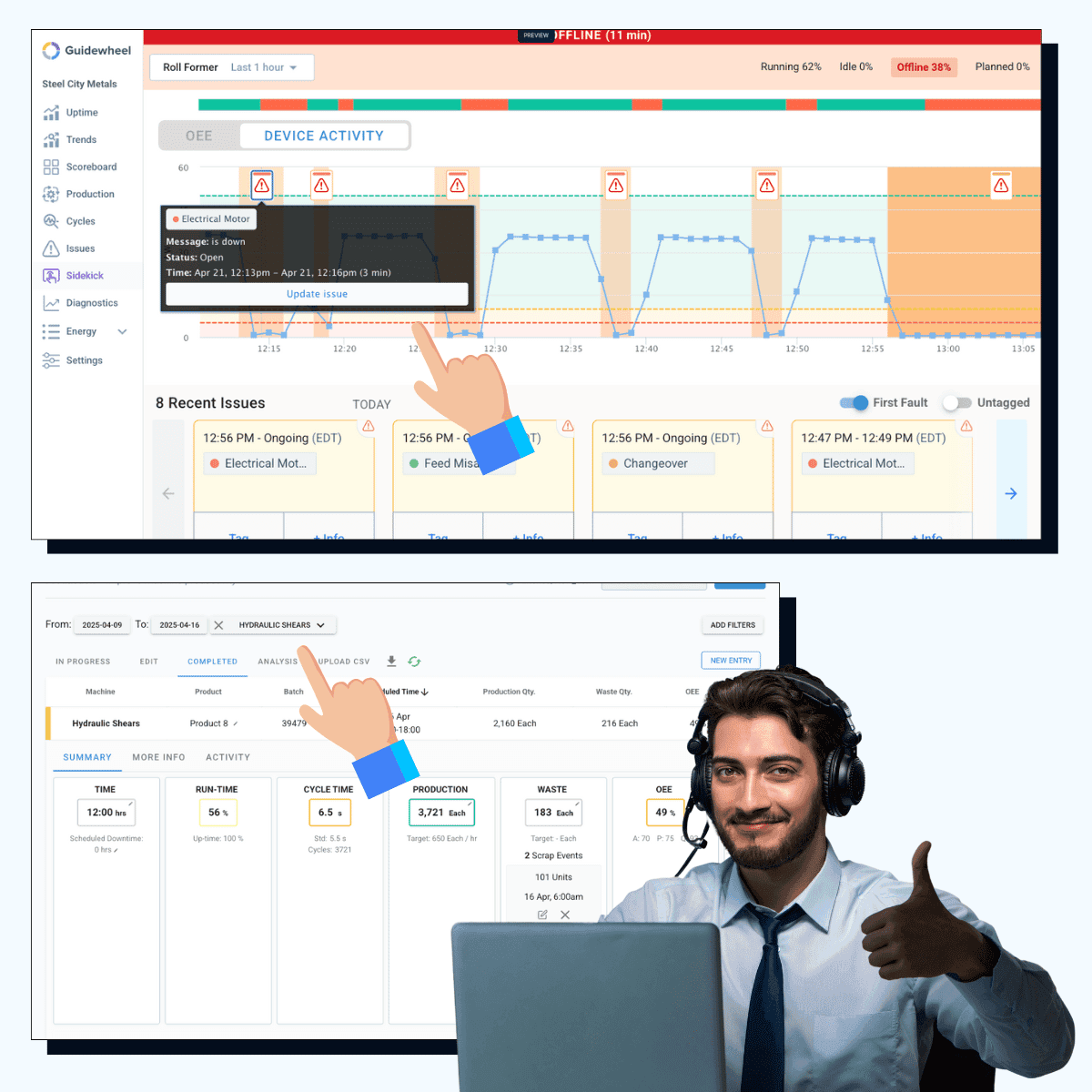
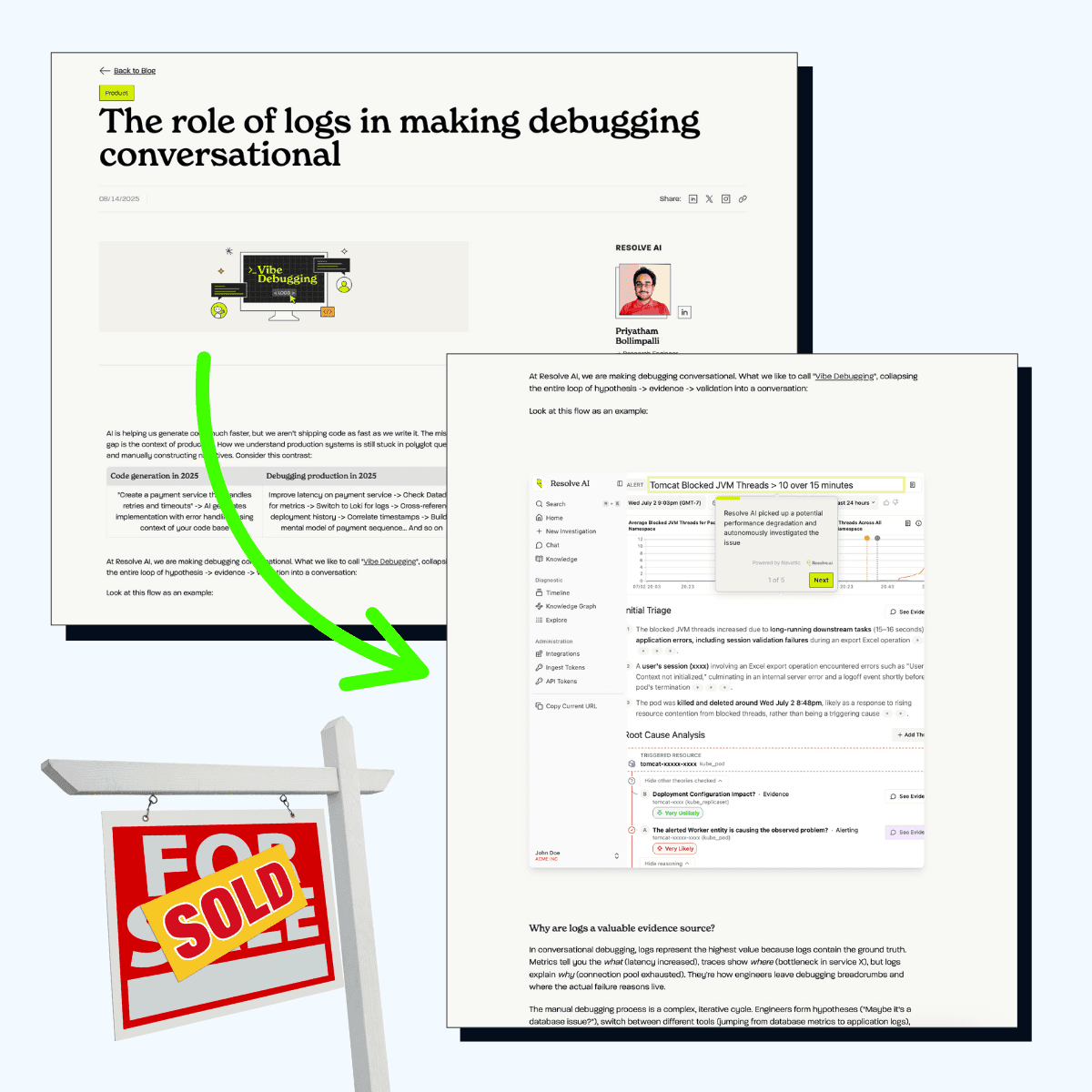
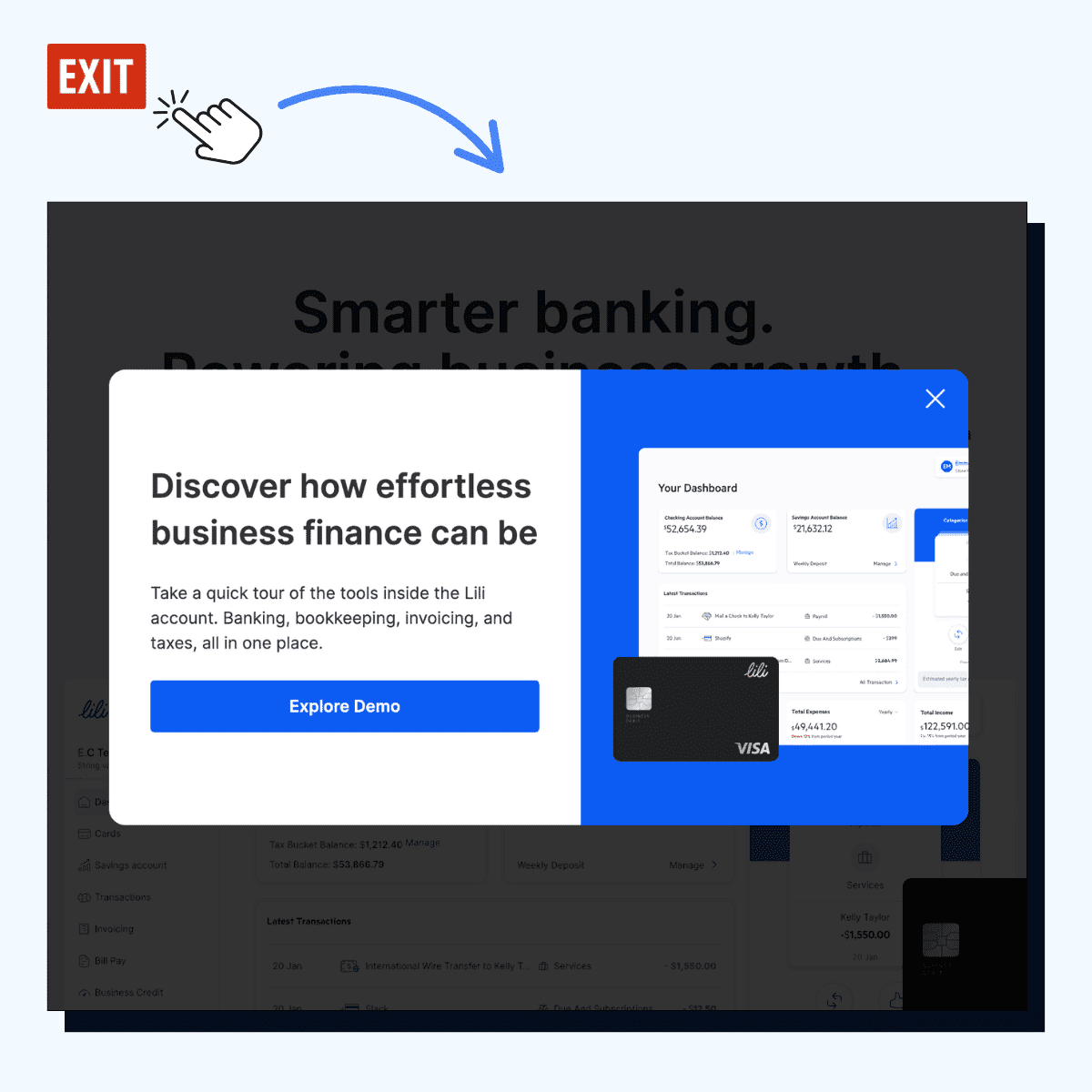
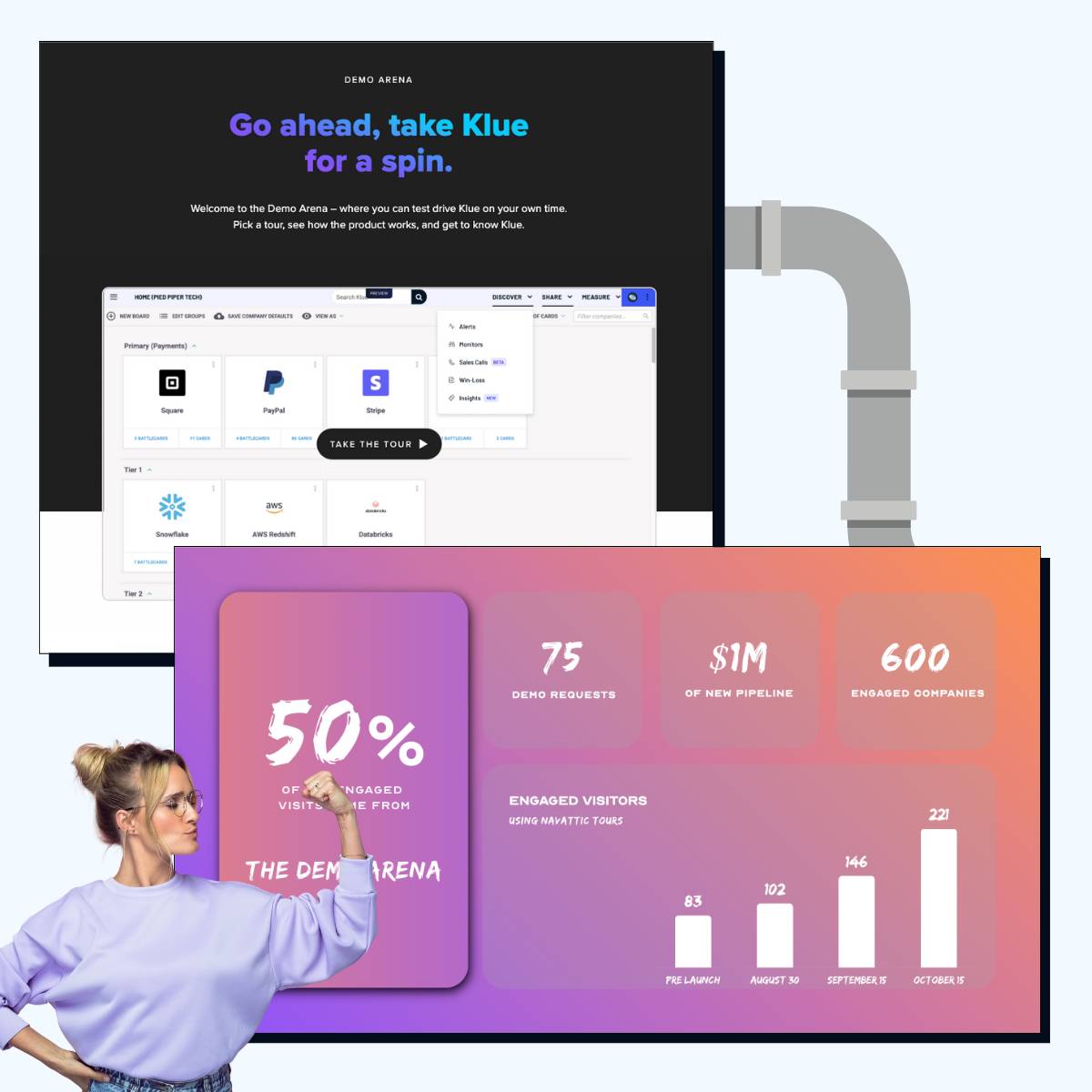
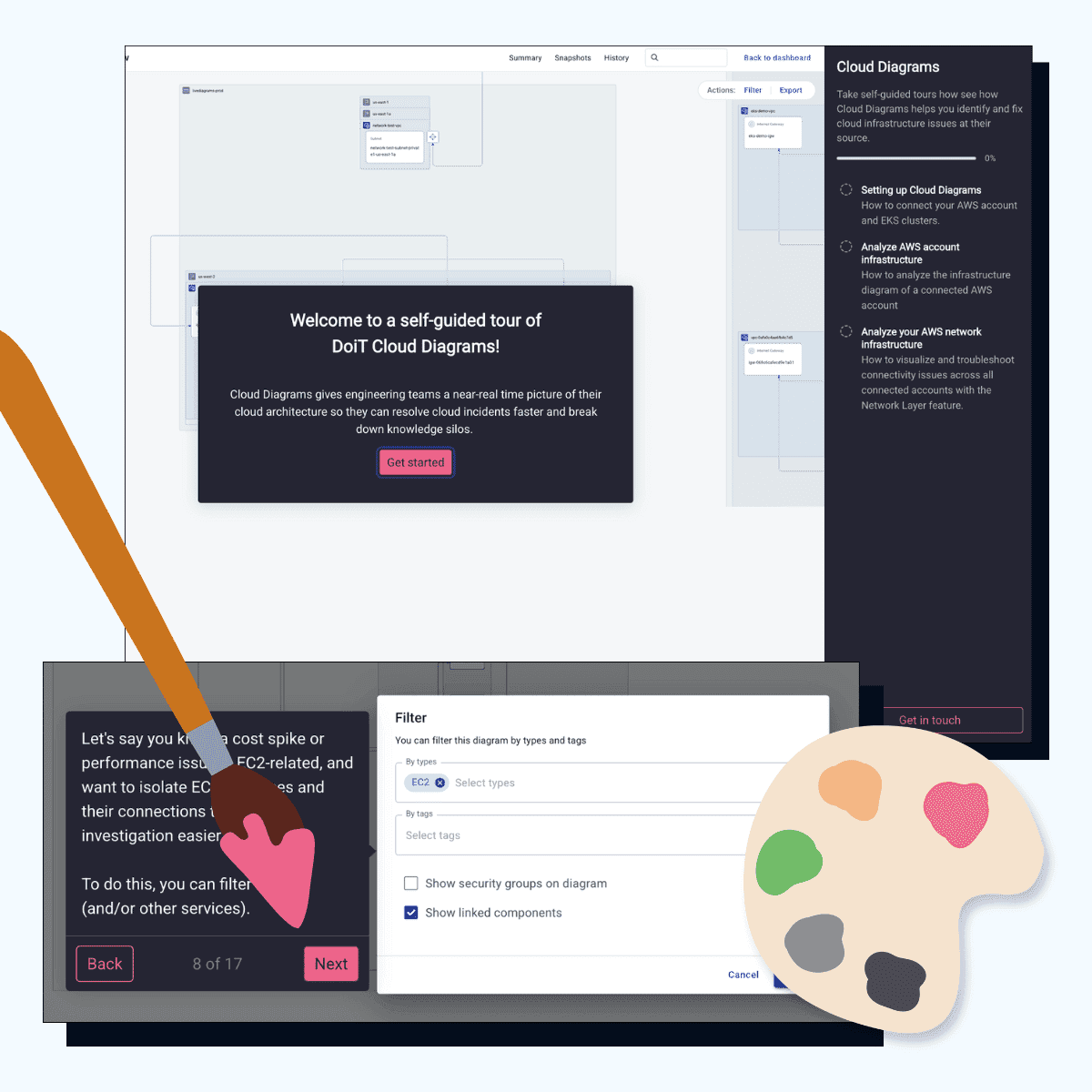
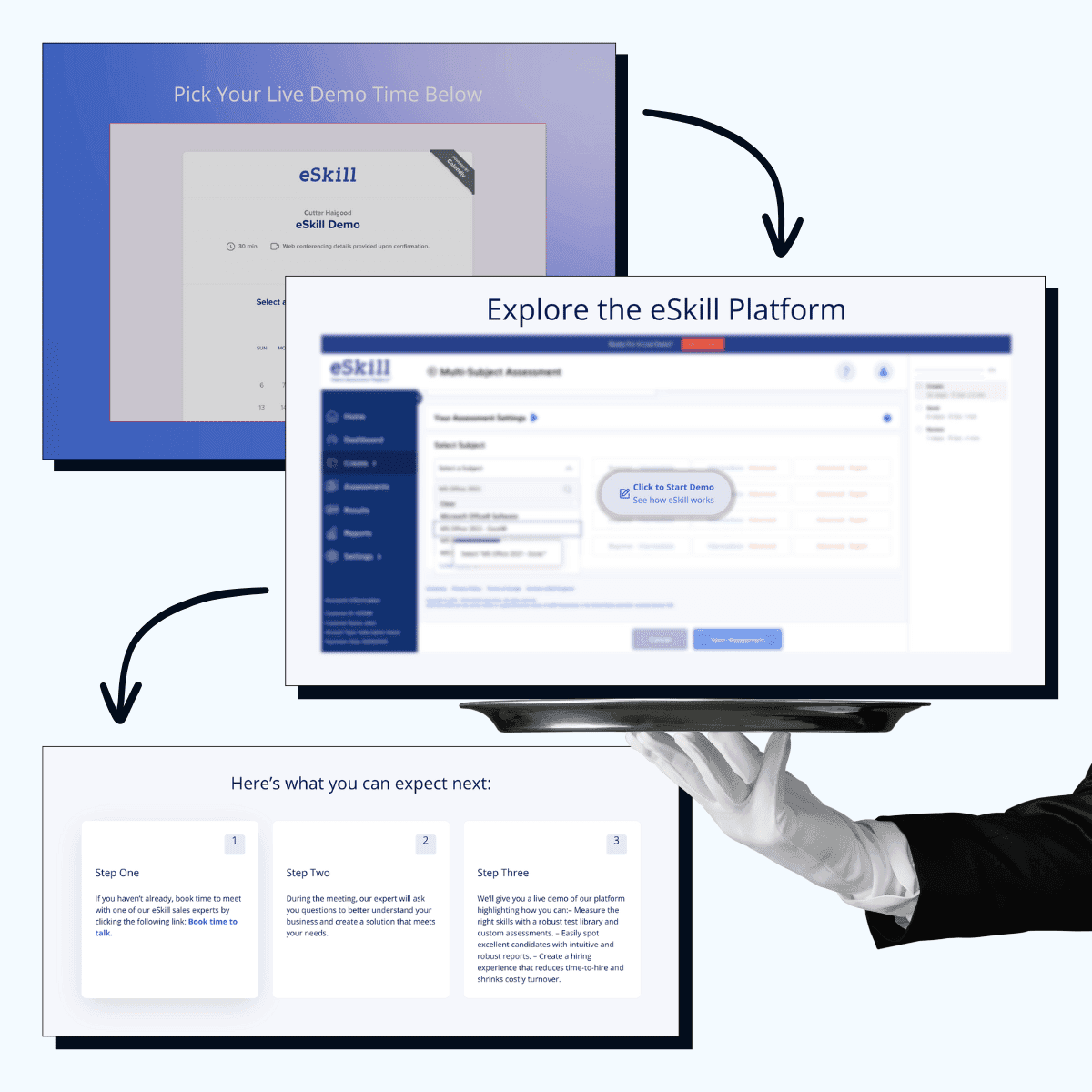
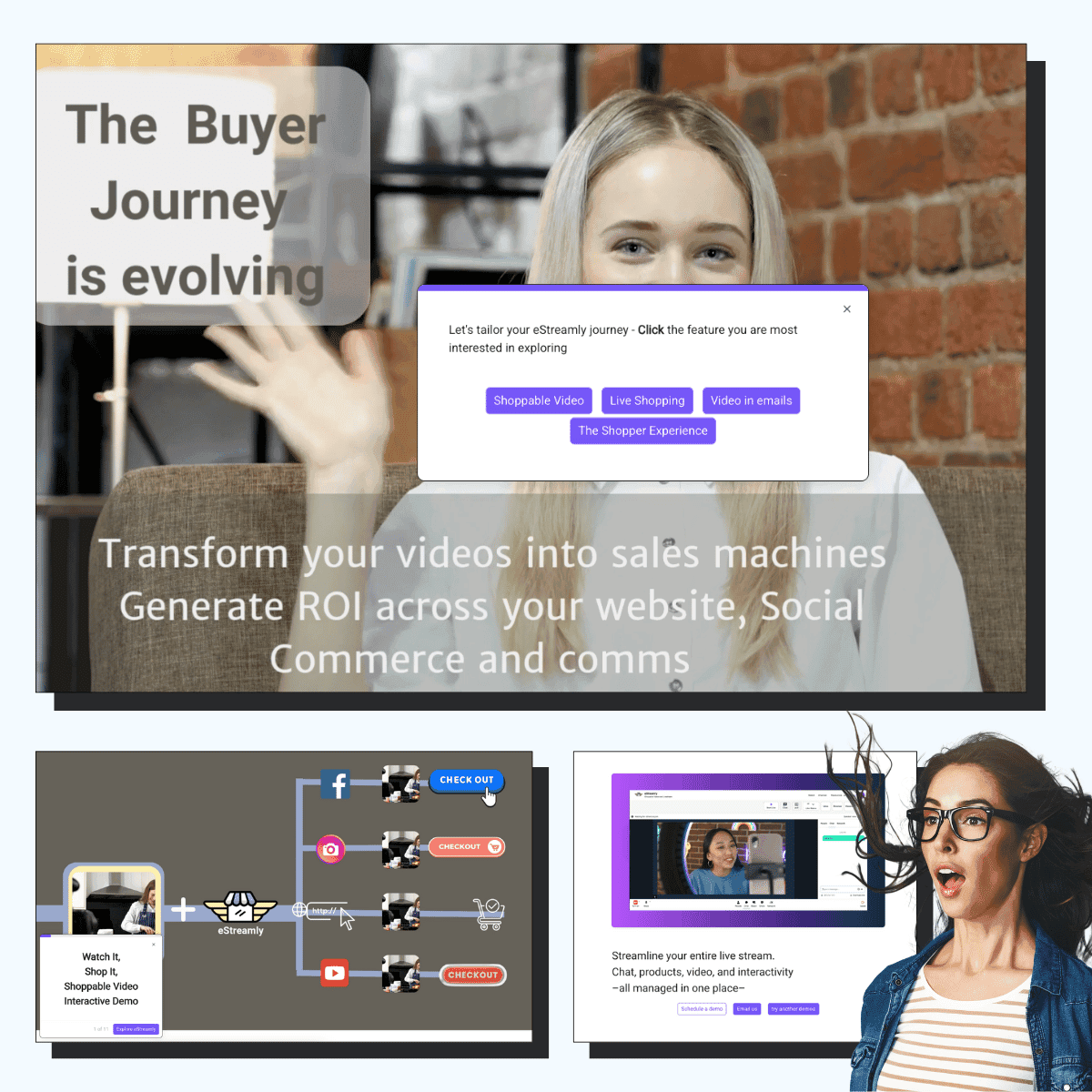
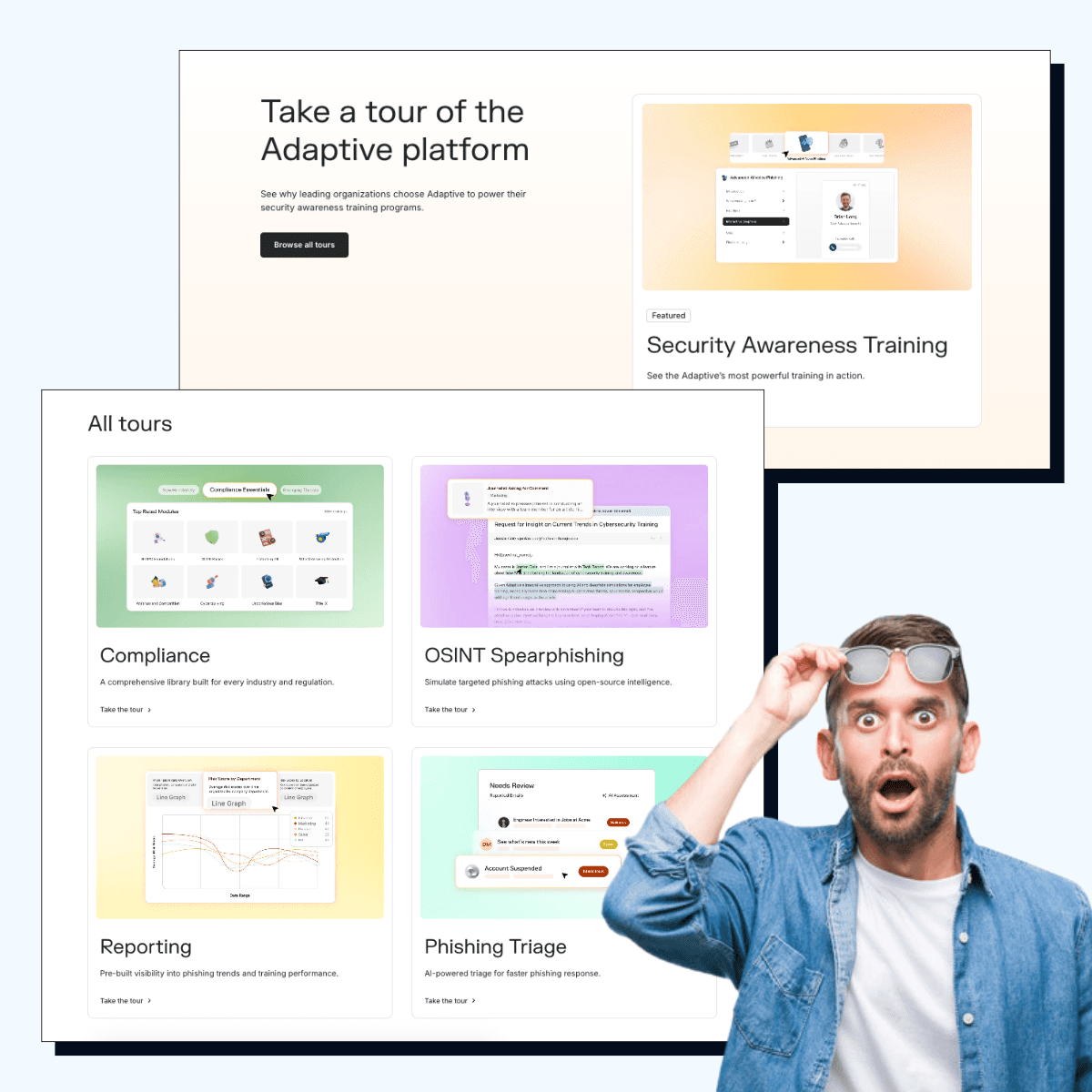
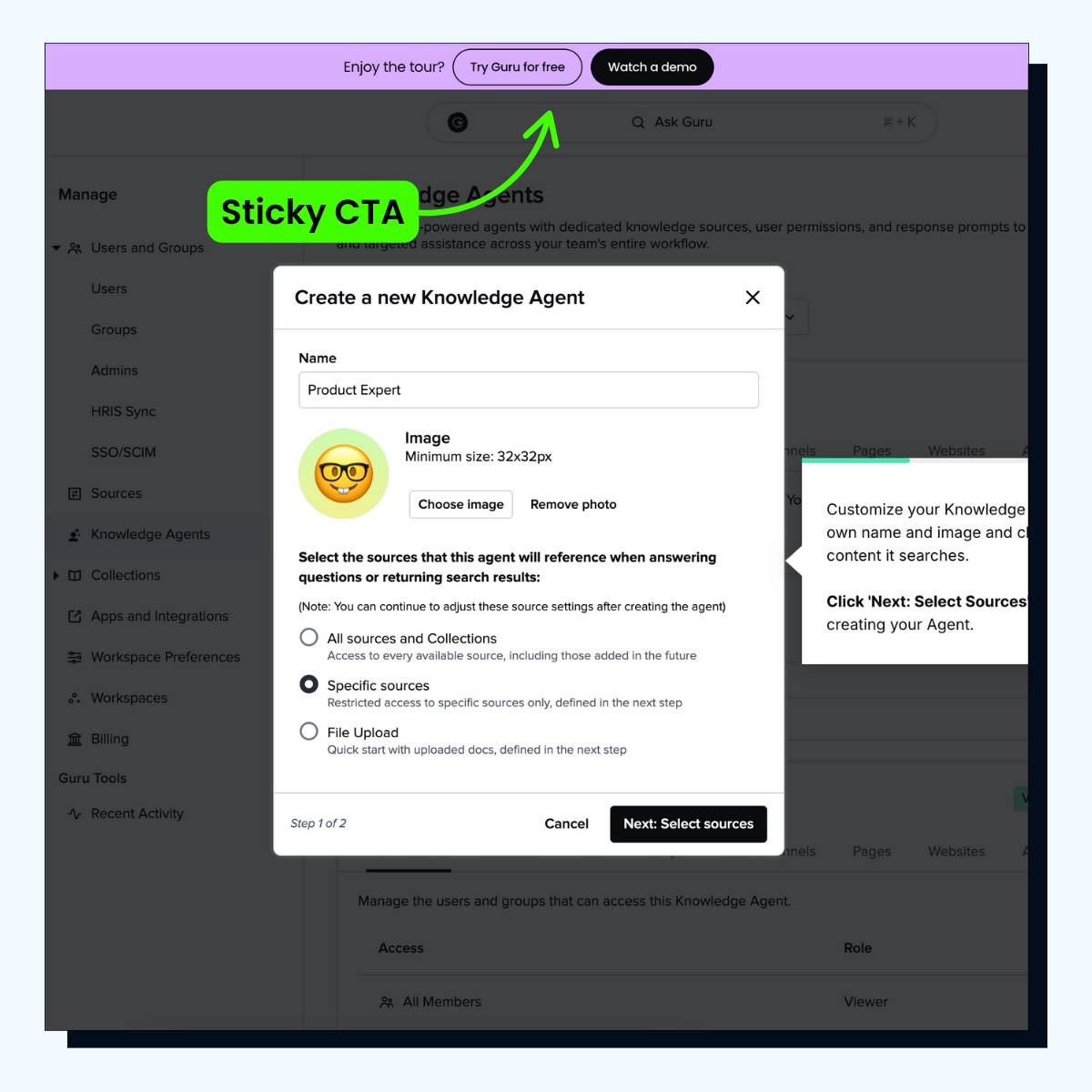
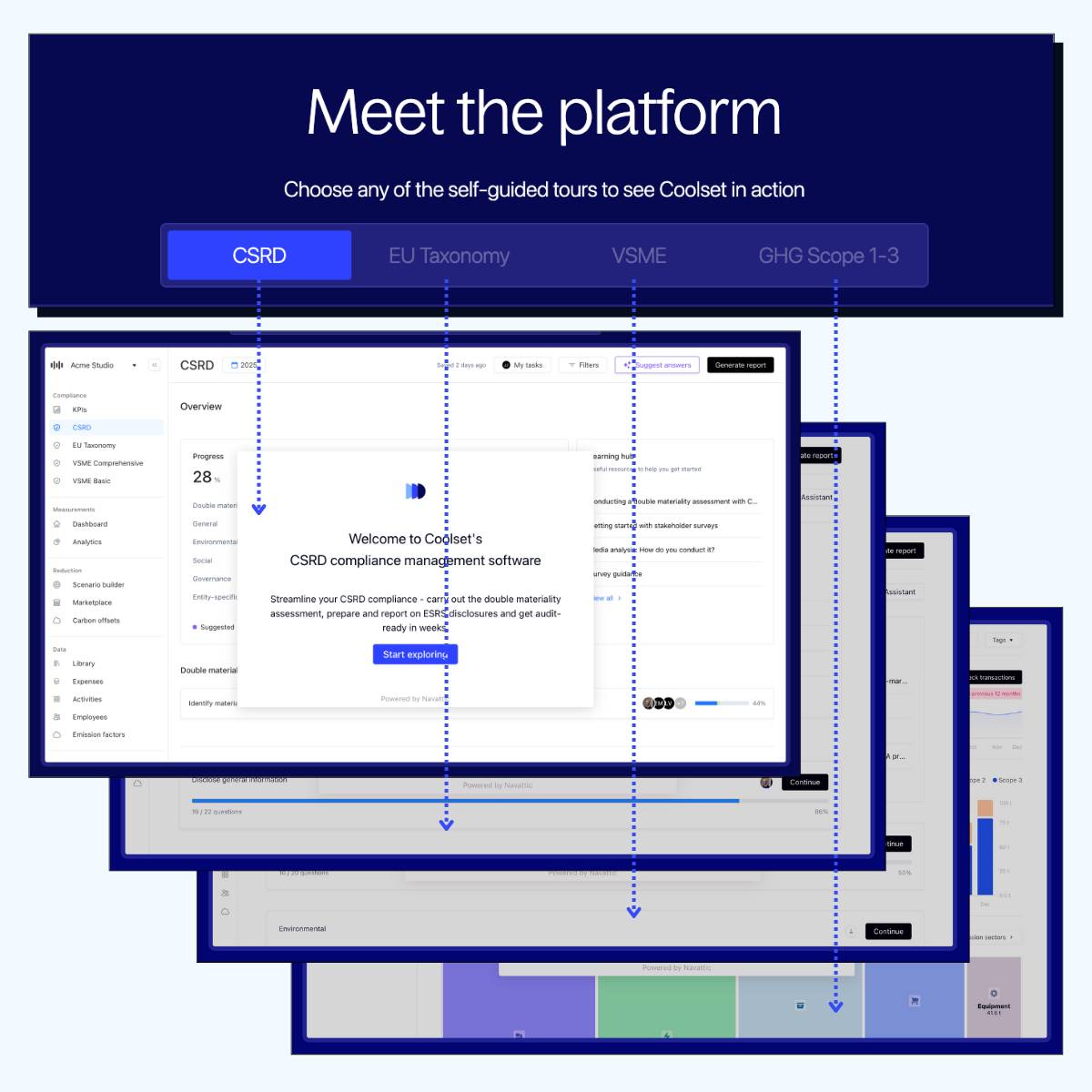
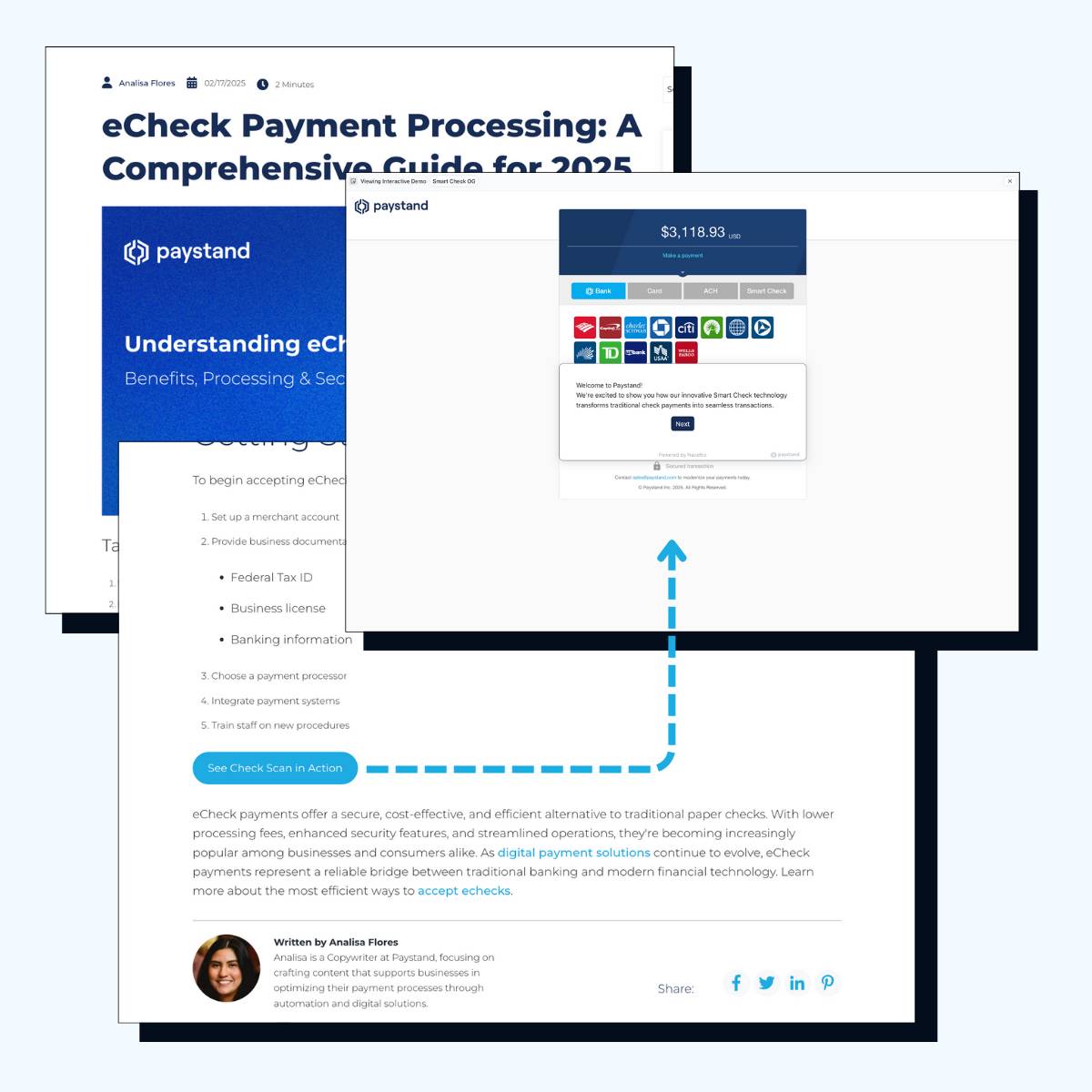
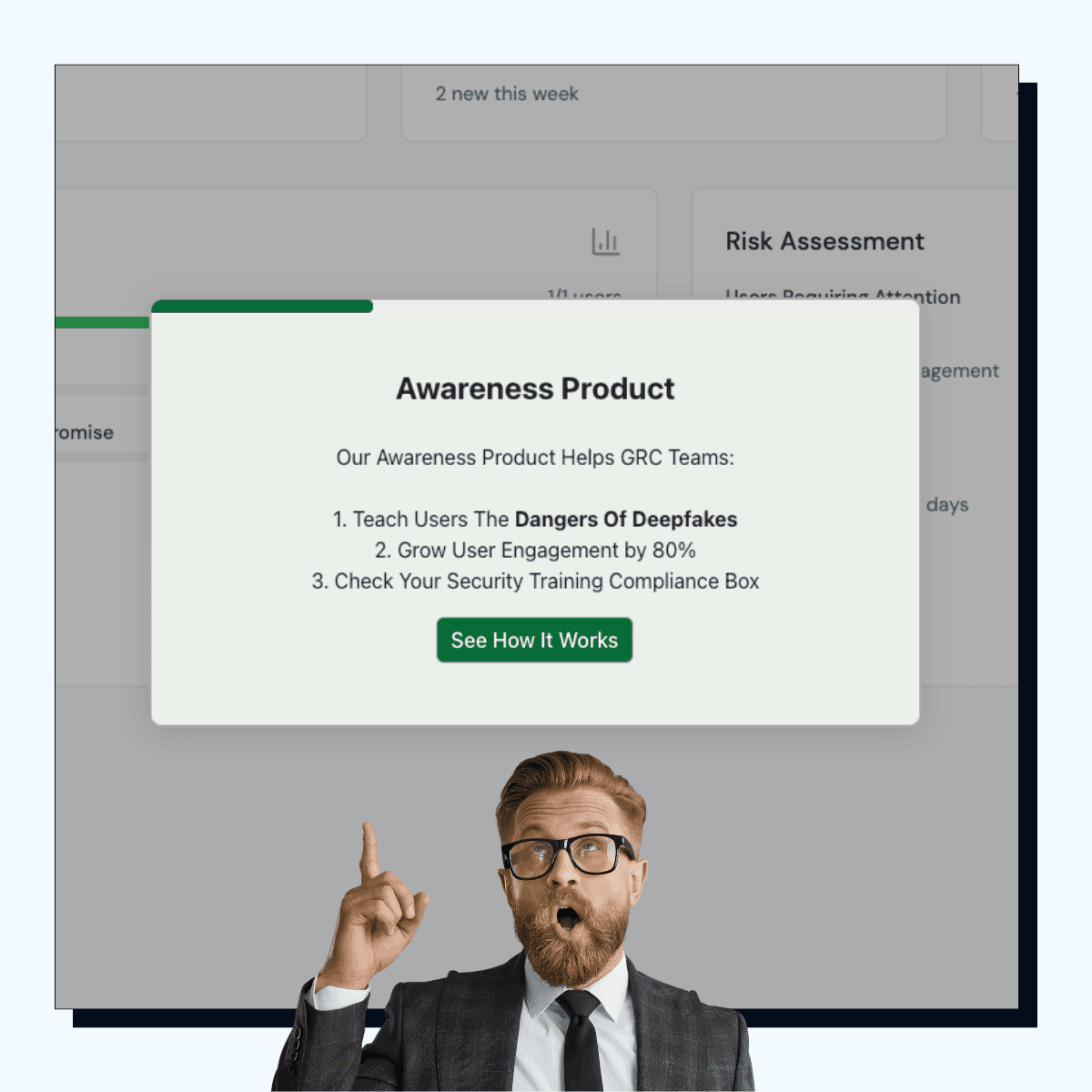
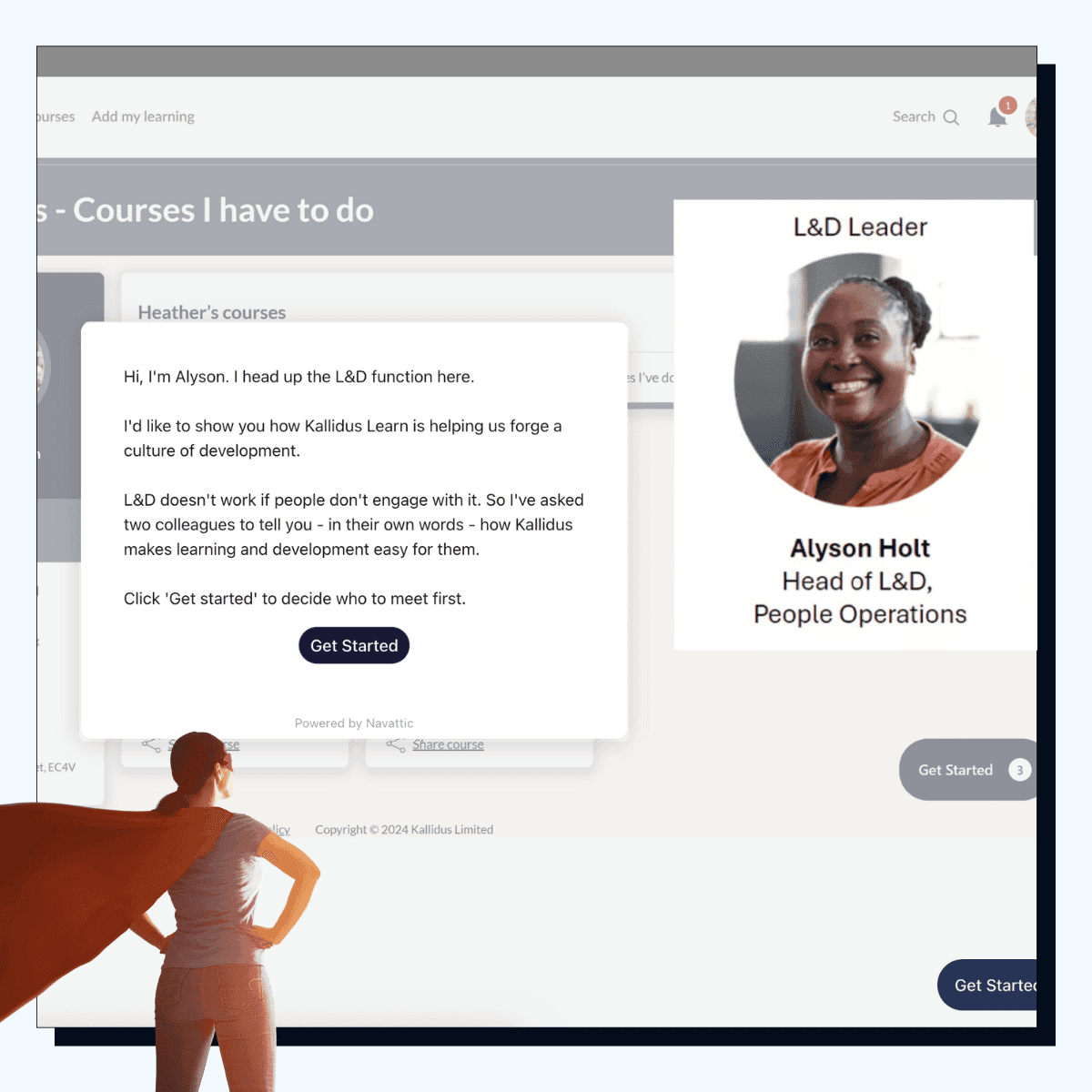
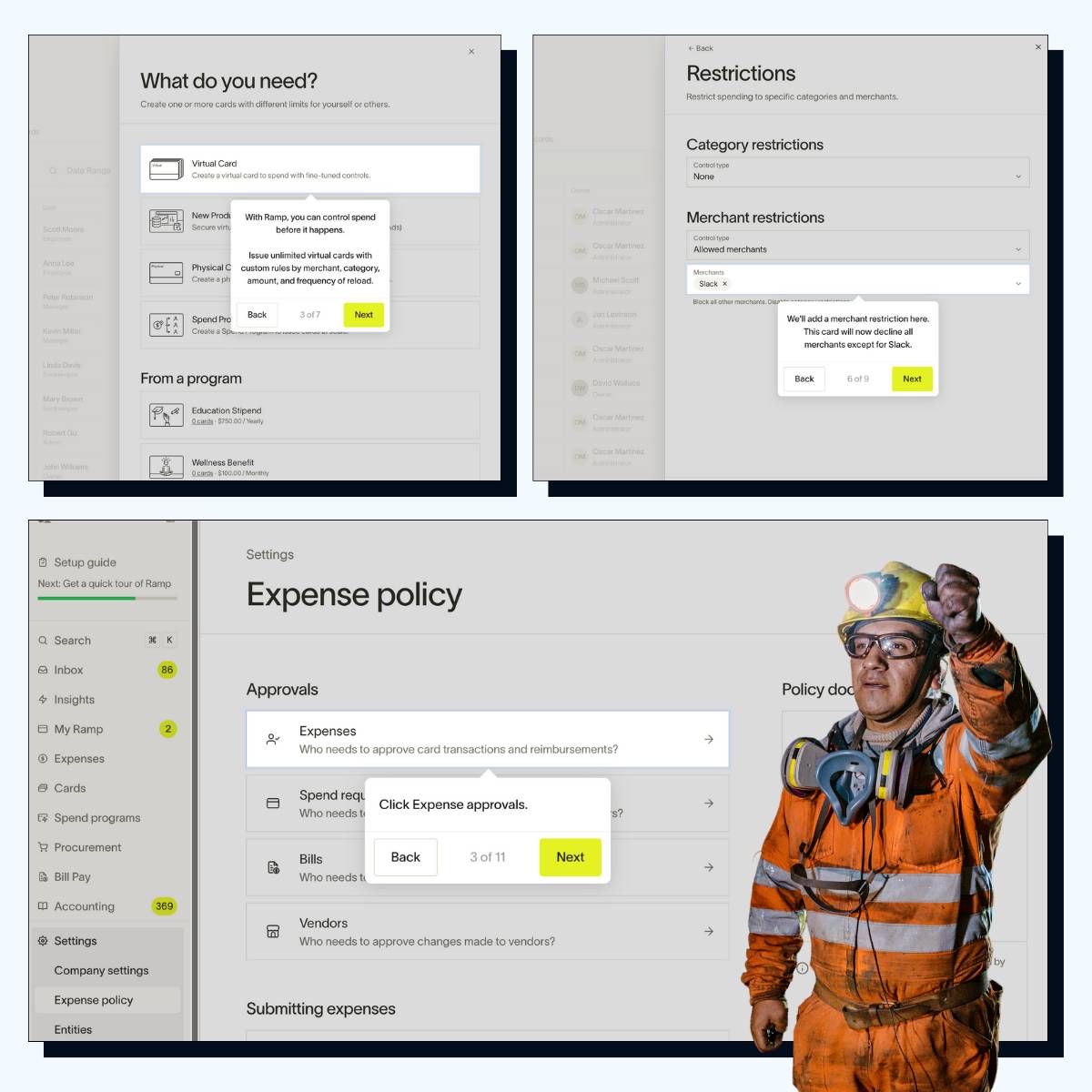
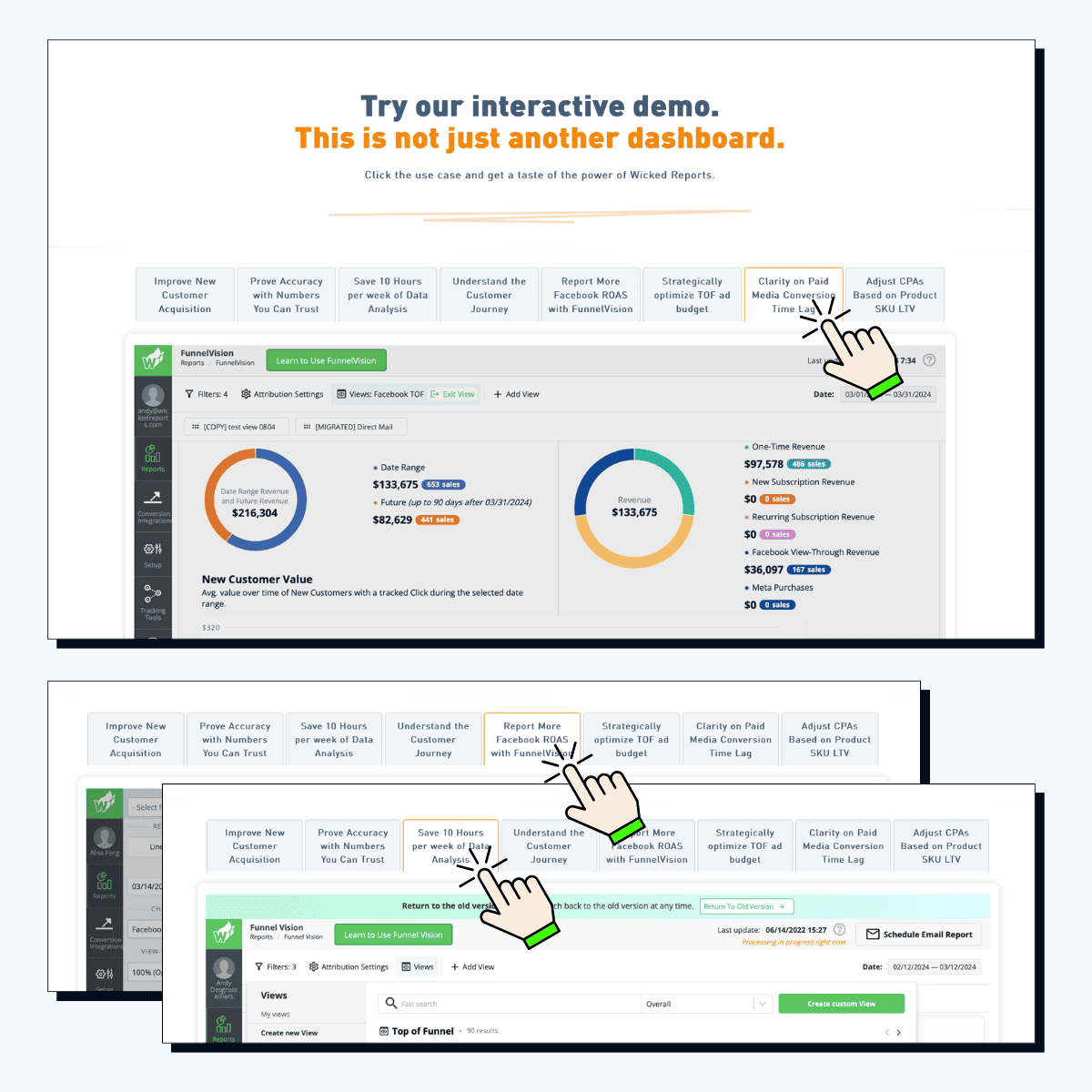
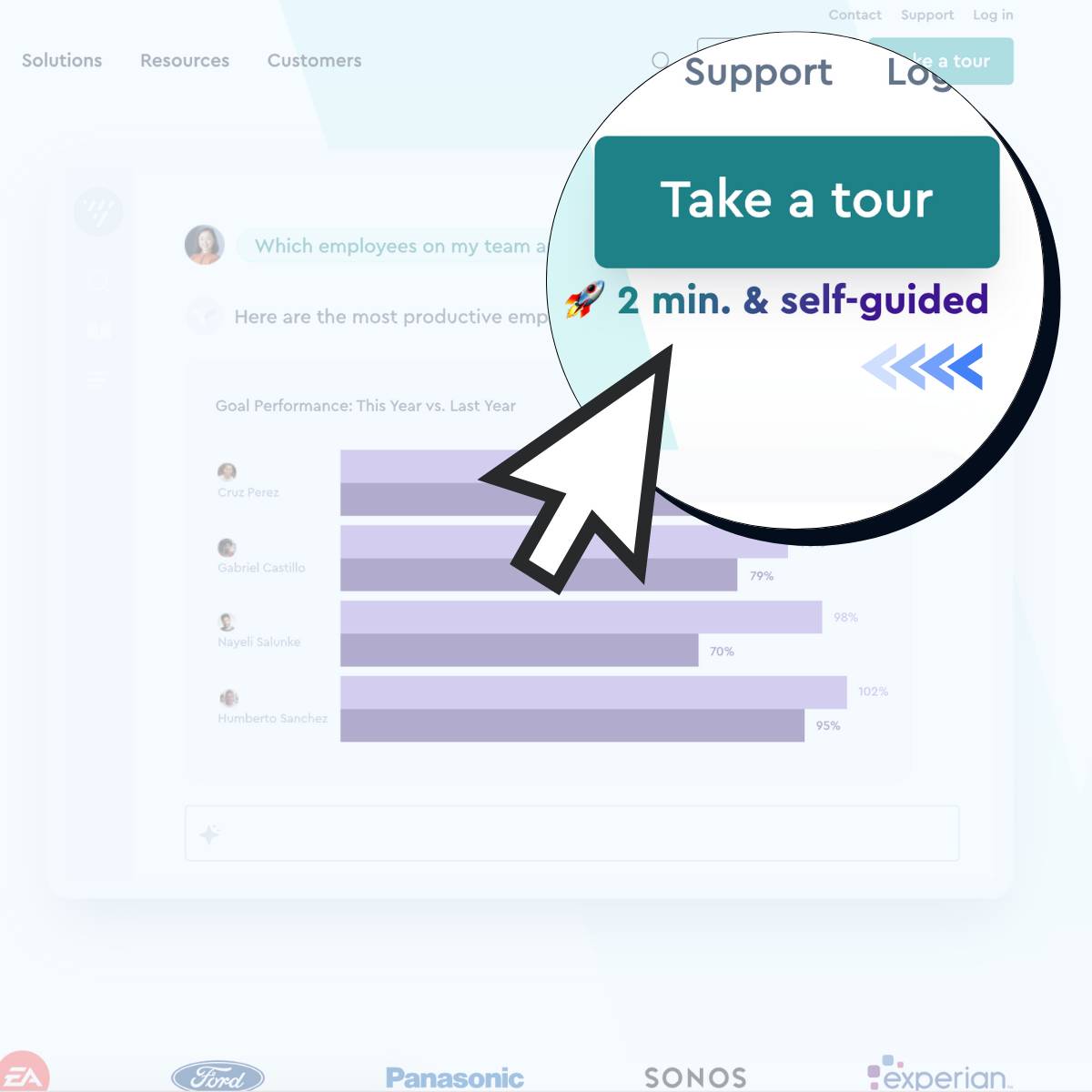
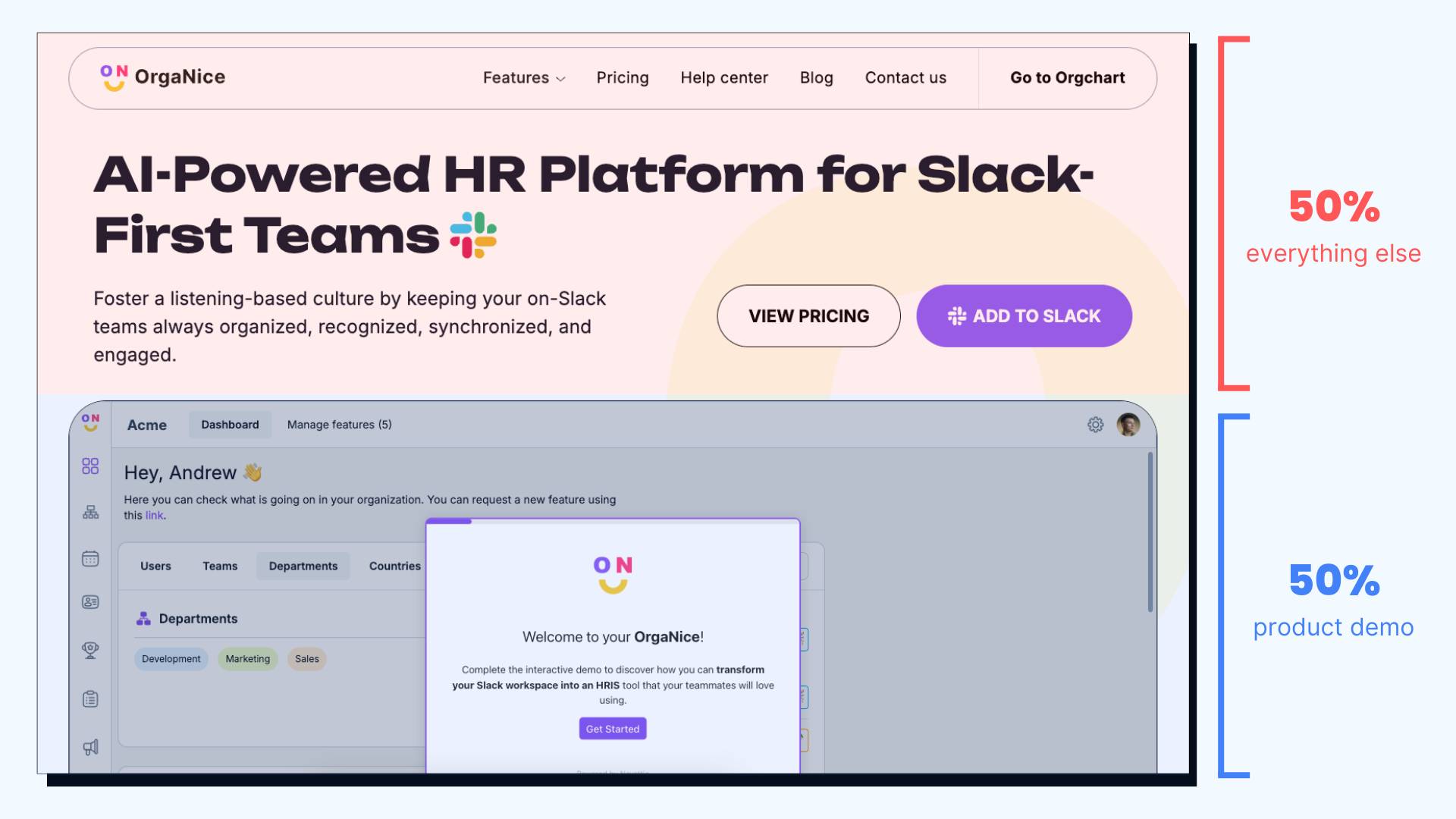
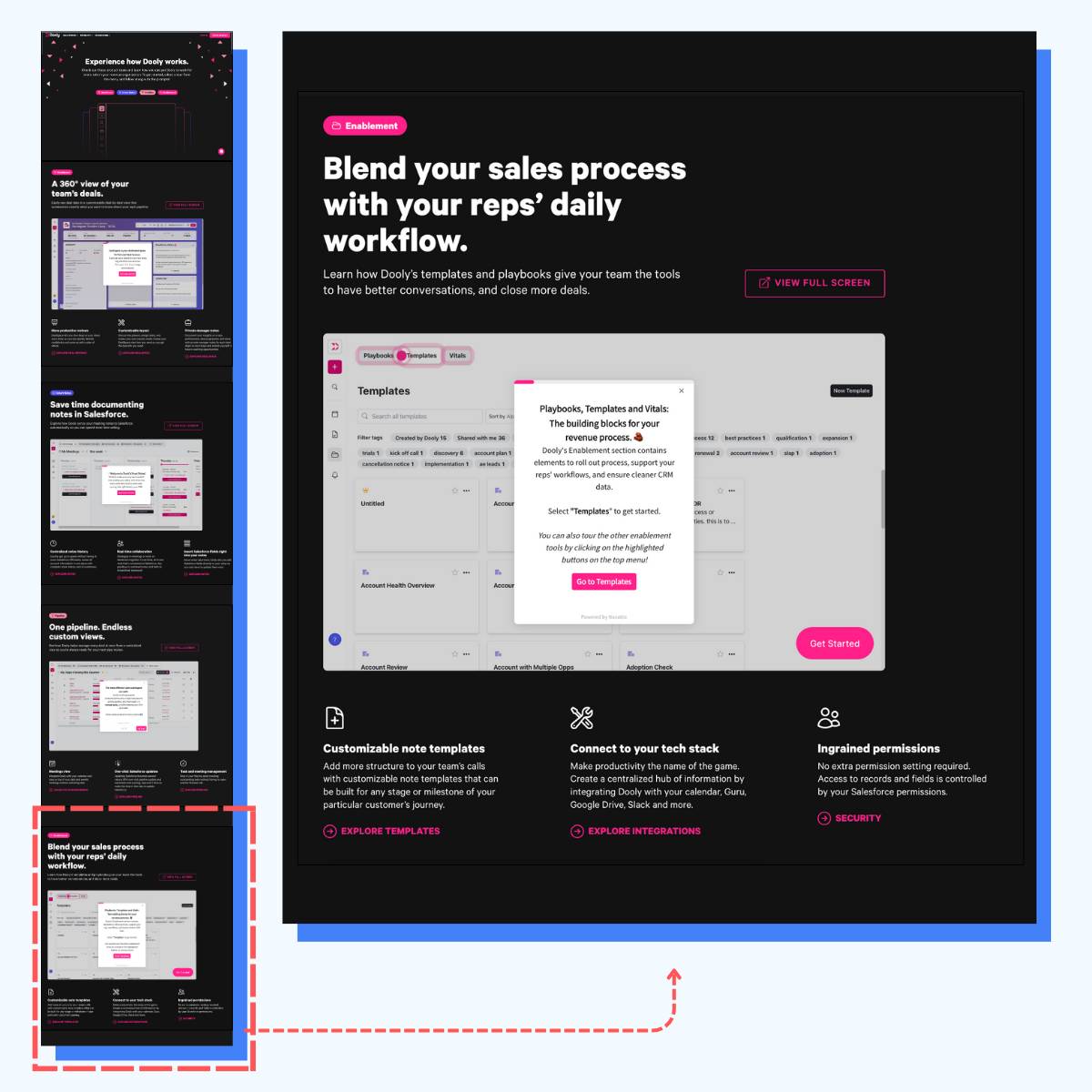
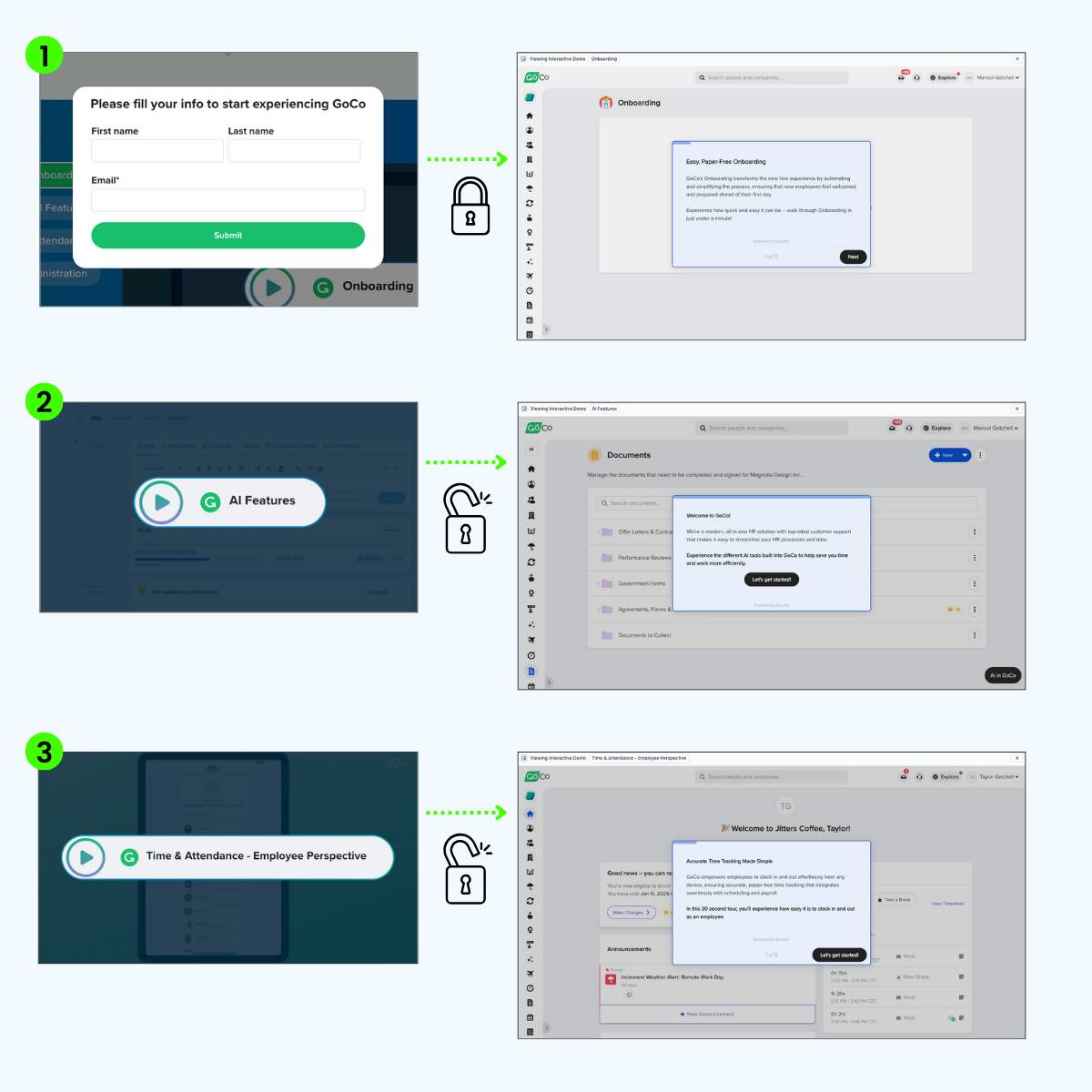
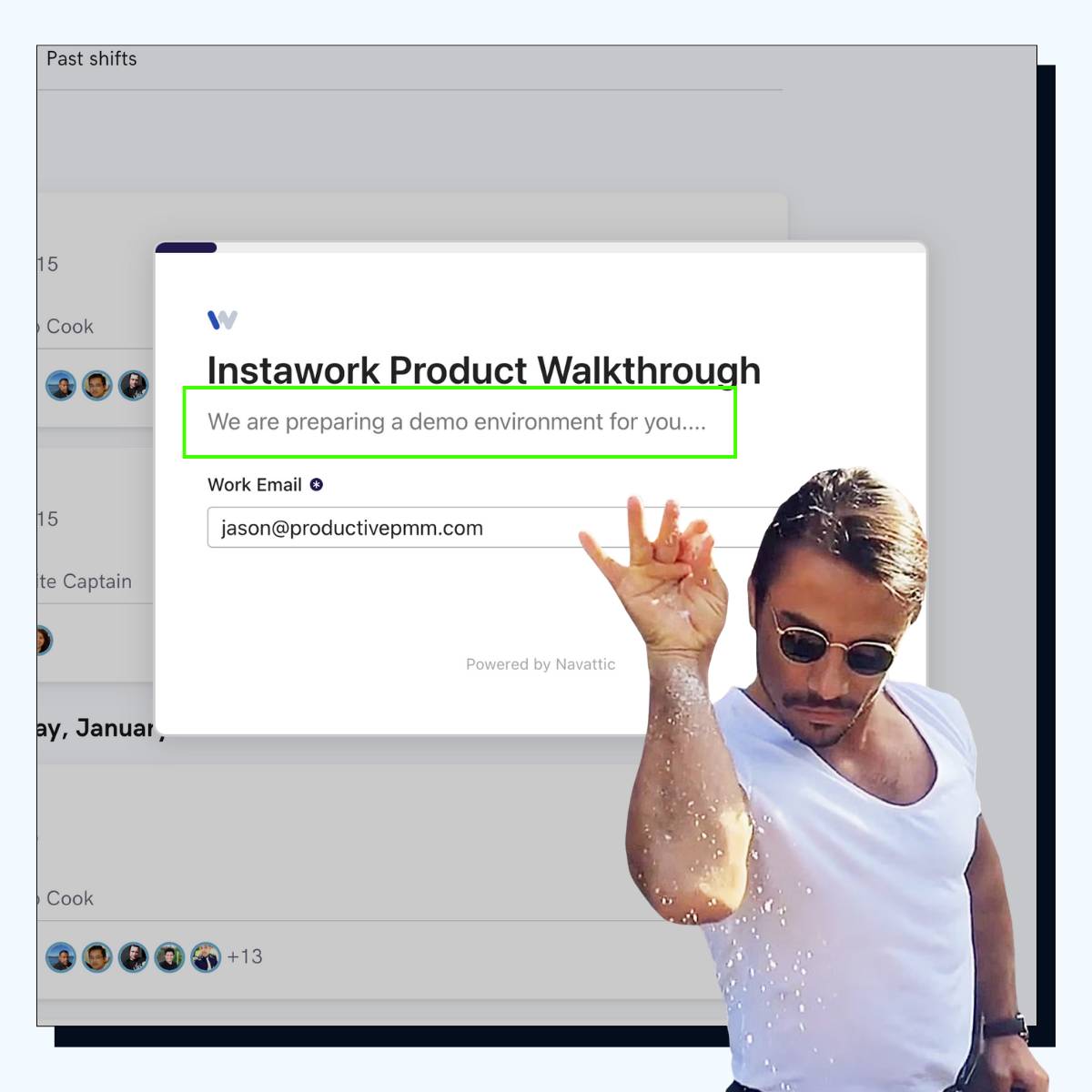
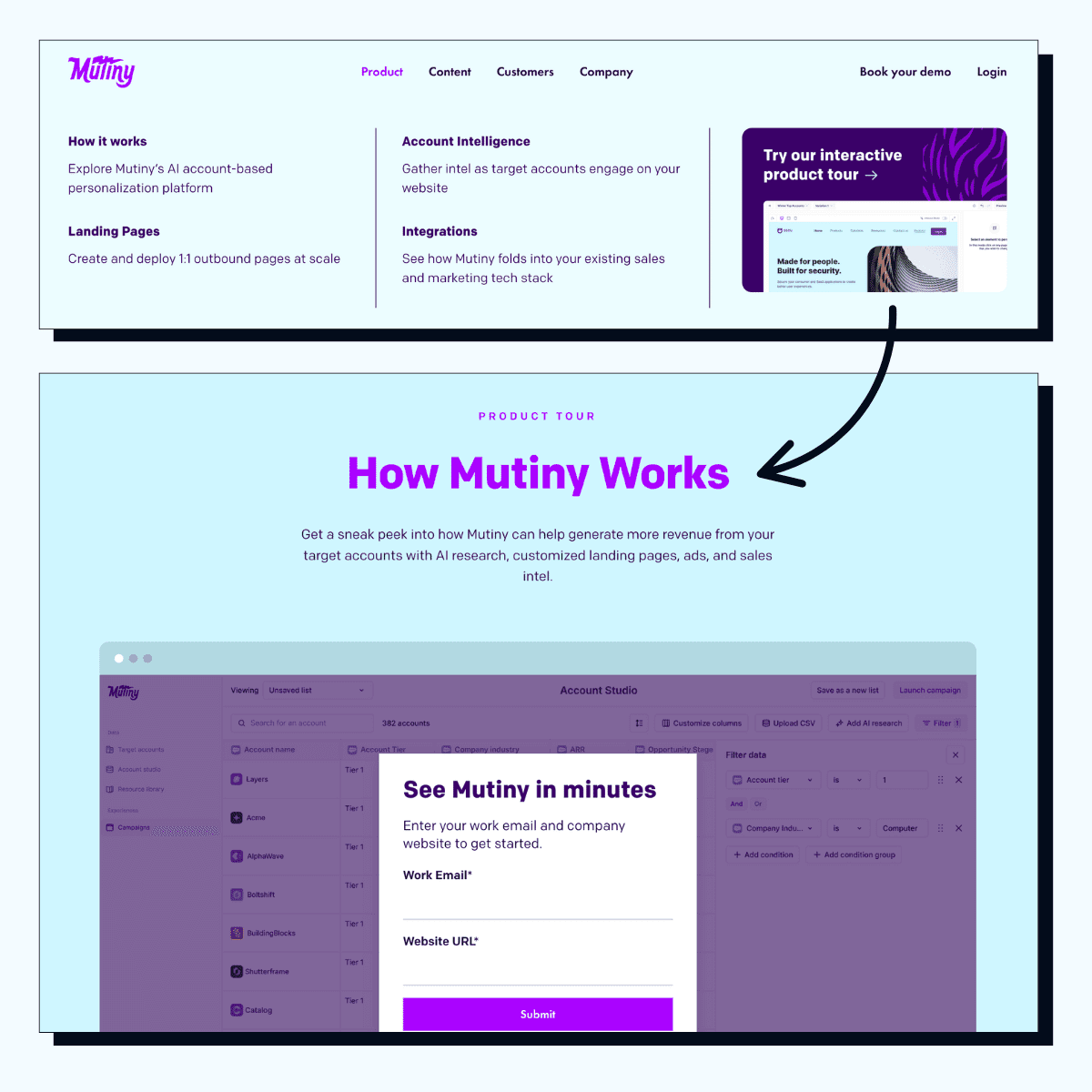
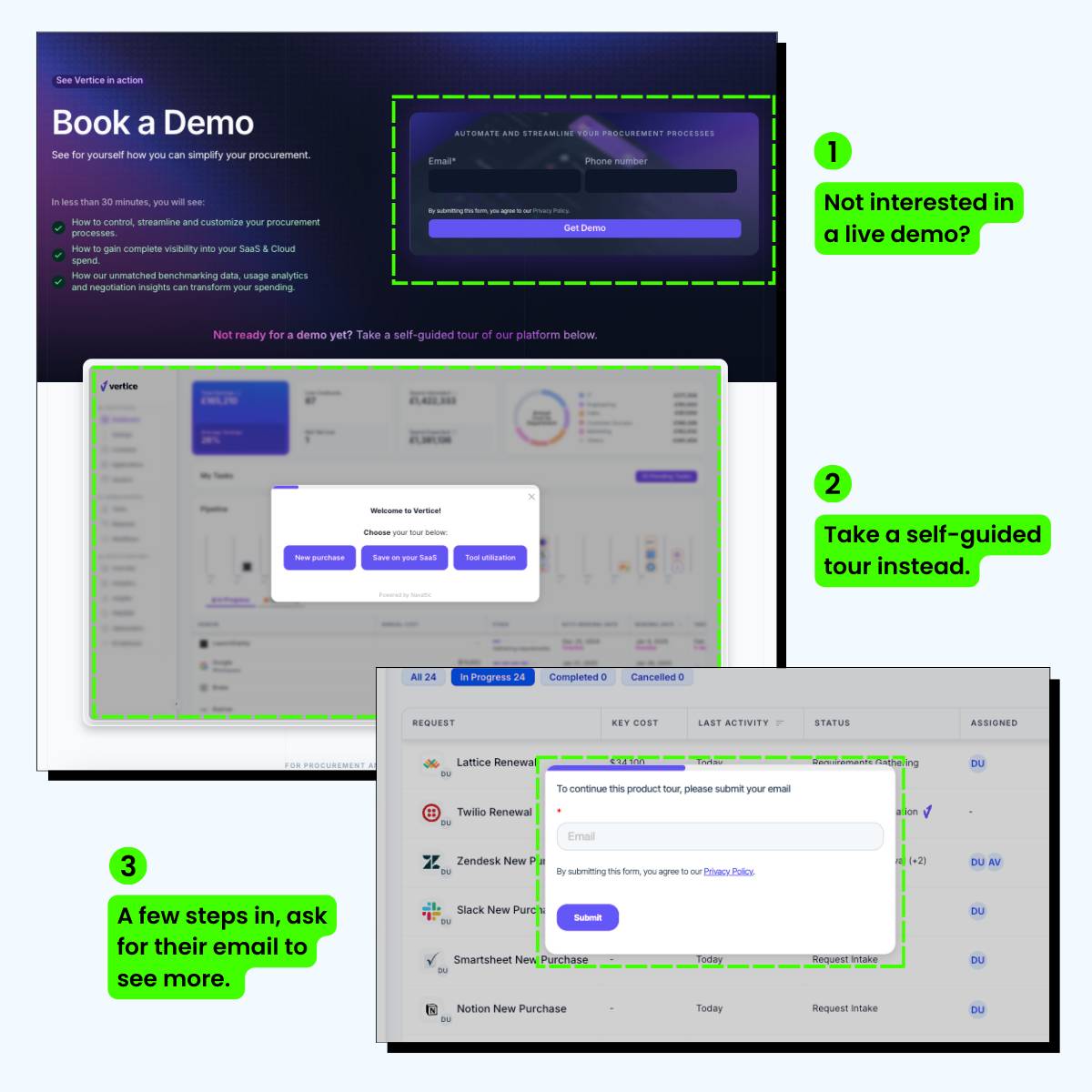
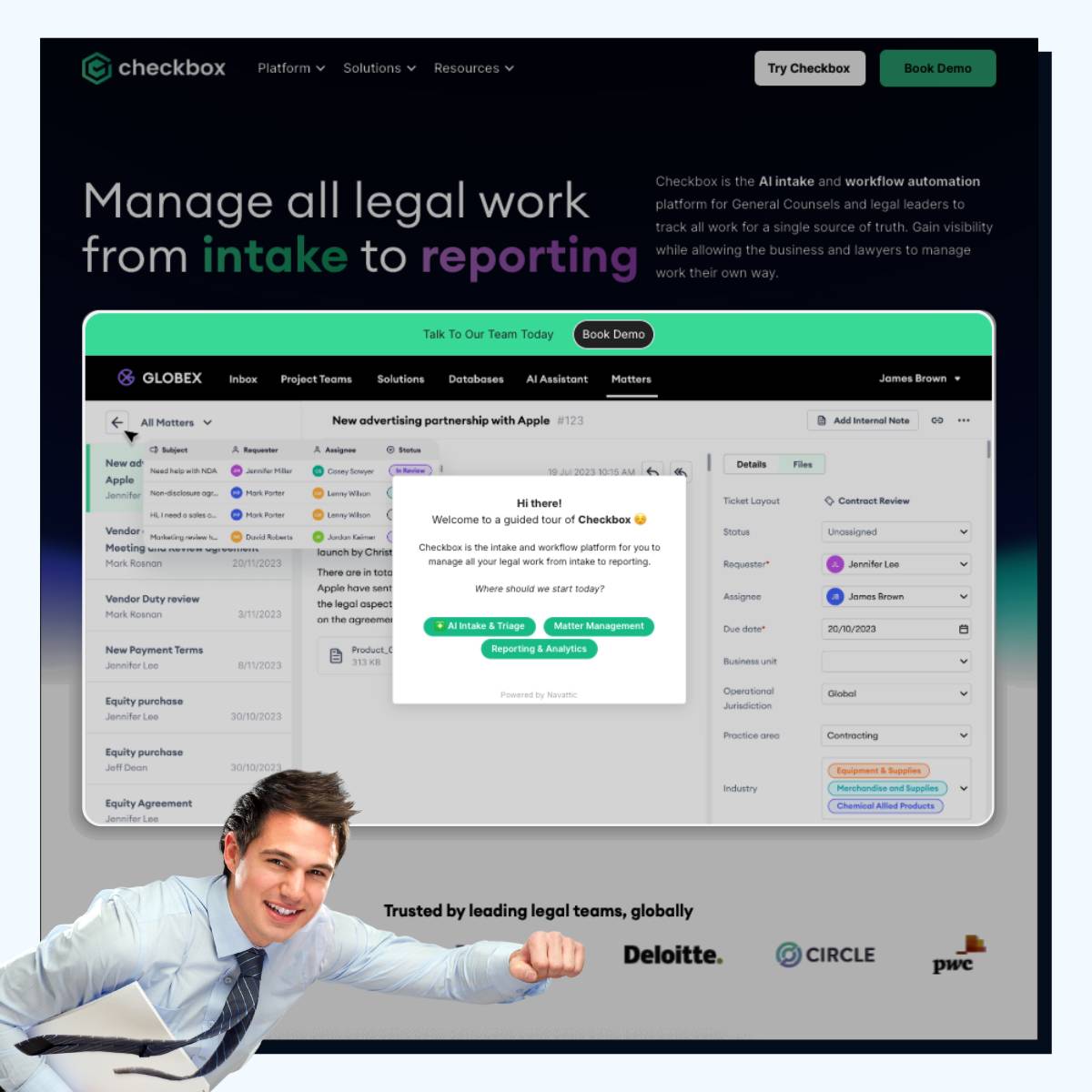
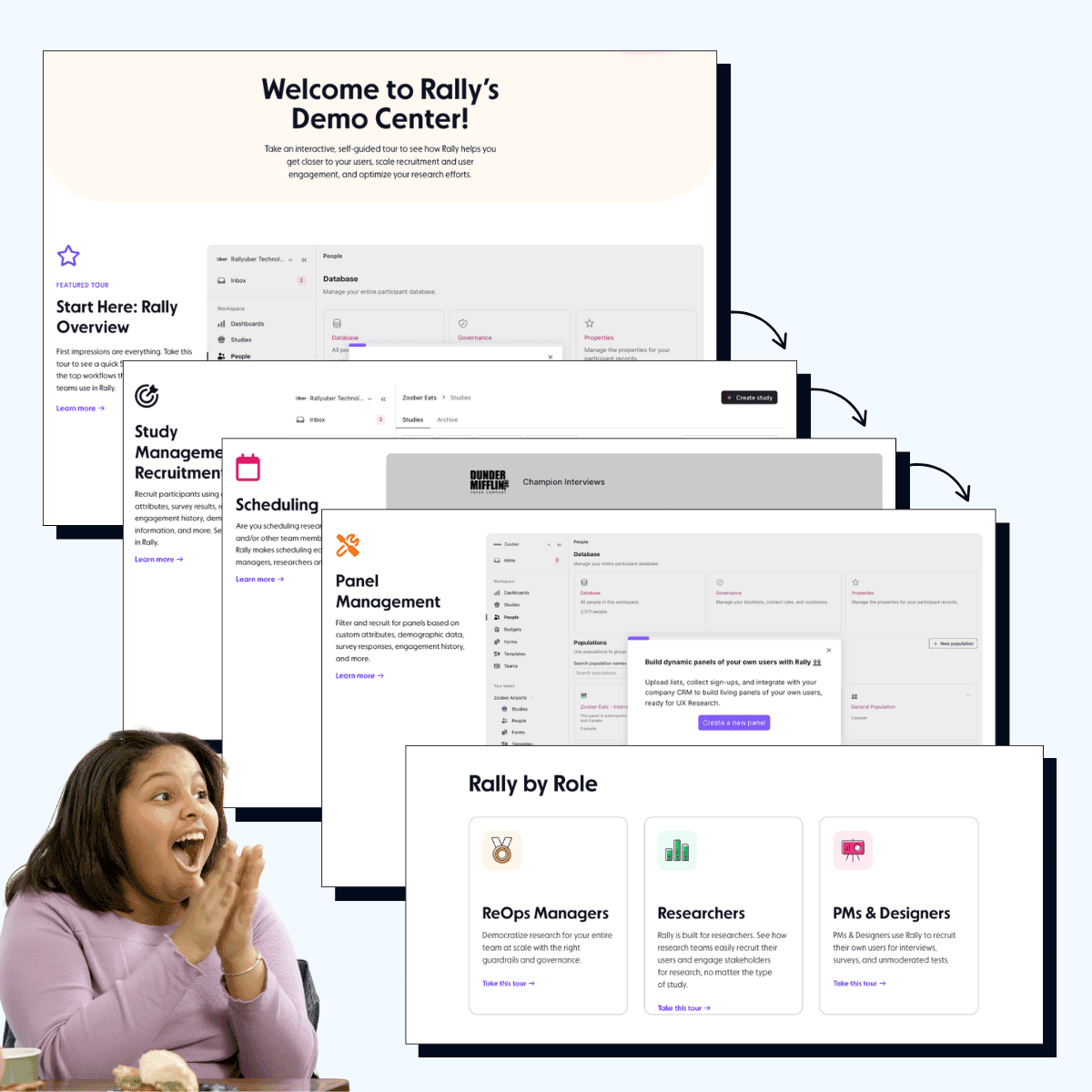
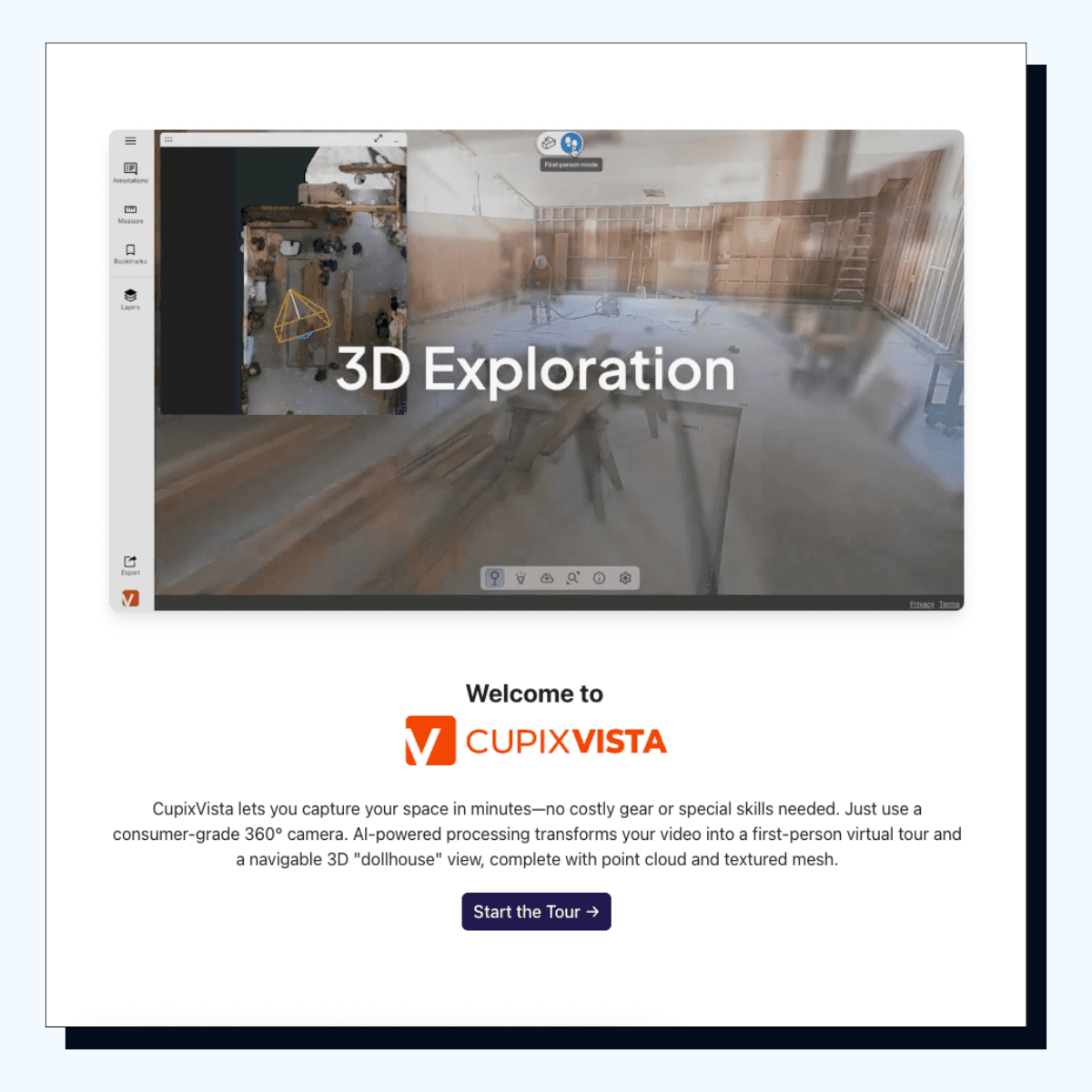
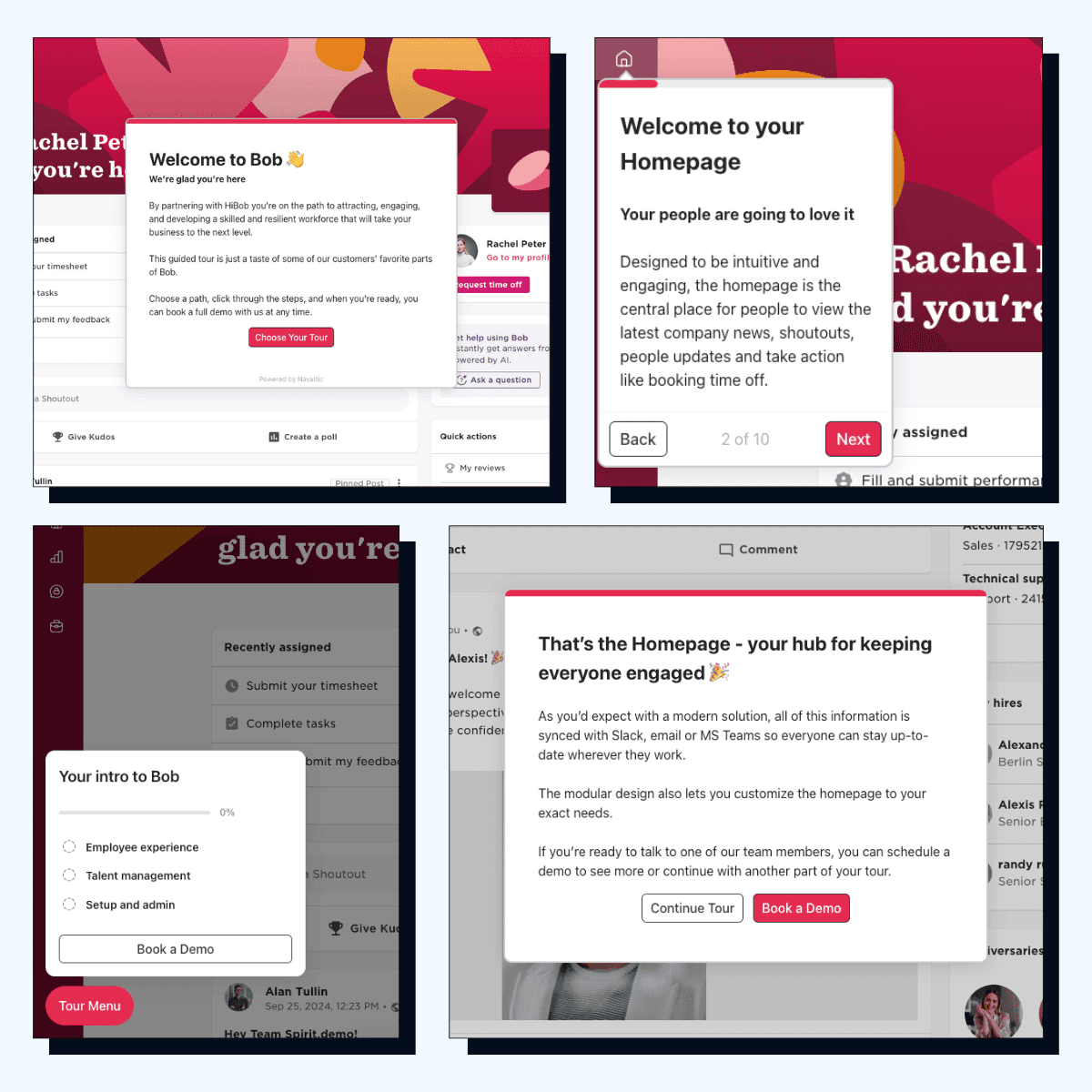
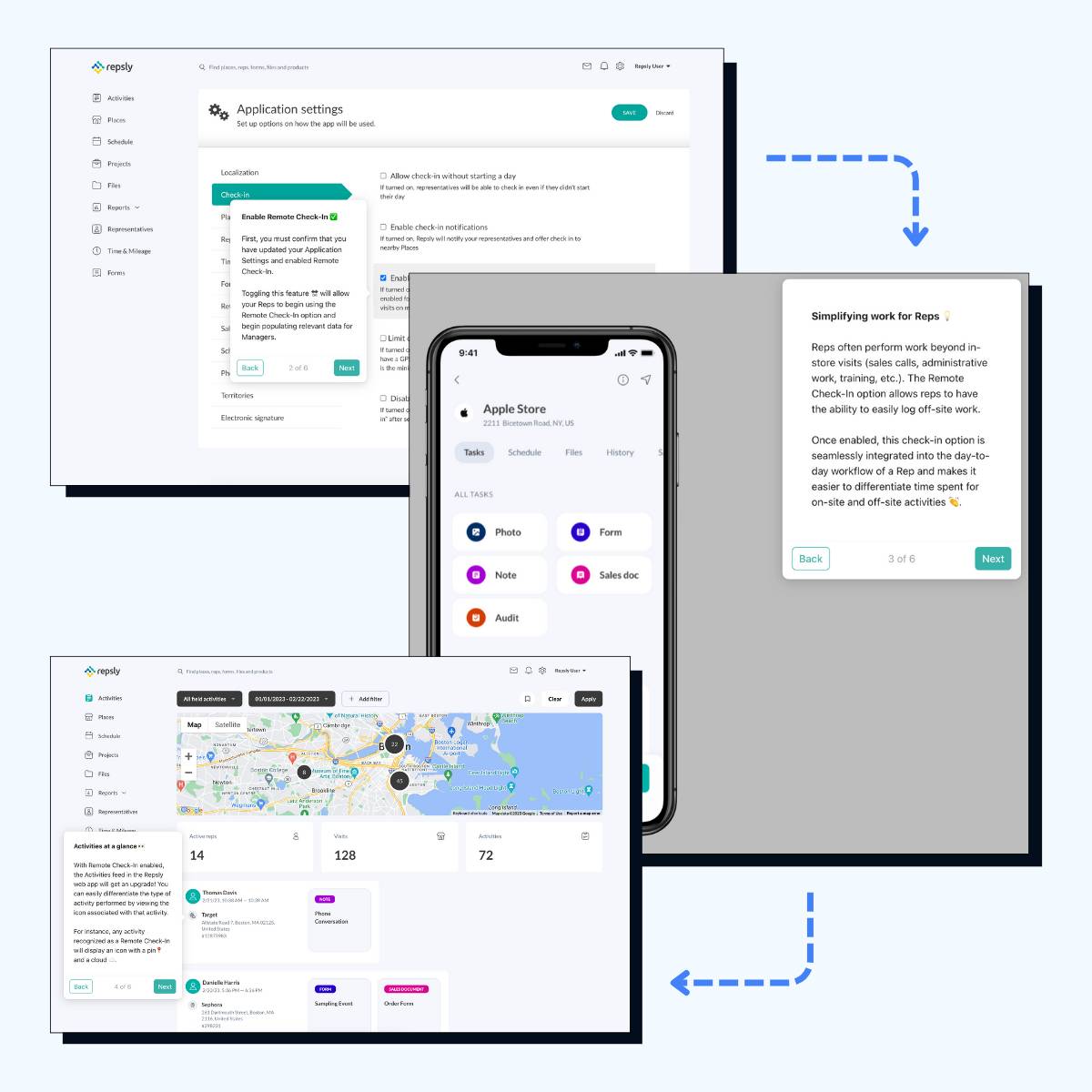
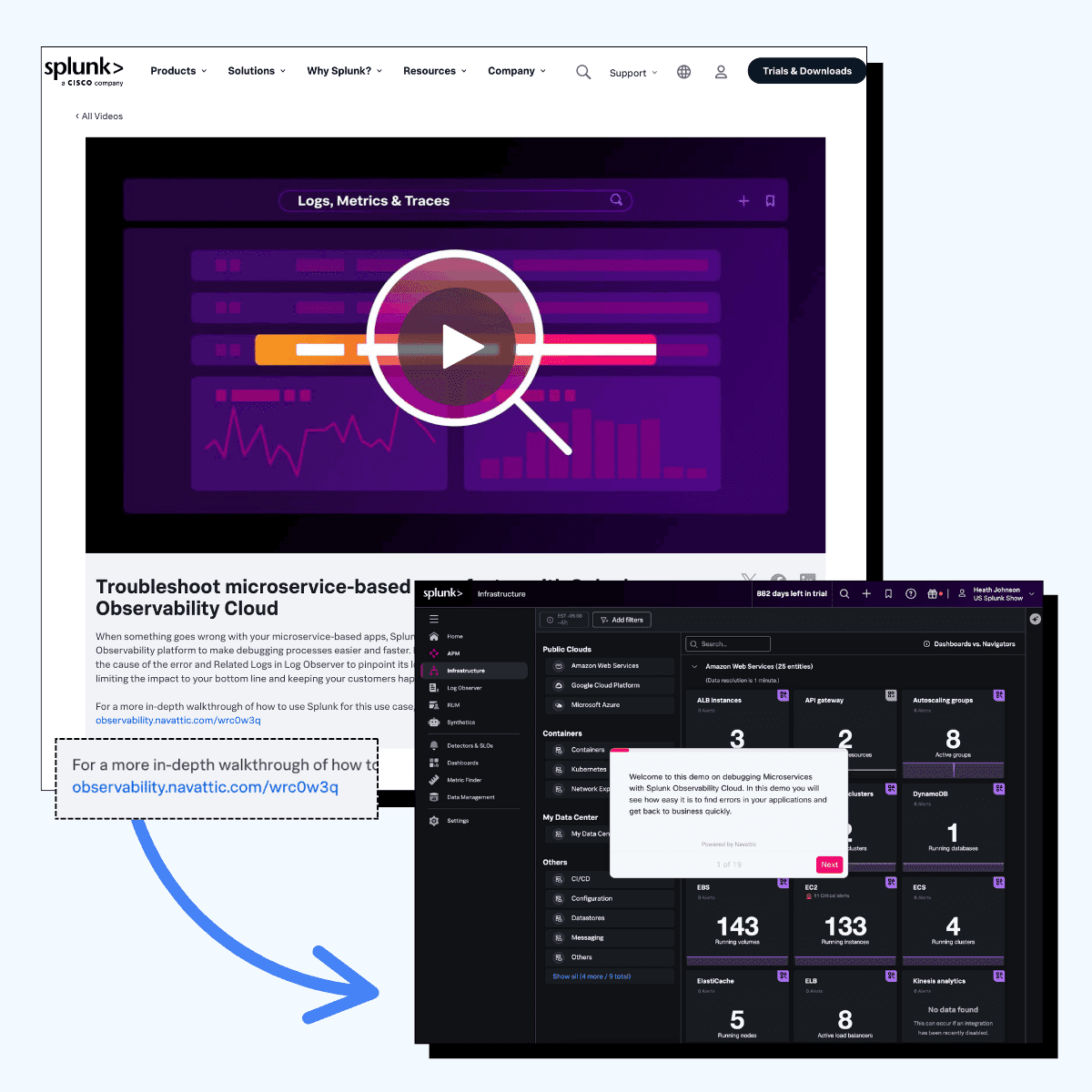
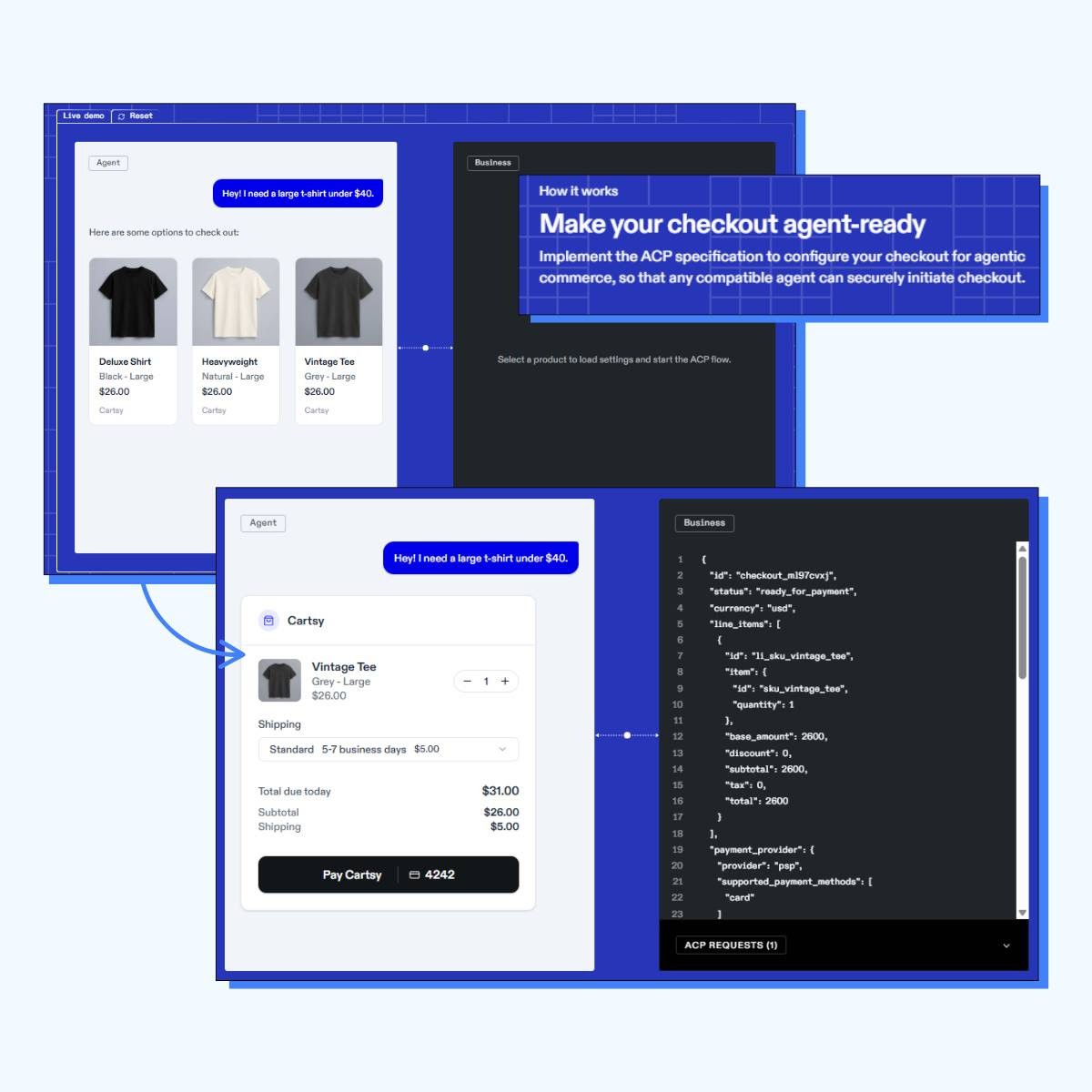
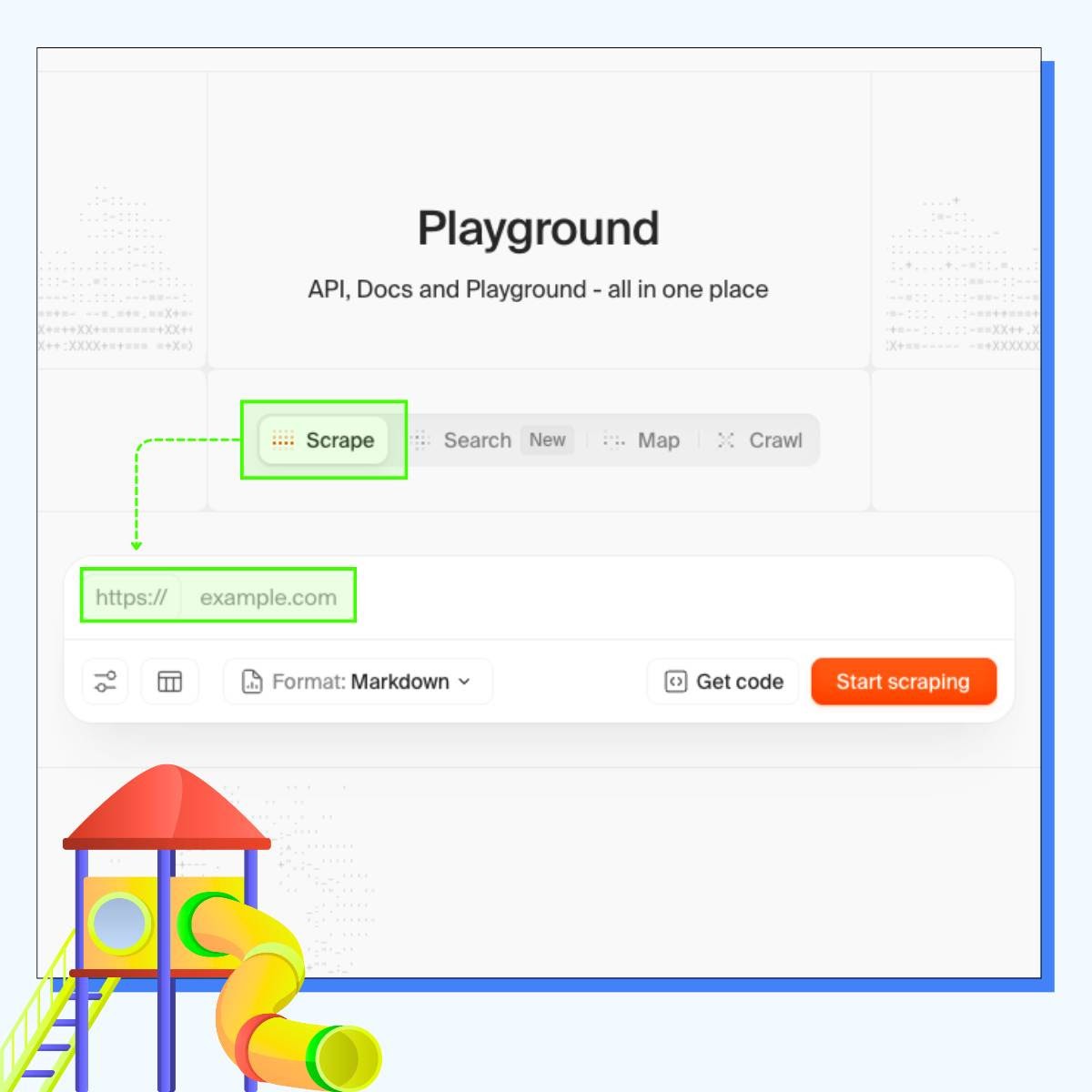
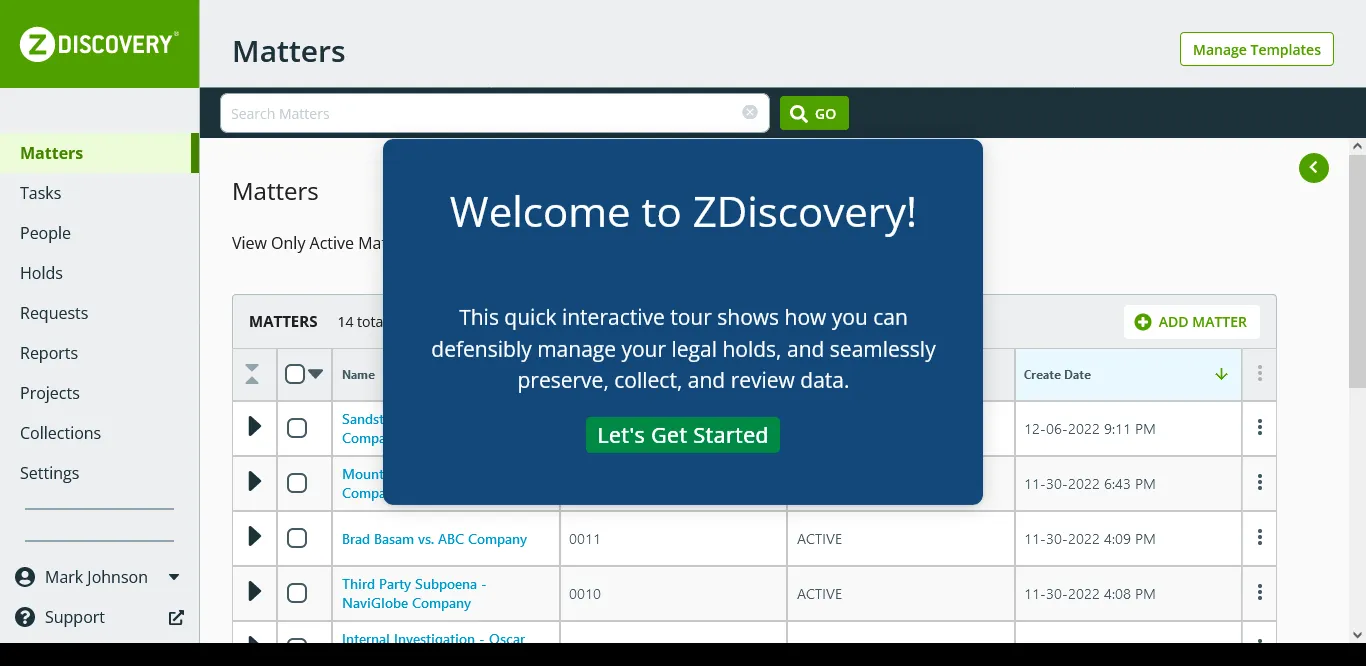
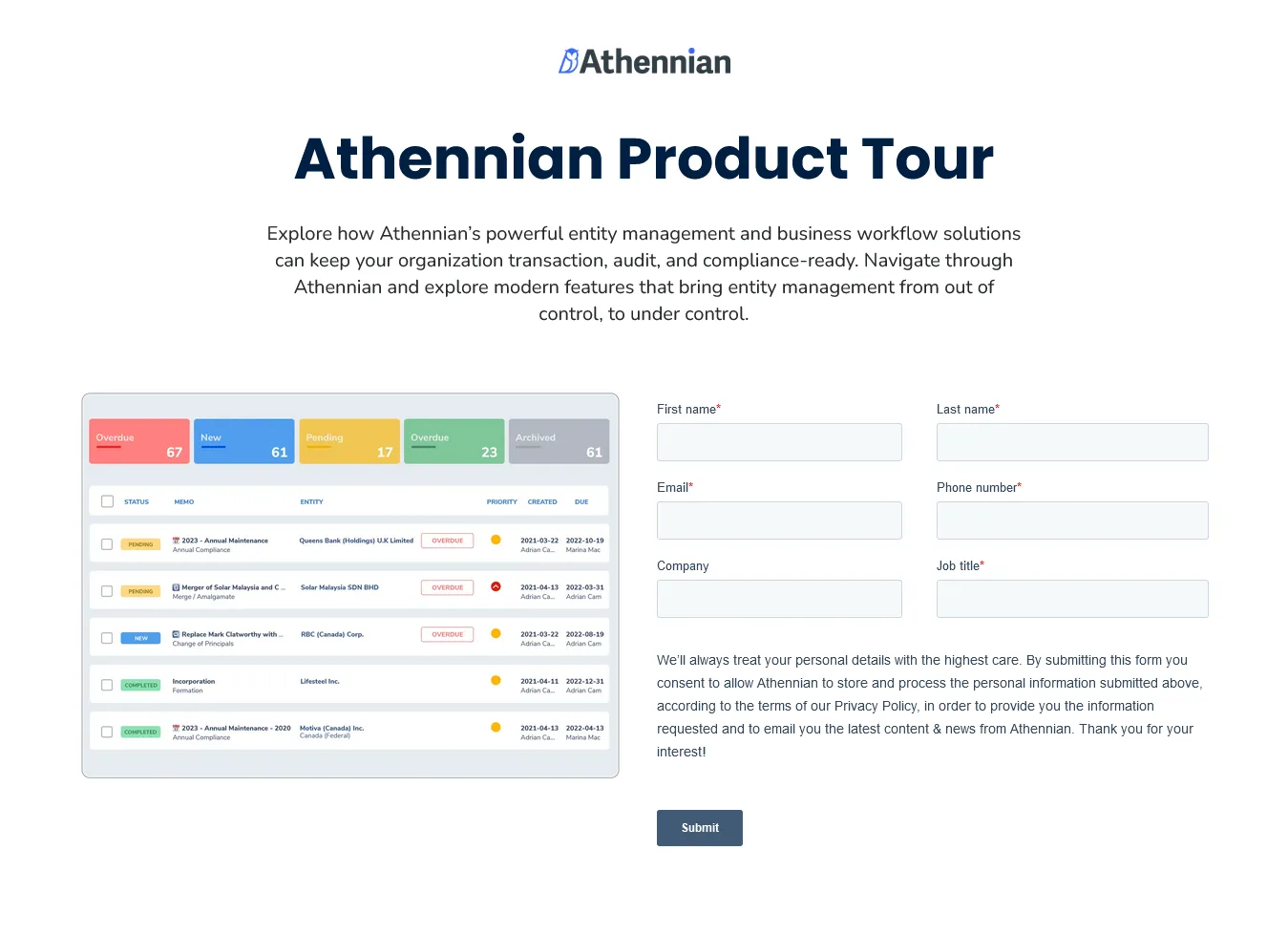
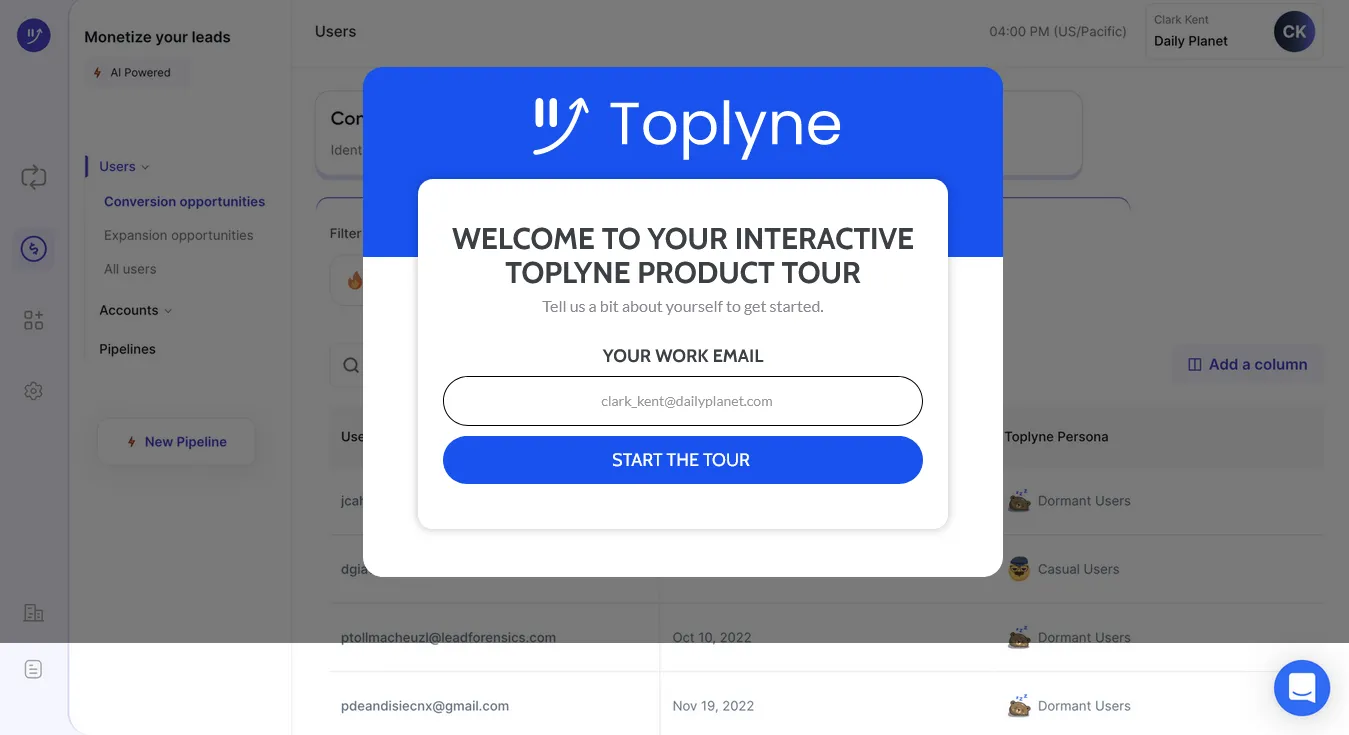
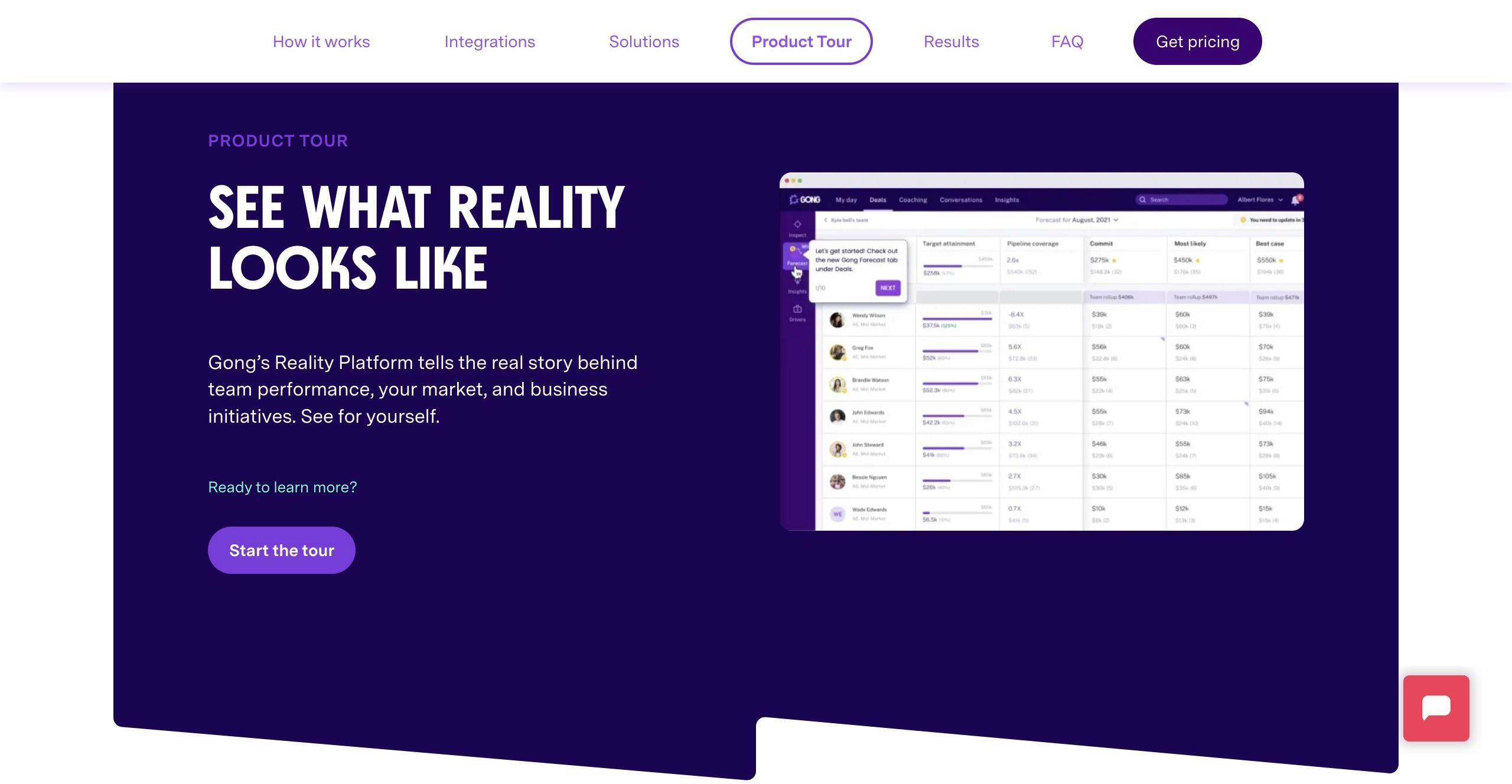
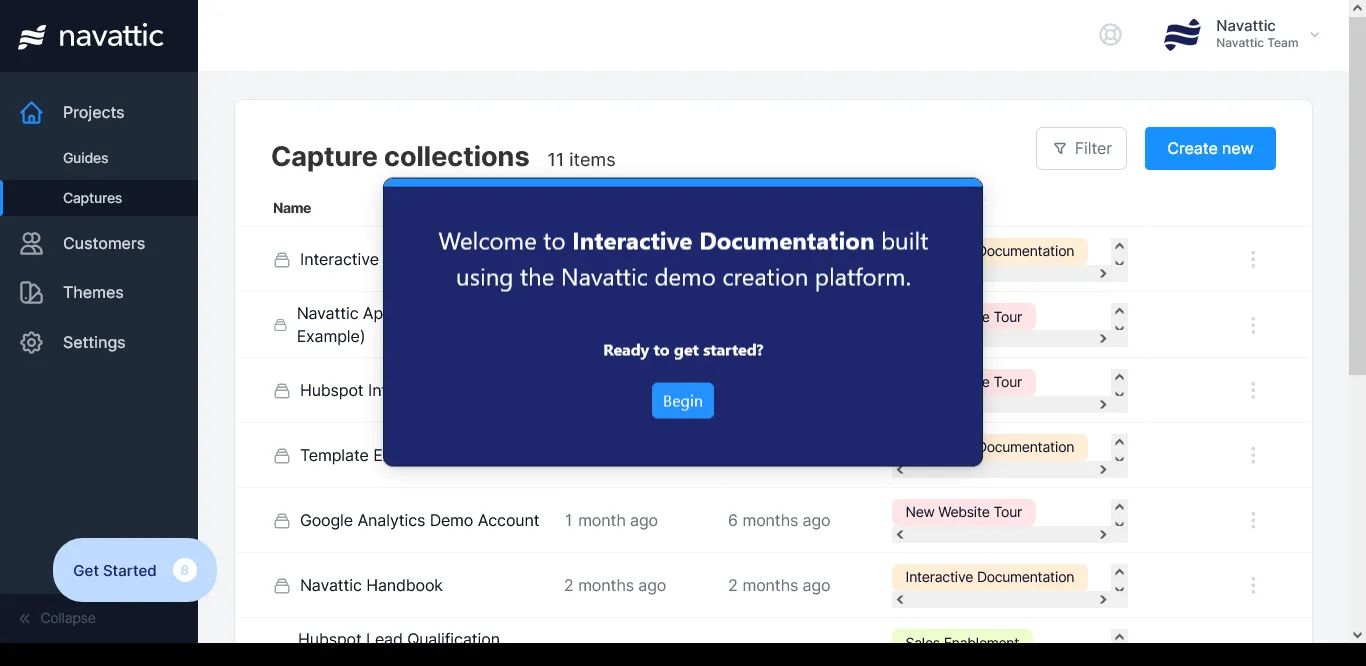
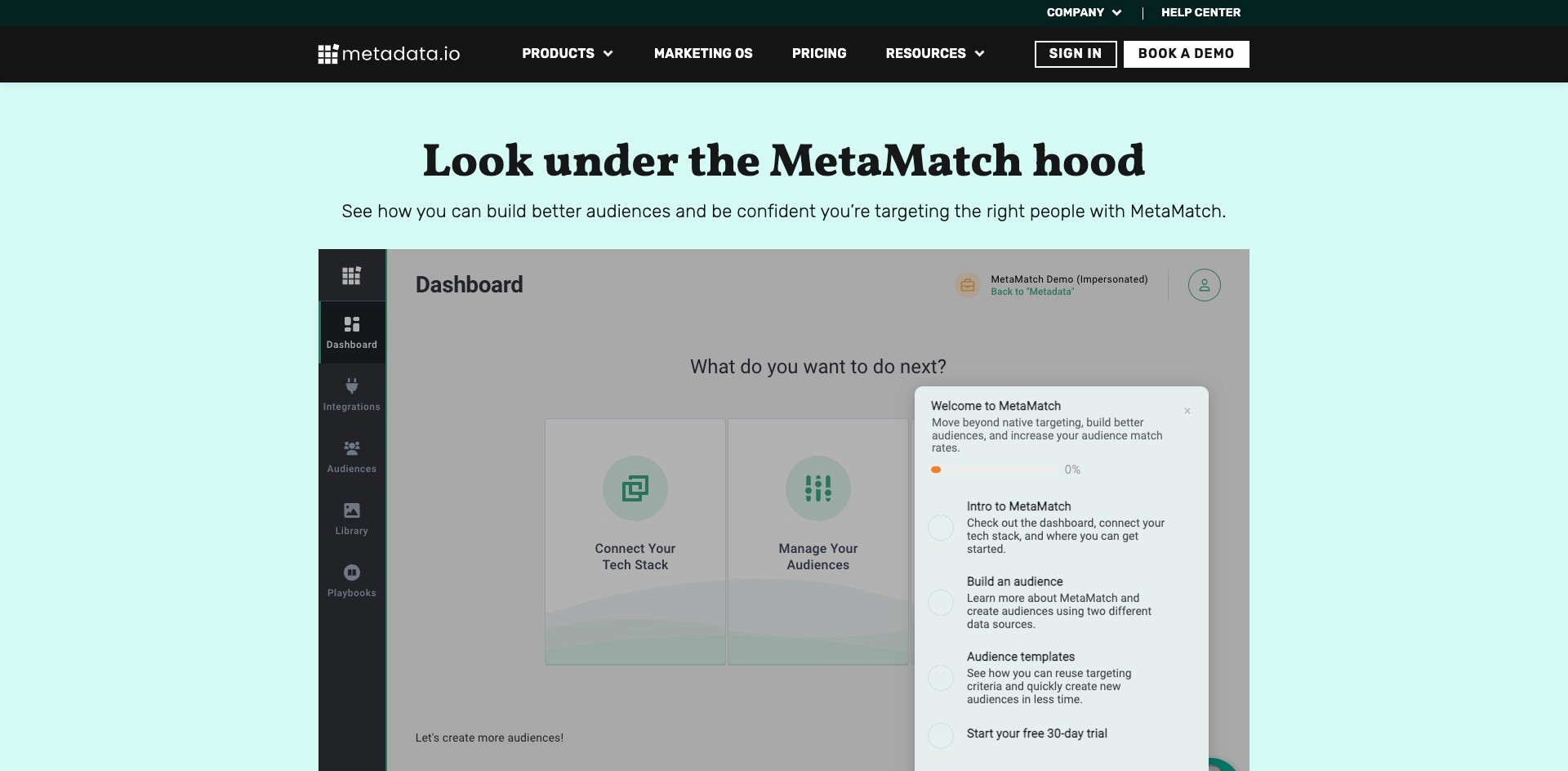
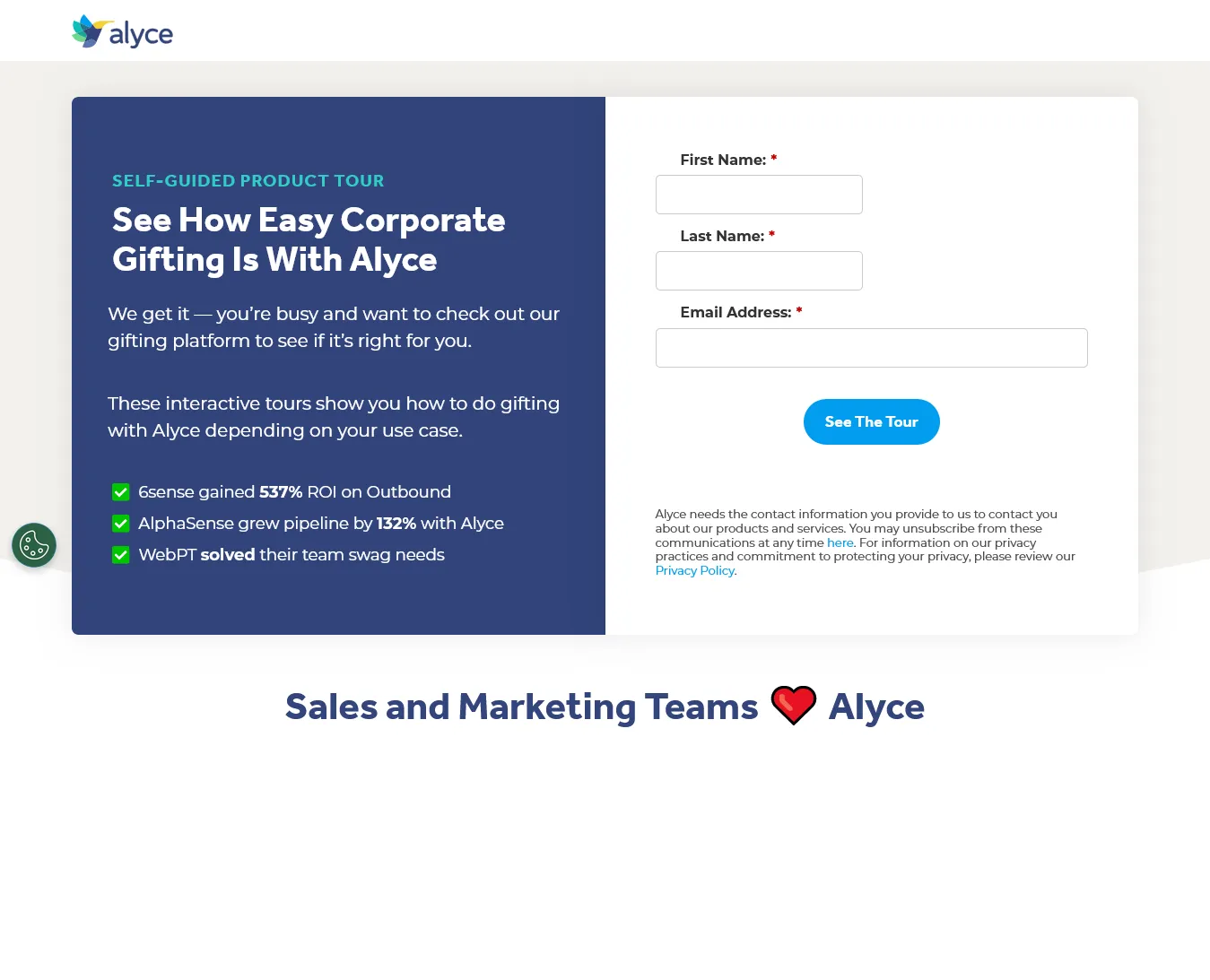
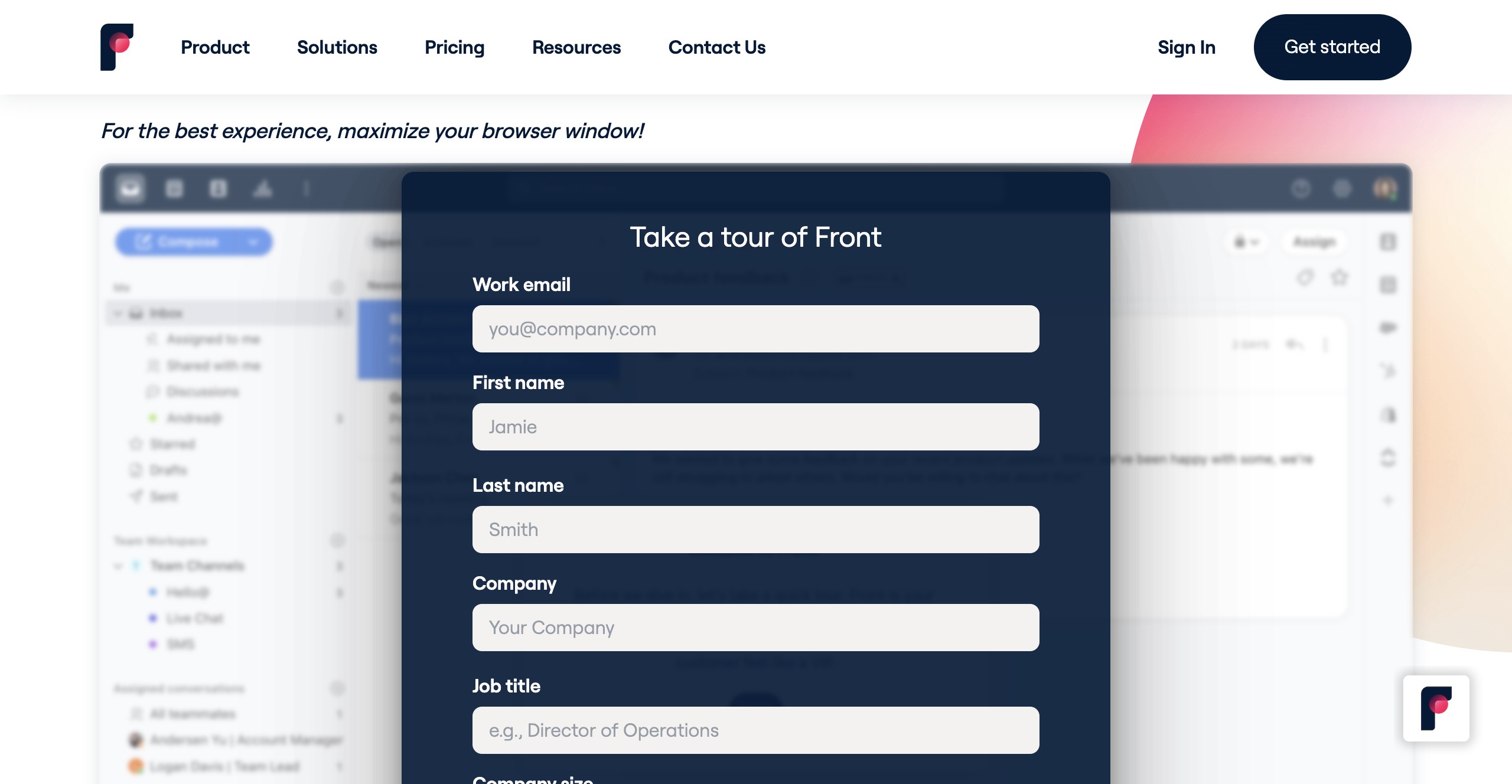
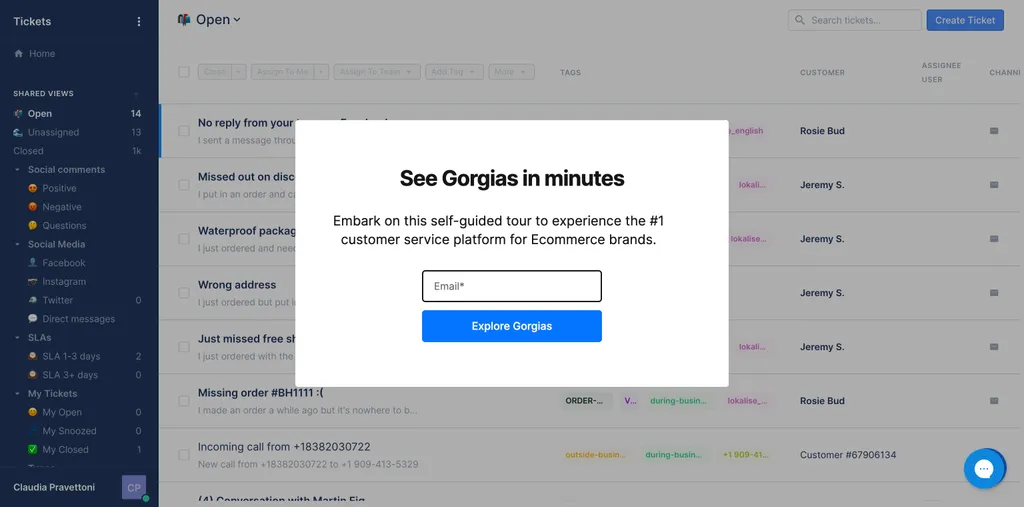
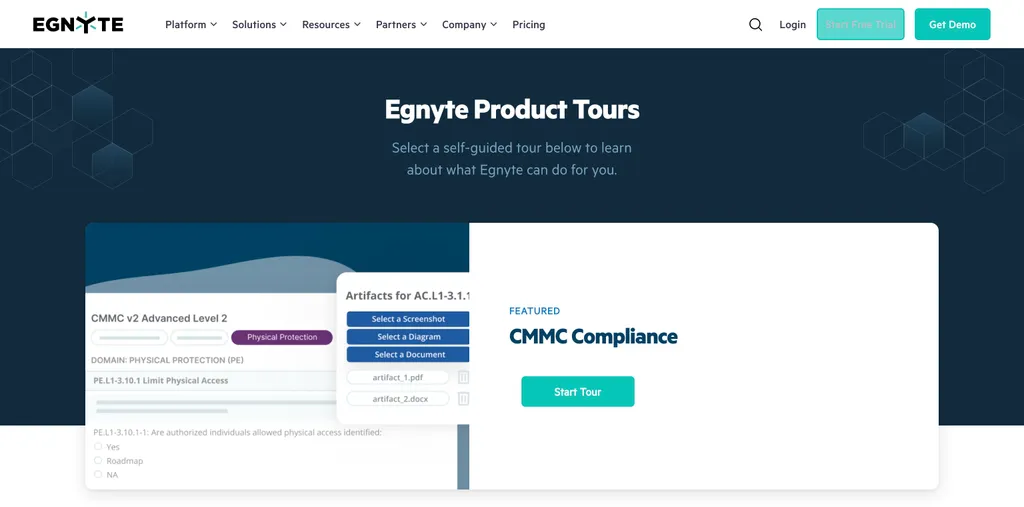
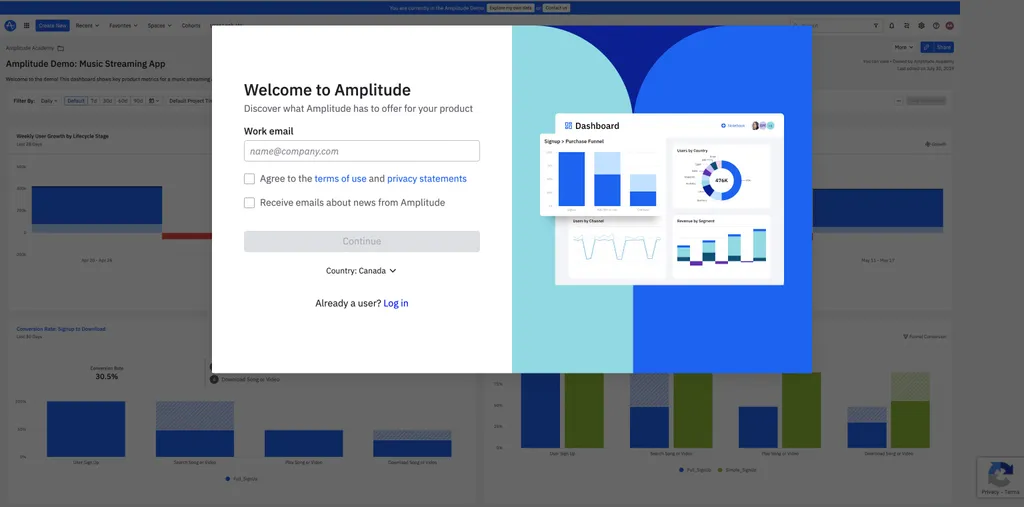
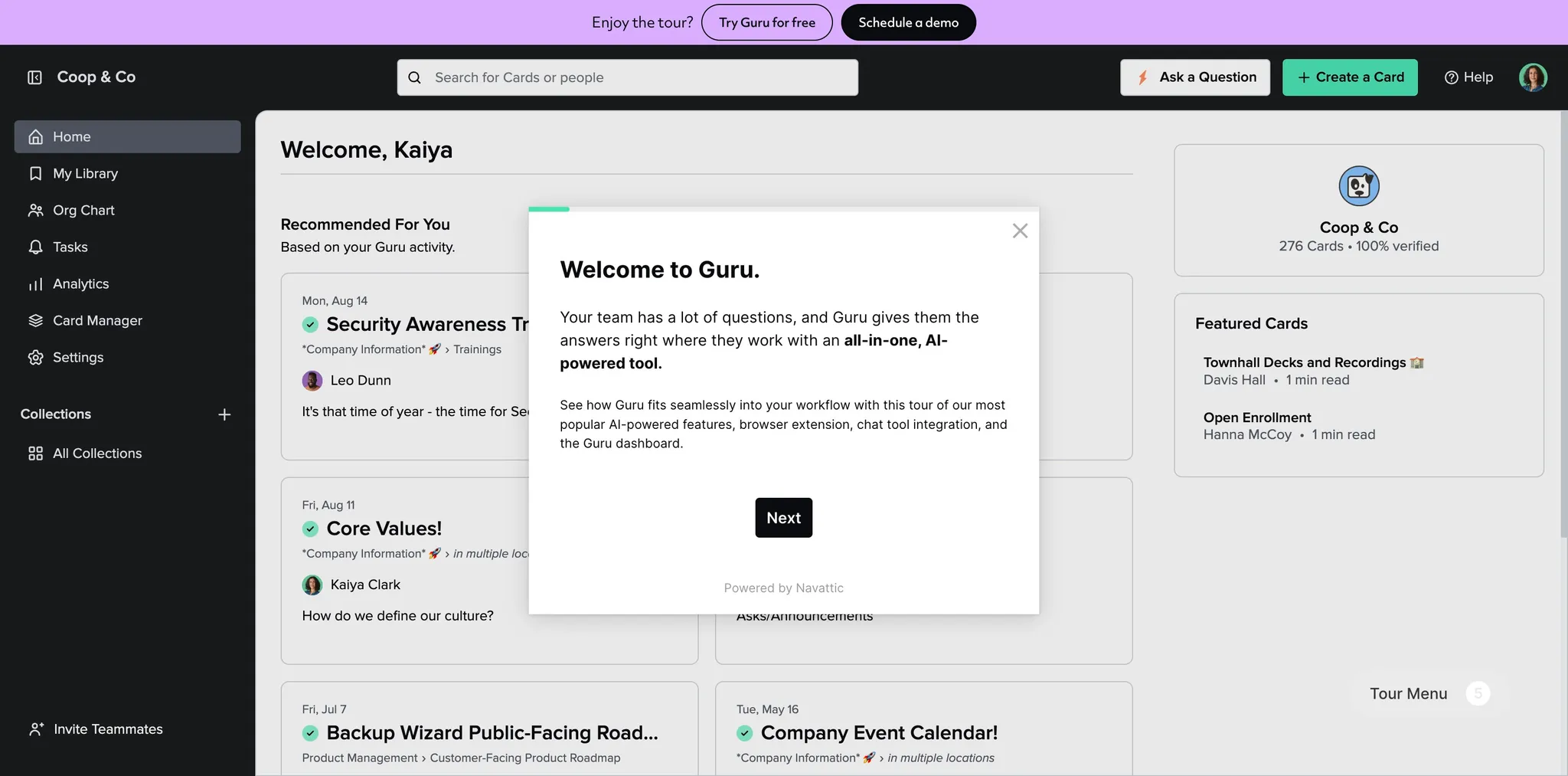
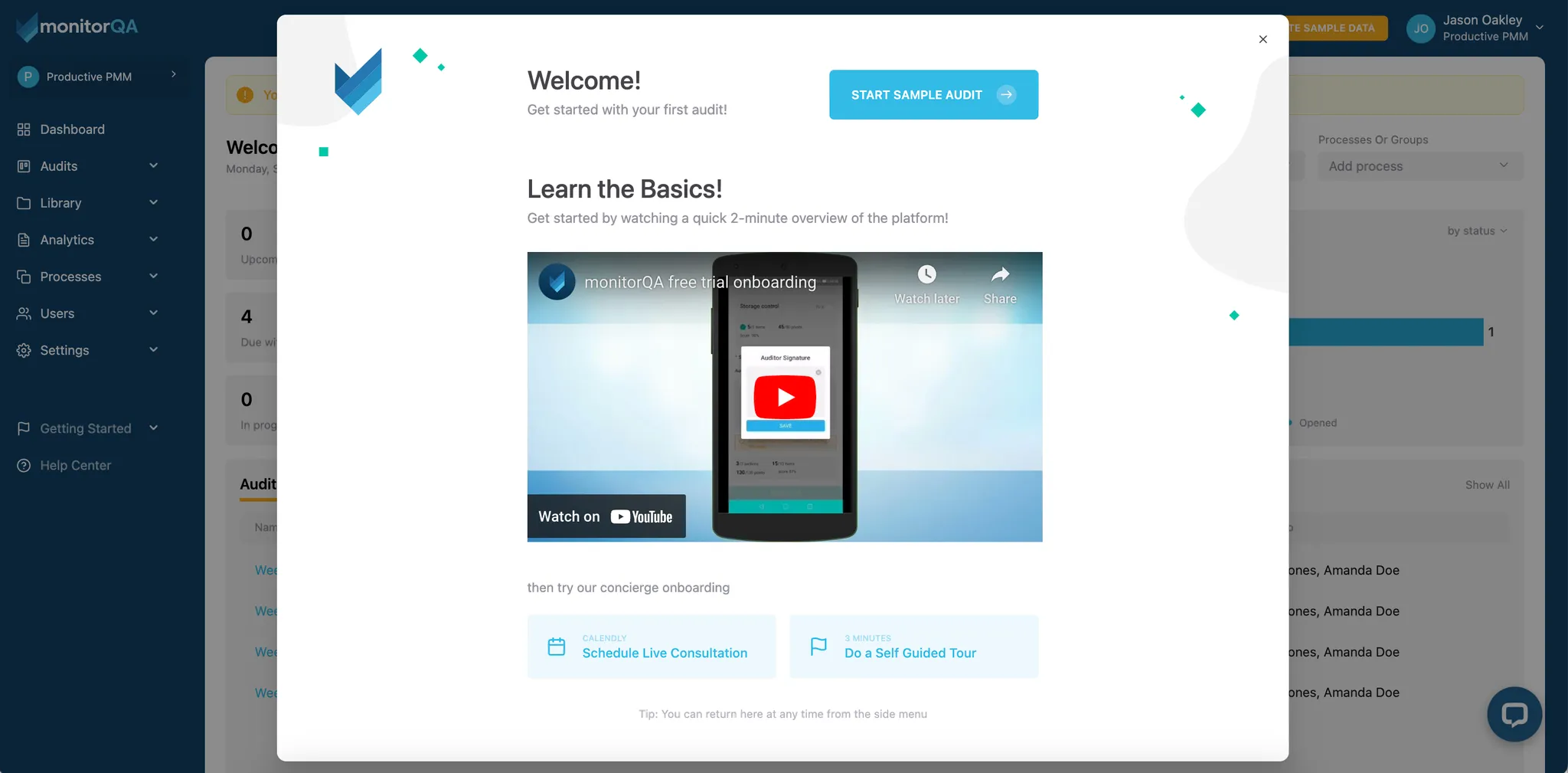
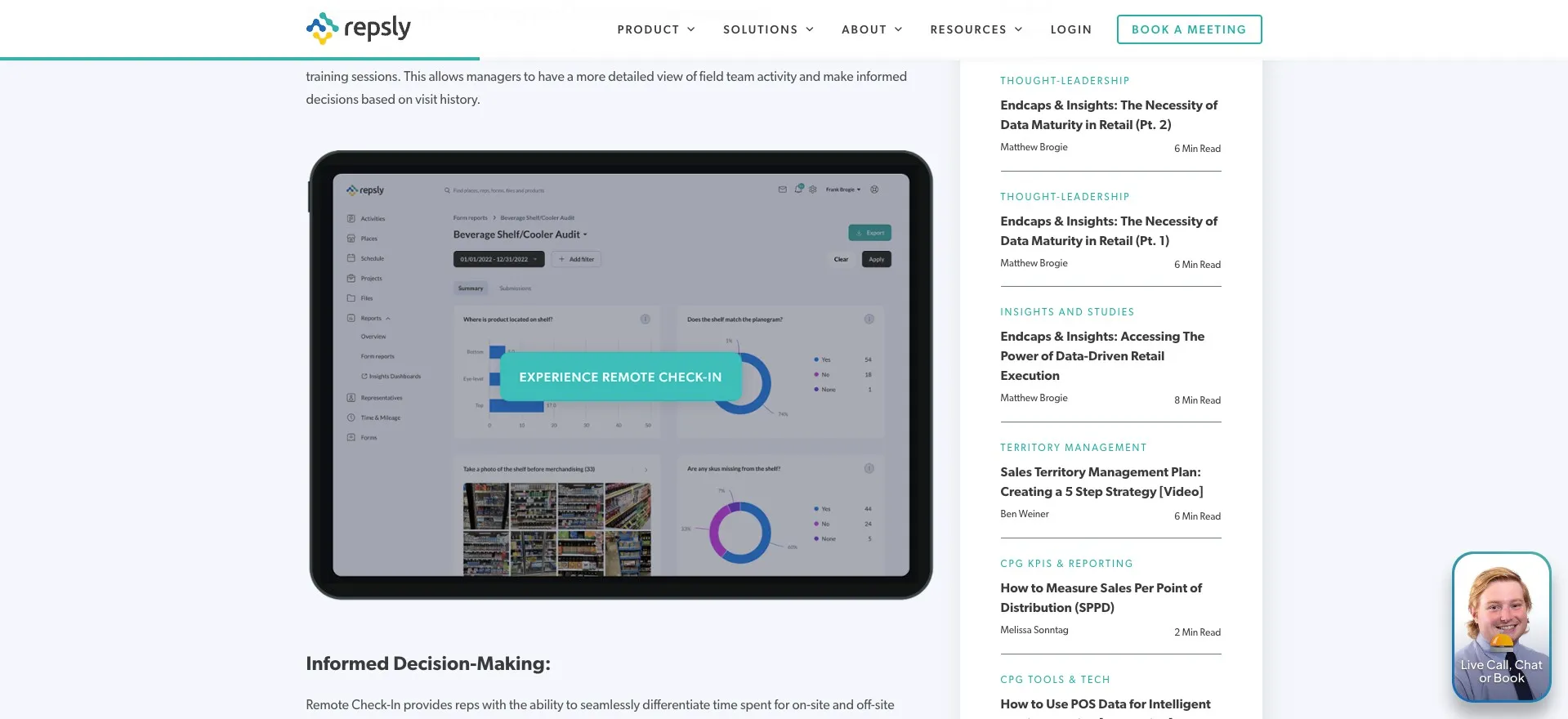
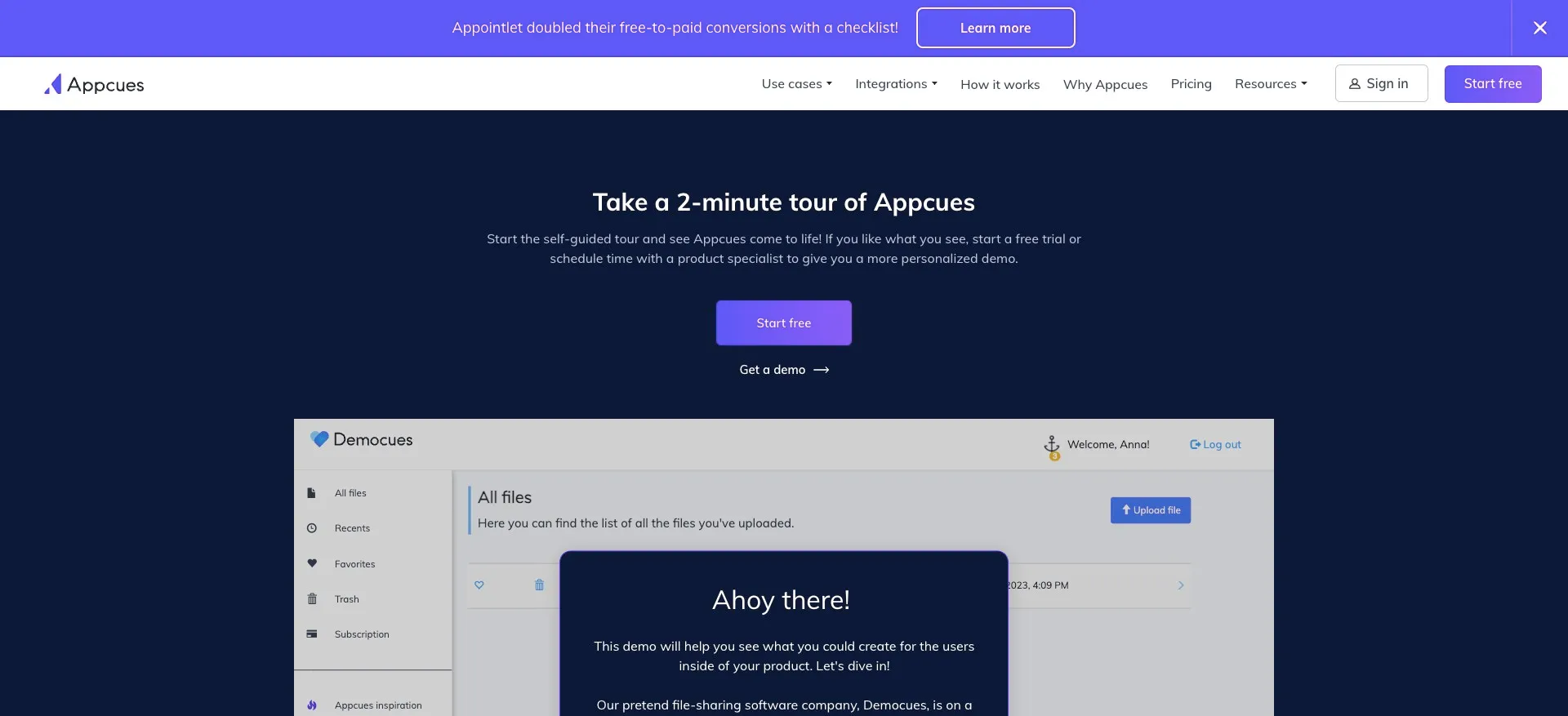
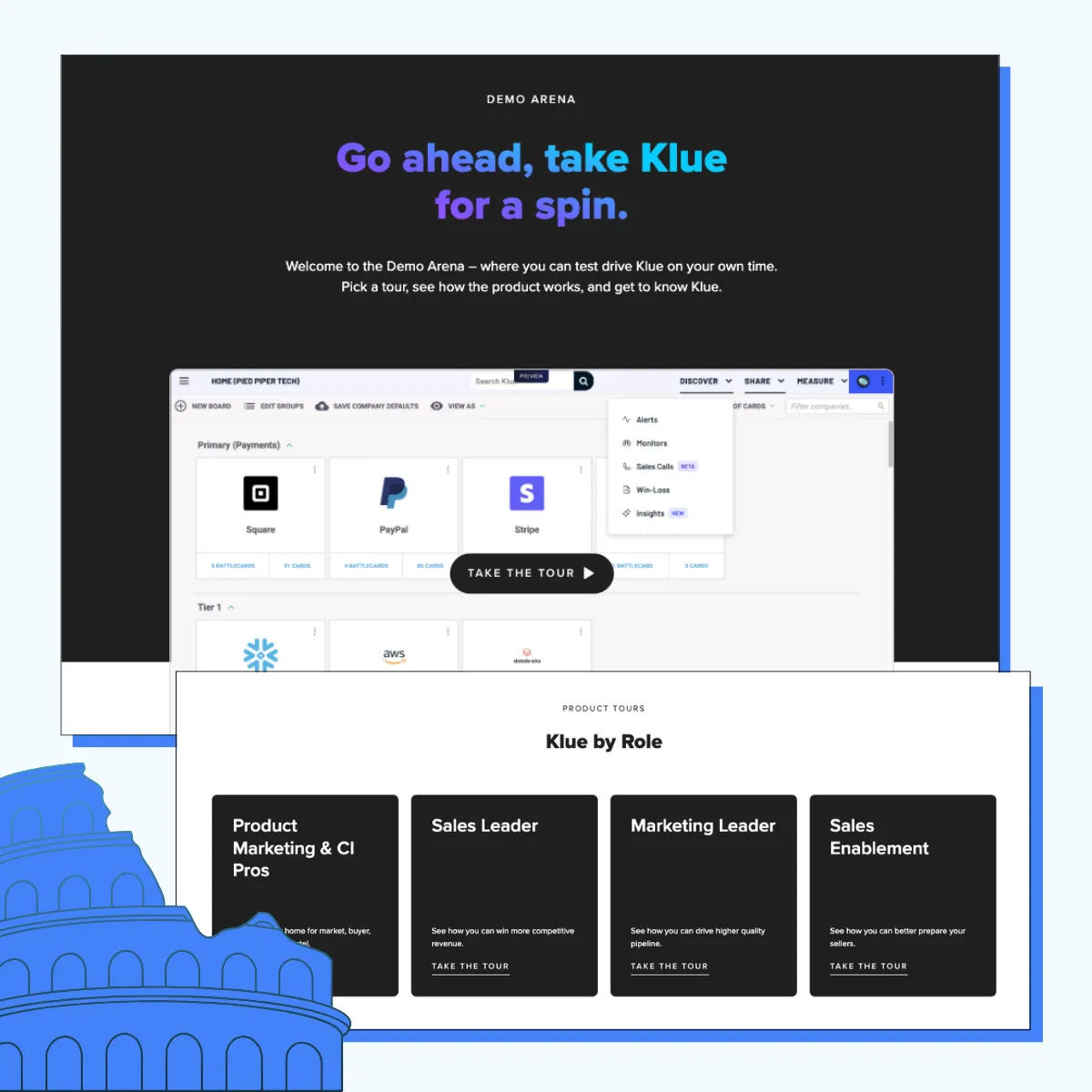
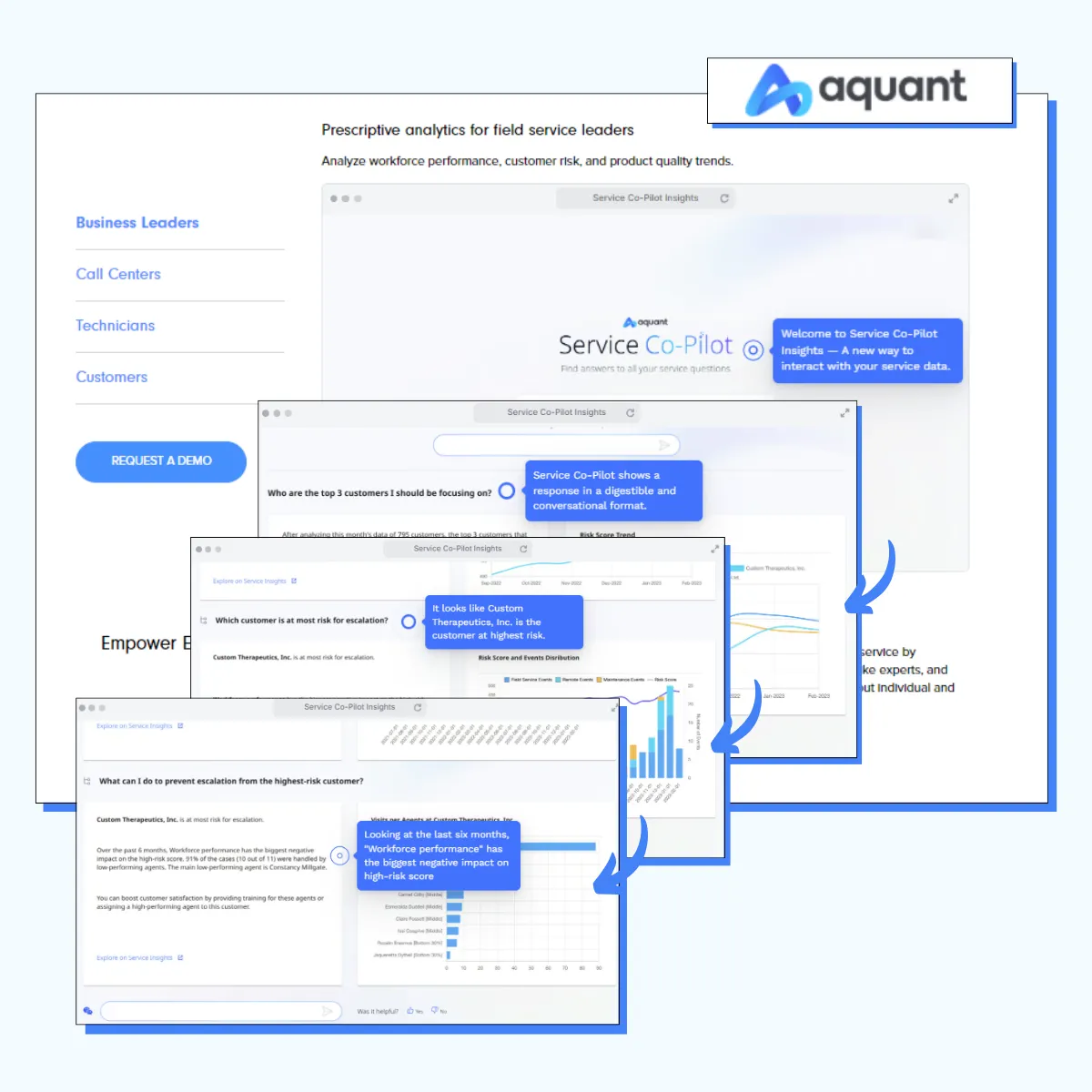
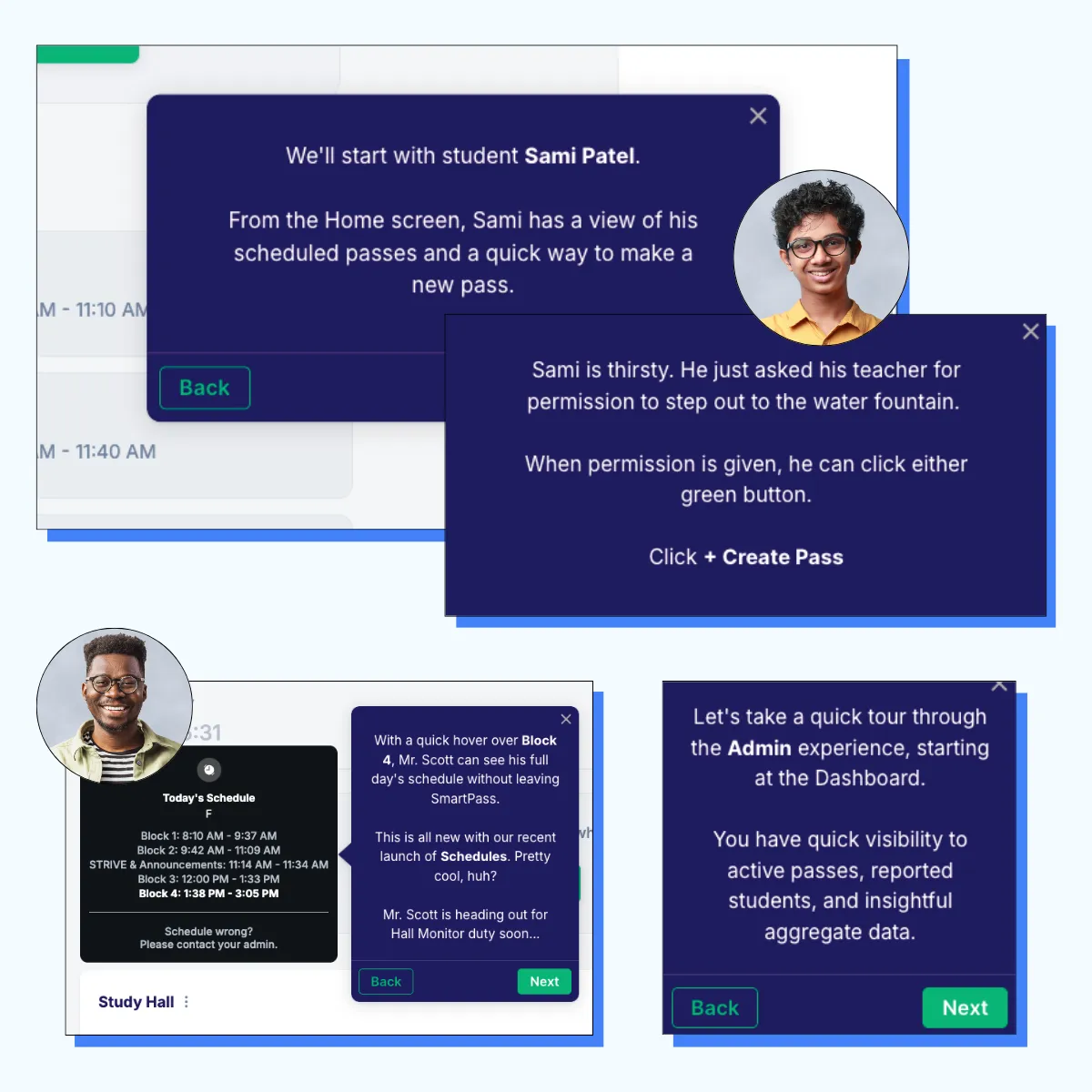
Place the CTA on the screenshot, cut cognitive load and boost clicks.
Place the CTA on the screenshot, cut cognitive load and boost clicks.
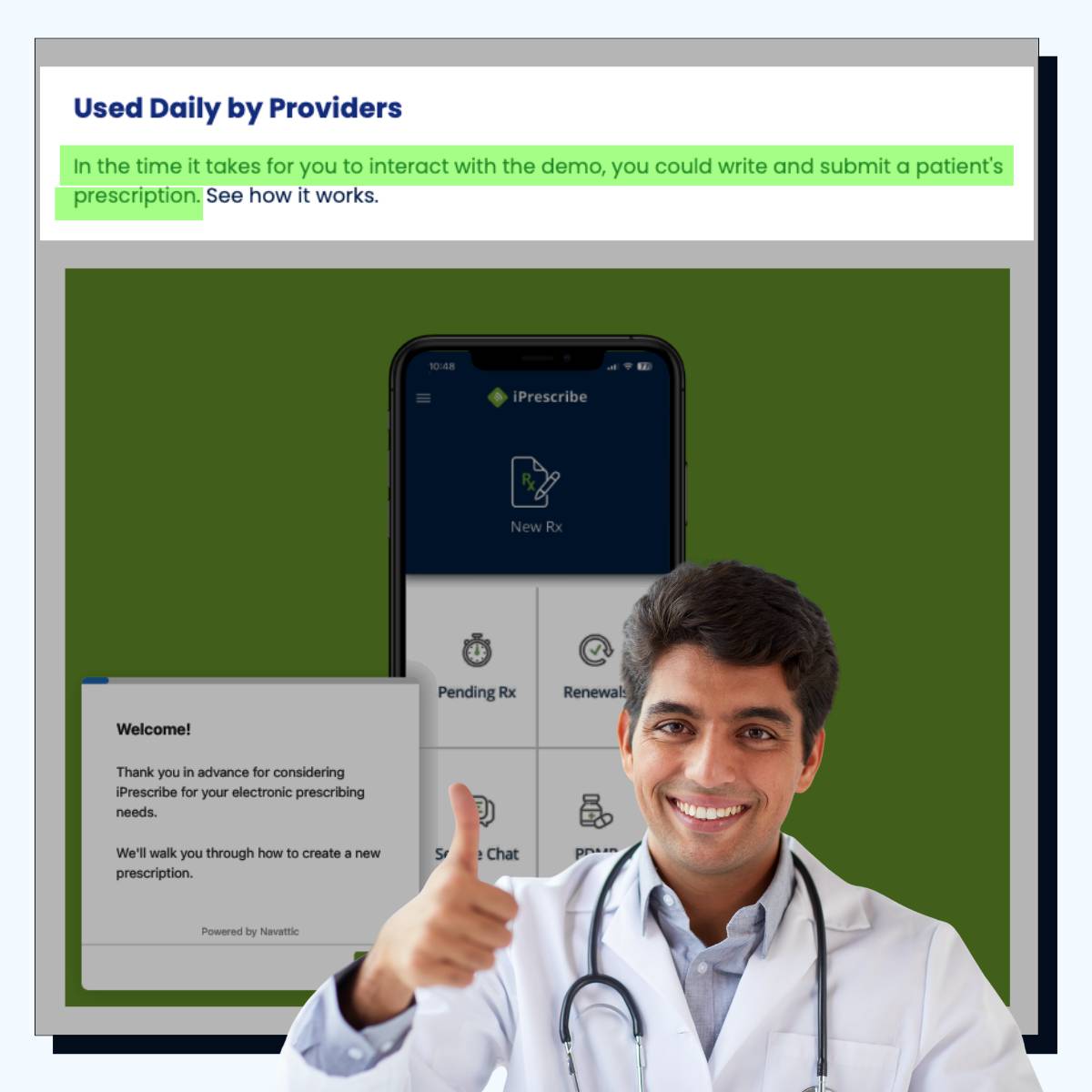
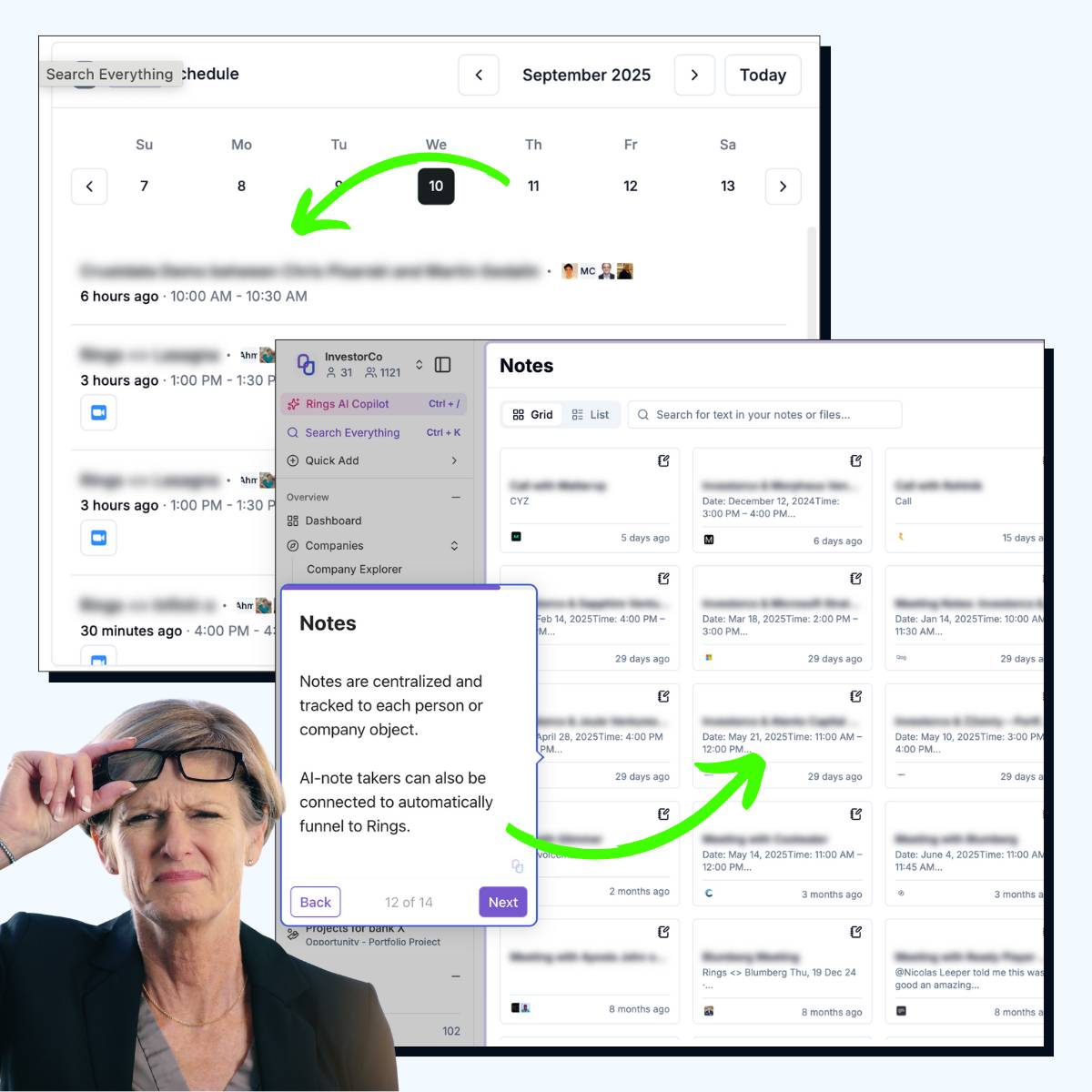
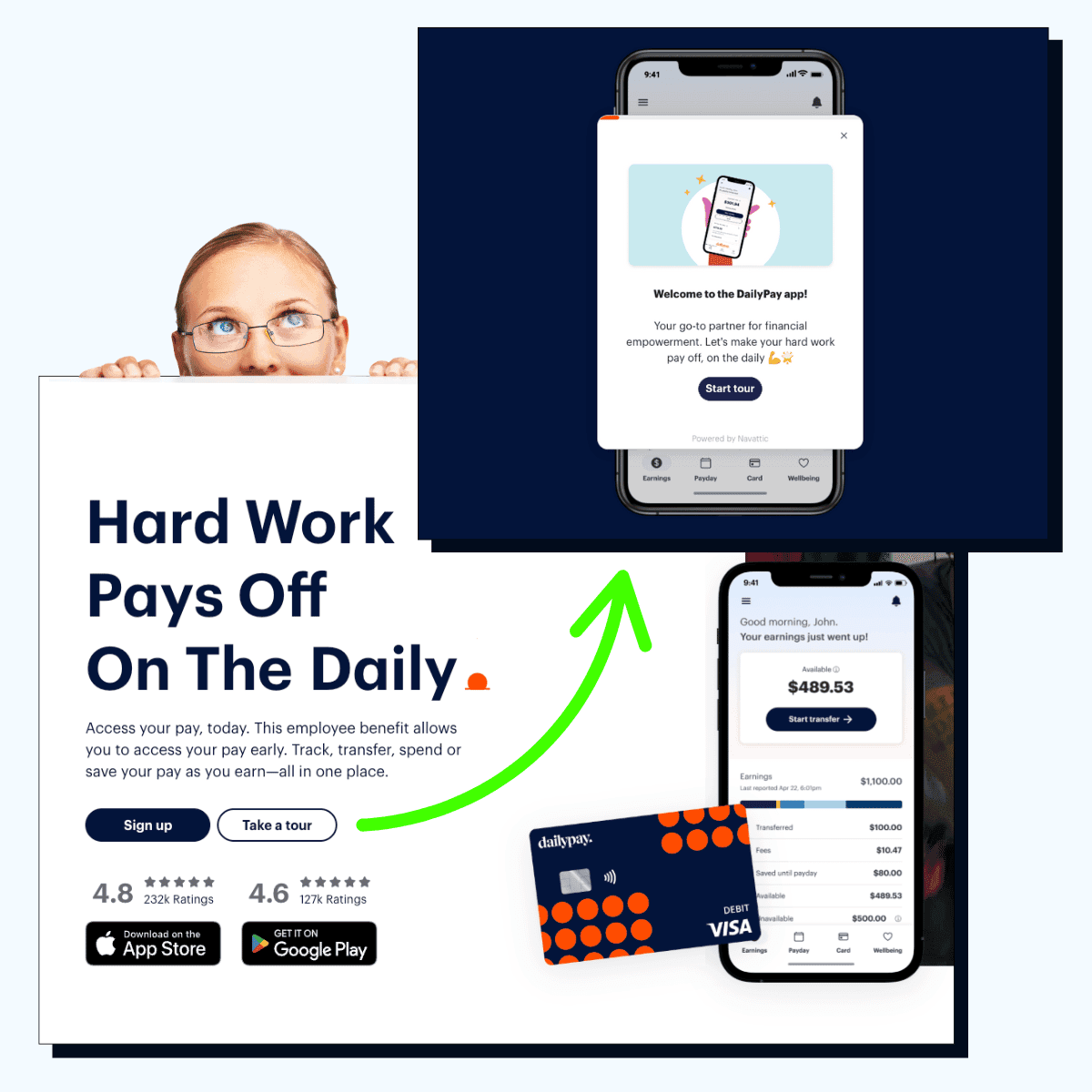
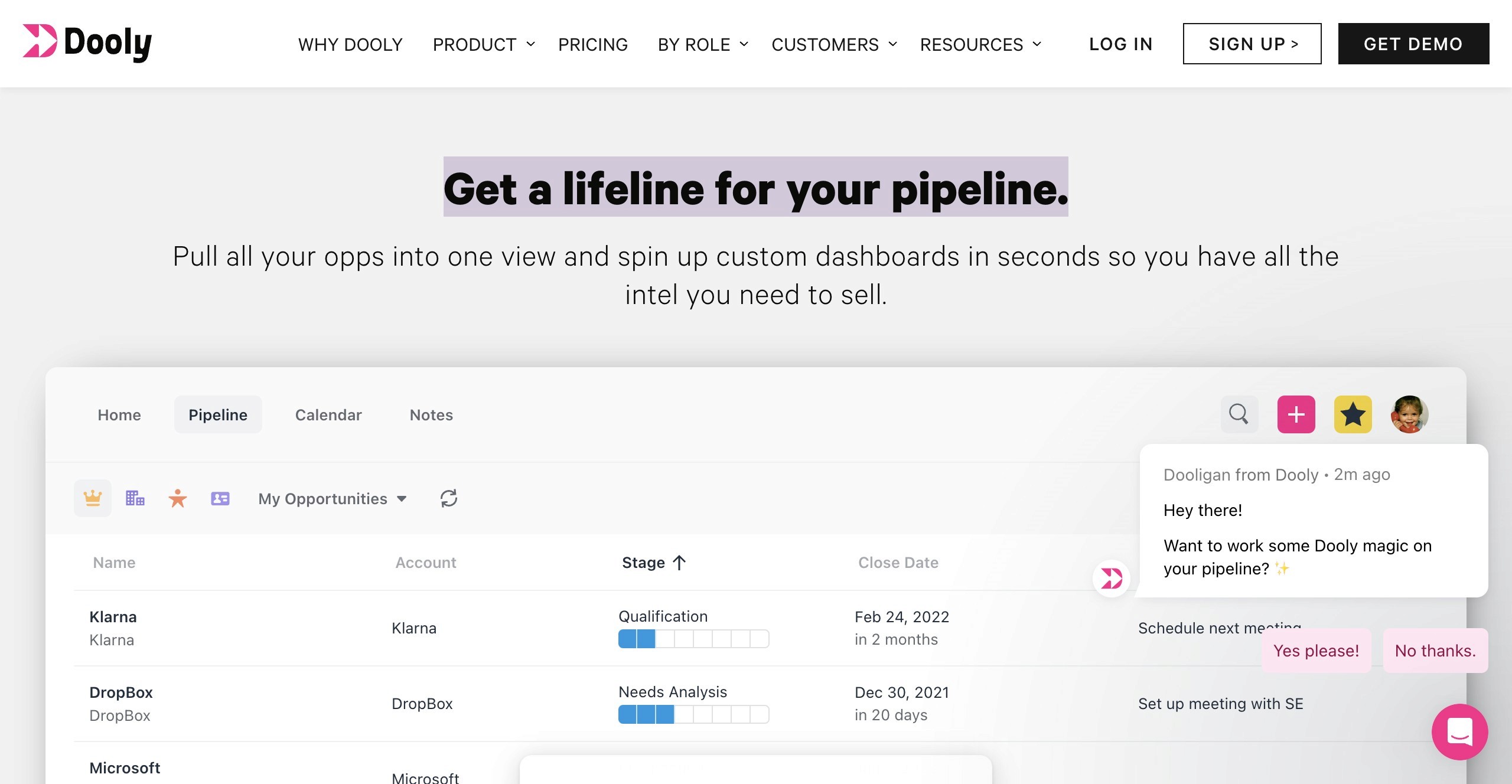
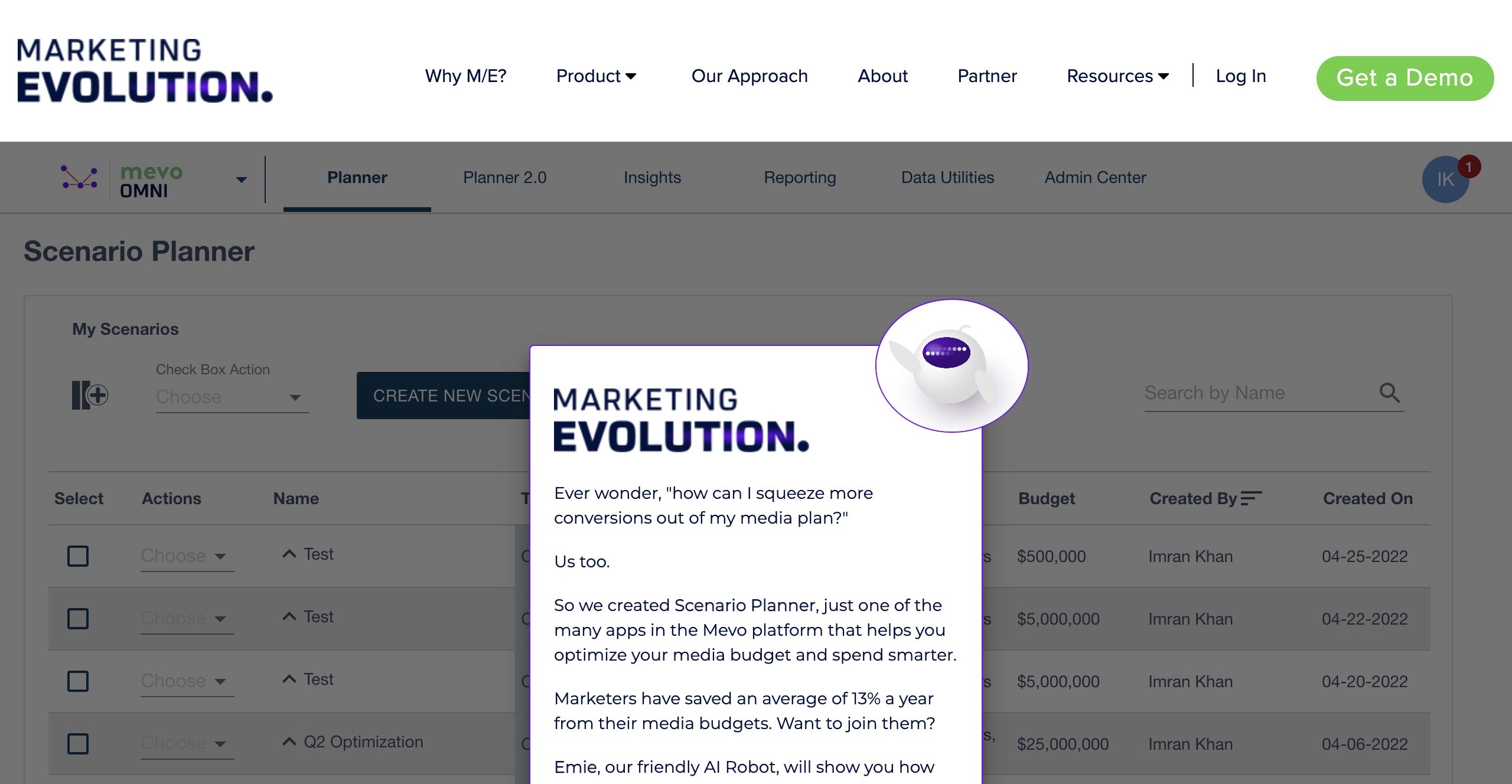
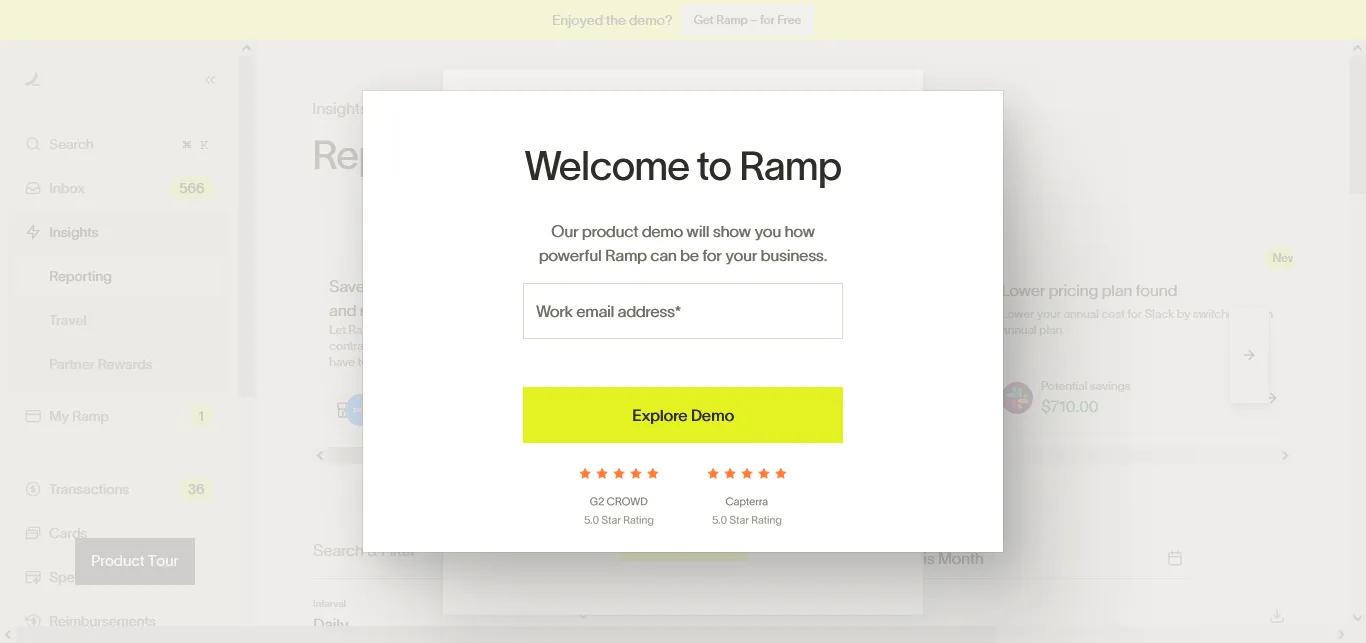
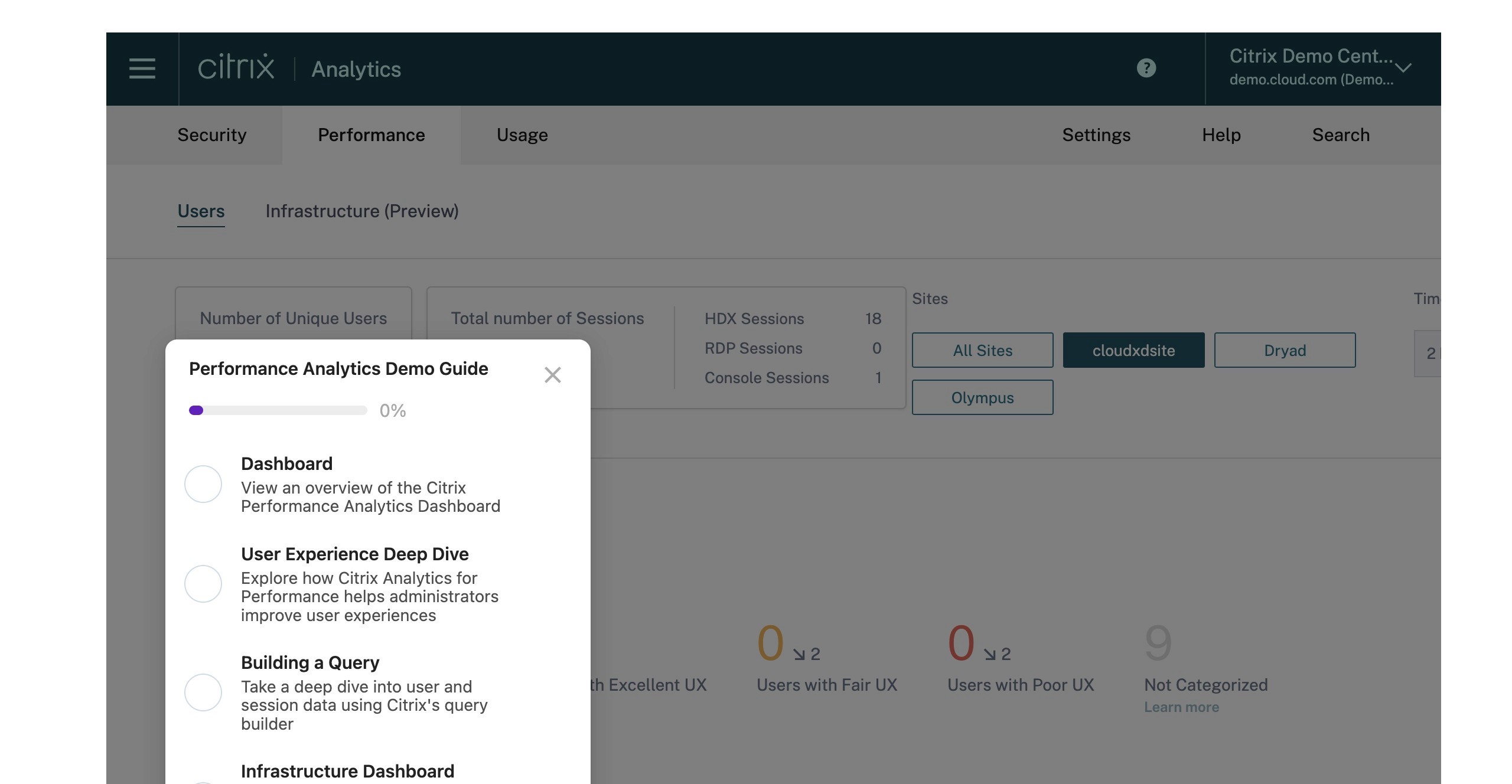
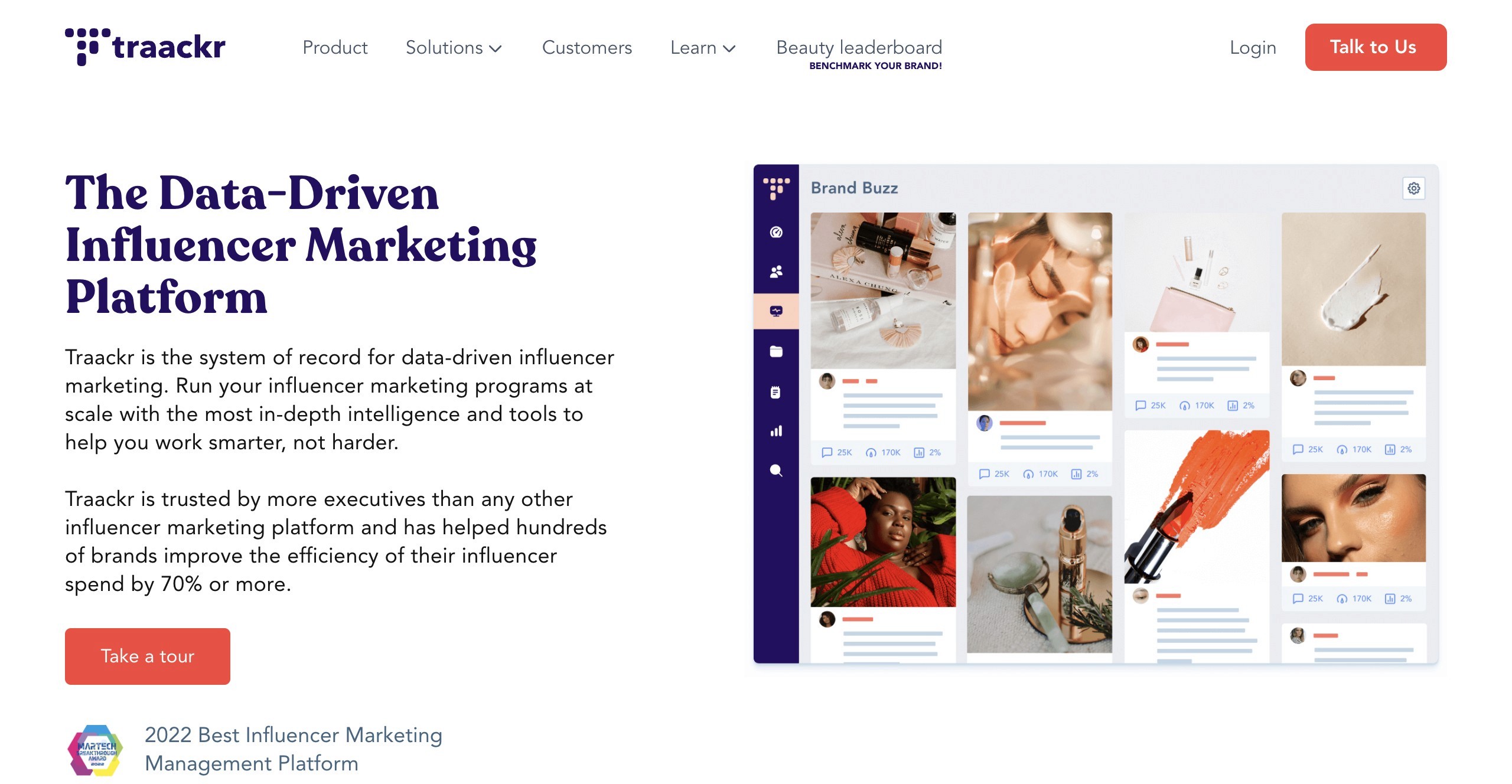
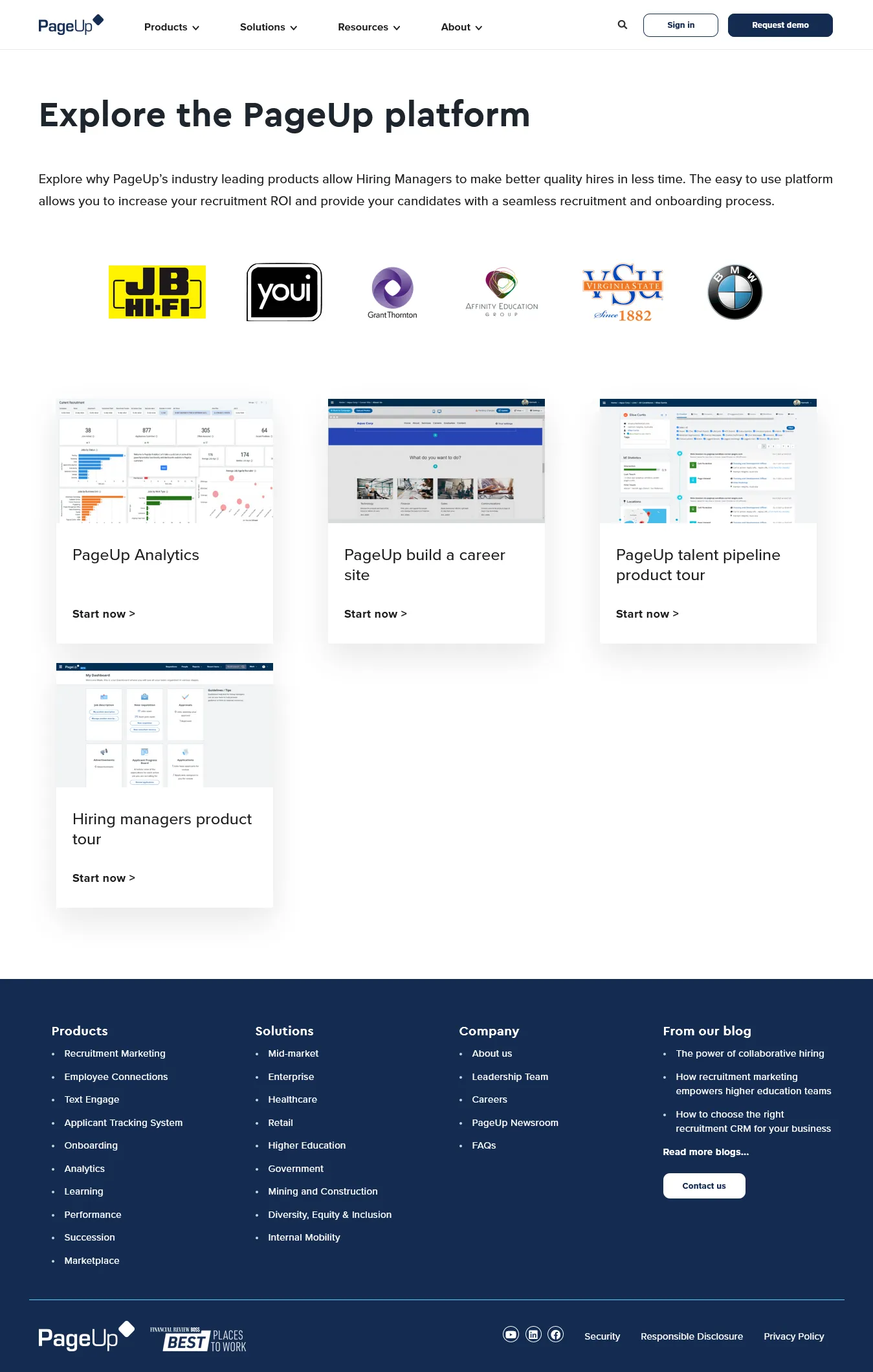
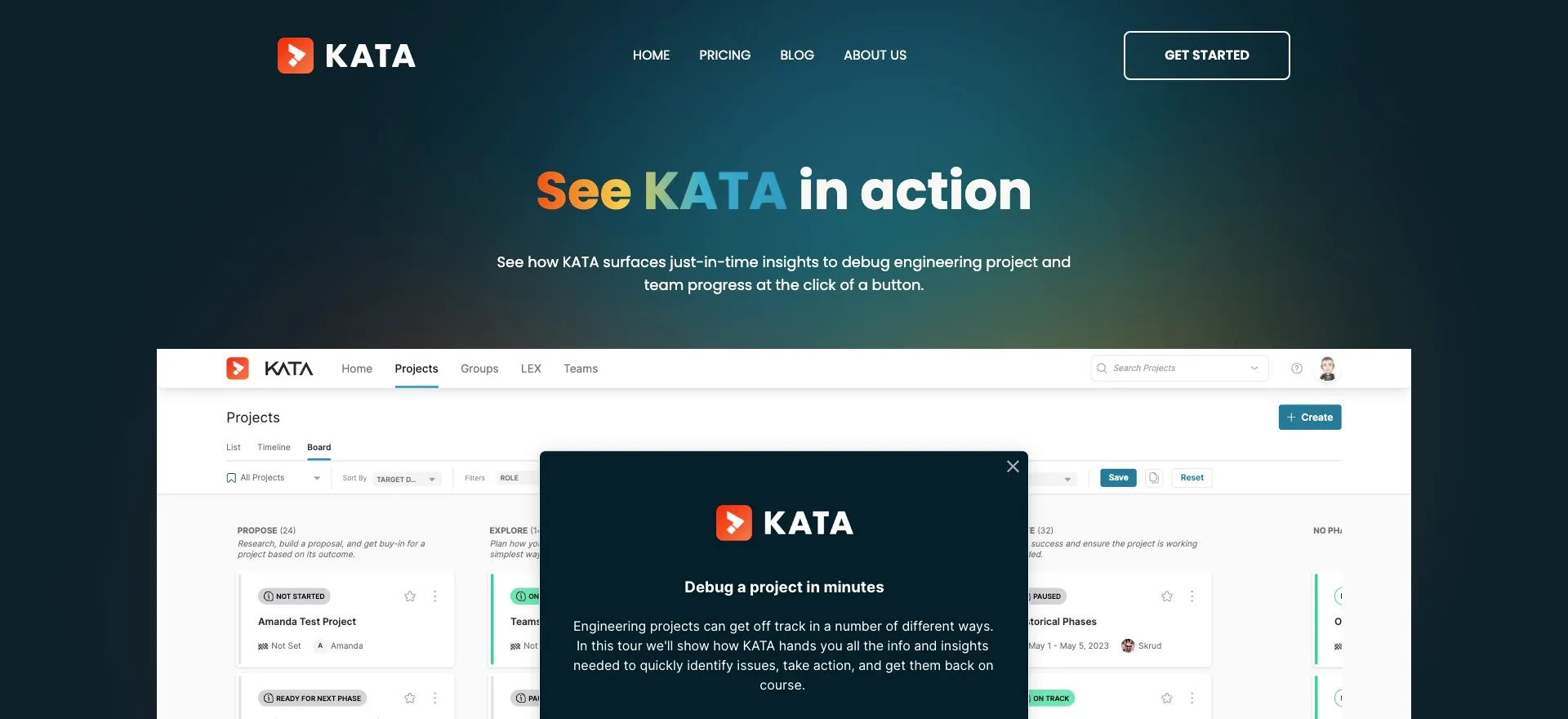
Why does every hero separate the product image from the CTA? There's a screenshot over here, a button over there. And you're asking my brain to connect the dots.
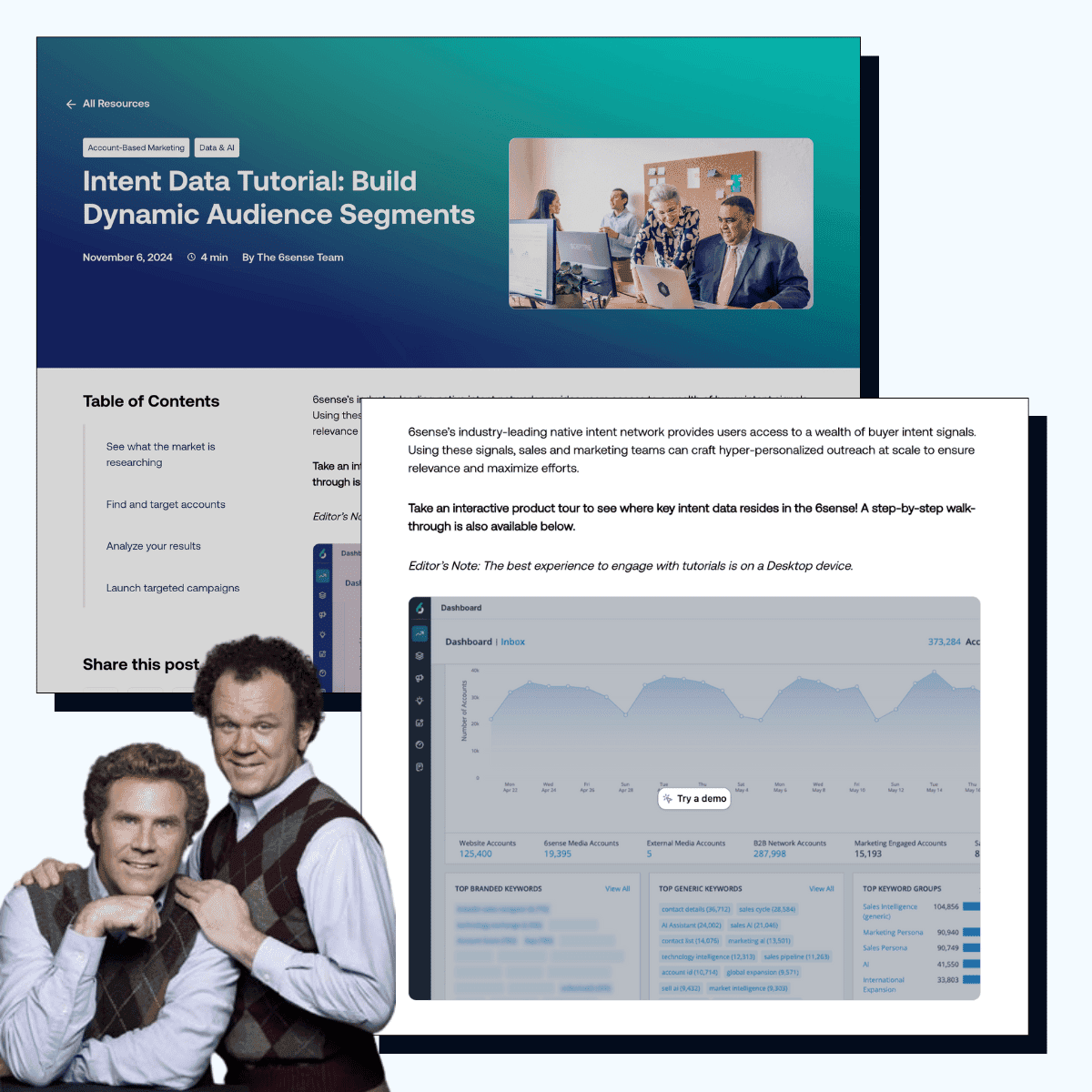
Shout out to Sonatype for reducing my cognitive load.
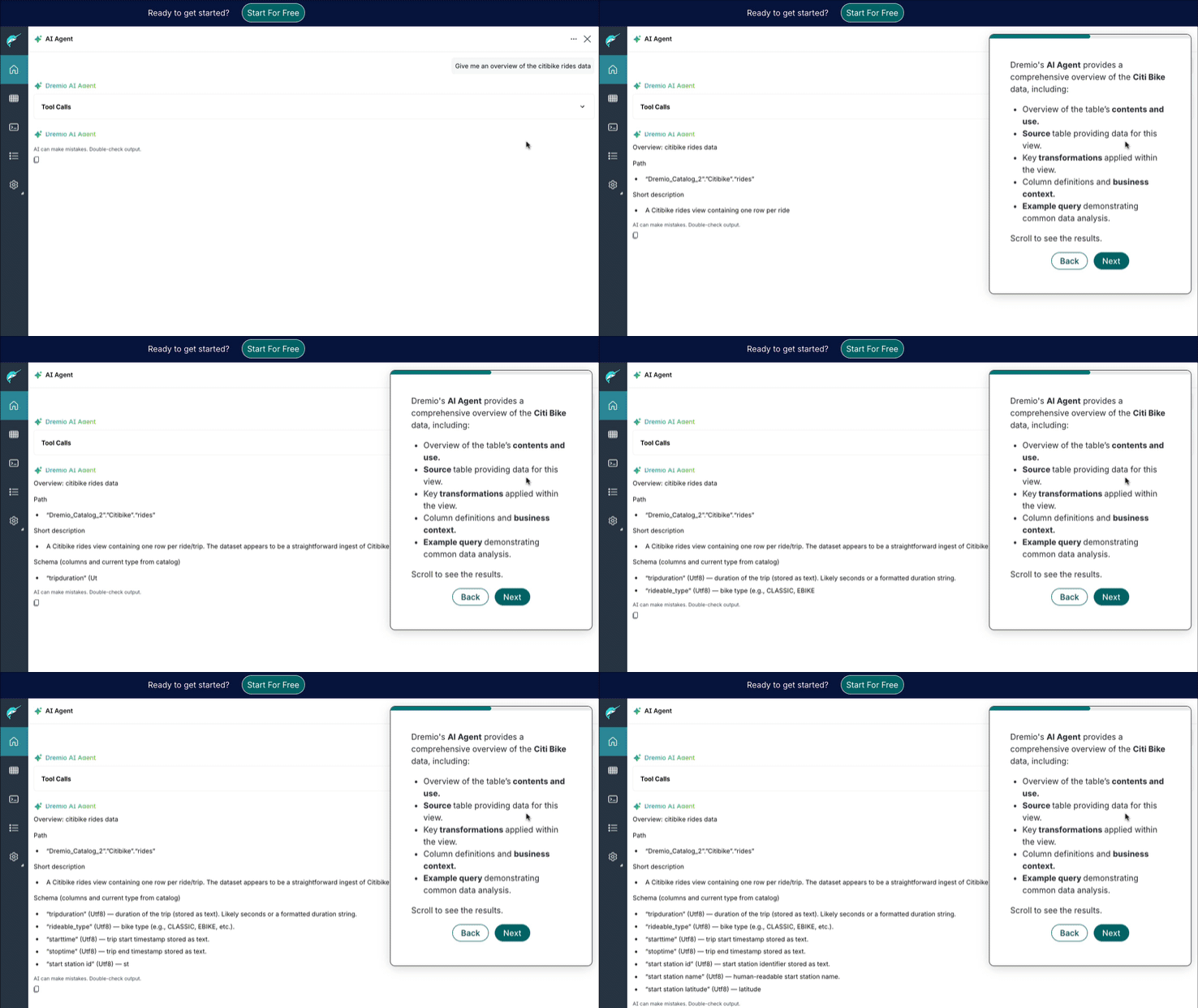
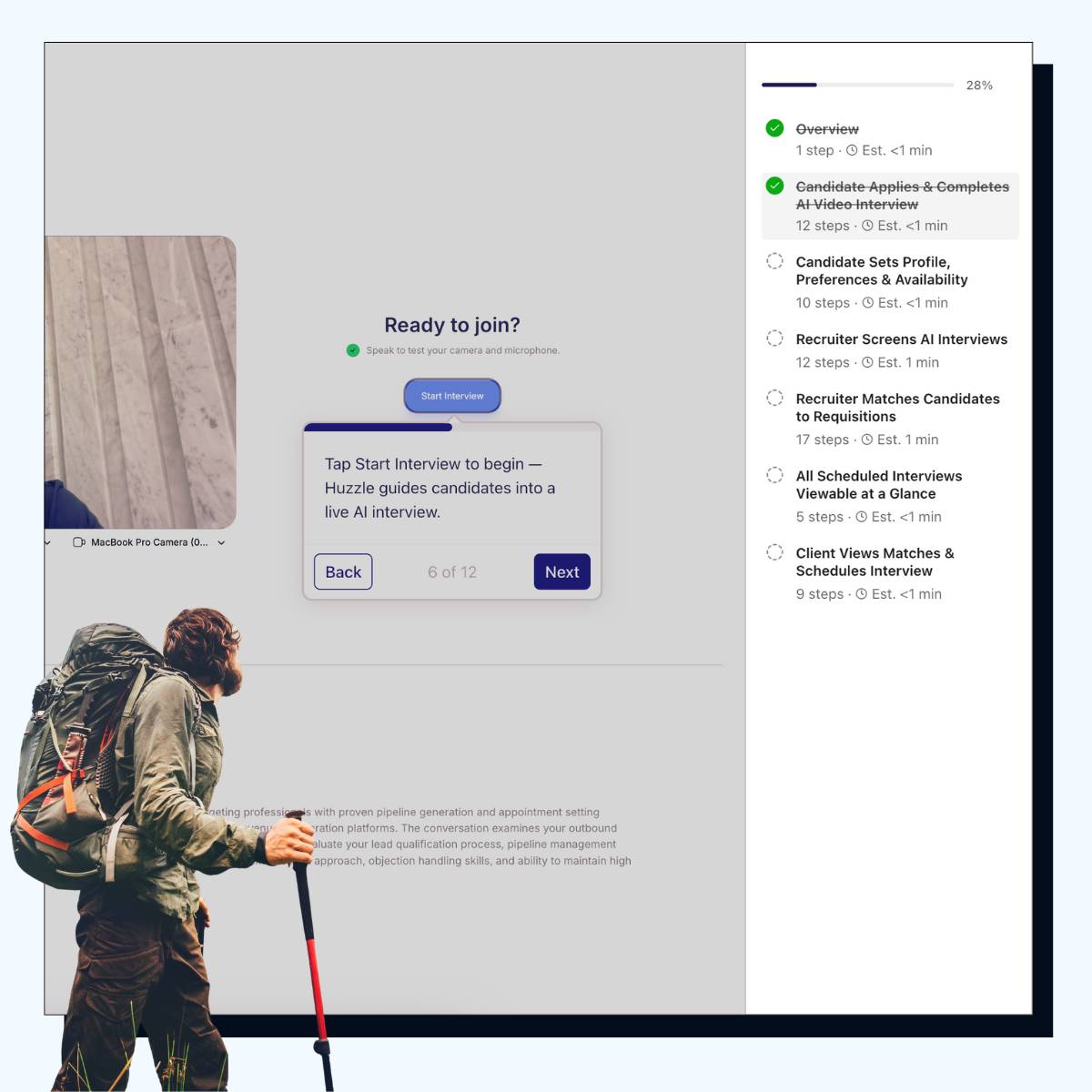
Their CTA isn't next to the product…it's literally on it.
You may think this is silly but:
Your eye sees the product and the CTA at the same time. There's no "okay, that's what it looks like, now where do I click?"
Instead of a button that takes you somewhere else, it feels like you're stepping into what you're already looking at.
So our first tip in the New Year: just put the button where your eyes are already looking.
Example

Gallery
See similar resources
See similar resources

































































Copyright © 2024 Productive PMM Inc.
Copyright © 2024 Productive PMM Inc.
Copyright © 2024 Productive PMM Inc.