Next
No Popups, Just Sidebar Paths
No Popups, Just Sidebar Paths
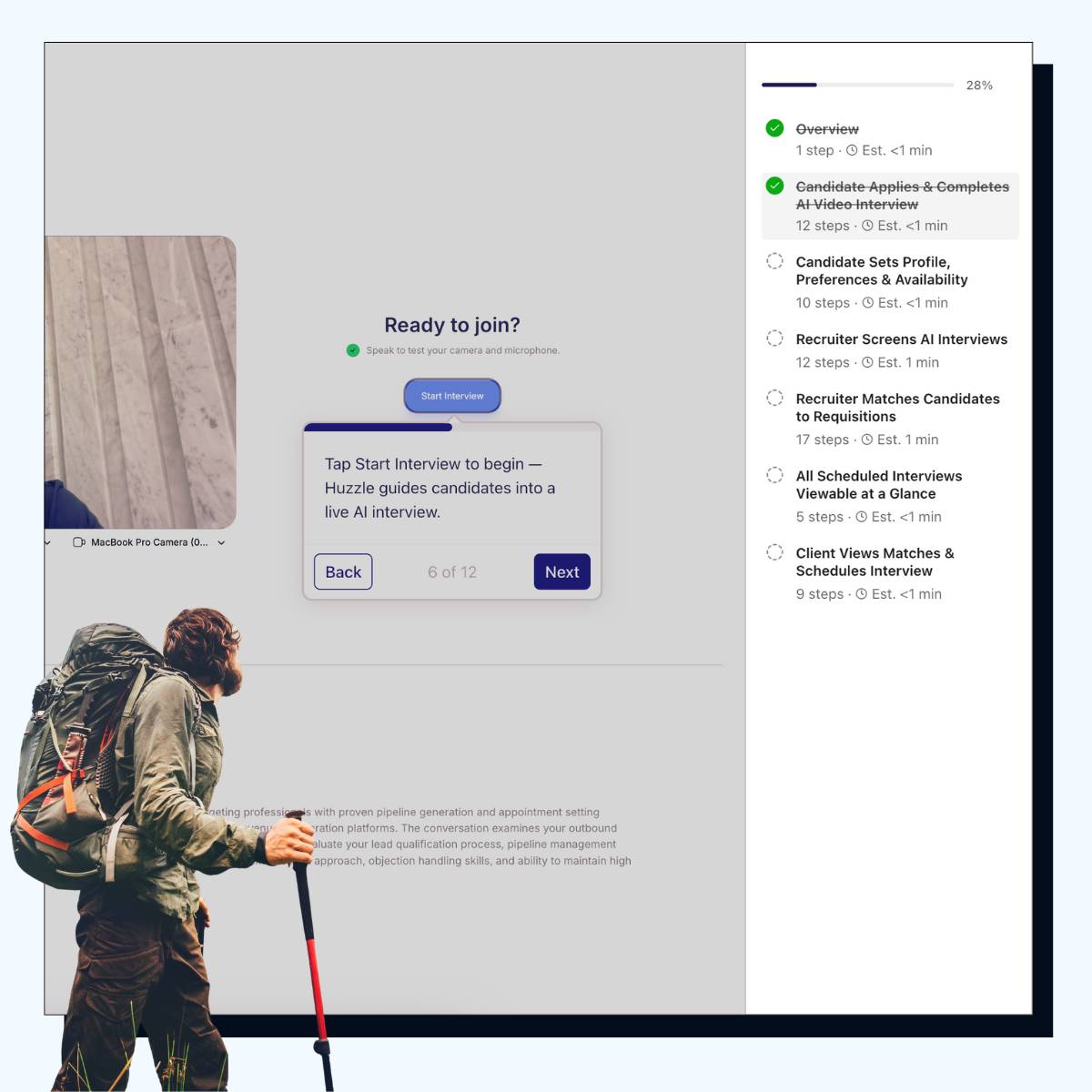
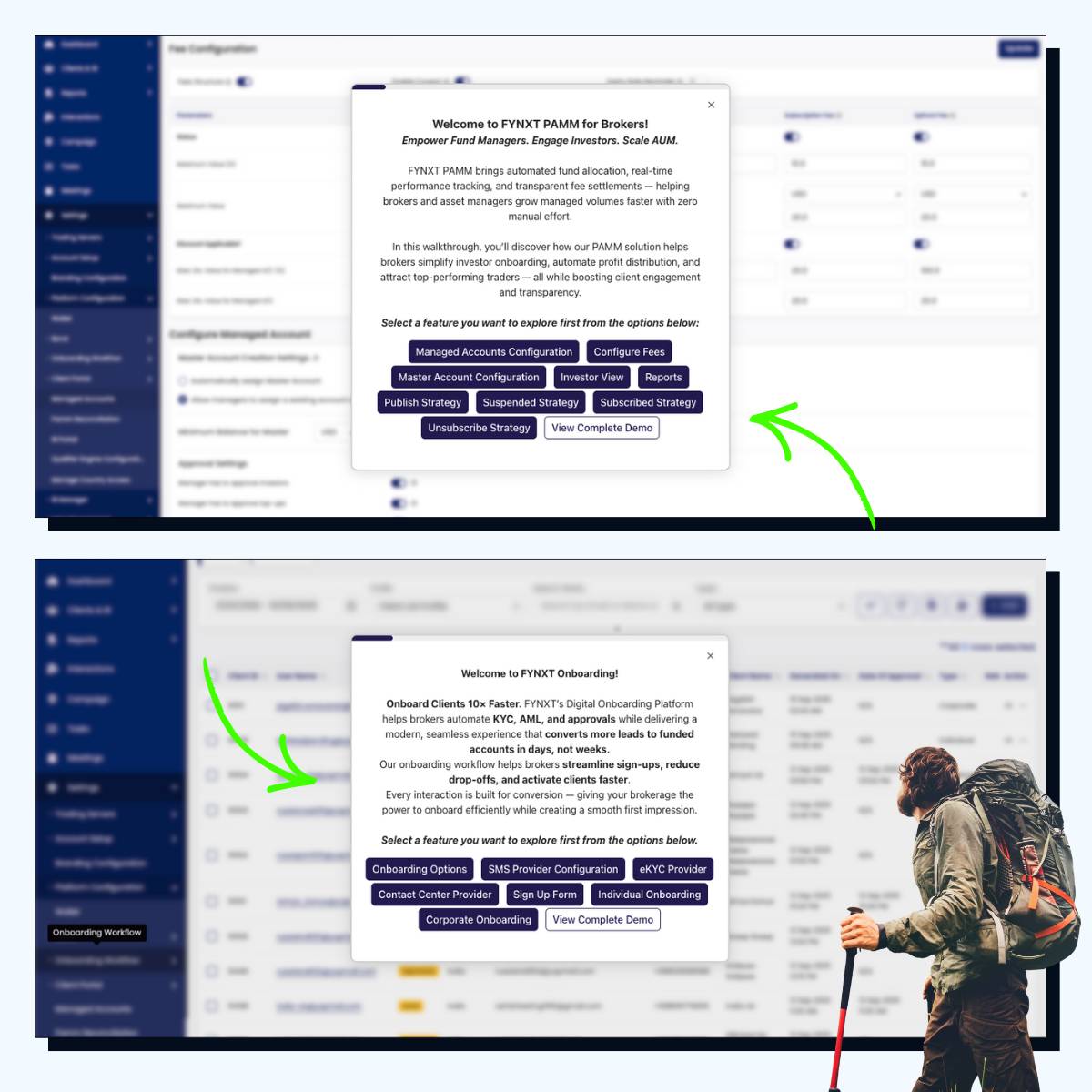
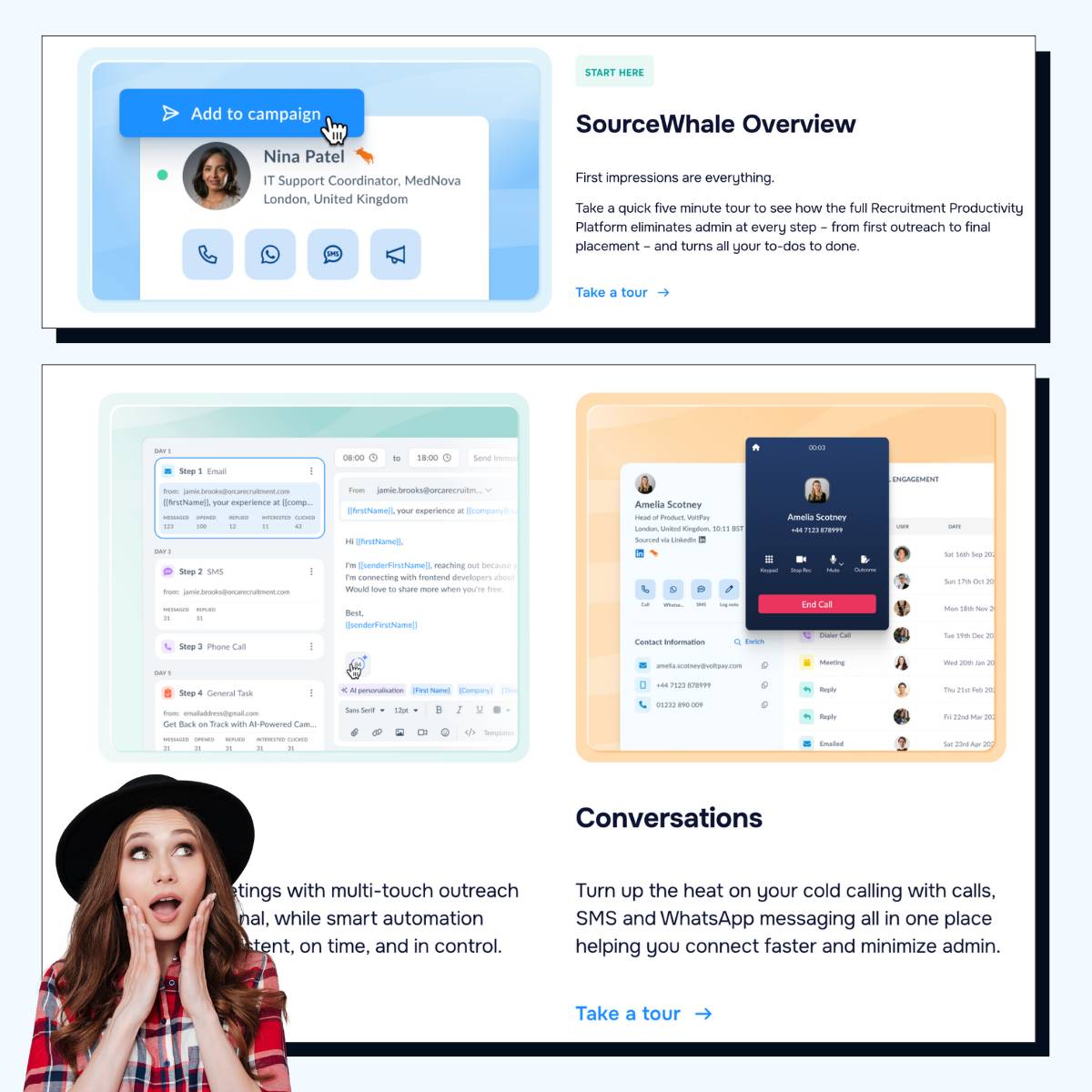
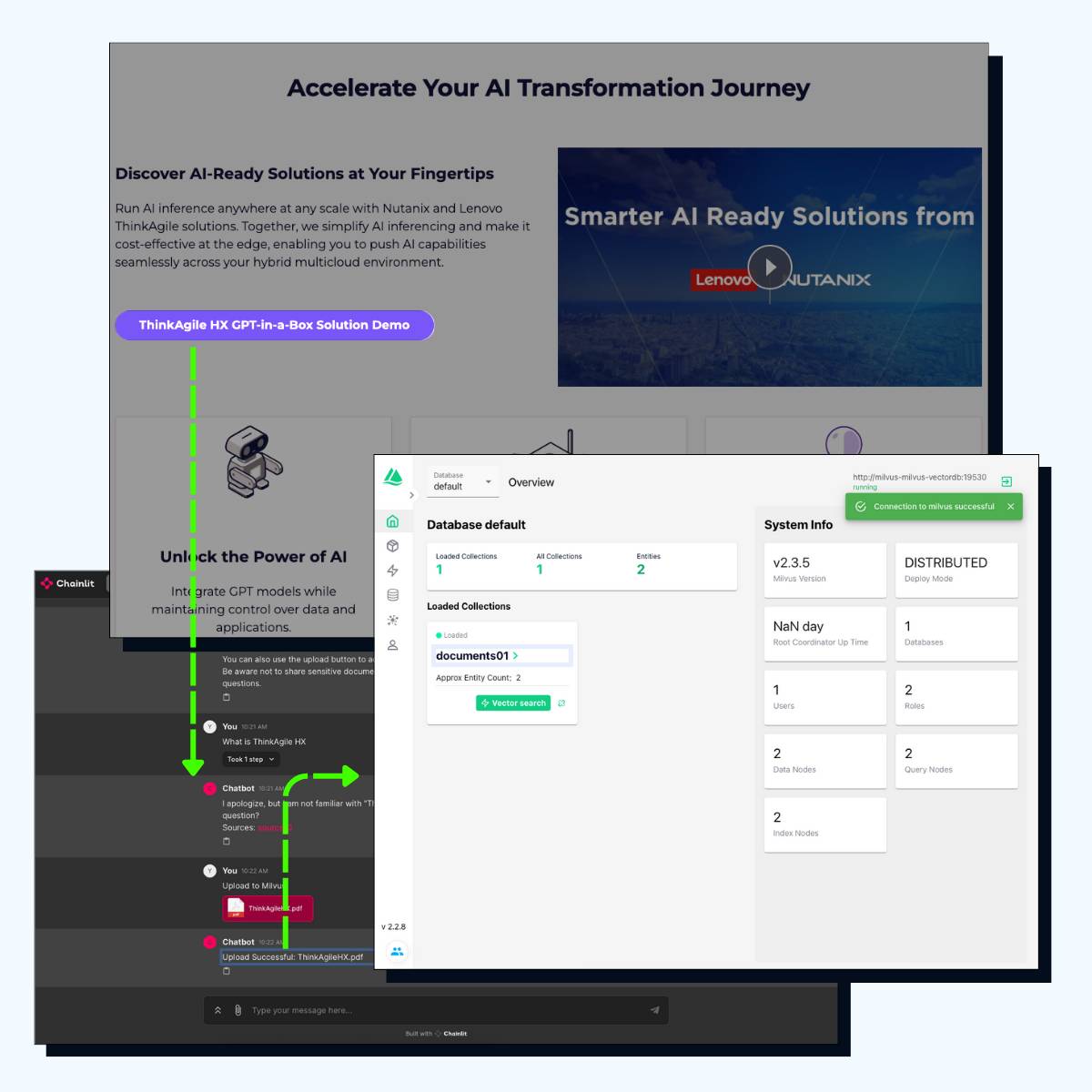
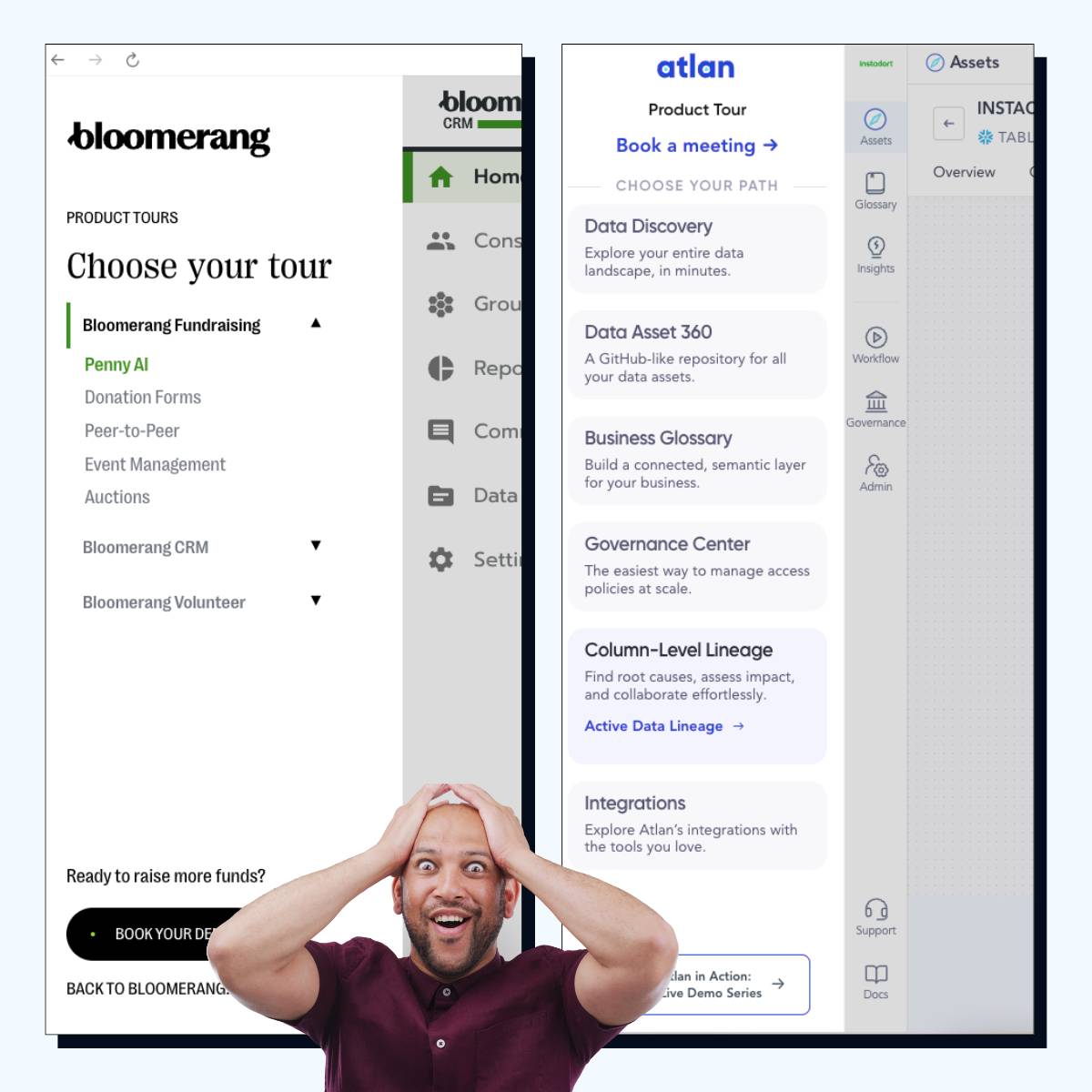
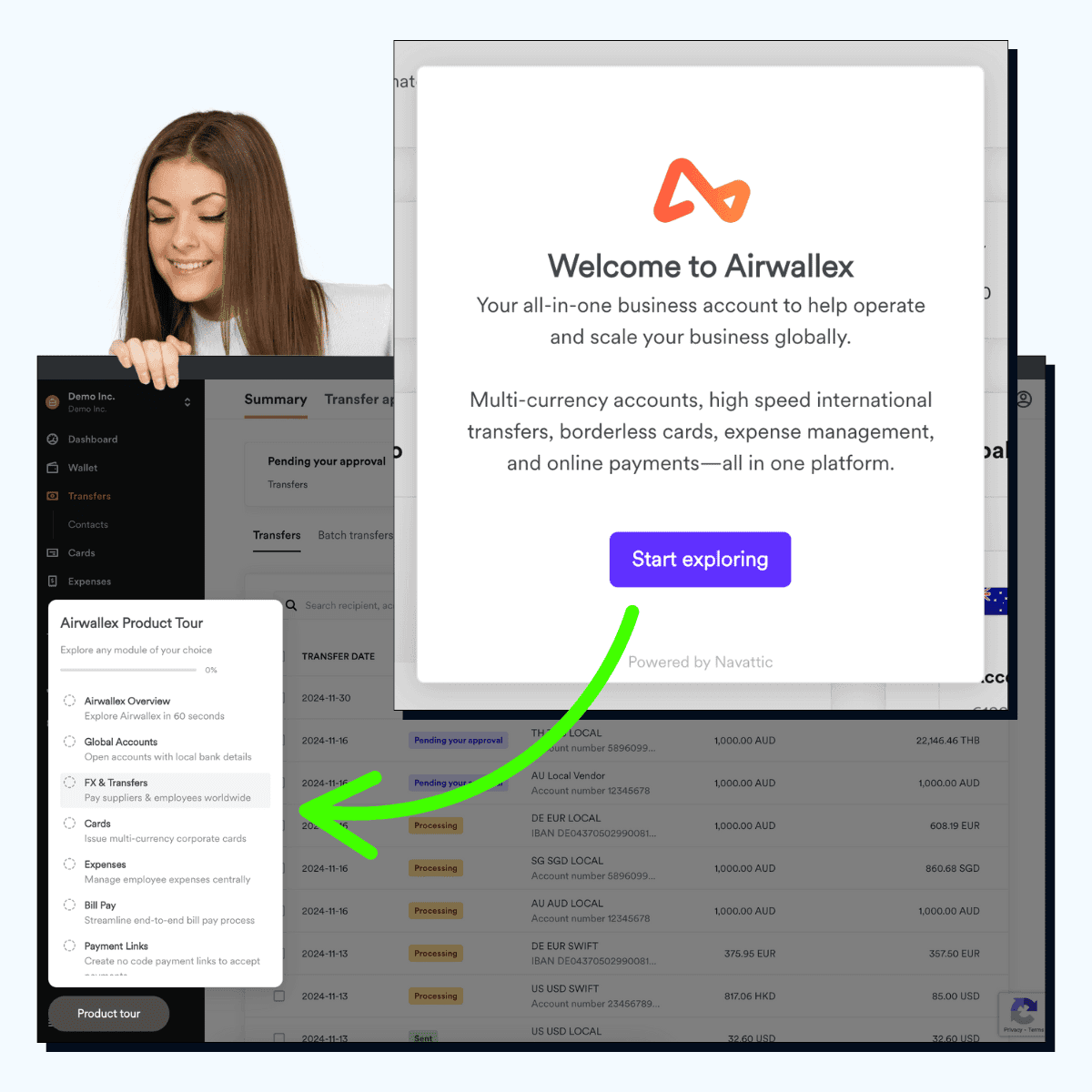
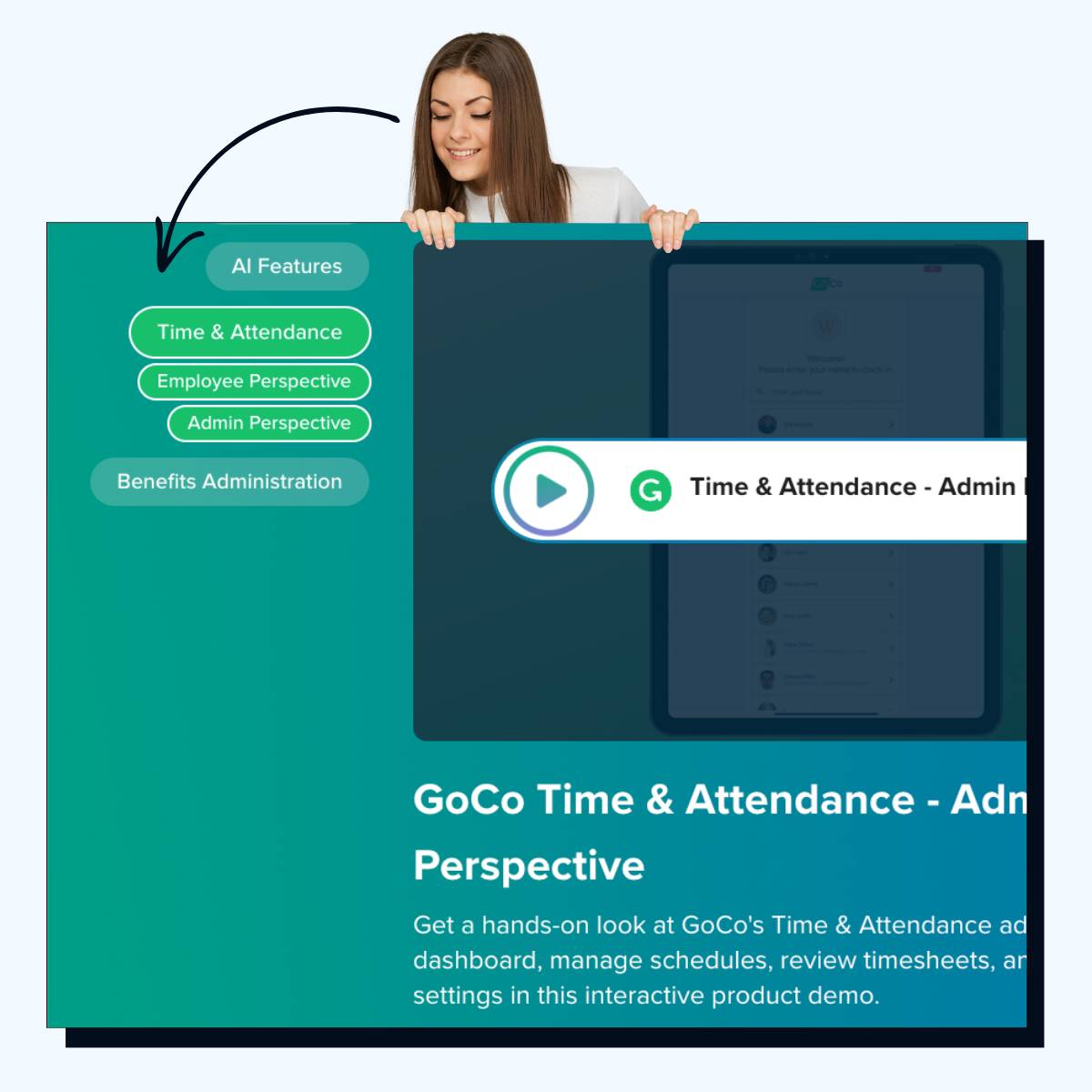
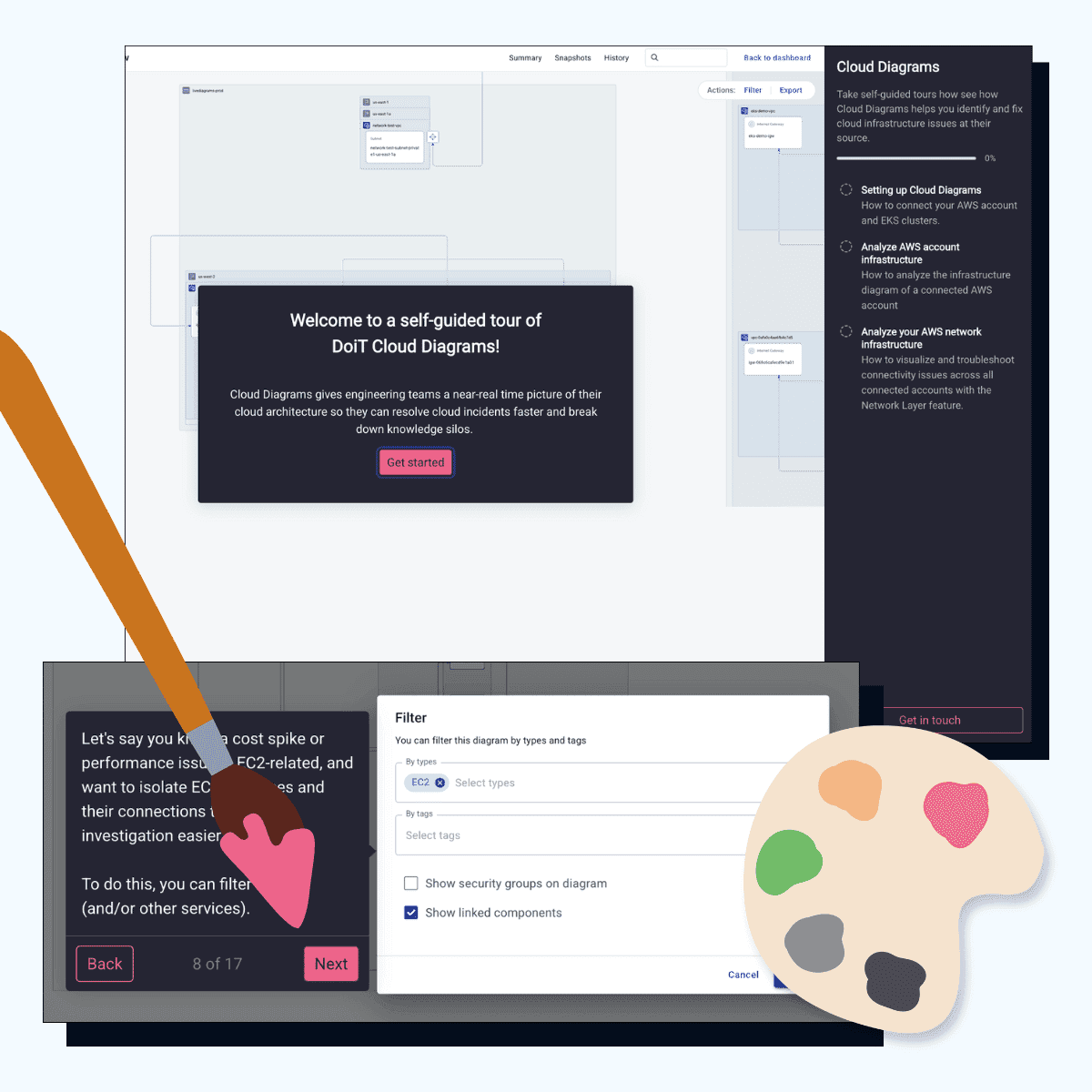
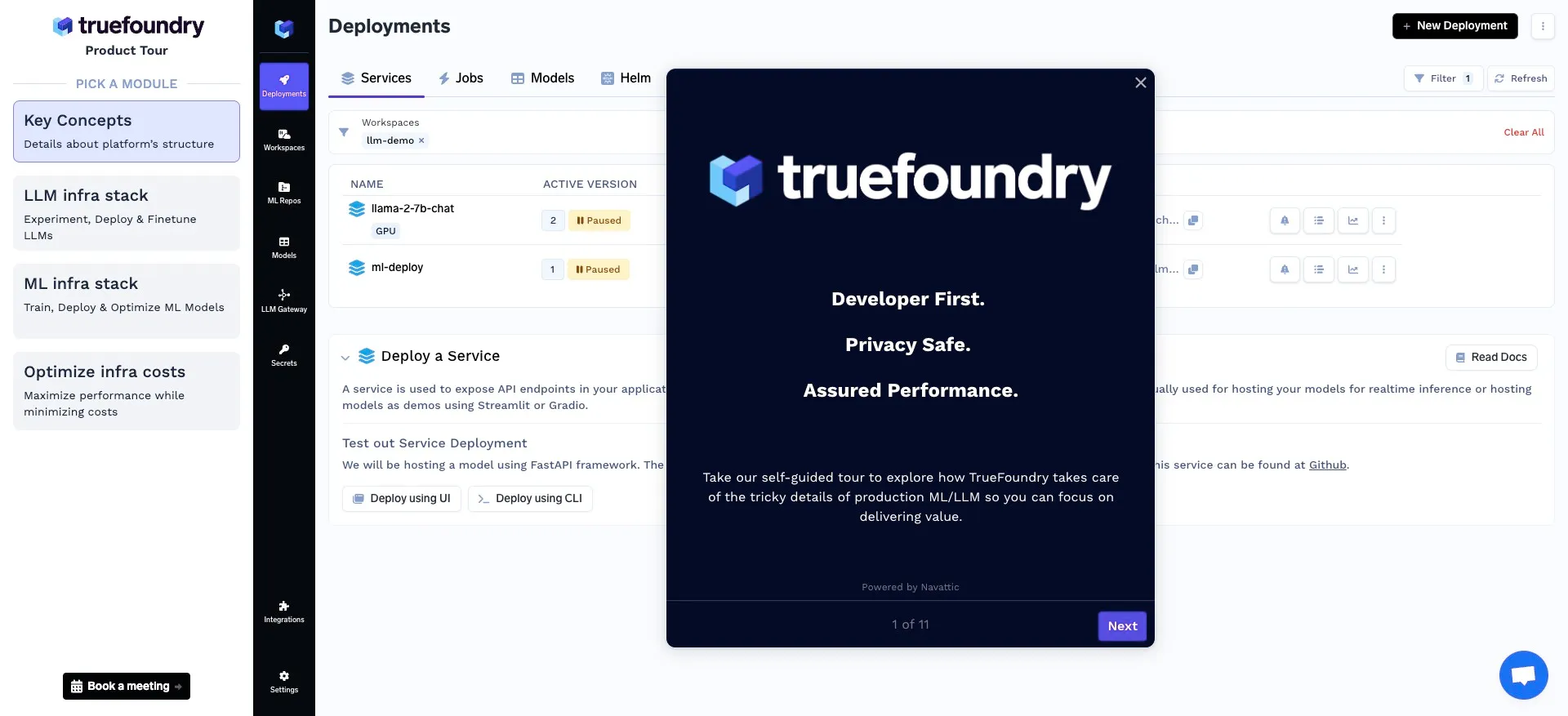
Park your demo chooser in a sidebar, never hide the product.
Park your demo chooser in a sidebar, never hide the product.
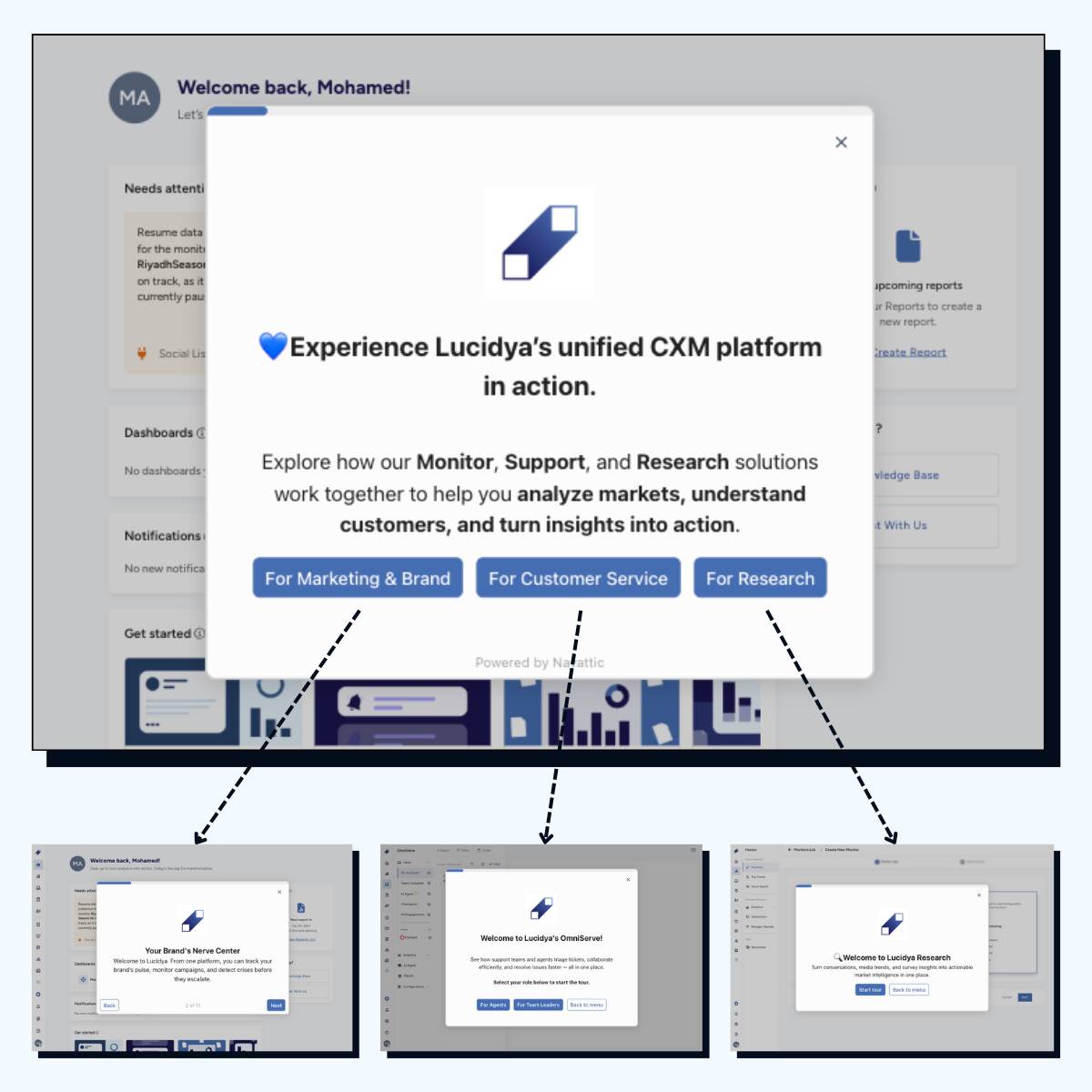
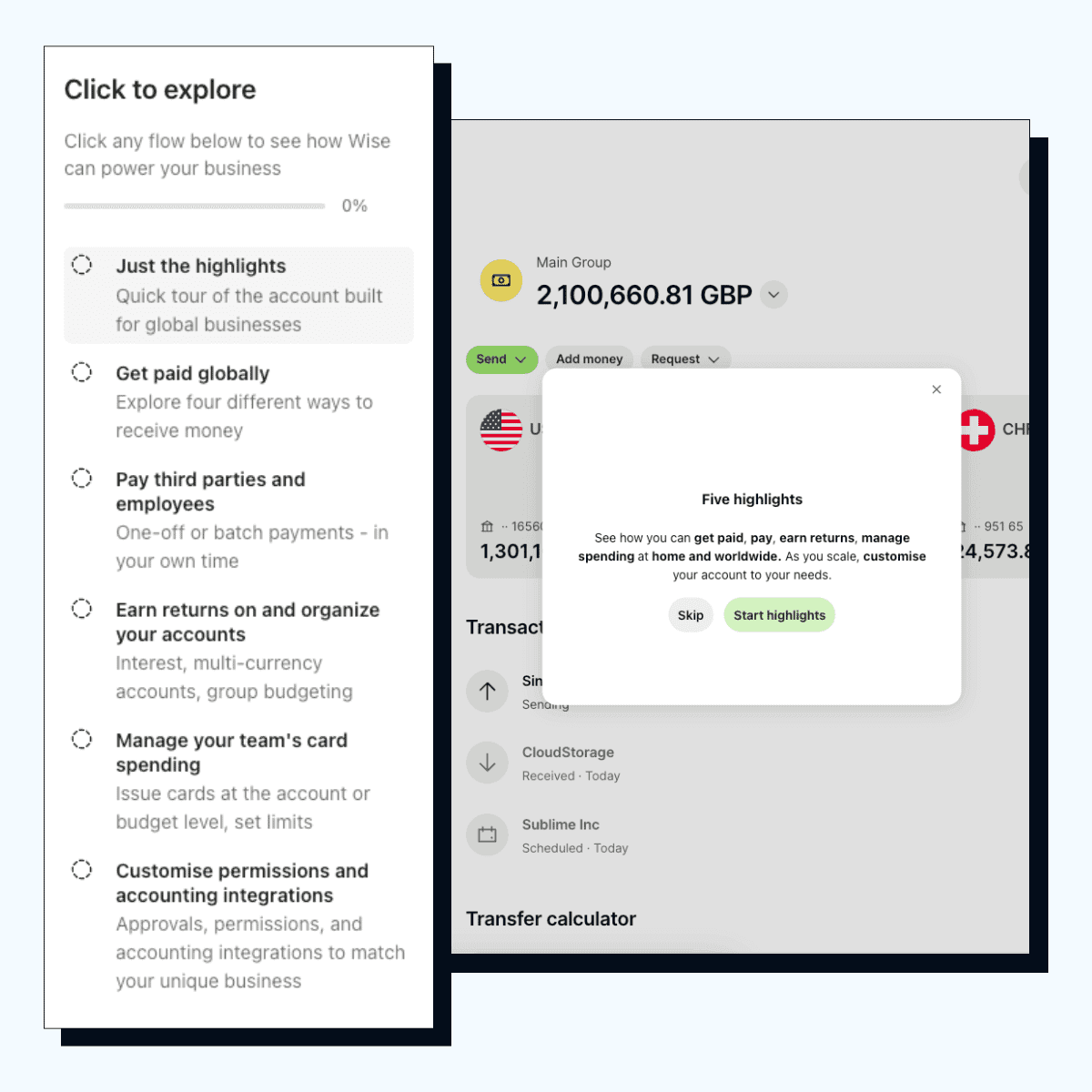
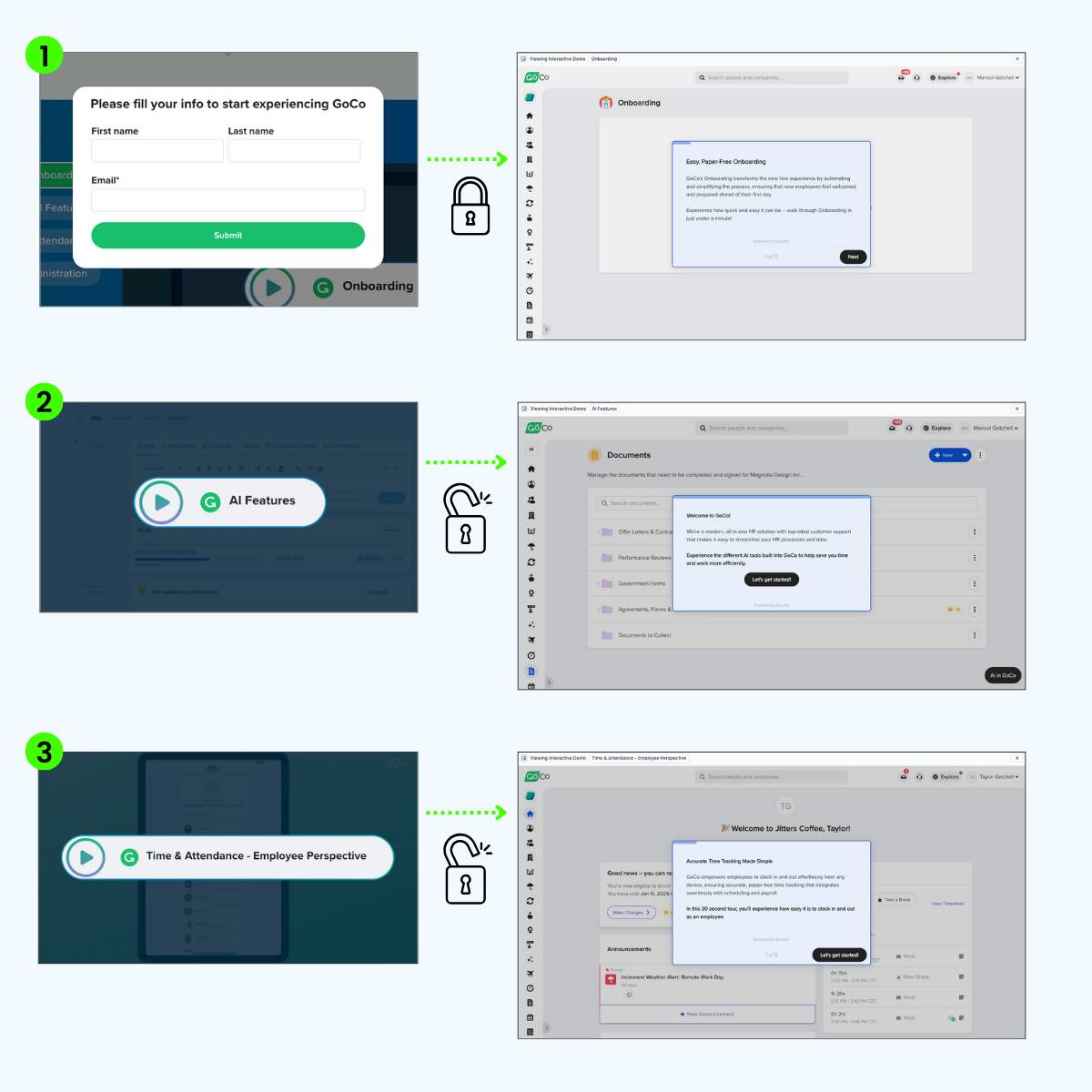
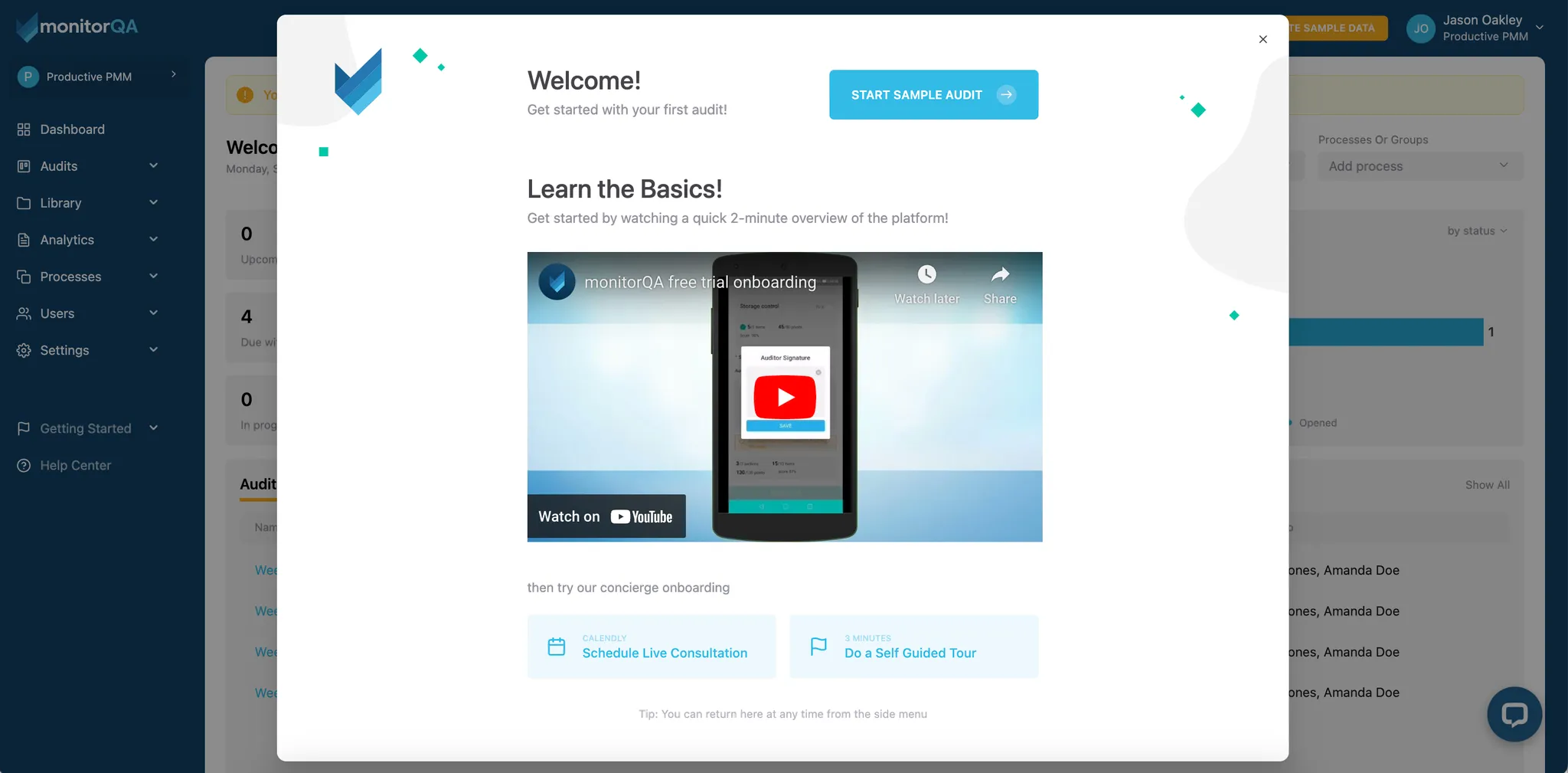
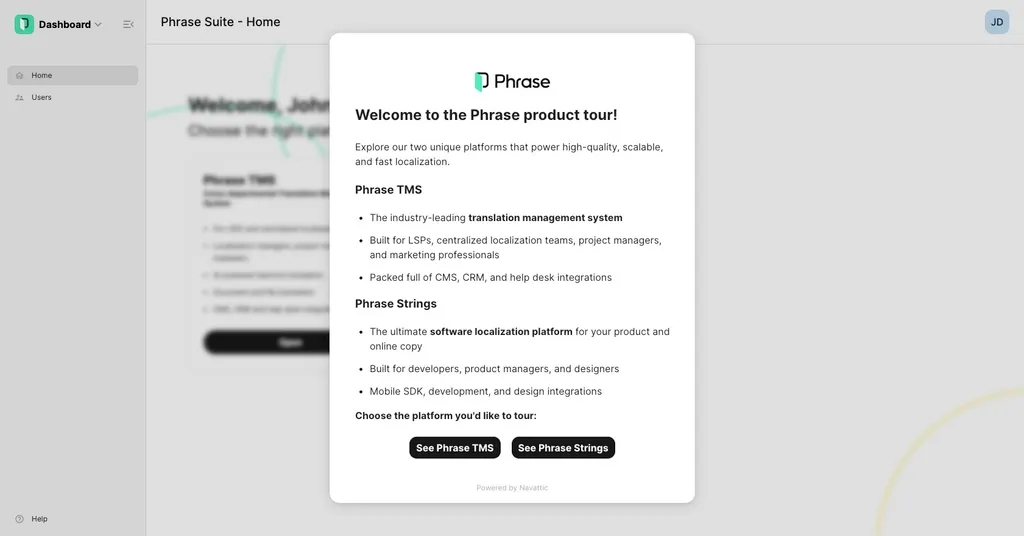
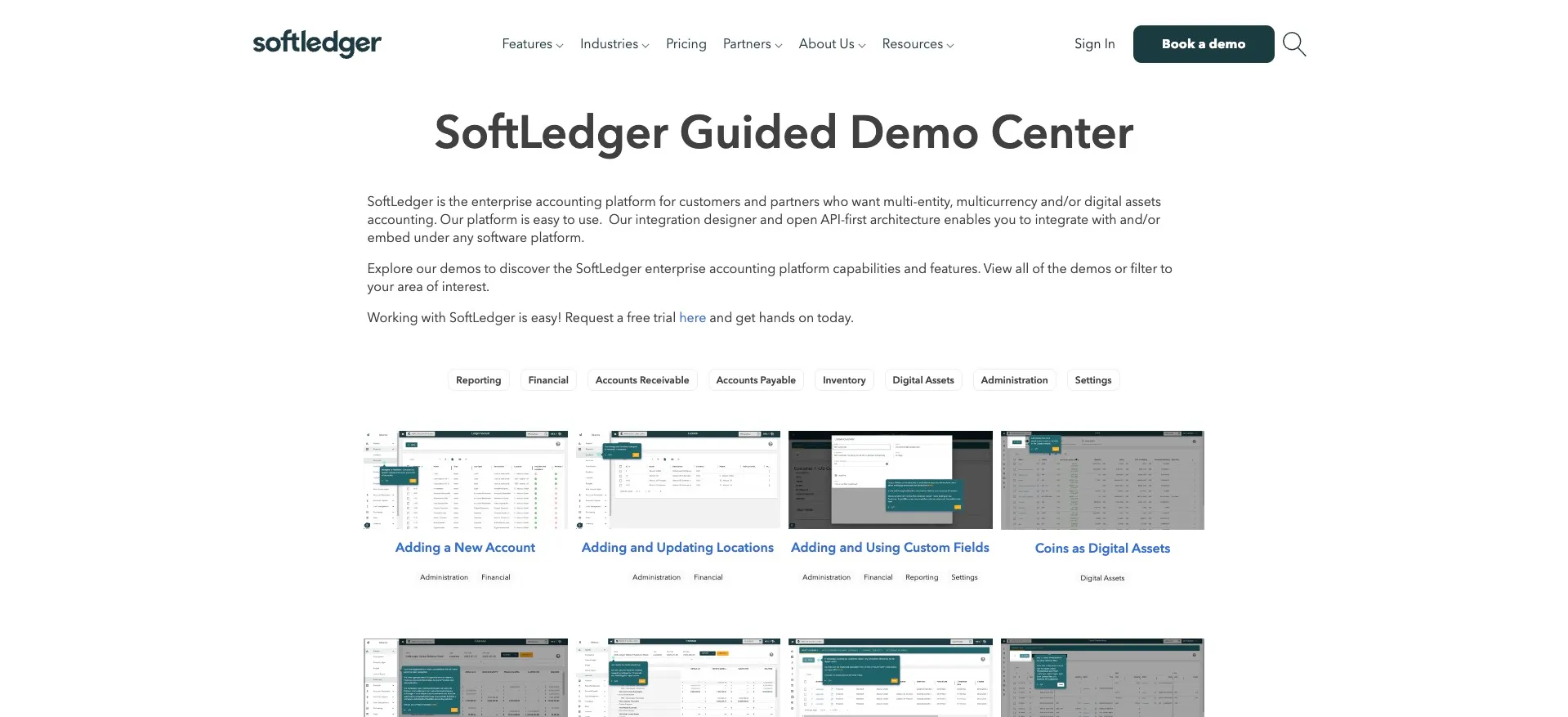
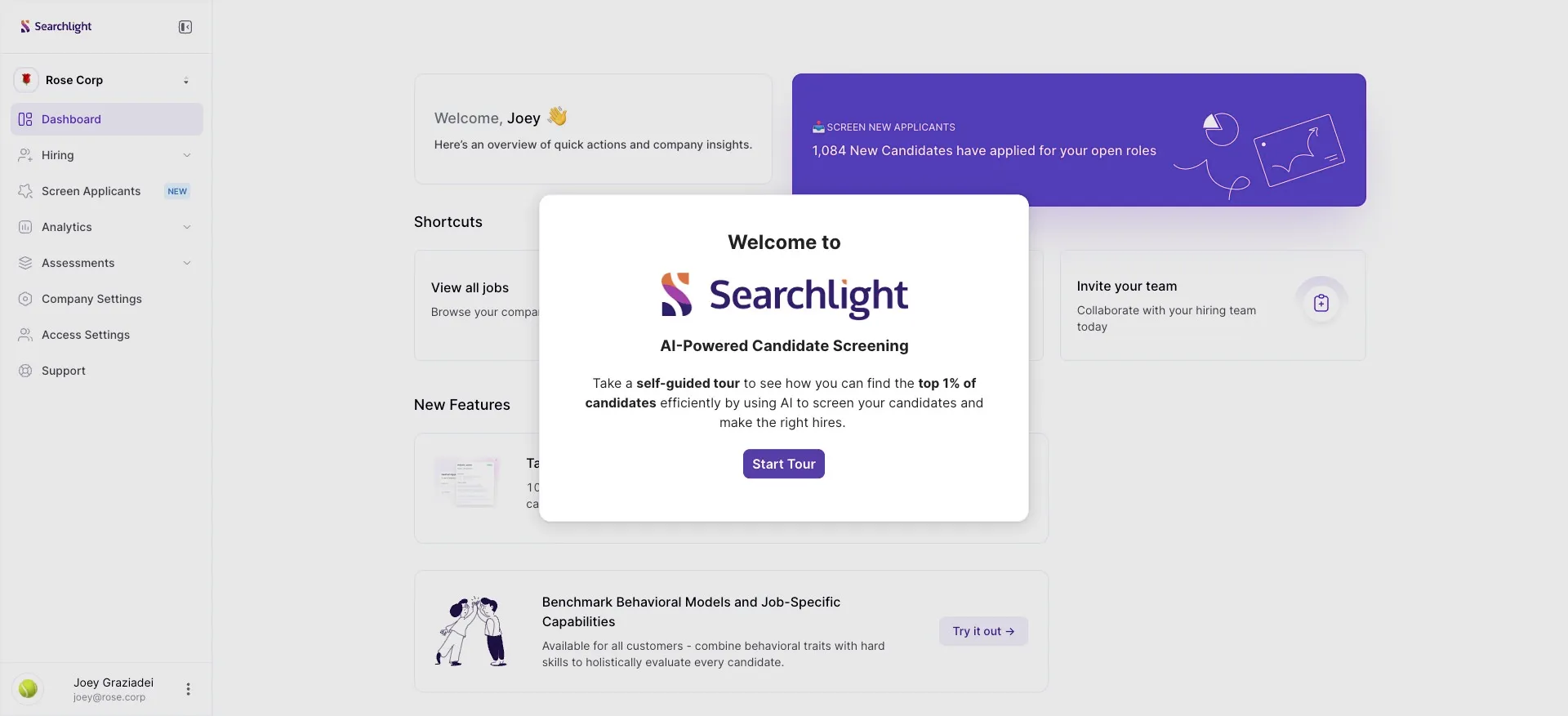
Choose-your-own-adventure demos are having a moment. We seen this all the way back to Wise in Edition #10 with their six-pathway demo multiverse.
But here's the question nobody talks about: where do you put the navigation?
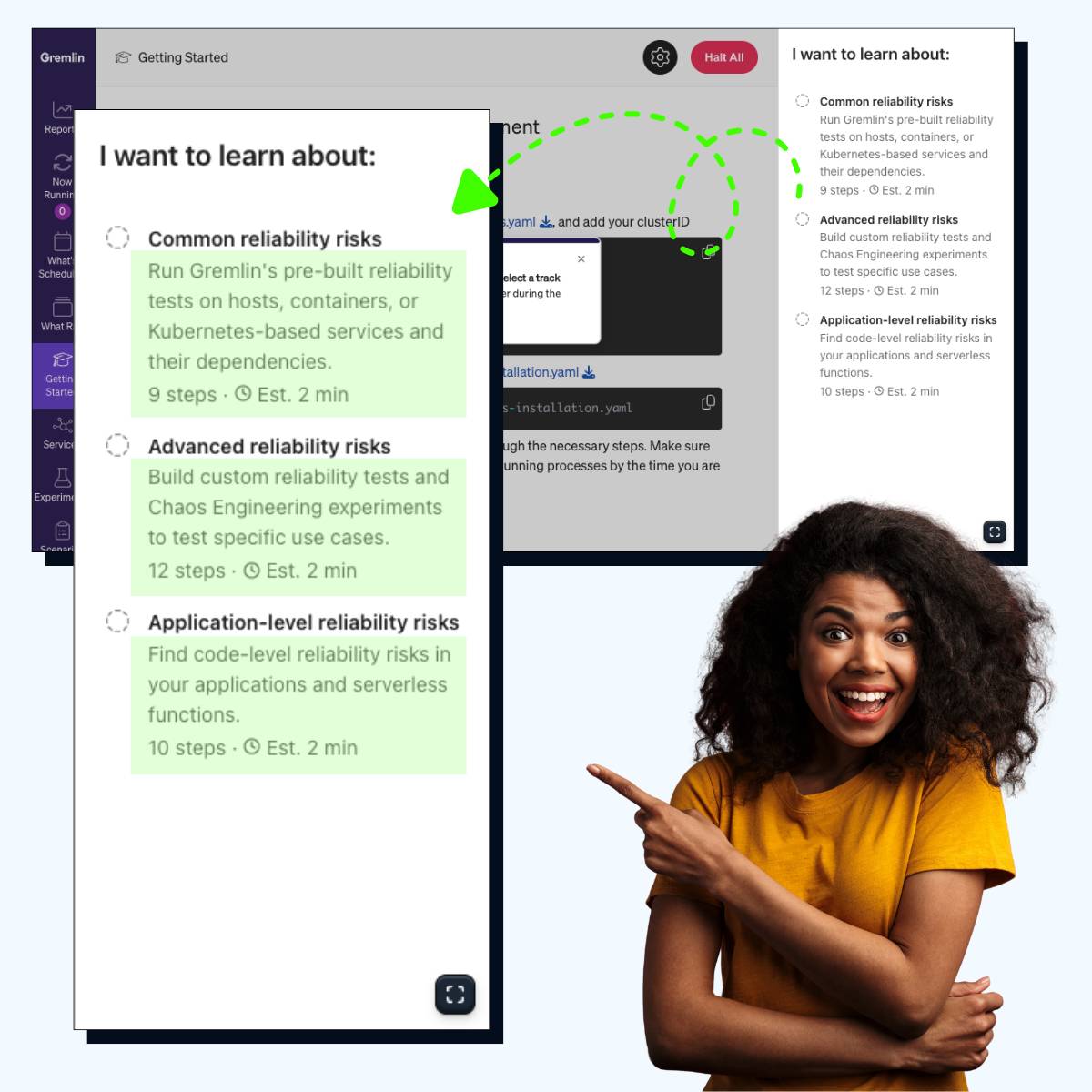
Huzzle put all their demos in a persistent sidebar so you can jump between tours without ever losing sight of the product. No overlays. No popup menus.
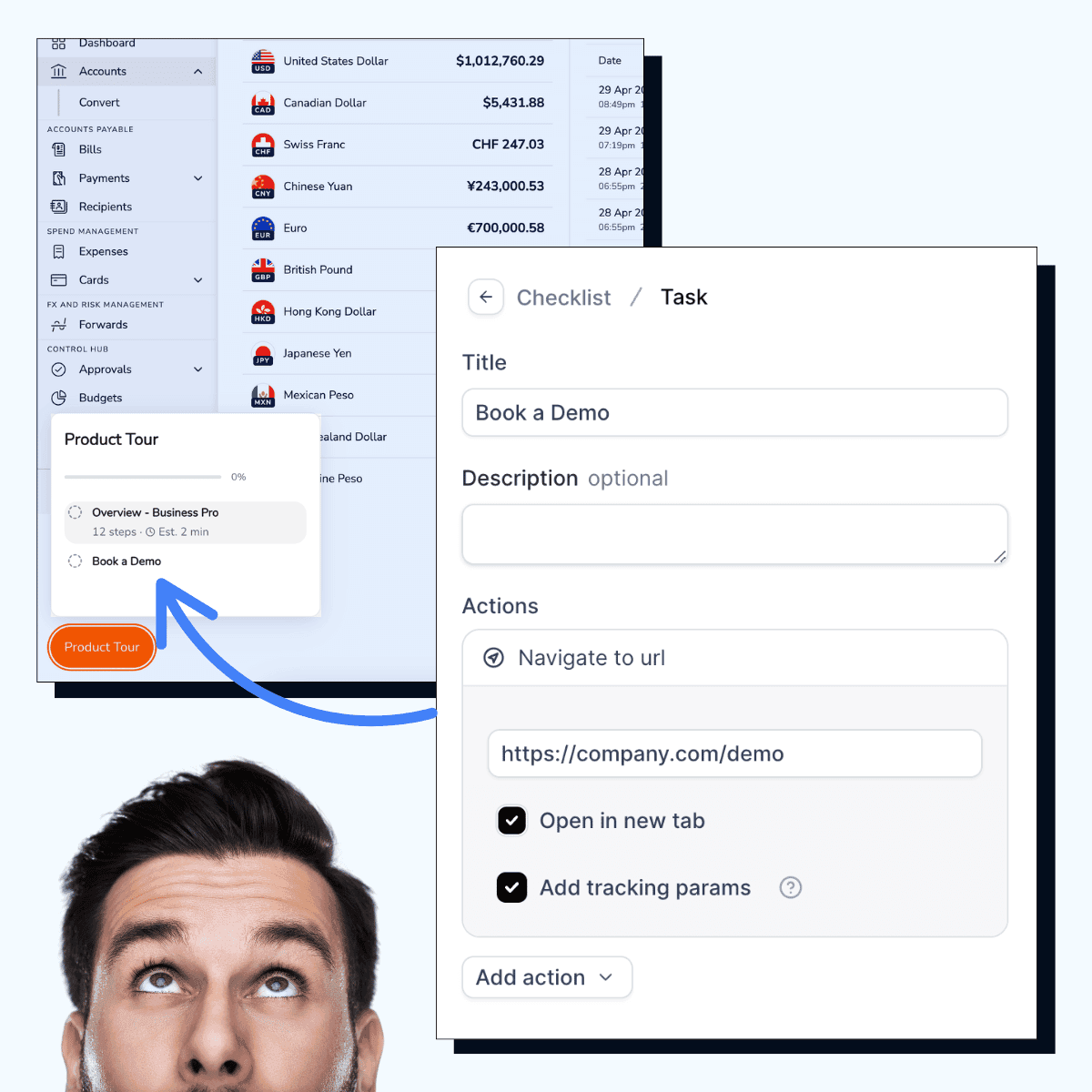
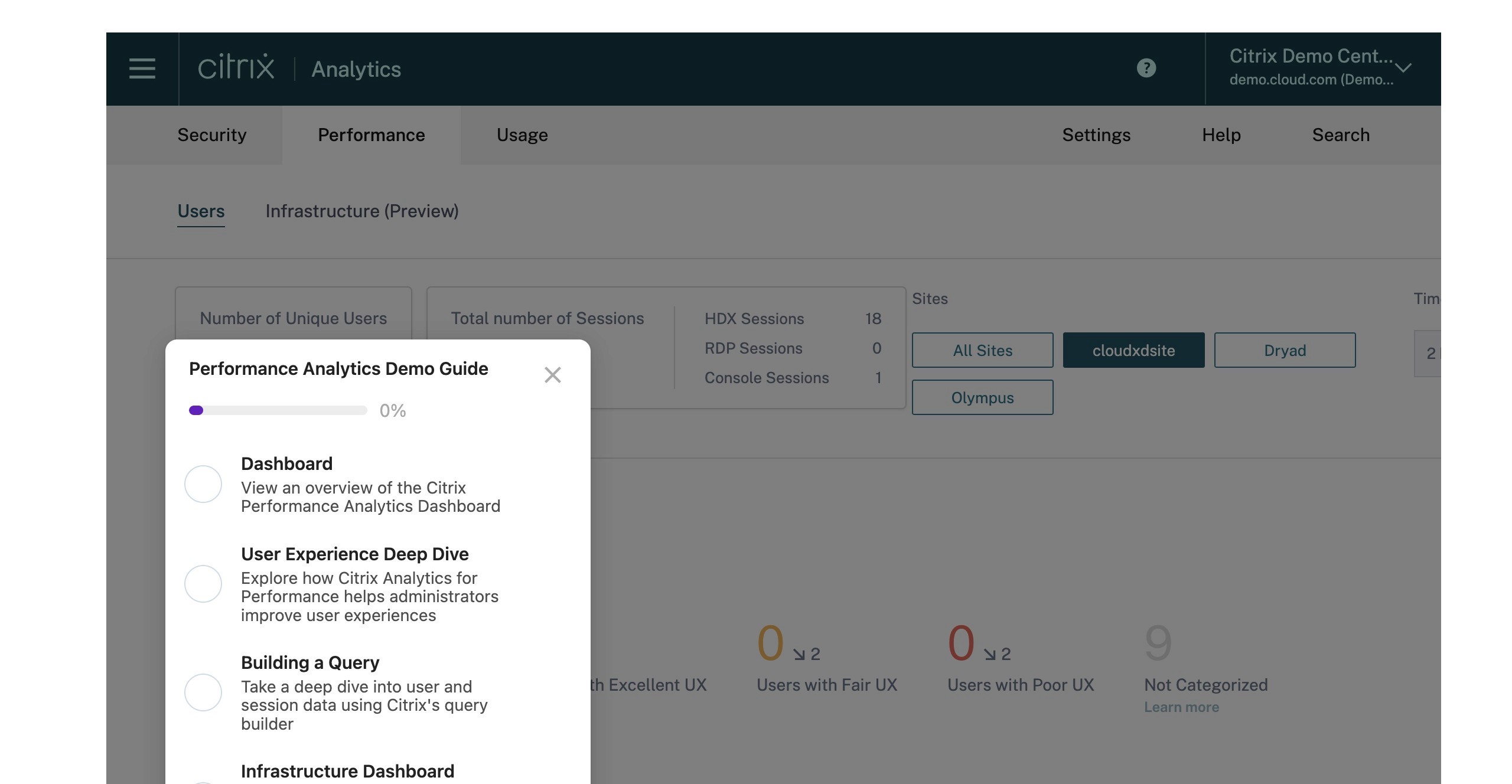
There’s a few ways you can add these checklist, but this one stood out quite a bit.
Example
See similar resources
See similar resources

















































































Copyright © 2024 Productive PMM Inc.
Copyright © 2024 Productive PMM Inc.
Copyright © 2024 Productive PMM Inc.